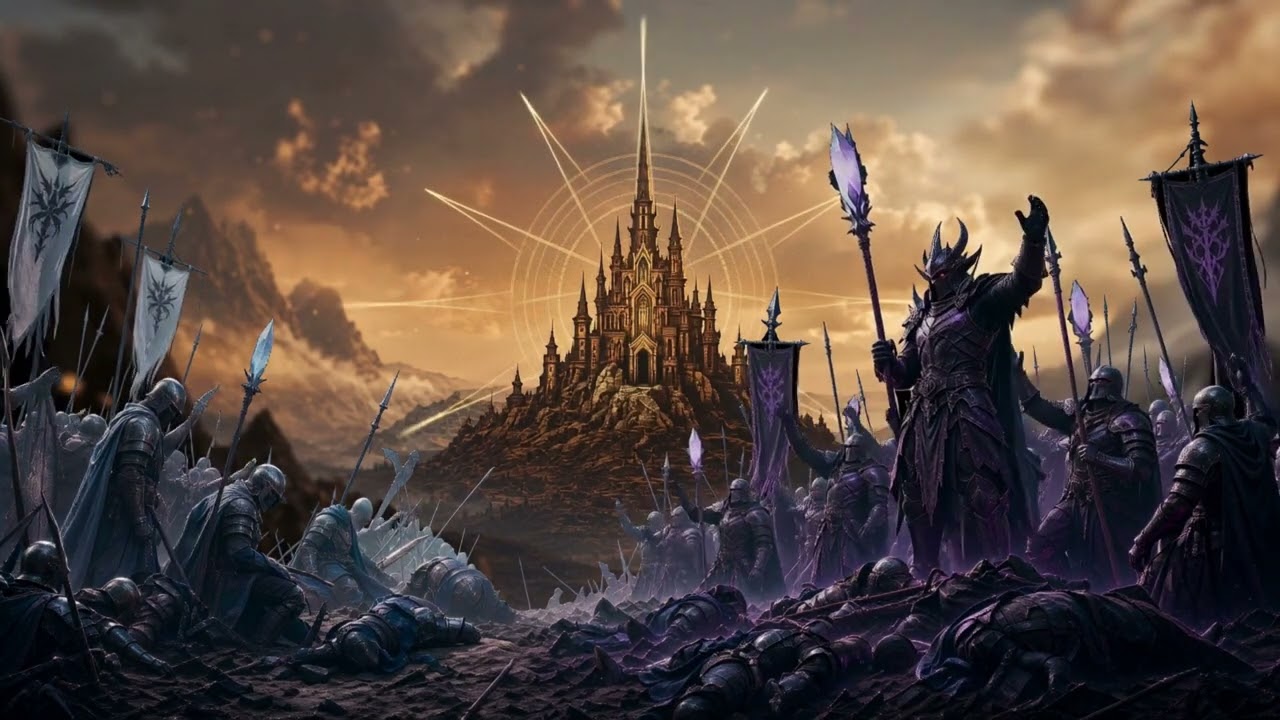
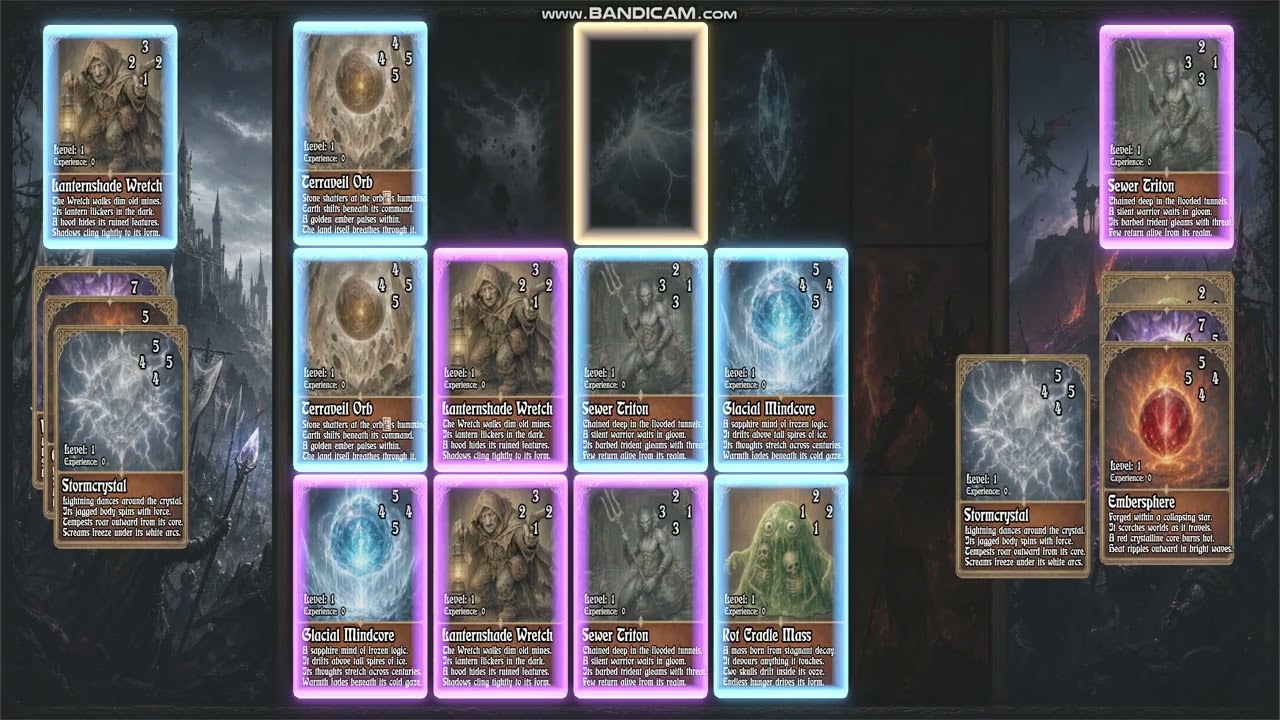
I just wanted to share the GUI reprojection of my GUI, to be fair is going to be a neted two reprojection, the first one is a flat plane to avoid having to put it in front of the main game camera, then we get the GUI scene which is in 3D again with a background, transparent viewport to put infront of the game scene through a viewport and then again in the curved mesh I reproject mouse clicks and delegate events to the final 2D scene where I’m developing the menu. It is going top be a low buget indie game but I though adding a curved mesh would actualy make it look more polished.
An a teaser if you want a bit of cheap generic AI scitement 
Having two subviewport can also help godot and scene nesting, something that is necessary, works well actually I wonder if it a neat portal game could be developed in it
It looks fancy, but my eyes get confused because of that curve and I feel it would be quite tiring to use that UI for longer time. I would recommend adding a setting to turn the UI flat.
1 Like
I don’t know about that, I’m working quite a lot on the user experience on the card board that is where most people are going to spend more time hopefully if they find the game amusing when all the rules are set and working with the full card deck but the menu is just a way to… yeah, yeah, you are right, I only have to scale the curve on the z-axis to make it flat, I’ll do as you say, in fact I can flatten it dynamically, so I’ll provide an slider to do so.
The main scene has an orthographic camera just to not confuse the player in fact, but I thought a bit of fanciness would be interesting.
2 Likes
I really like what you did. I’d love to see implementation details.
2 Likes
If you subscribe to my youtube channel ;)… just kidding
You can find the mesh here:
https://github.com/vehcash/vfxparlor/tree/main/meshes
And the code snippet explained here:
https://github.com/vehcash/vfxparlor/blob/main/godot/mouse_projection.md
It is kind of neat to learn trigonometry but I just hold to the functionality and let the details to the AI, I handle the architecture of the code and the scenes but I don’t do nitty gritty details of how to do this. As you can see Godot doesn’t provide an specific way to handle it without a bit of codding.
1 Like