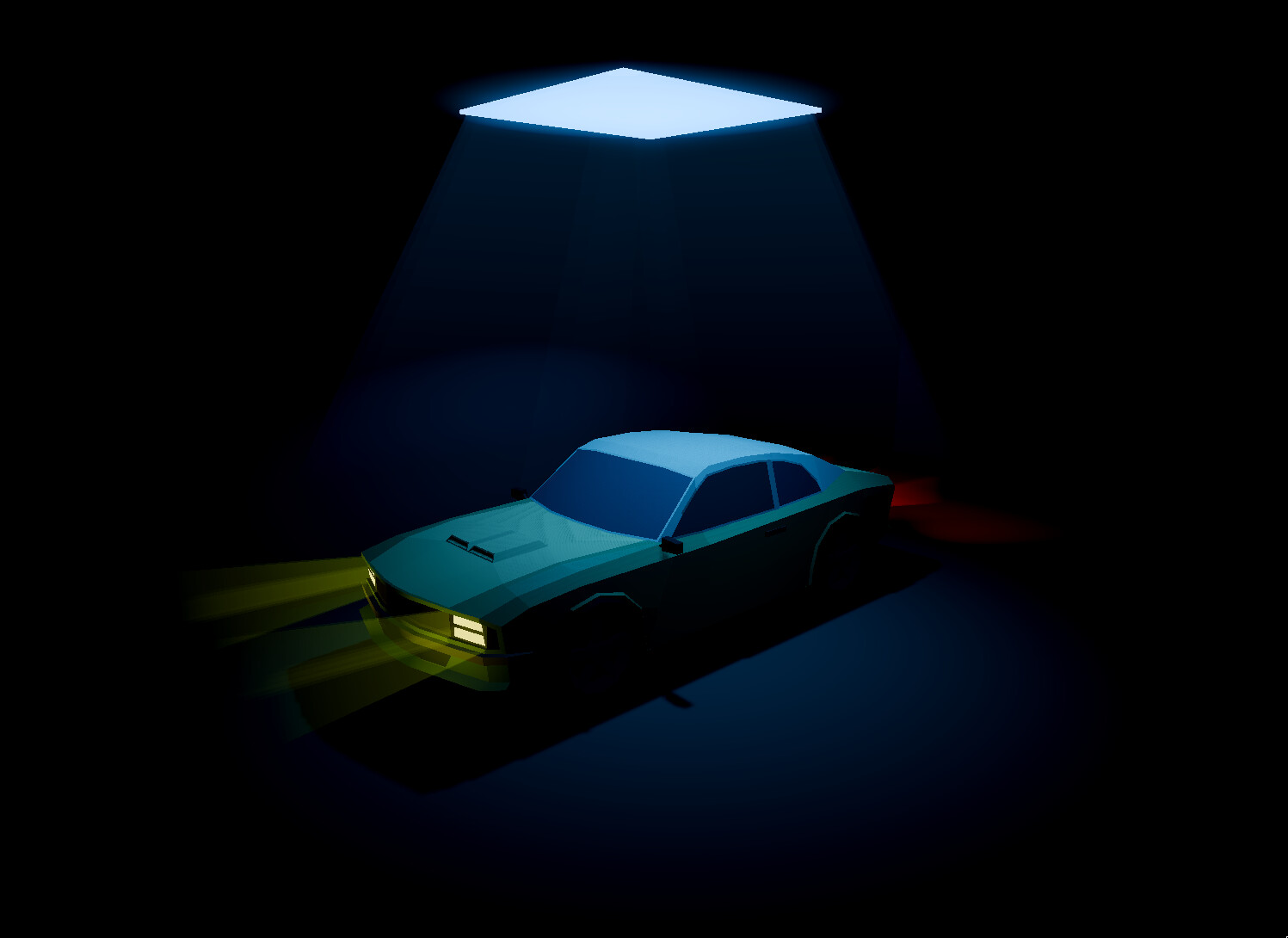
Couple a days ago i made this really cool looking shader - fake light - Tyndall effect. It tries to achieve light in the fog without having the fog. And so it works even in opengl render (and in mobile, and in VR)
How shader works:
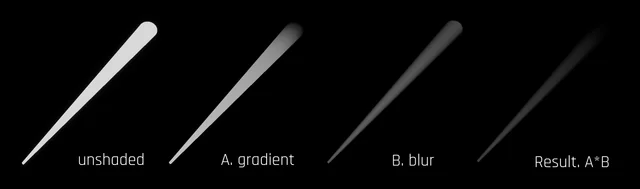
A. I rotate the UV 90 degrees. And add texture gradient on it (color ramp) so the light fades into a distance
B. With some math i add light blur on the sides.
Then i just multiply A on B and get this really cool effect.
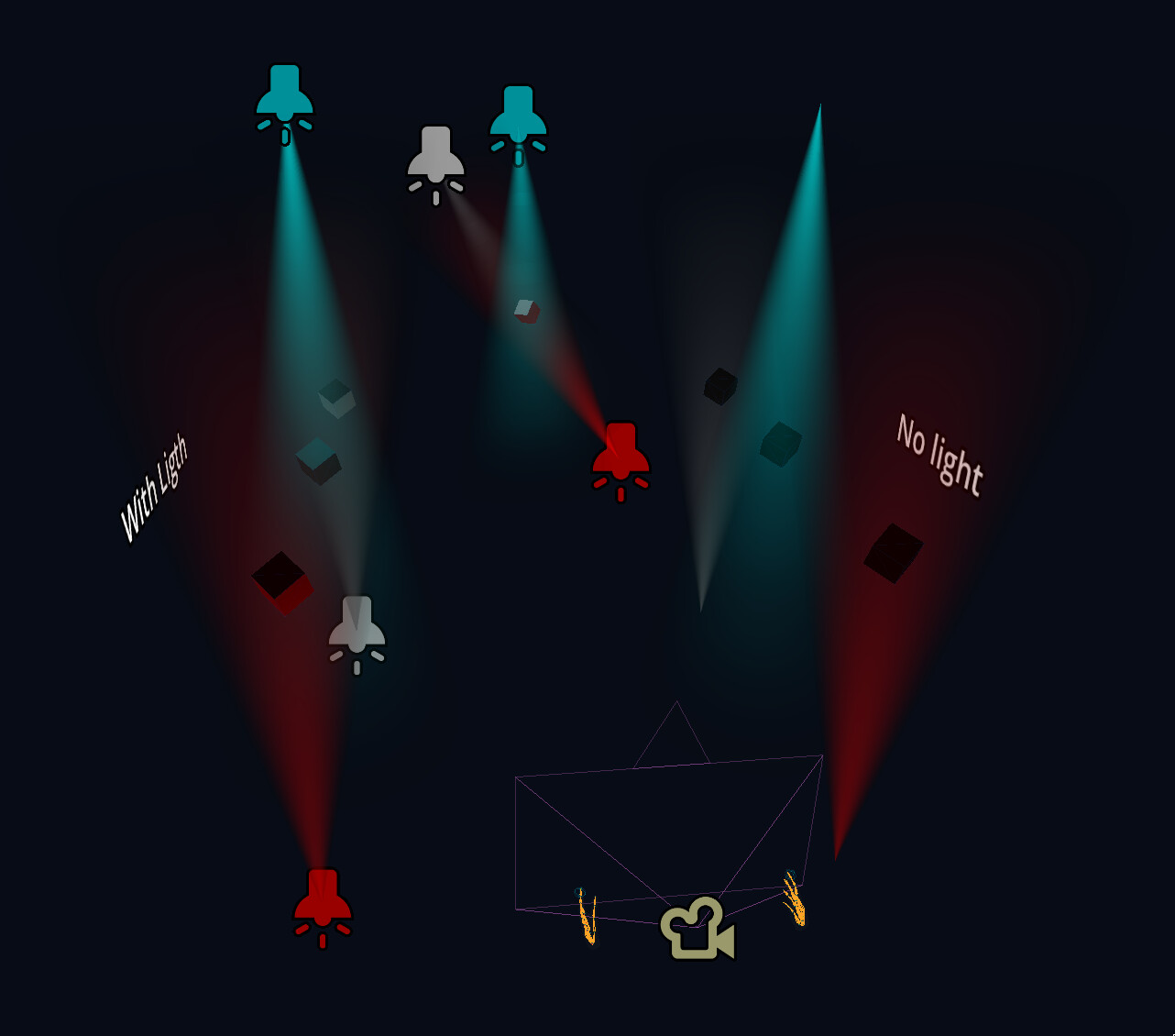
*in 3rd demo (scroll down) i was able to make it work with cubes 
How to use:
Create MeshInstance, select “Cylinder”, make bottom radius small.
Apply this shader to the object.
Planning to expand it more, and maybe add more layers, but for now just simple half transparent blur. I do think there might bit a lot of usecases, and im planning to make a lot more scenes / demos to show this stuff
Discord post with shader download and more screenshots - its on official Godot Engine discord in Showcase - Discord
The name for the effect that this shader tries to achieve is “Tyndall effect” .
Here are 3 demos (i like the 3rd the most  ) i made to show its functionality:
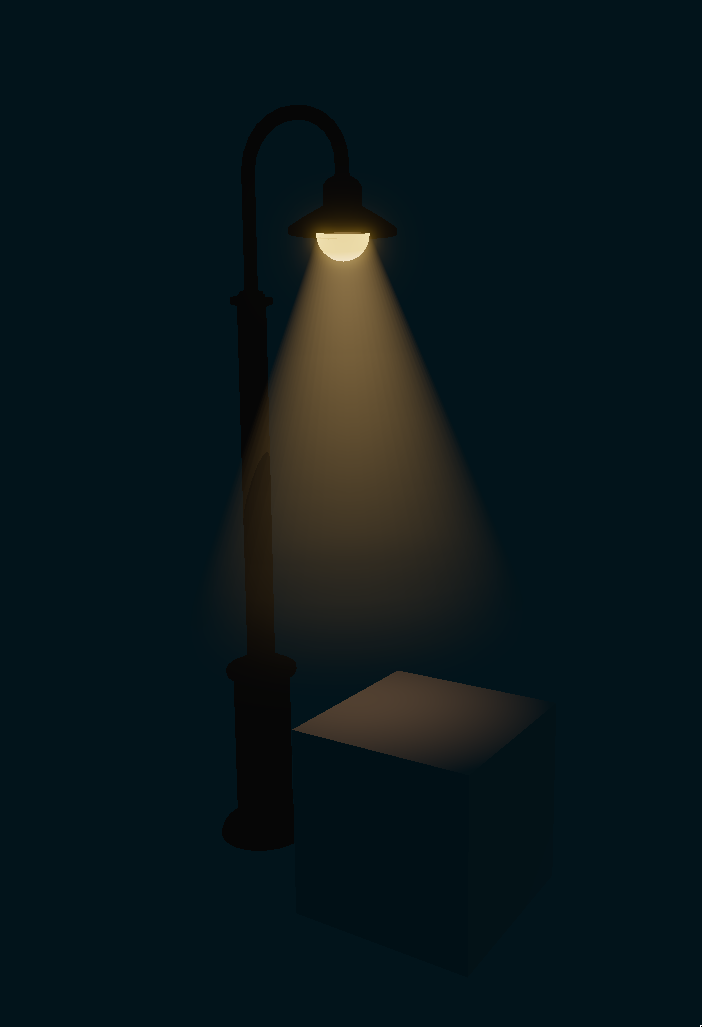
lamp:
VR:
Car:
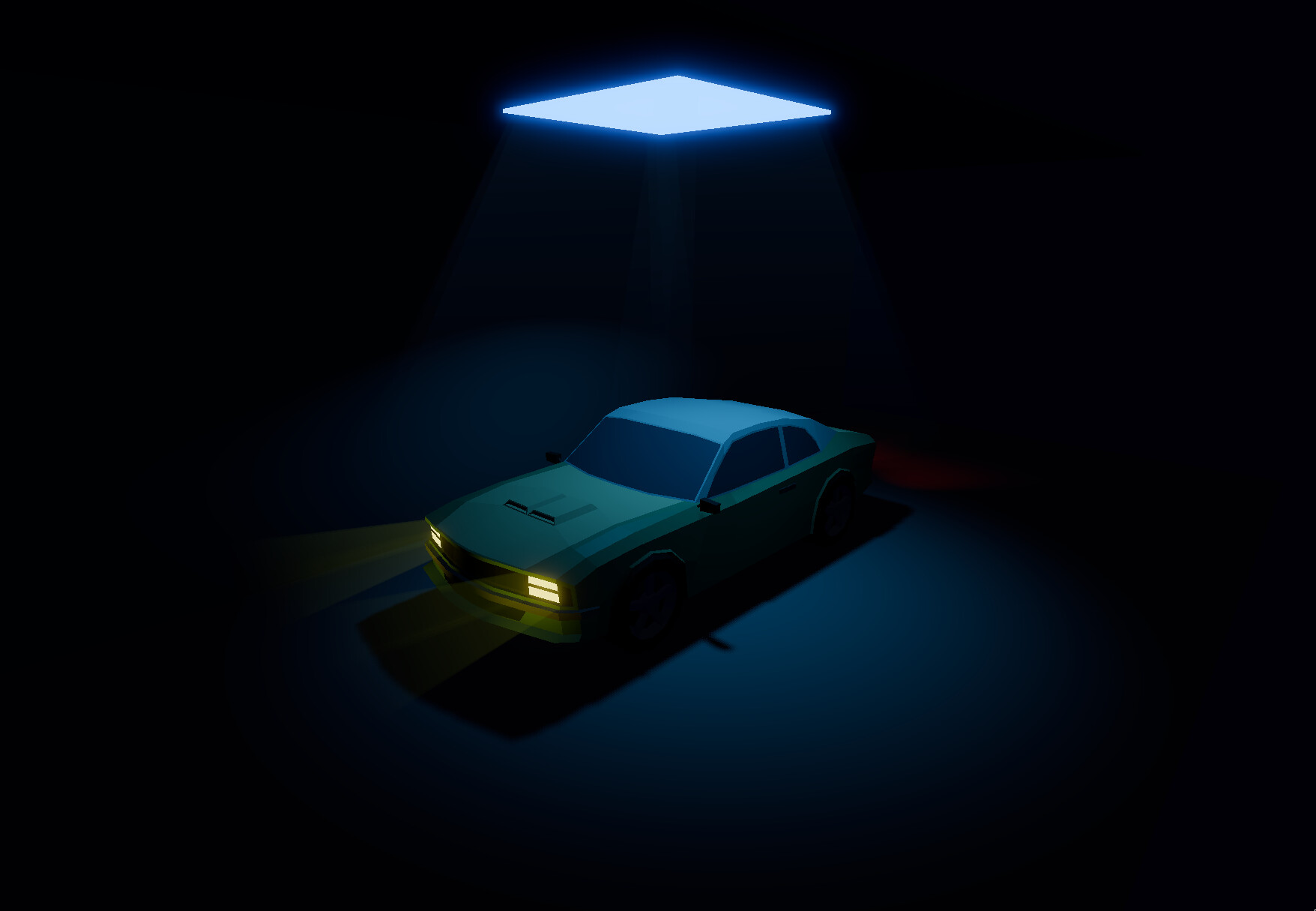
Car purely in gl_compatibility. screenshot taken from the bowser: