Three shaders, free under MIT: Halftone, Paper Finish and Ink Hull Outline. Use them in commercial games, change them, ship them. Disclosure: the shader code and docs were generated with AI and then tested in Godot 4.7 in Forward+, Mobile and Compatibility.
Download and web demo: Print & Paint FX Free Sampler: halftone, paper and outline shaders for Godot 4 by inkharbor
The web demo runs on the itch page. It has on-screen buttons (Prev / Next for the five screen presets, Show original / Show effect for before and after). I tested the web build in Chromium (WebGL 2, Compatibility). Firefox, Safari and phone browsers are untested, so tell me if it breaks there.
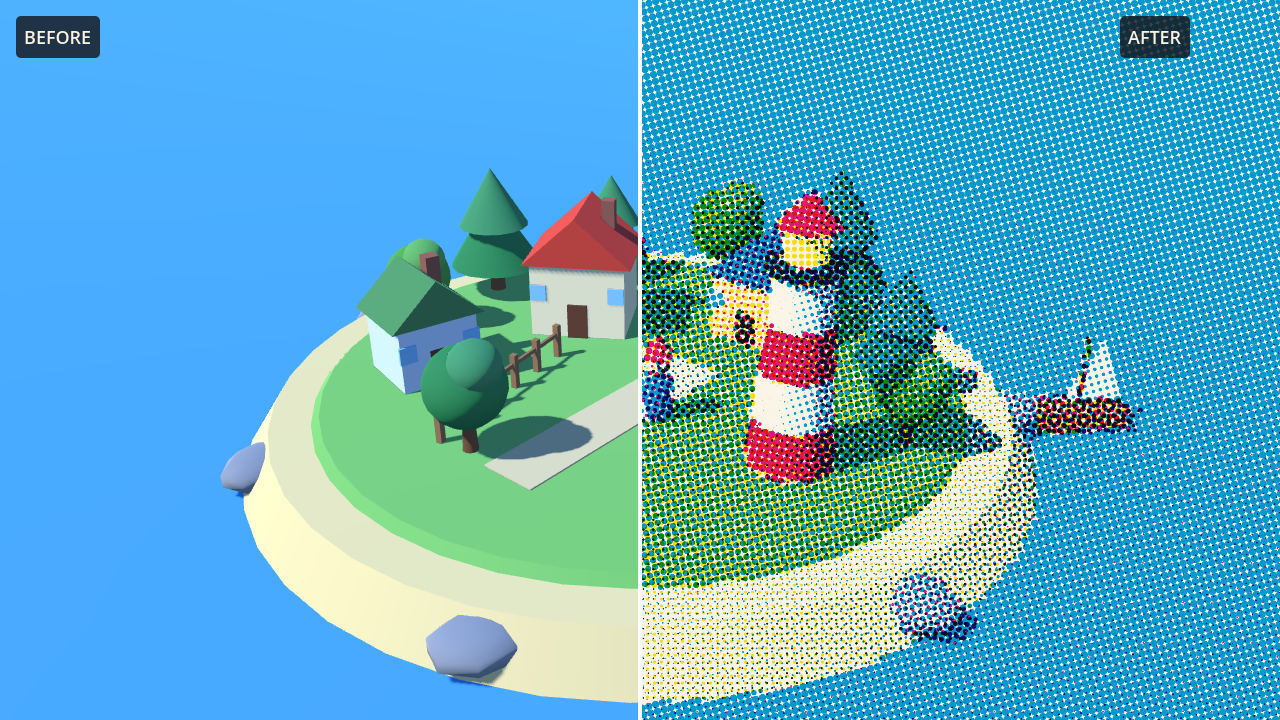
Halftone in CMYK mode, rendered in Compatibility.
Why canvas_item and not CompositorEffect
A CompositorEffect is the “proper” Godot 4 post-processing route, but it runs on RenderingDevice, so it needs Forward+ or Mobile and it only applies to a 3D camera. I wanted these to work in Compatibility (the renderer Godot uses for web exports and older GPUs) and in 2D games, so both screen effects are canvas_item shaders on a full-screen ColorRect that reads hint_screen_texture. Put it on a CanvasLayer and it filters everything drawn below that layer, 2D or 3D. HUD goes on a higher layer and stays clean.
What that costs:
- No depth or normal buffer, so screen effects can’t find edges from geometry. That’s why the outline is a separate 3D material (below).
- Patterns live in screen space. Halftone dots stay put while the camera moves (the “shower door” look).
- Stacking two effects needs a BackBufferCopy between them. The included
PPFXLayernode does that for you.
Halftone
- Three modes: four-colour CMYK, single-ink newsprint, and duotone.
- Black comes out first (
black_generation), then a 3x3 solve finds how much of each ink you picked reproduces the pixel on your paper colour. So custom inks still give roughly the right hues; swap cyan for teal and see. - Each ink gets its own rotated dot grid at 15, 75, 0 and 45 degrees, the angles printers use to keep moiré down. The dot radius comes from area, so 30% ink covers 30% of its cell before dot gain.
Paper Finish
- Paper tint and fibre, blacks lifted to a faded ink colour, an aged colour shift, grain, vignette and burnt edges.
- One screen read per pixel, so it’s cheap. Meant to sit on top of other screen effects.
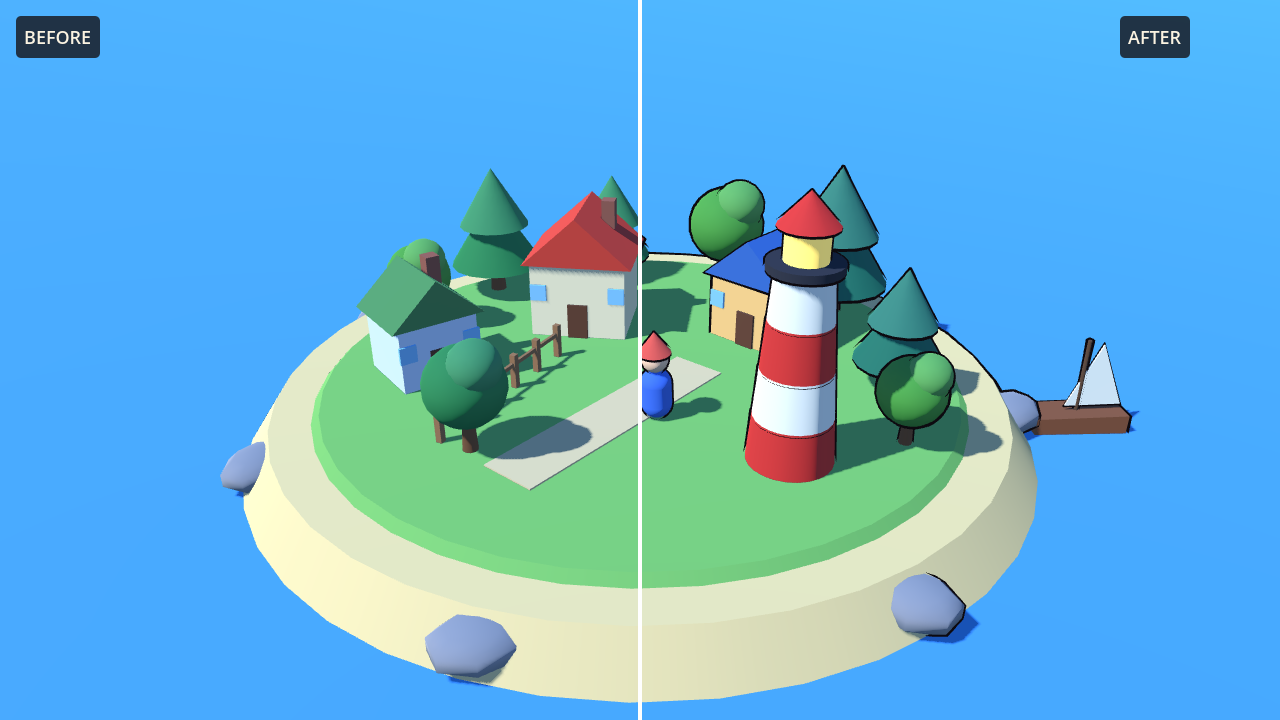
Ink Hull Outline (3D, set as a material’s Next Pass)
- Constant pixel width near and far: the normal is projected to the screen and the vertex is pushed a fixed number of pixels in clip space (multiplied by
w). - Thick-thin variation from object-space noise, like a brush pen.
corner_fixblends toward pushing out from the object’s centre, which closes the gaps that split normals open on cubes and low-poly meshes.
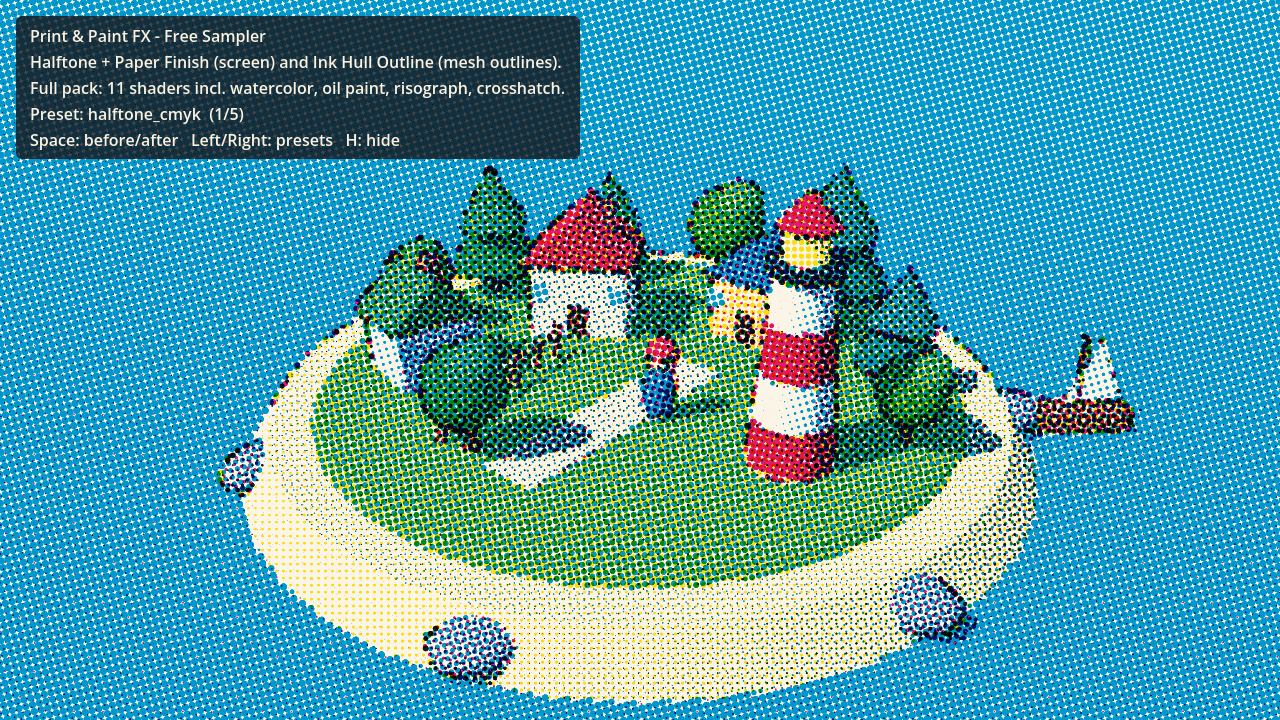
Also in the zip: 7 presets, the PPFXLayer helper node and the demo scene. Every screen shader has amount (blend to the original) and scale_with_resolution (sizes authored at 720p, following window height). Made for and tested on 4.7 stable; older 4.x is untested.
Install: copy addons/print_paint_fx/ into your project, add a PPFXLayer node and drag presets/halftone_cmyk.tres onto its Effect property. Nothing to enable in the Plugins menu.
A full pack with more looks is in the works. If you want to hear when it’s out, follow inkharbor on itch.
I’ll answer shader questions here. If you hit a bug, your Godot version and renderer help me find it.