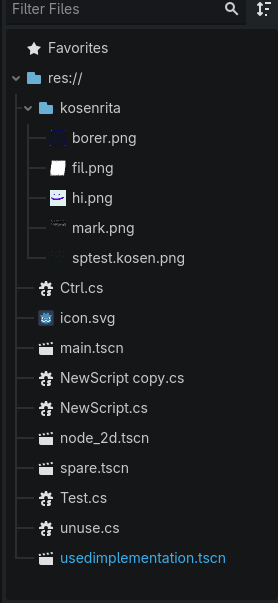
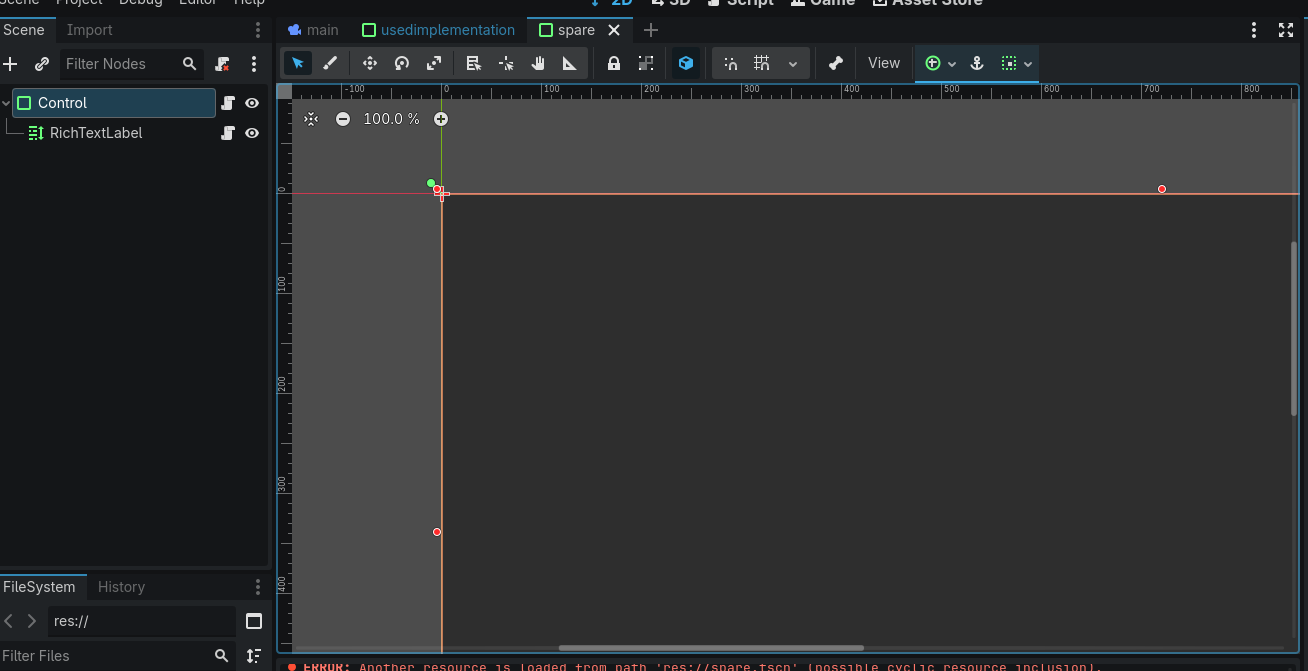
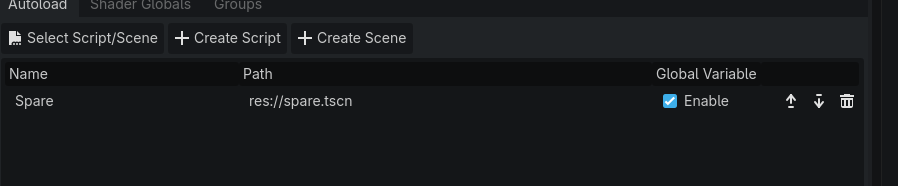
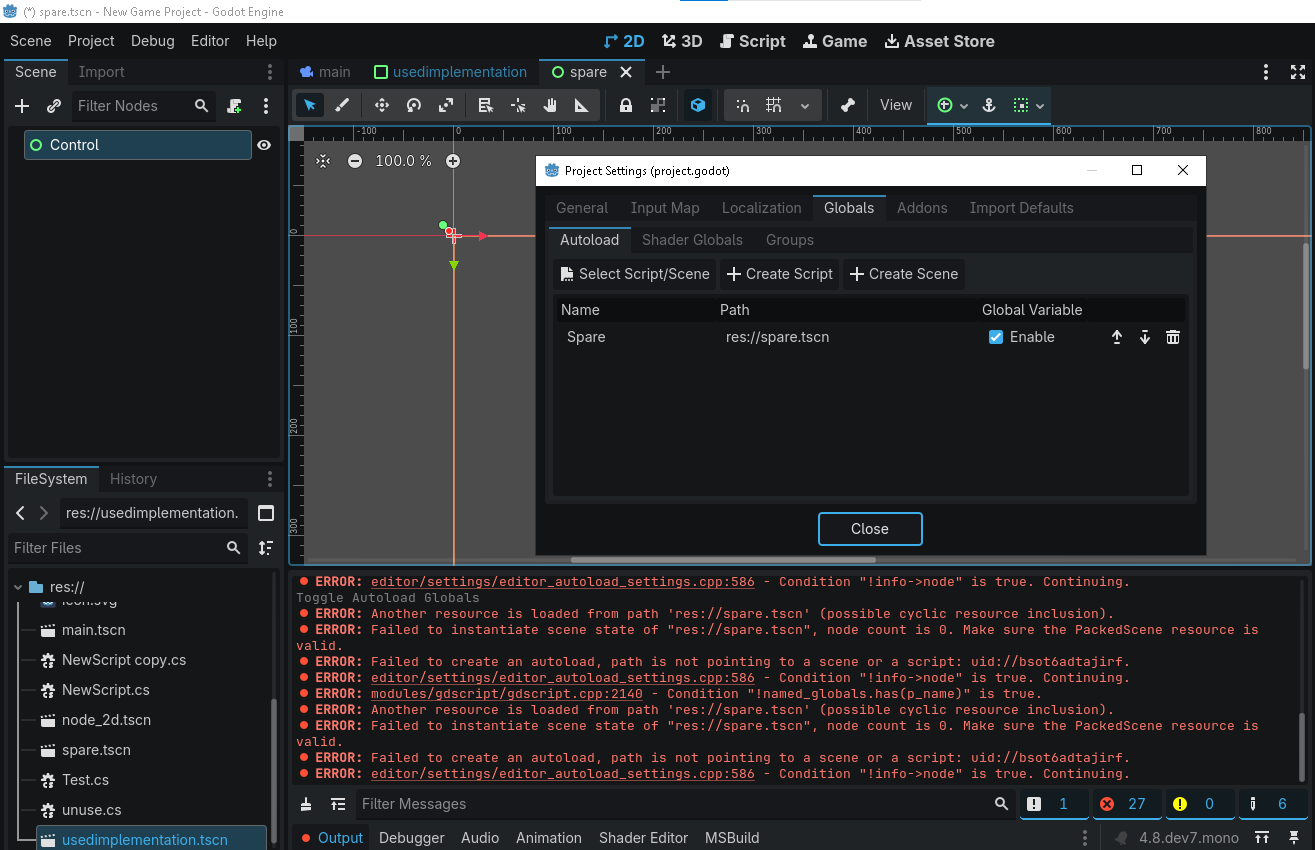
It appears I corrupted my scenes or something because every time I tried adding them to Autoload Godot throws like four-to-five different errors. Something about path misdirection? I’m very curious as to why this has happened.
Also, I tried to make a new scene which initially worked, but after closing and reopening Godot Globals failed to see that too.
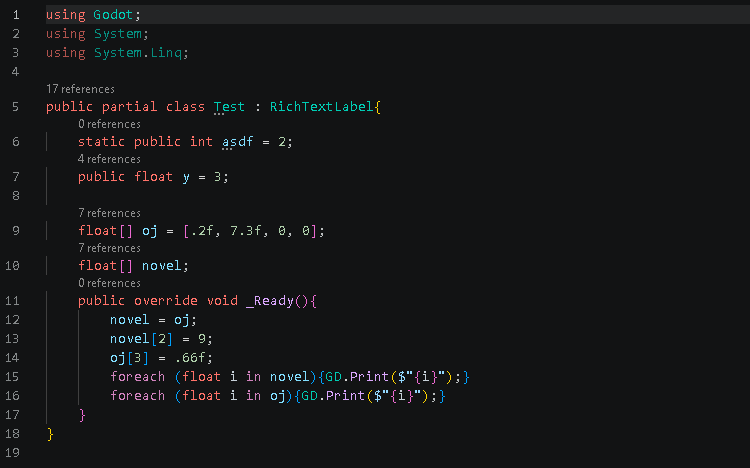
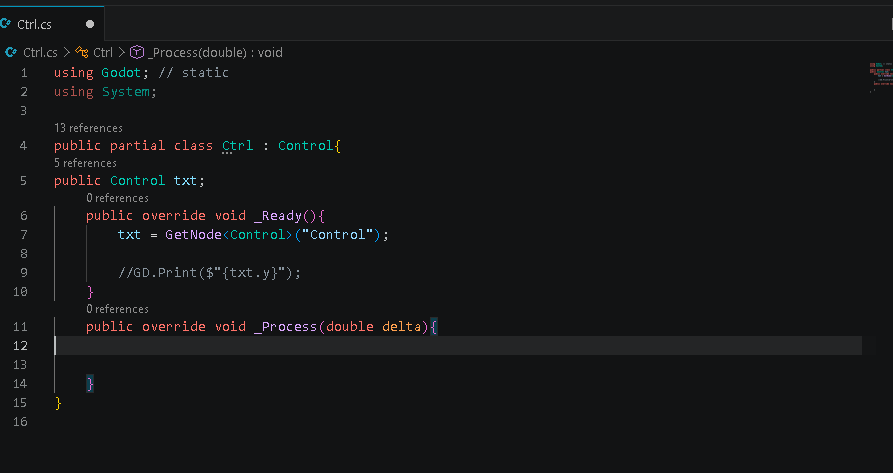
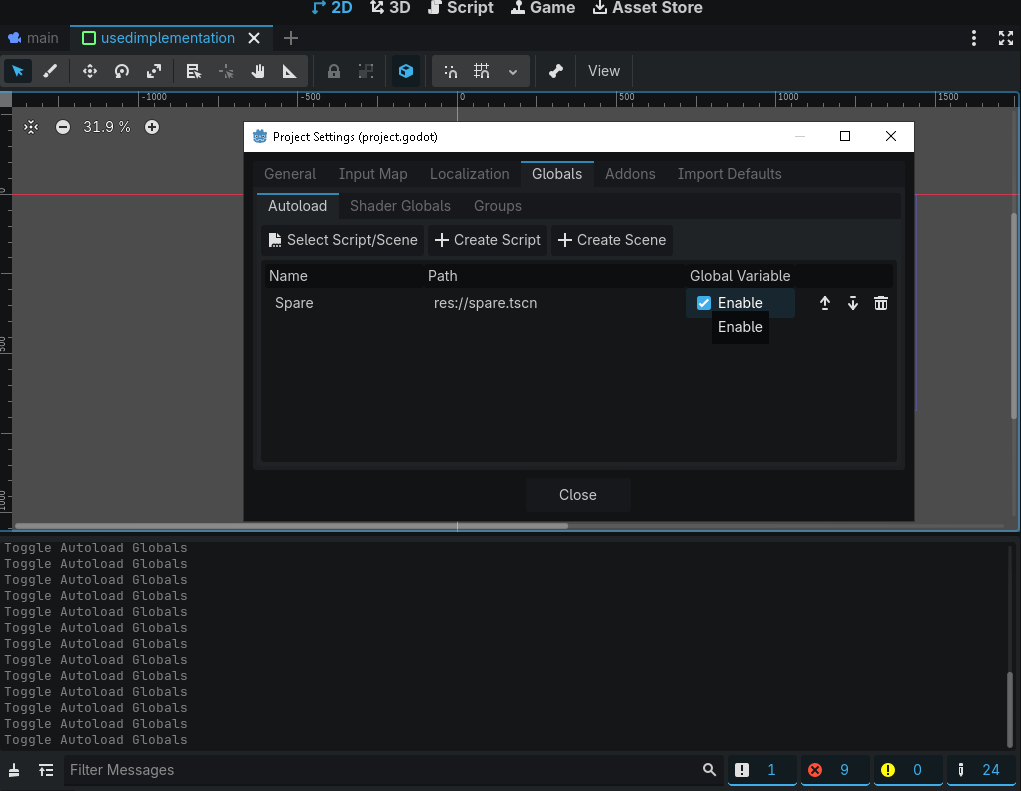
Here are some screenshots. I don’t really know what the problem is so I screenshotted a bunch of things.
I am often able to fix these errors by simply restarting the editor. There was one time that I was only able to fix it by going into the scene file in the text editor and correcting a line that got glitched out. I can’t remember what it was exactly… a file path or a guid or something. Unfortunately this occasional jankiness is part of the Godot experience. But it has gotten a lot better
Do you have spare.tscn as an autoload AND in the scene tree? Technically Godot will allow you to load more than one singleton as an autoload isnt a true singleton, but you really shouldn’t do that.
Clue is in the title, autoload, no need to load it anywhere else.
It appears that, if the autoloaded scene’s tab is not open, there are no errors. A little weird to think about considering I will have to open it if I ever want to edit it, but I guess that fixes the problem.