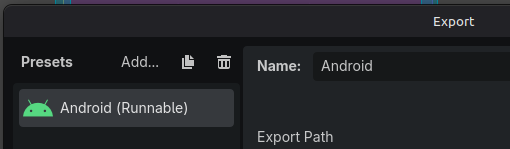
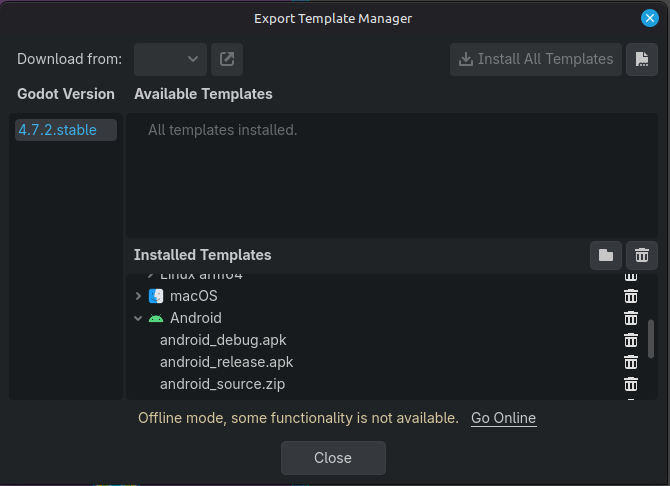
I’m unable to get rid of the error message “Invalid Java SDK path in Editor Settings. Missing ‘bin’ directory!” when trying to export the game to Android.
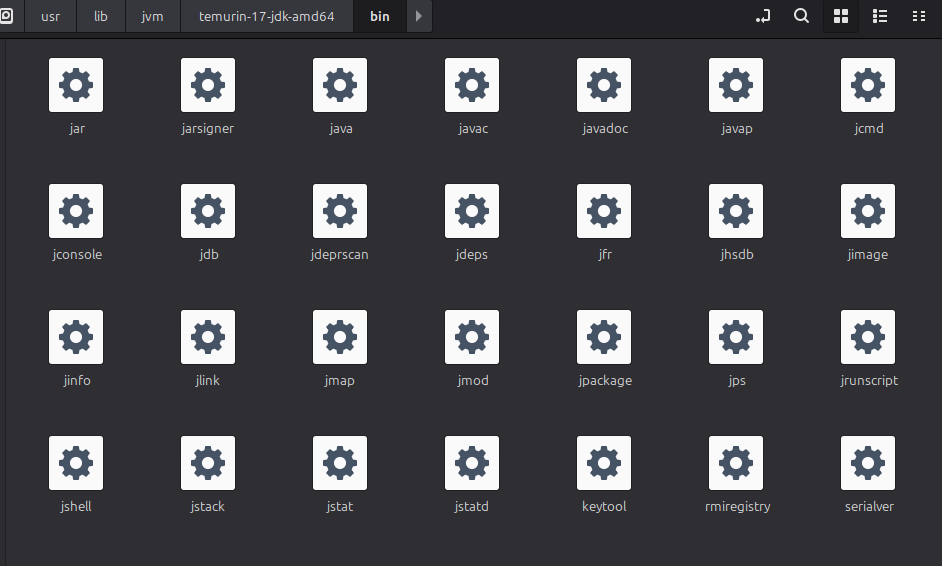
I’ve tried with and without including the “bin” folder when configuring “Editor/Editor Settings/Export/Android/Java SDK Path”, with the same results.
I’ve seeing a couple of similar messages in the Forum, but apart from the “remove the ‘bin’” and “add the ‘bin’” to the Java SDK Path… no much more in the way of solutions.
I just started with Godot last week, and my experience with Godot is pretty limited at this point.
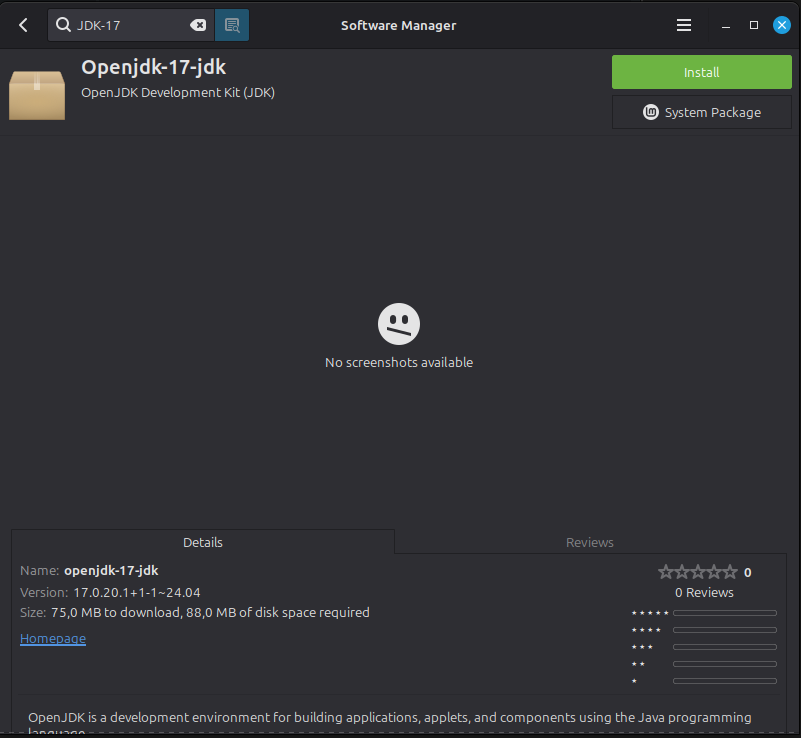
Configuration-wise it looks fine. I’m not sure where the issue could be. How did you install the jdk package? Try installing it using your distro’s package manager.
About installing from the Package Manager, I assume that it is the “Software Manager” in Linux Mint. The only reference I found it’s this “Openjdk-17-jdk”, with zero reviews, no screenshots, and just a single line for description. I feel like this is a risky install, not knowing anything about this package. I’m not sure enough about following this suggestion, sorry.
About my current JDK installation, I followed the link provided in Godos documentation:
And then in the “adoptium.com” web, I followed the instructions to install the Temurin OpenJDK using the terminal commands. Including updating the updated command for Linux Mint systems.
If I run the "java --version" in the Terminal it looks to be installed on the system
openjdk 17.0.20.1 2026-08-18
OpenJDK Runtime Environment (build 17.0.20.1+1-1-24.04-Ubuntu)
OpenJDK 64-Bit Server VM (build 17.0.20.1+1-1-24.04-Ubuntu, mixed mode, sharing)
(Sorry for not being more through in this reply. As a new user, the Forum limits my post to only 1 screenshot and 2 links)