Godot Version
Godot 4
Question
The final goal Is to make a text buble that the user can re-shape dragging on the edges, but for now i want for the text box to get bigger if the text exedes the vertical boundary. Here’s the code i’ve tried
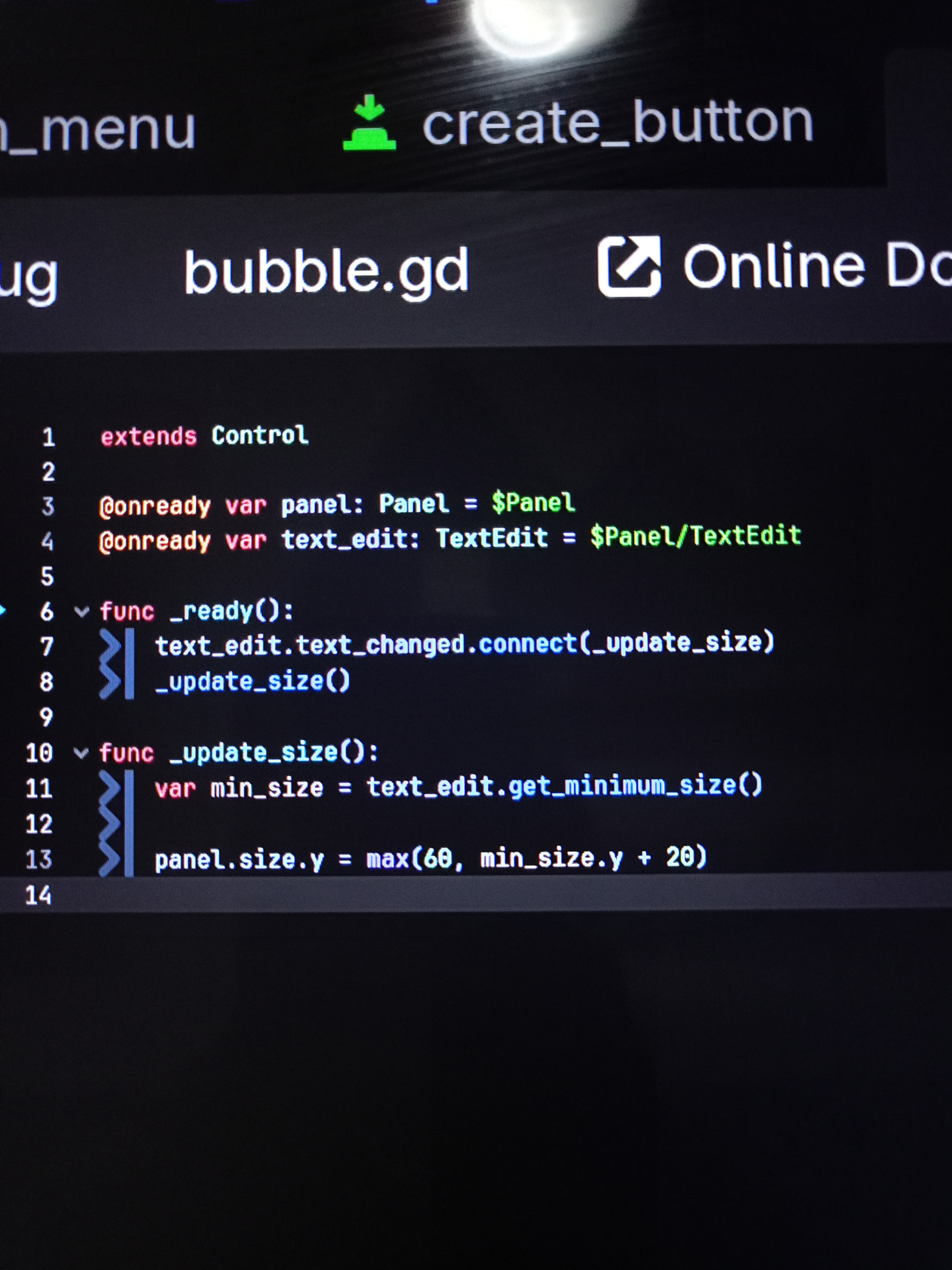
Let the containers do it instead of resizing in code. Put a Label inside a PanelContainer, give the Label a fixed width with custom_minimum_size.x, and set autowrap_mode to Word (Smart). The Label then asks for as much height as the wrapped text needs, and the PanelContainer grows with it. If you use a RichTextLabel instead, turn on fit_content, or it stays at its minimum height.
One trap I hit in 4.6: a wrapping Label with clip_text on, inside a container, can collapse to 1 px and the text just vanishes. Setting its size_flags_vertical to Fill fixed it.
Thanks, ill try it
One question, if i use a label or a ritch text label, can the one who Is using the app write on It?
No, Label and RichTextLabel are display only. For text the player types, use a TextEdit (several lines) or a LineEdit (one line). TextEdit has a scroll_fit_content_height property: turn it on and the box grows with the text instead of scrolling, so inside the same PanelContainer the bubble grows as they type. Set wrap_mode to Boundary too, so long lines wrap instead of scrolling sideways.