I have recently been creating a 2D side-scrolling puzzle game of my own. I really like the fog of war effect in “Animal Well”, as many of its puzzles and hidden areas rely on it. I have tried many methods to achieve a similar effect in Godot, but none of them have been ideal.
I have uploaded two GIF images, which represent the effects of this system.
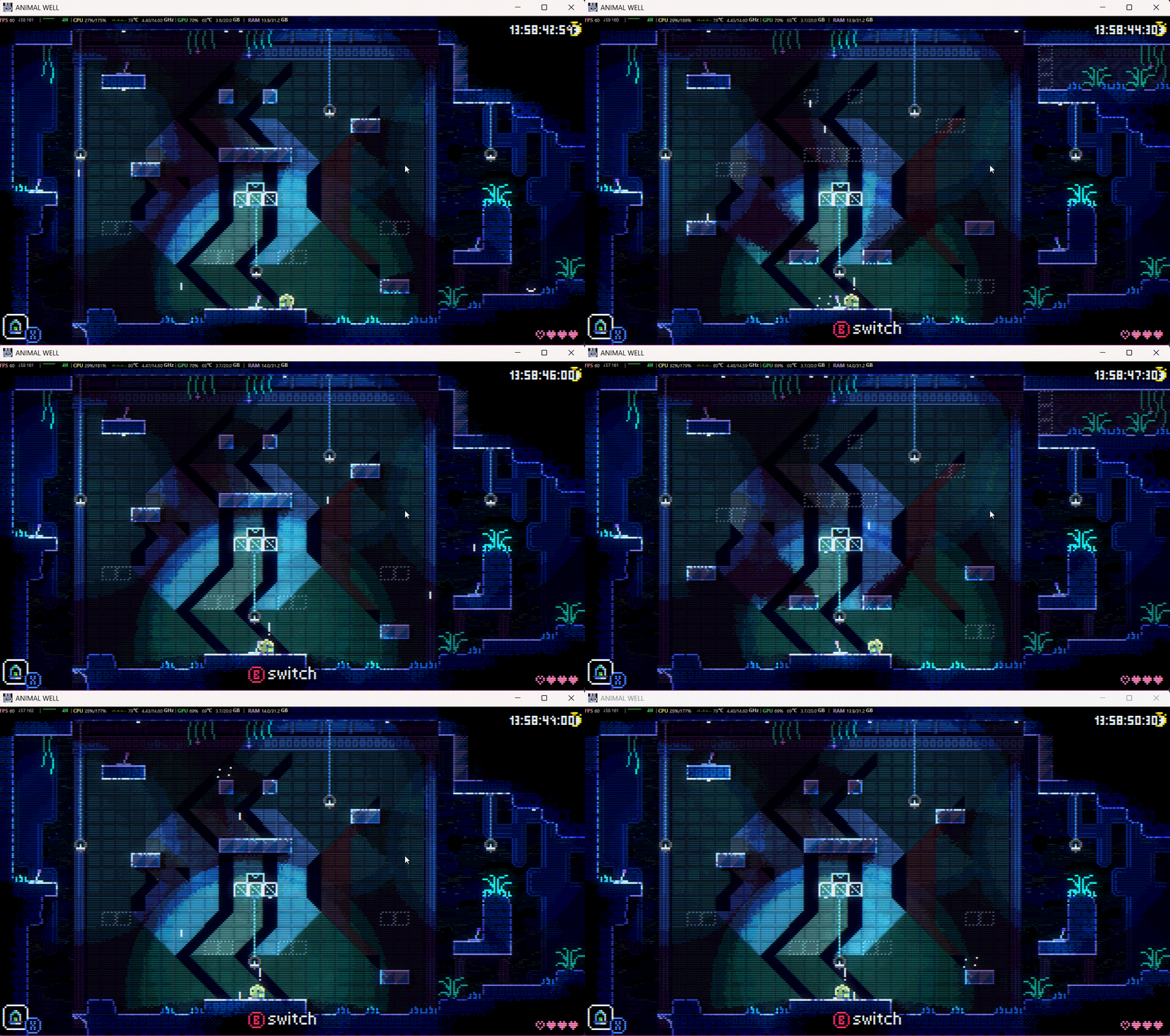
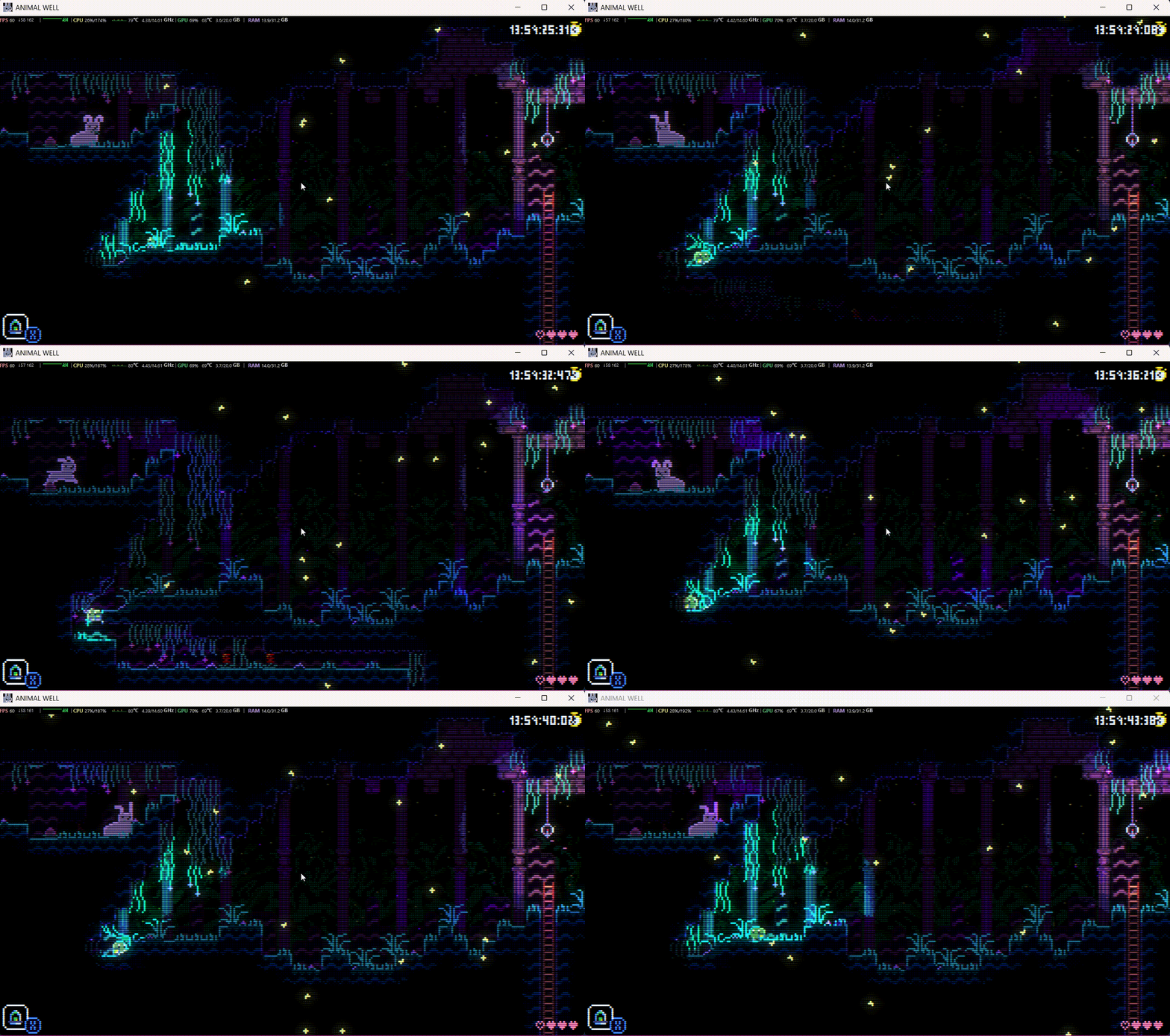
I’m at my wit’s end, any perspective would be helpful
You mean the shadows? Use LightOccluder2D nodes or the occlusion layer in TileMapLayer node if you’re using tilemaps.
Thank you for your reply, but I tried using the occlusion layer of TileMapLayer to achieve a similar feeling to vision, but it was very disappointing. Because I couldn’t create a PointLight2d that wouldn’t illuminate other objects but could produce a strong, pure dark shadow, I thought this direction was wrong. Could it be that my configuration is not correct enough?
Post your setup and results.
My initial idea was to implement “vision” as a PointLight2d. This PointLight2d does not need to provide lighting, as it is not required to change the color of the level. Then I configured this PointLight2d with Range - item cull mask 3 and Shadow - item cull mask 4. Next, I added an Occlusion Layer to my TileMapLayer, and set the Light Mask to 3 and 4. At the same time, I configured every object in my scene with Light Mask 3 and 4.
My original intention was to achieve dynamic vision obscuring by adjusting the shape of the TileMapLayer, so that the shadows generated by this vision passing through the occlusion layer would cover areas that players theoretically shouldn’t see in a pure black manner. However, a problem arose. If the PointLight2d for vision did not have its light color set, it would not be able to produce shadows, and if the energy setting was too low, the resulting shadows would be almost nonexistent. Secondly, even if the energy was adjusted to 16, the generated shadows would not cover objects, merely making them appear darker. Moreover, the light of vision itself would affect the rendering effect of other light sources, which was highly unsatisfactory. Therefore, this solution was abandoned. Currently, a perfect solution has not been found.
The latest idea is to add an extra layer on the rendering layer specifically for rendering foggy areas, utilizing Polygon2d and shaders to achieve the desired effect. This will be complemented by code to trigger the activation and deactivation of the fog. However, this approach necessitates customized development, is not very versatile, and I am uncertain whether it represents the optimal solution
Render the shadow mask into a separate subviewport and then composit that over the main game screen. That way you’ll be able to adjust the light/shadow settings to generate a pure black/white image while not interfering with the rest of the game visuals.
Thank you, I’ll give it a try