Godot Version
godot 4.4.1-5 (-5 is Arch release)
Question
Hey All, I’ve been toying around with Godot for several months and am constantly amazed at how much progress I’ve made. I have a basic outline for an FPx SDK and am starting to build out levels, which means it’s finally time for me to learn Shaders. I’ve followed a handful of tutorials and have something I’m pretty happy with.
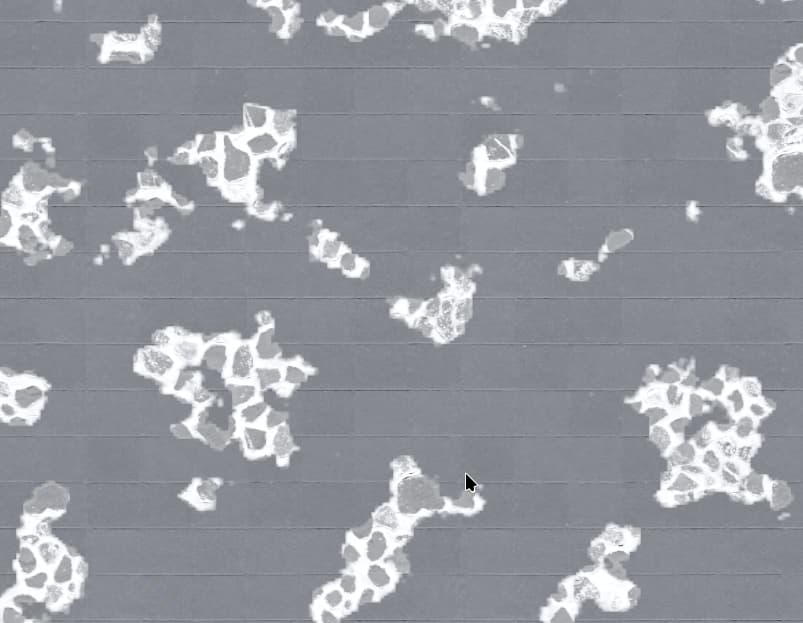
Broken concrete with stone underneath! neat.
The problem I’m having is this only works if the texture is being applied to a surface with 1:1 aspect ratio. If I scale my Node down to say 2:1, the texture gets squashed down as well.
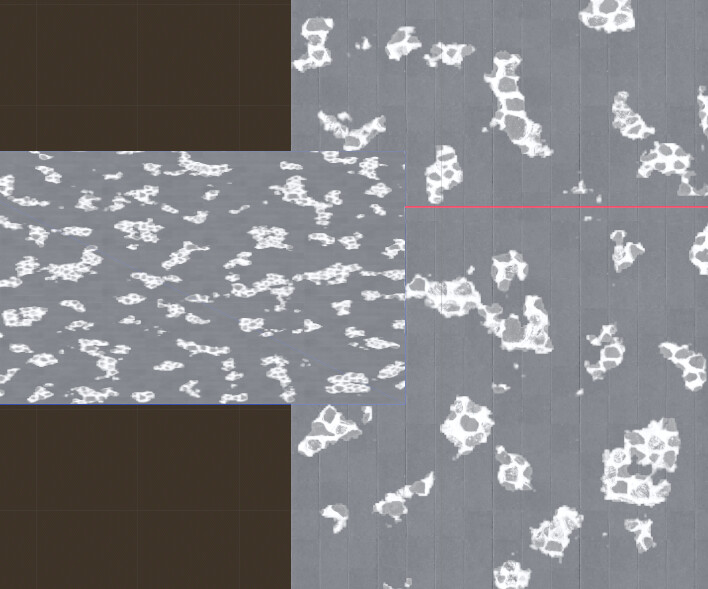
This is where my knowledge and terminology for Shaders breaks down. I have some vague recollection this is something to do with local vs global coordinates, like I should be using something global-esk. But any other Input I think makes sense usually results in nothing (ironically, screen_uv mostly does what I want, with horrendous side effects).
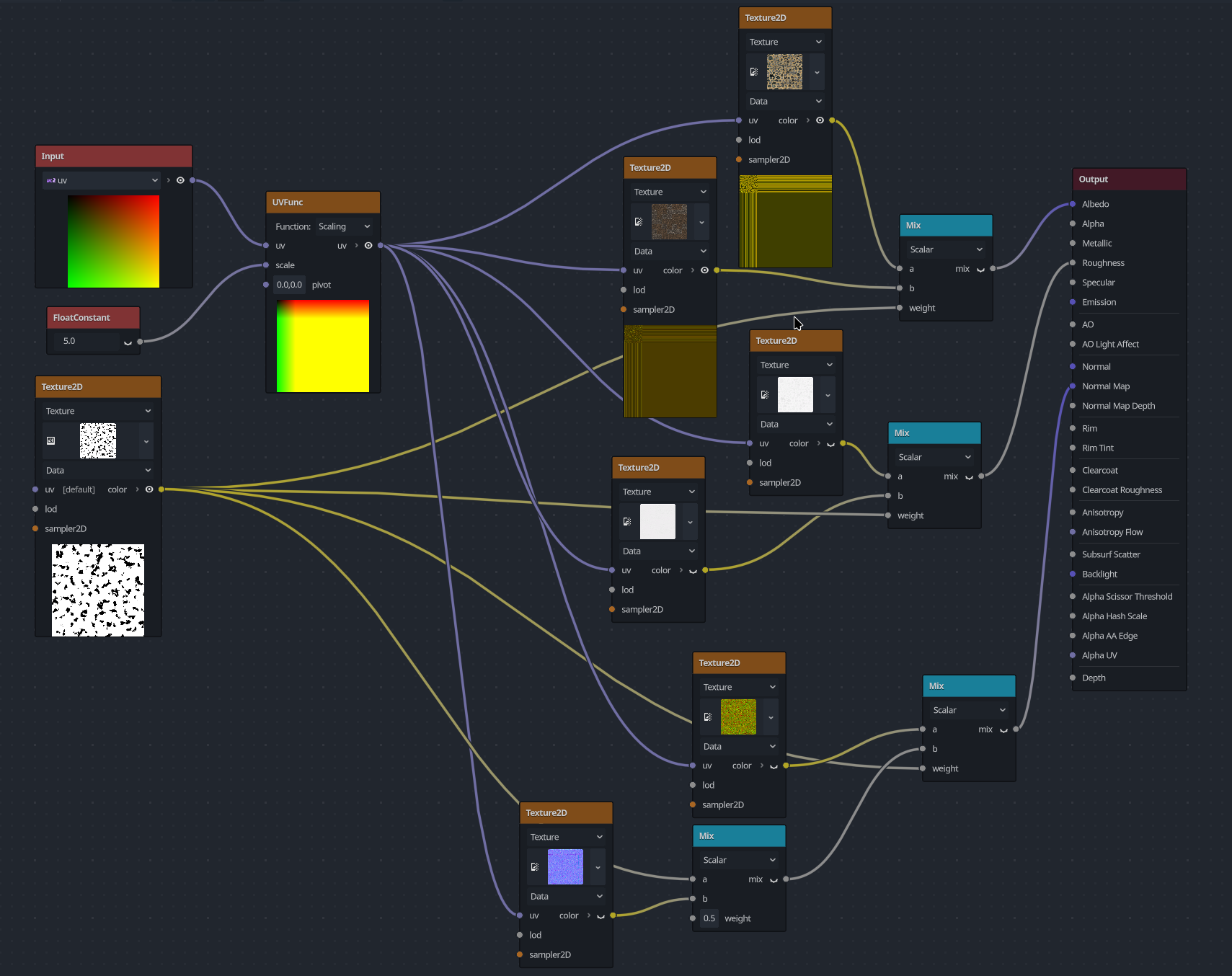
Here’s the Shader I landed on, the 1:1 requirement is it’s biggest issue.
Any advice that can be offered would be appreciated.