Godot Version
4.5.1
Question
Hi! I’m trying to replicate the quality of UI in most games. I’m not sure if this is a godot limitation, but it seems to be available for TextureButton and nothing else: I need to make a detailed background for my UI PanelContainers (or any control node that can have a texture as a background, using TextureButton for this would be super silly).
Im trying to put this Texture in a repeating background as a test:
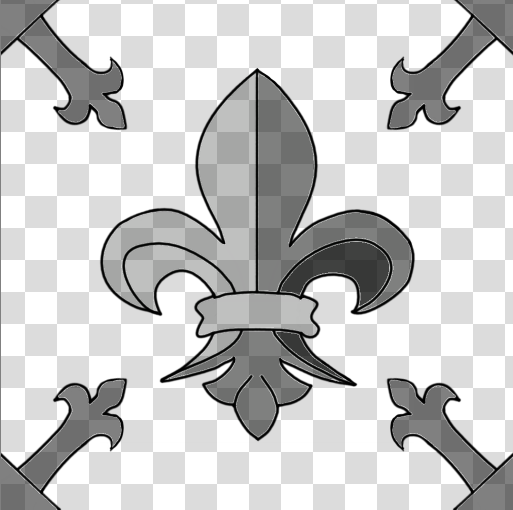
But the problem is it is too big in Godot:

This takes up all the UI space of my buttons and text. So this forces me to scale down the texture. Which is not what i need because it loses integrity in-game (looks pixelated and details are lost):
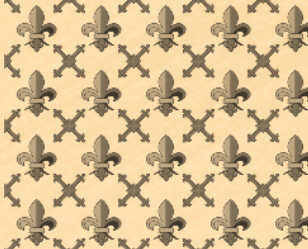
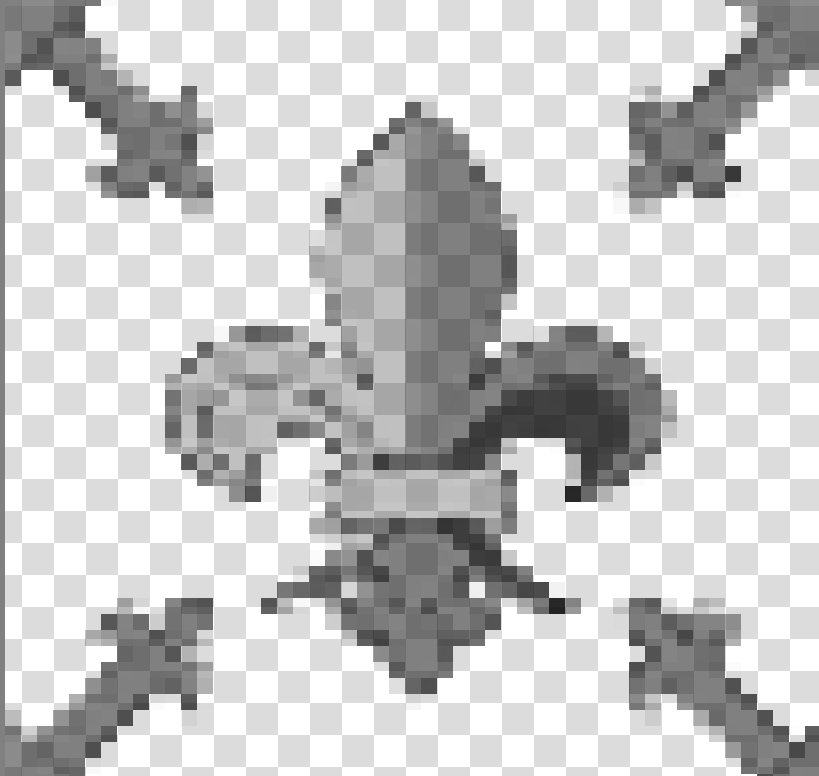
I mean, it looks okay but it is not what i intend. So if i try to tile it in a image editor (Krita in this case) before scaling down, the problem is back to the beginning: it is too big for the UI (and you won’t see the tiles anyway, like image #2).
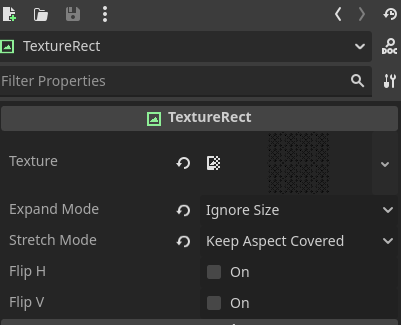
TextureButton has a solution compared to the normal button called Ignore Texture Size:
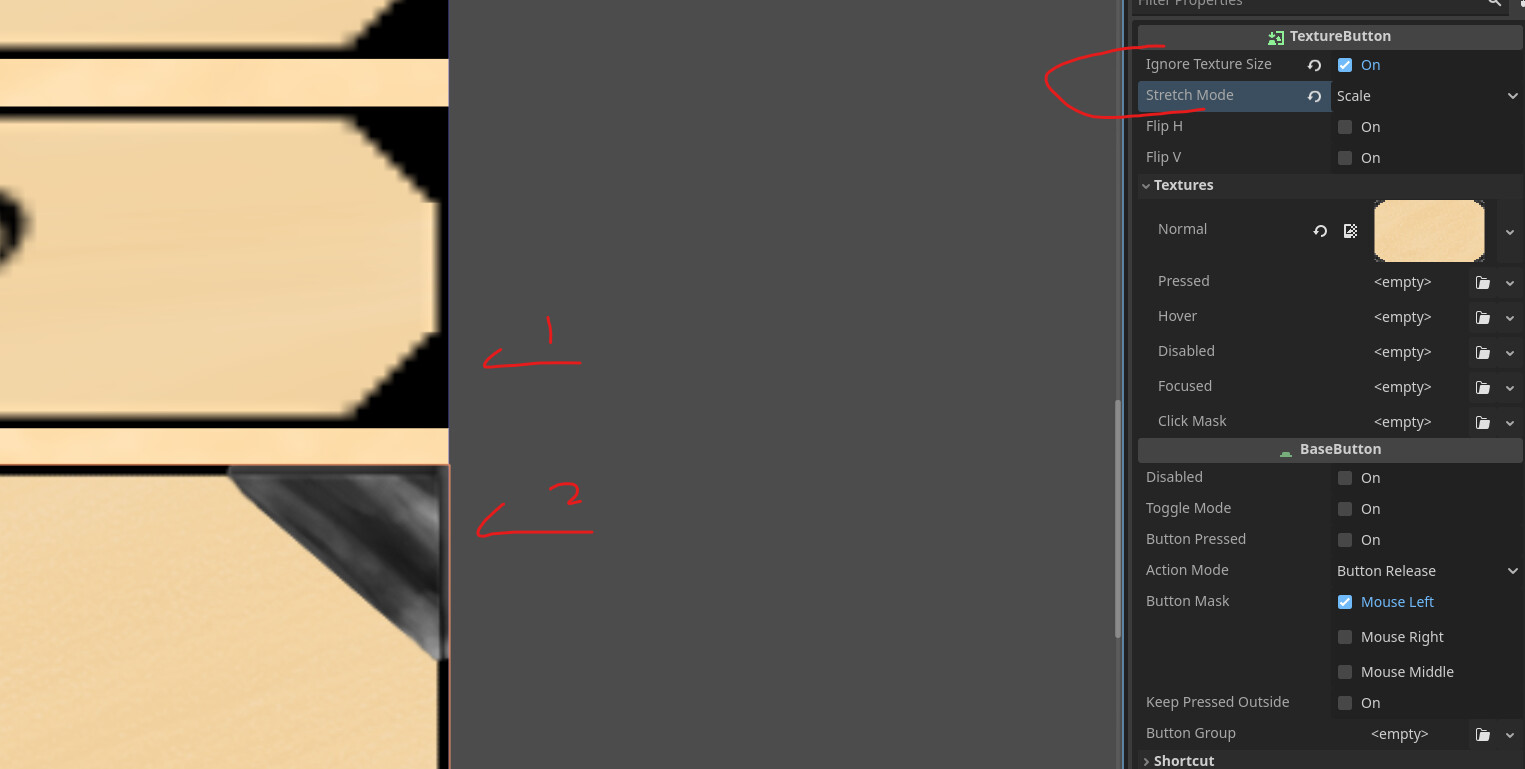
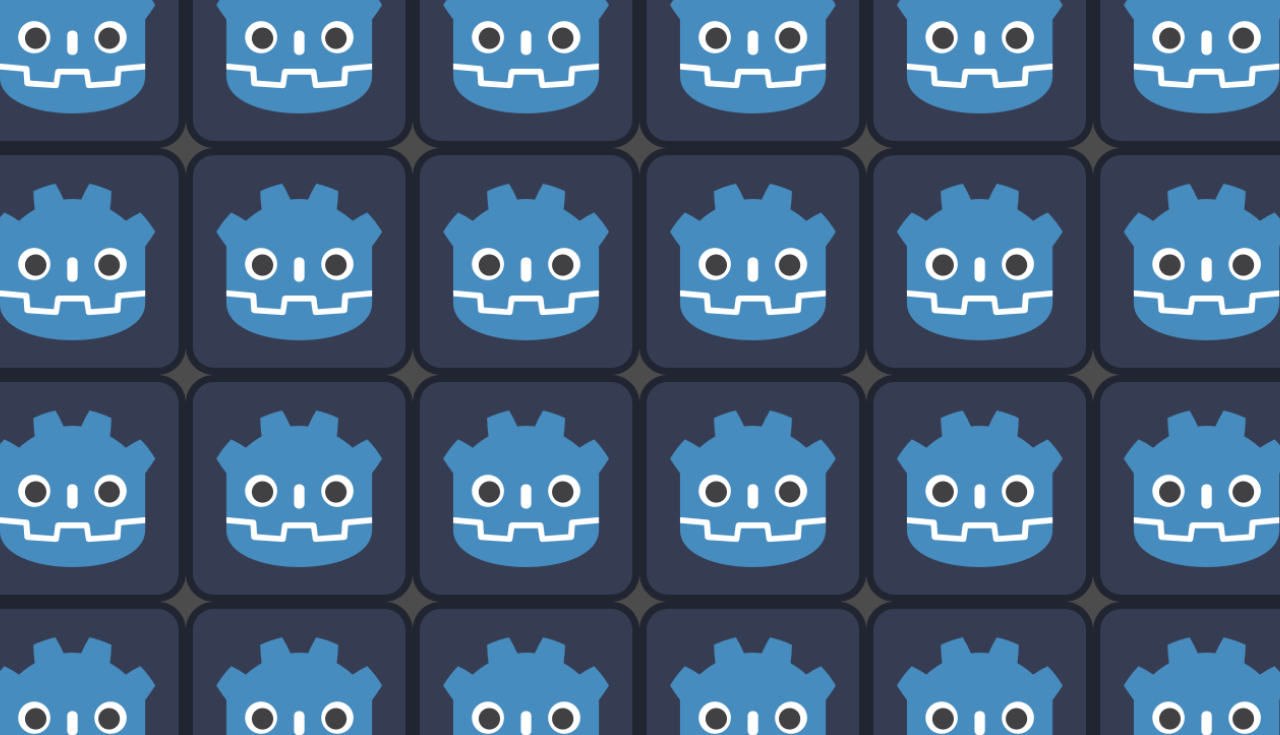
Arrow #1 is the normal button. It really only has a max of 8 pixels to work with around the borders until it bloats the button size (but that’s how it works for dynamic content, which is understandable). TextureButton however, allows all the detail i might need without looking pixelated or loosing detail, like Arrow #2.
Is there a “Ignore Texture Size” but for UI texture backgrounds (like panels)? If not, how can i have a high-definition background if it just overflows/stretches?