Description
Regarding the image: In a first-person shooter (FPS) game on Steam with crafting elements—specifically in the building mode where you place floors, walls, and other objects on the stage—I’m having trouble figuring out the following aspect of the code for placing a floor.
What I Don’t Understand
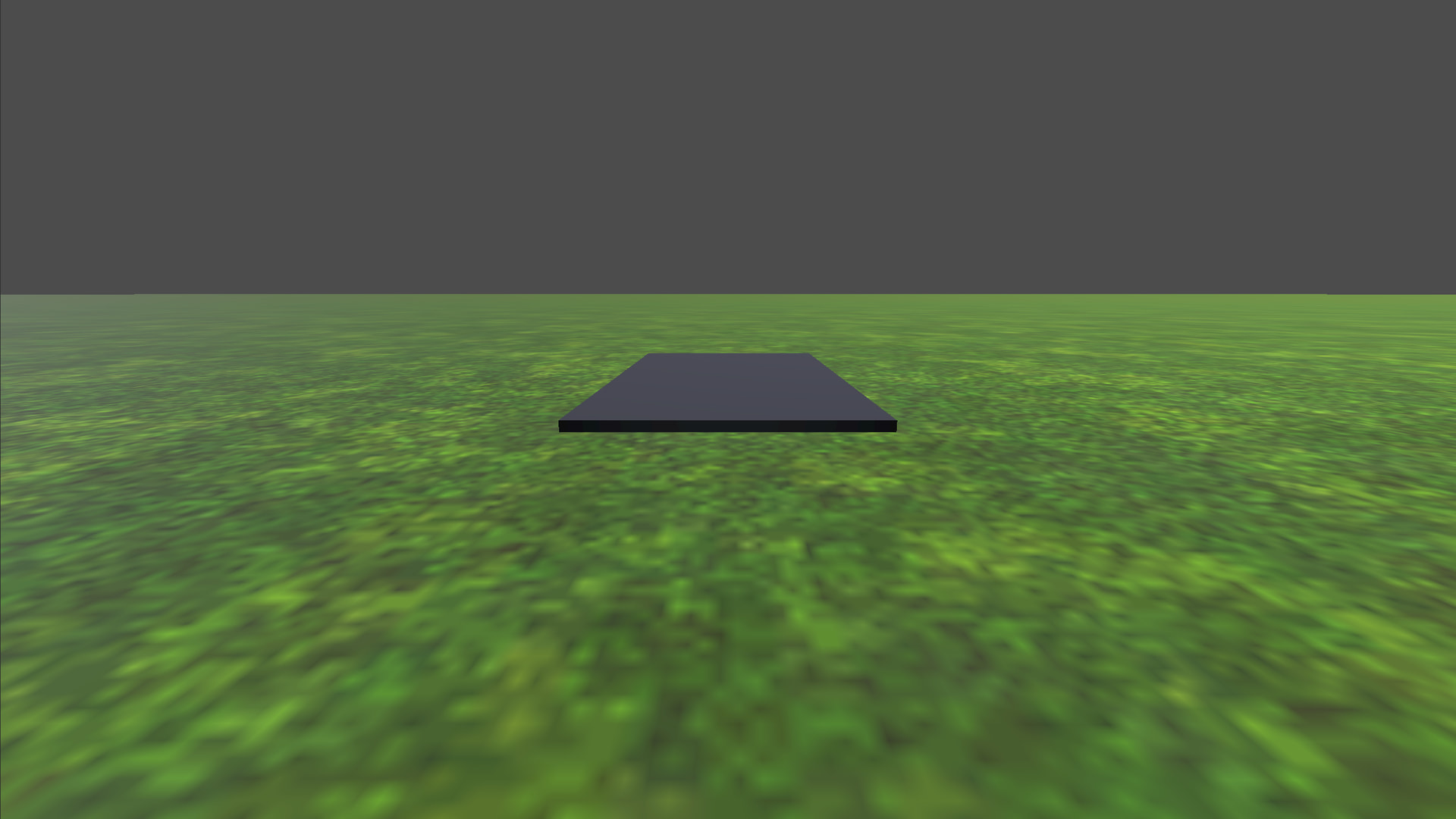
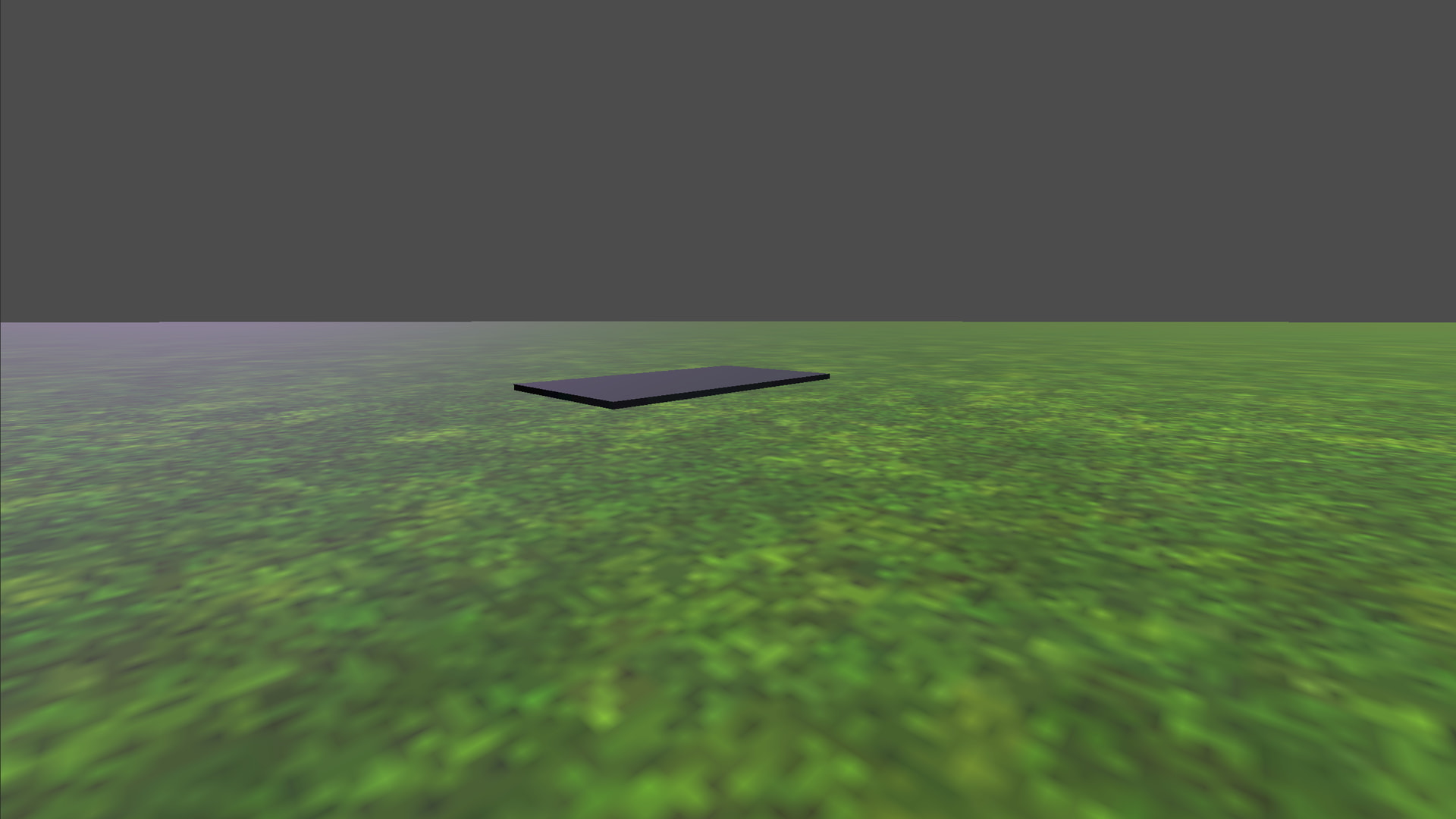
As shown in the image, when I move the camera to the left, the floor object in the center of the screen rotates in place while also moving along with the camera since it’s a child of the camera.
Since I want to use the mouse wheel to control rotation, I’d like the floor to only move horizontally in this case.
What I Want to Know
How to eliminate the rotation
Issue
Since the provided code uses the face normal at the point of contact with the ray to ensure the floor is positioned perpendicular to the ground, I cannot remove that processing.
Prerequisites
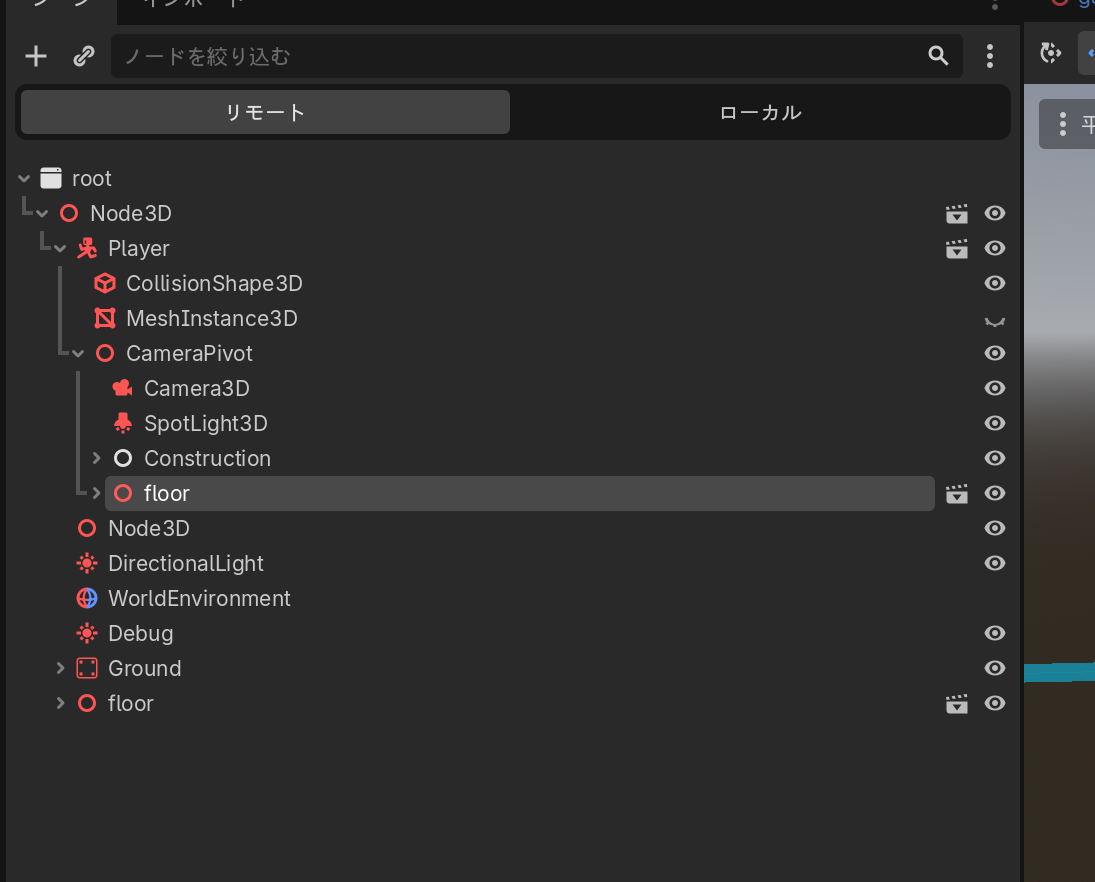
The object that is a child of the camera is the placed object.
What I’ve Tried
In the // test code section of the provided code, I tried calling RotateY(0, 0f) afterward to reset the rotation value, but nothing changed.
Pictures
code
using Godot;
// using System;

public partial class Construction : Node3D
{
	[Export] public PackedScene floor;

	[Export] public CharacterBody3D parent;

	[Export] public  Node3D cameraPivot;

	[Export] public RayCast3D raycast;
	private Node3D preview;


	public override void _Ready()
	{

		preview = (Node3D)floor.Instantiate();

		GetParent().CallDeferred(MethodName.AddChild,preview);
		// preview.GetNode<MeshInstance3D>("floor").GetNode<StaticBody3D>("StaticBody3D").ProcessMode = Node.ProcessModeEnum.Disabled;
	}

	public override void _PhysicsProcess(double delta)
	{
		if(raycast.IsColliding() == true)
		{
			Vector3 target = raycast.GetCollisionPoint();
			preview.Position = cameraPivot.ToLocal(target);
			var collider = raycast.GetCollider();


			// Debug
			if (collider is Node3D hitNode)
			{
				GD.Print($"Hit object name: {hitNode.Name}");
			}


			Vector3 currentForward = -preview.GlobalTransform.Basis.Z;
			Vector3 right = currentForward.Cross(raycast.GetCollisionNormal()).Normalized();

			float angle = Mathf.Abs(raycast.GetCollisionNormal().Dot(Vector3.Up));
			if (angle > 0.9f)
			{
				//Directly above or directly below
				right = Vector3.Forward.Cross(raycast.GetCollisionNormal()).Normalized();
			}
			else
			{
				right = Vector3.Up.Cross(raycast.GetCollisionNormal()).Normalized();
			}

			Vector3 baseForward = new Vector3(0,0,-1);

			// Vector3 forward = (baseForward - raycast.GetCollisionNormal() * baseForward.Dot(raycast.GetCollisionNormal())).Normalized();

			Vector3 forward = raycast.GetCollisionNormal().Cross(right).Normalized();

			Basis newBasis = new Basis();
			newBasis.X = right;
			newBasis.Y = raycast.GetCollisionNormal();
			newBasis.Z = forward;


			preview.GlobalBasis = newBasis;


            // test code
			// preview.RotateY(cameraPivot.Rotation.Y); //test
		    //	preview.RotateY(0.0f);
		}
		else
		{
			// GD.Print("");
		}

	}


}