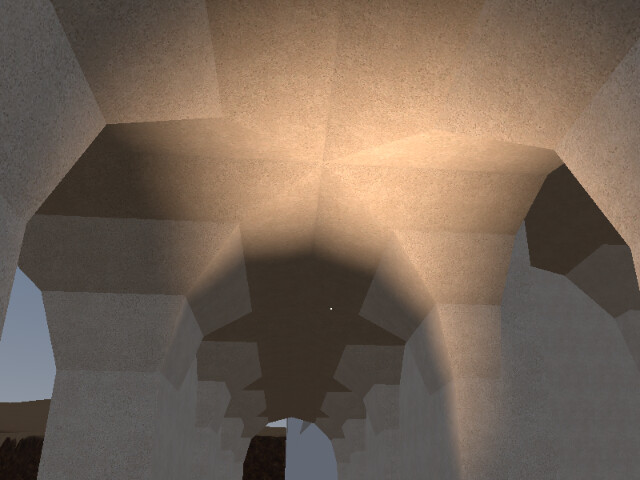
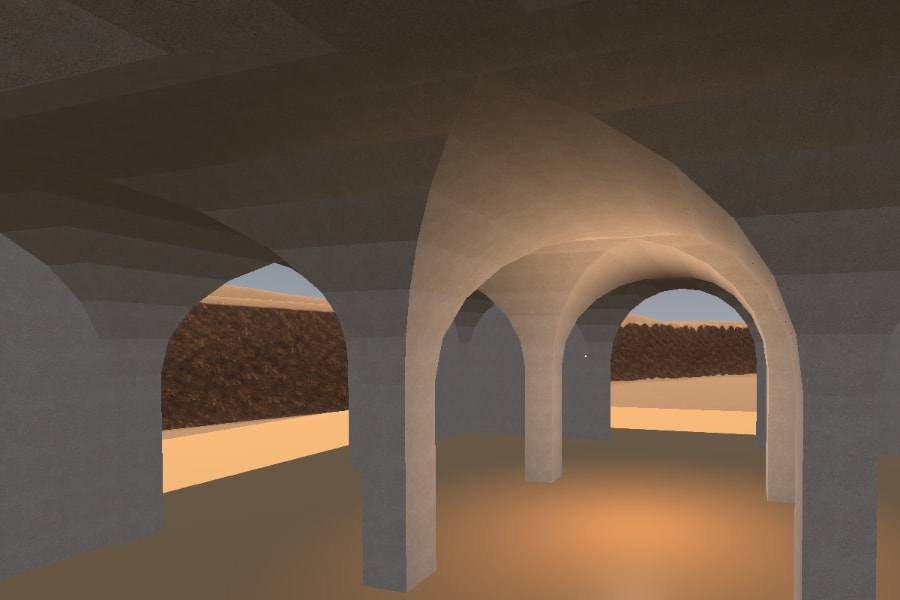
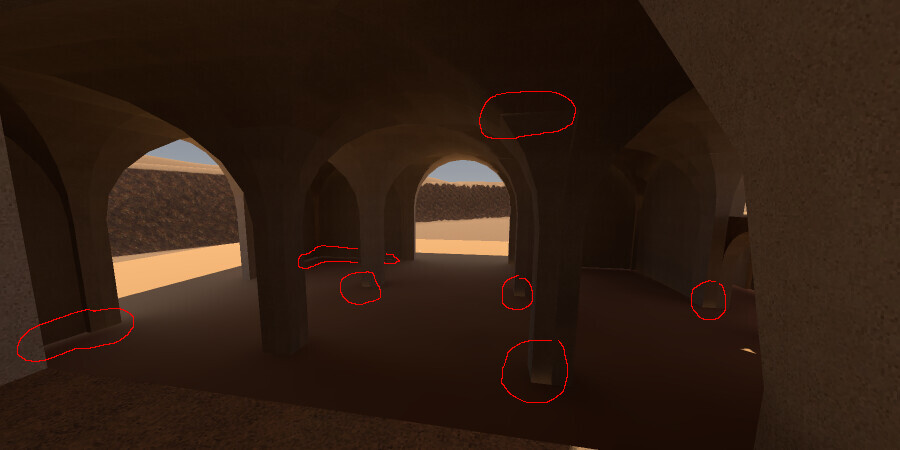
I have created these arched ceilings and I am noticing very extreme color banding on the different faces based on their angle. I first thought it’s caused by being inside a semi-enclosed space and this is just how it reacts on direct light from the sun being blocked.
But I turned off the sun and added an omni-light right under the arches and while it somewhat reduces the effect, the issue still remains. And I would really like the level to be lit almost entirely by ambient light without adding mysterious spots of light that have no diegetic source.
I don’t really know anything about lighting in Godot yet. What is going on here with the top faces of the arches getting this dark? I could double the number of faces on each arch to get more gradient steps, but it would still look pretty out of place.
Any hints or pointers what I should look into to get a more uniform color on ceiling textures?
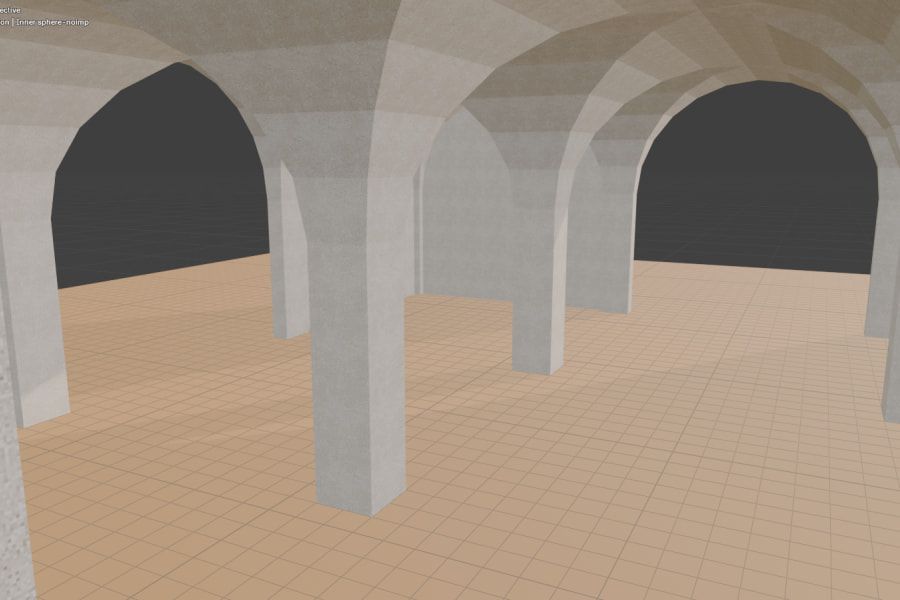
The brightness gradient is still there as the pillars reach the ceiling, but it’s much less than the default lighting in Godot. That there is a gradient isn’t a surprise, but it’s very strong in Godot and I am wondering what can be done to reduce the severity, without having to put lights under every individual ceiling in the game.
That is correct. But doing so would completely change the art style of the game.
And it would only make the gradient smoother. It wouldn’t reduce the intensity of the contrast between the lightest vertical areas and the darkest horizontal areas.
I’m not really sure what you’re trying to achieve. Can you make a mockup in blender of how it should look, or provide a reference from some other game?
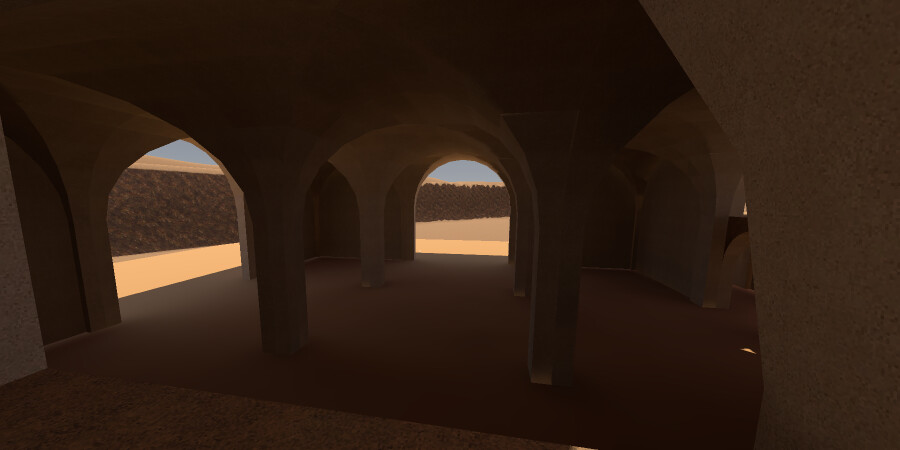
This is what I was trying to do. The scene in Godot with Global Illumination.
It also does a lot of other things I’ve not even been thinking about yet at this point, but it makes the pillars and ceiling look like they are the same color. Which tells me that this issue is something that will go away later in development of this level anyway and doesn’t need any specific touching up at this stage.
The screenshots with the color banding — is that from your own camera controller object or from the debug ‘Override Camera’ ? I don’t know the specifics but I know that they render things differently. Try comparing a shot of the ceiling with your camera vs the free cam. At the very least it might give you a clue
ps. love the art style. its giving serious sam vibes
And I hate to say this dude but it looks like you’ve got several issues going on with your mesh. @normalized is probably right. Check your normals (he would probably know LOL)
if your %100 certain that your mesh has good normals / vertices, %100 certain that a shader isn’t causing it, and %100 certain that theres nothing else in your scene that’s causing the issue then your should try to reproduce the glitch in several different scenes and file a bug report
Dose those objects get rendered on poth sides of the facees (to test this remove the collider and walk into) if this is the case you have to go to blender or into your material settings in godot and enable culling.
And just use 100% sealed moddels.
I faced similar problems a few days ago and this solved the issue for me.