I started trying out LightmapGI today, and when there is a hut or any other kind of building in an outdoor map, the daylight is always leaking through all the corner with the default settings.
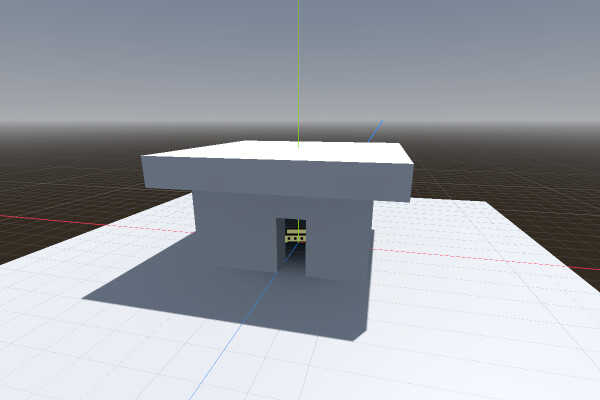
I made this very simple model and imported it into a new project to make sure nothing else is causing interference, but it’s still leaking heavily.
Turning on supersampling with 4 bounces makes the leaking unnoticeable on this tiny test map, but on the actual 512x512 meter map of my game, this only makes the edges of the leaks look sharper but doesn’t reduce the leaking itself in any meaningful way.
Is LightmapGI simply not suitable for mixed indoor and outdoor scenes, or am I doing something wrong here? Though I can’t imagine what, given that this is the most simple setup I can think of.
Naturally this might not apply to this case, but I had similar issues before when my lights didn’t have shadows enabled. Someone will likely give you a proper option, but in my case this has always been a shadows not enabled problem.
The light source is a DirectionalLight3D as the sun, and that has shadows set on. And visibly casting shadows behind the buildings. And inside the building before the LightmapGI is added.
Then there is the ambient light from the WorldEnvironment, but that one doesn’t have any settings for shadows.
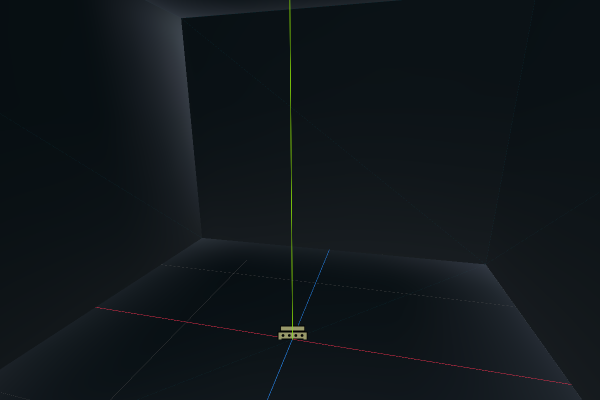
Perhaps this is further useful information:
When I hide the DirectionalLighting3D, the building with the leaking light looks like this.
I don’t know where you got VoxelGI from, there is no mention of a VoxelGI in this entire thread, this is about LIghmapGI.
LightmapGI does leak light in some scenes. You can make the walls thicker and increase texture size to try to hide it, another thing is to make sure there are no holes or separation between the faces, and that all walls have two sides. You could also try increasing the baking quality.
Increasing polycount could also help.
Other than that I have not been able to find a solution to this problem, there are many issues open about these artifacts, it might get patched eventually, meanwhile we might have to just live with it.
Increasing the wall size from 1m to 2m removes the leaking at the top and at the sides, but it’s still leaking at the floor. Even at 4 meter walls, the leaking at the floor still persists.
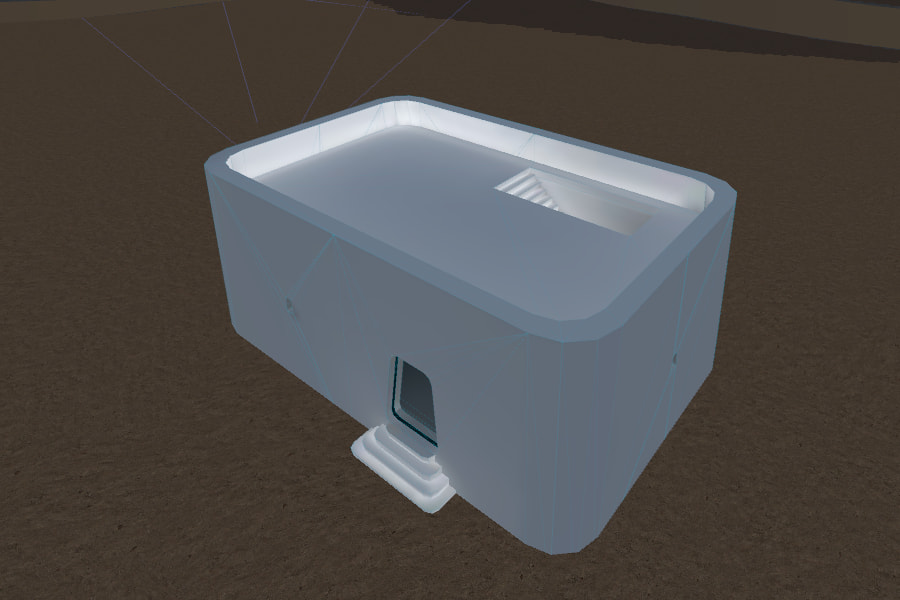
I’ve seen great improvements by making loop cuts in the inner walls where the railing meets the roof floor and where the ceiling meets the inner walls. Meaning the light has to spill from the directly light faces onto a hidden face, and then again to the interior room faces.
Going from one face over an edge on another face seems to significantly reduce the range of leaking.
passivestar has been investigating those issues in a GDScript port of the lightmapper (the rewrite was done to make it easier to troubleshoot, then port the fixes to the C++ version):