Godot Version
4.7 Stable
Question
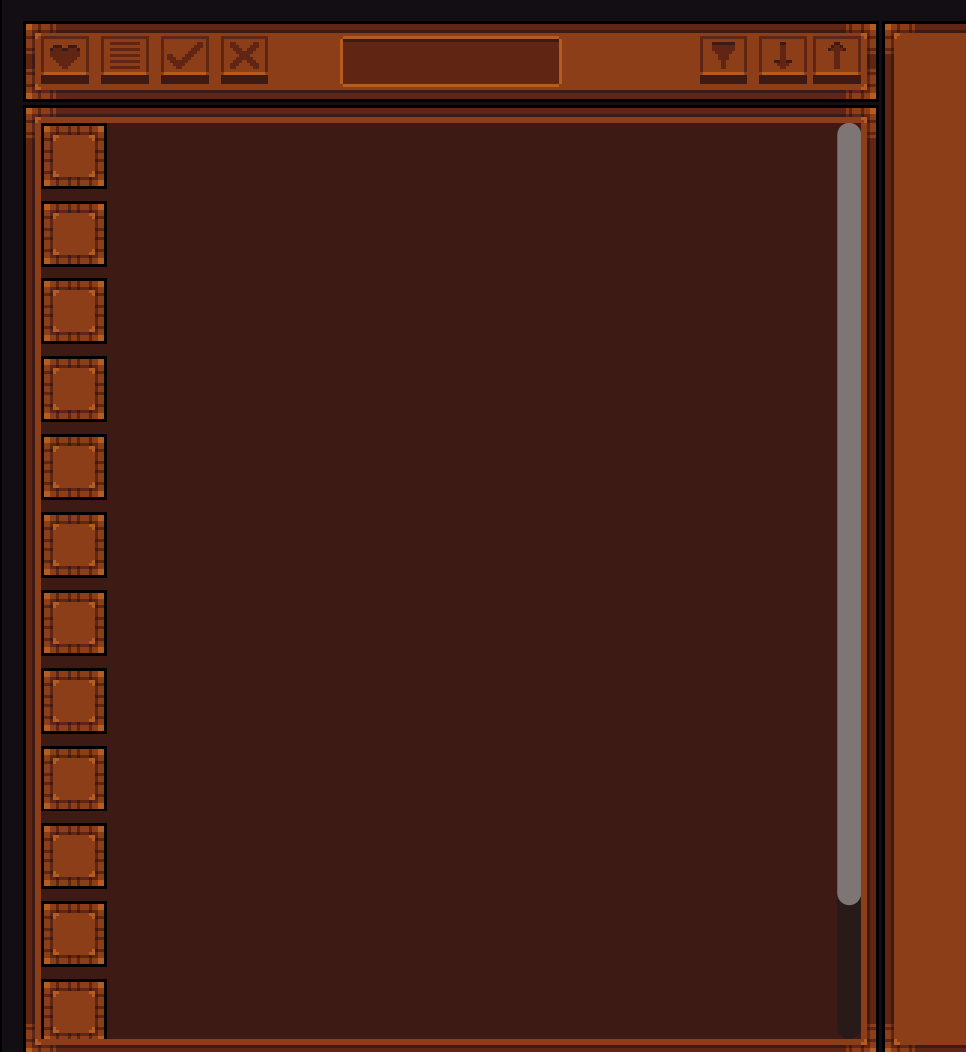
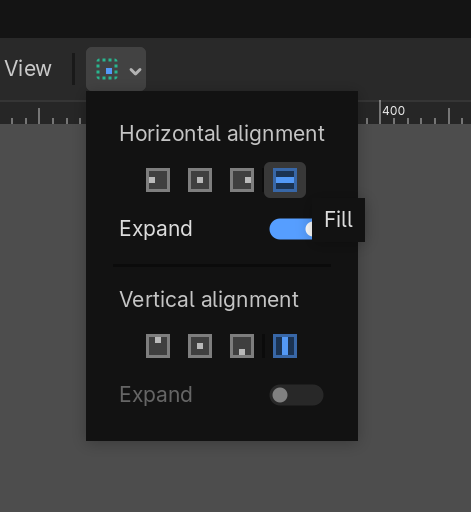
I need help with making a list using Nine Patch Rect. I know that it would be better to use a Texture Rect but I am curious to see if it’s possible to use Nine Patch Rect instead so i don’t have to make different texture sprites. The issue is that using a regular Box Container doesn’t let me scroll and using a Scroll Container just doesn’t let me change the size of Nine Patch Rect
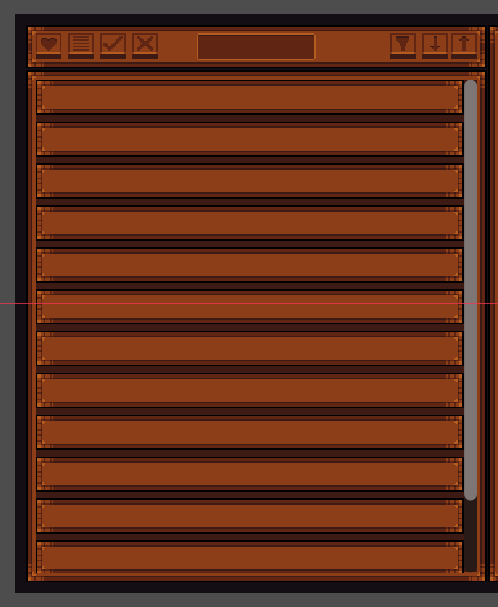
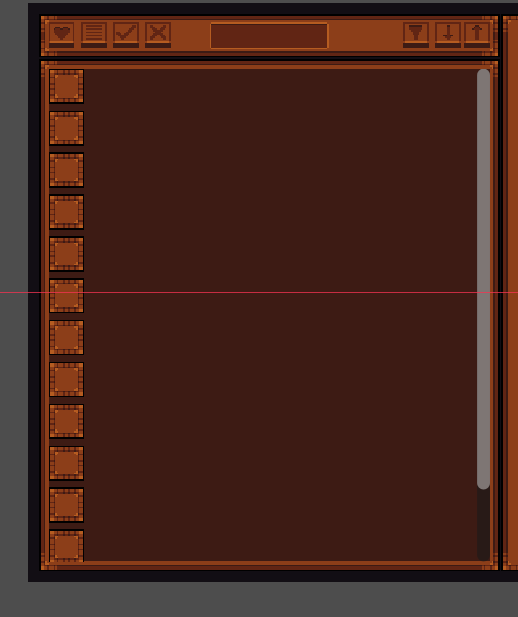
This is what i wish to achieve using Nine Patch Rect.
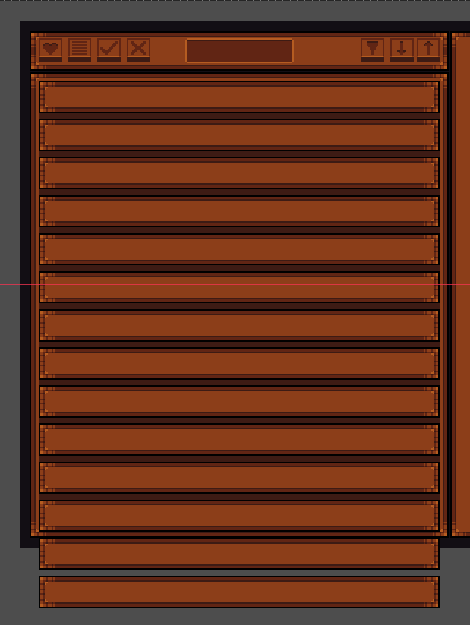
This but scrollable and the items inside of it don’t go outside and are clipped like a normal scrollable element.
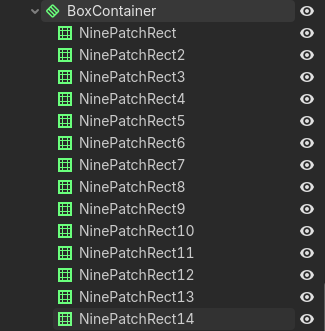
This is the node for the “wanted” look its just missing the scrollable part.
However when I tried to use the Scroll Controller this is what happened.
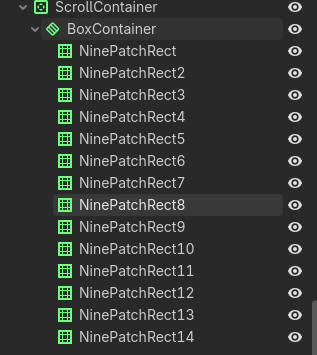
I’ve also tried using a VBoxContainer but nothing.
Any help is appreciated I would really like to avoid having to manually draw the sprites.