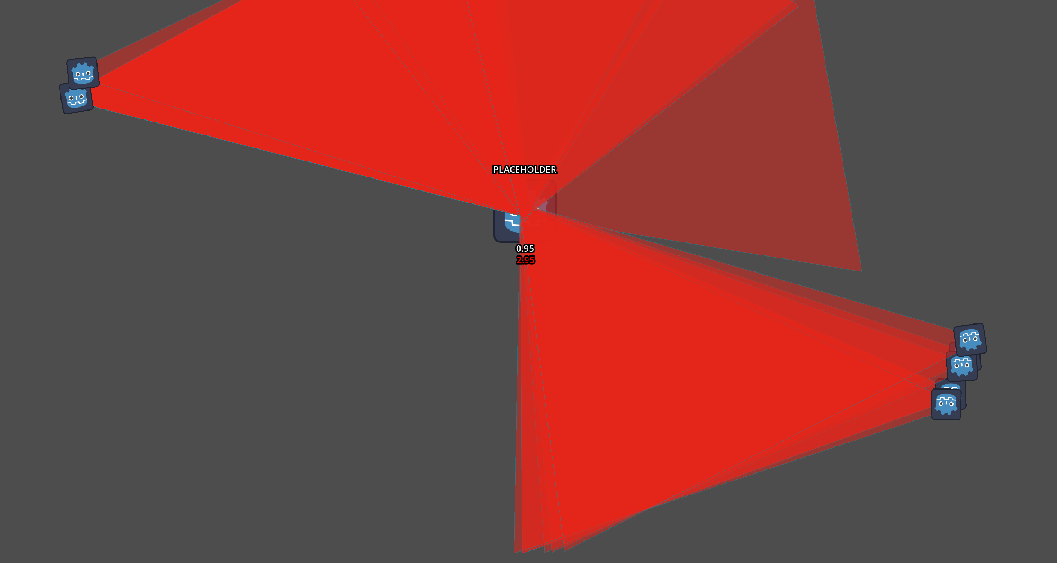
after instantiating the hitbox scene, it doesnt appear with the indicated position and rotation, i was wondering if yall could help me with this
code for the hitbox :
extends Area2D

func _ready() → void:
#sets rotation to face the mouse
rotation = global_position.angle_to_point(get_global_mouse_position())

#loads the damage screen effect
var damage_scene = preload(“res://damage_effect.tscn”)
func _on_mouse_entered() → void:
#applies it
var damage_effect = damage_scene.instantiate()
add_child(damage_effect)

#deletes the hitbox after 2.5 secs
func _on_delete_timer_timeout() → void:
queue_free()
code for the enemy :
extends Block

#every 3 secs, spawn hitbox
func _ready():
$damage_timer.timeout.connect(do_slam_attack)

#preload the hitbox
var triangle_hitbox_scene = preload(“res://scenes/triangle_hitbox.tscn”)
func do_slam_attack():
print(“attack!”)
#load and add the hitbox to the scene tree
var triangle_hitbox = triangle_hitbox_scene.instantiate()
add_child(triangle_hitbox)
You need to set the position as well. If you intend to move, the scene you parent them to around, parent the scenes to something else. Otherwise they will follow your player or whatever around as the player moves. In that case instead write damage_effect.global_position = whatever global position you want it to be
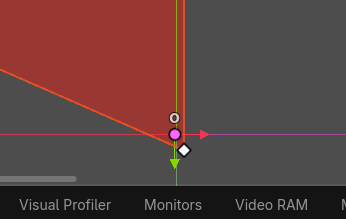
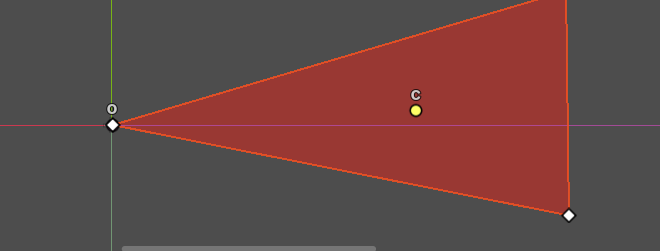
i checked the remote tree, and all of these are at position 0,0, it seems like if one edge of the triangle is always on the center of the enemy, but its not the correct edge (the one with the godot icon is the one thats supposed to be inside the enemy)