Reasons Why Lights and Shadows Don't Look Good in Dark Scenes

Description

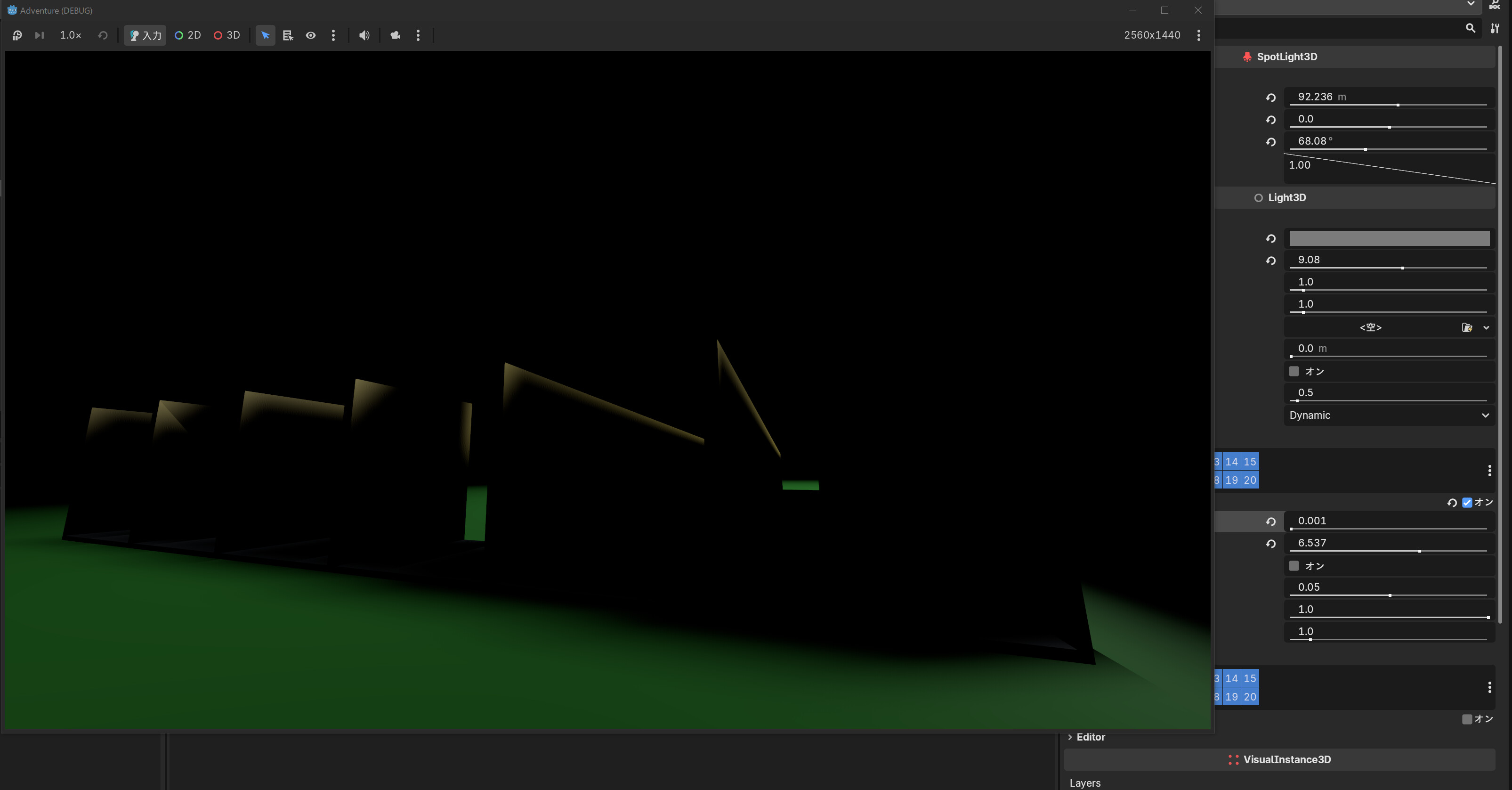
I’m working on an image where I want to create an effect where a light illuminates the darkness, but I’m encountering the issue shown in the image.

What I Want to Create

An exploration game where the player explores a map while using a light to illuminate the darkness.

Project Status

I’ve placed corridors using GriMap.

What I Want to Know

I want to resolve issues 1 and 2 to create a clean, realistic effect for the darkness.

Issues

  1. Light enters the interior of the corridors, so they don’t appear dark.
  2. The shadows on the outside of the corridors look jagged and don’t render smoothly.

What I’ve Tried and Investigated

Changed anti-aliasing to TAA.
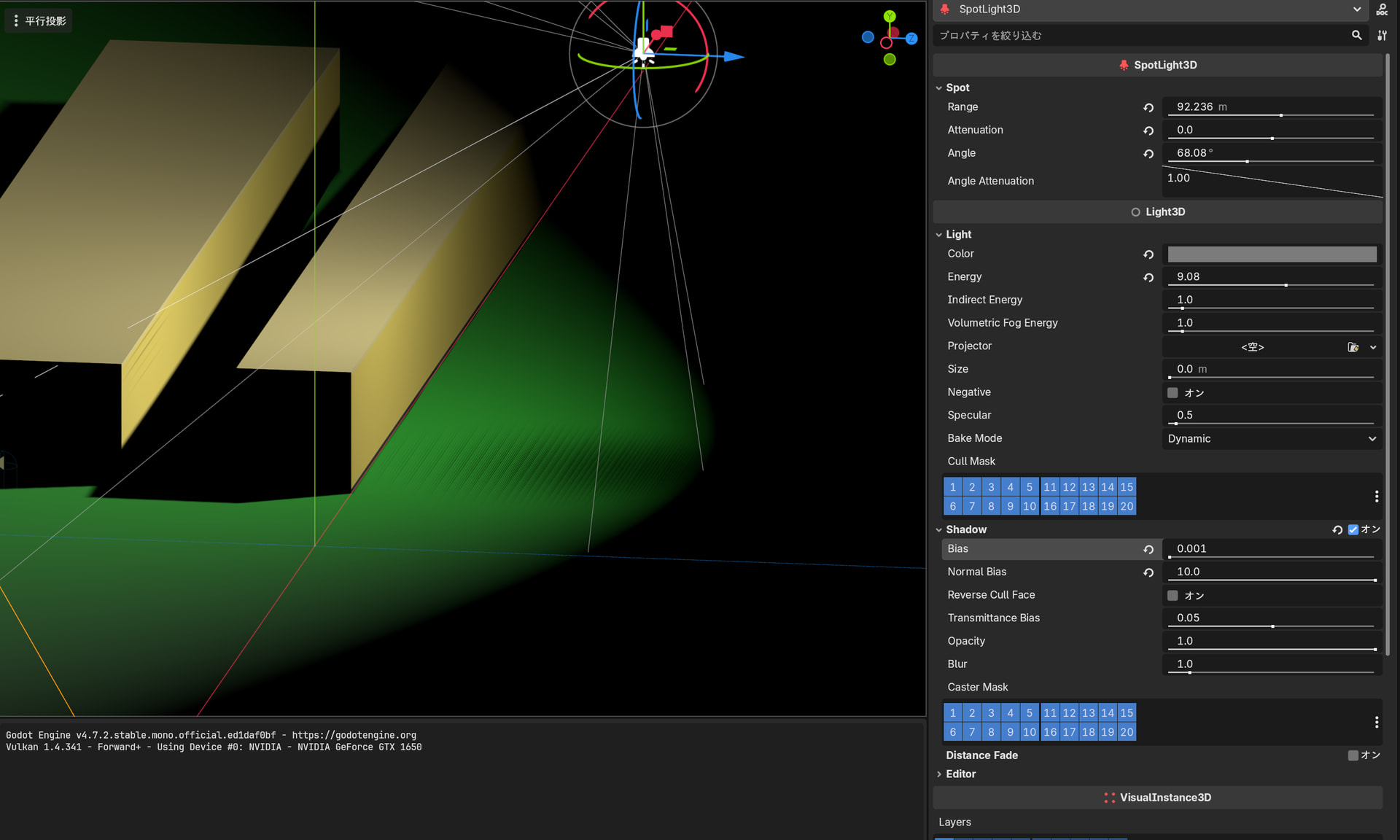
Adjusted the “bias” and “normal bias” settings in the shadow settings.
Also adjusted cast shadows.

Current Status

When I fix issue 1, issue 2 doesn’t get fixed, or vice versa.
As I’ve found, I can only fix one of issues 1 or 2 at a time.


Your shadow bias should never be 0. It should be as small as possible but large enough to eliminate shadow acne for your typical camera view and shadow map size.

I set the values as shown in the image and ran the program,
but light is coming through the ceiling in the hallway.
Why is this happening?
I suspect there might be something else needed besides these two parameters.

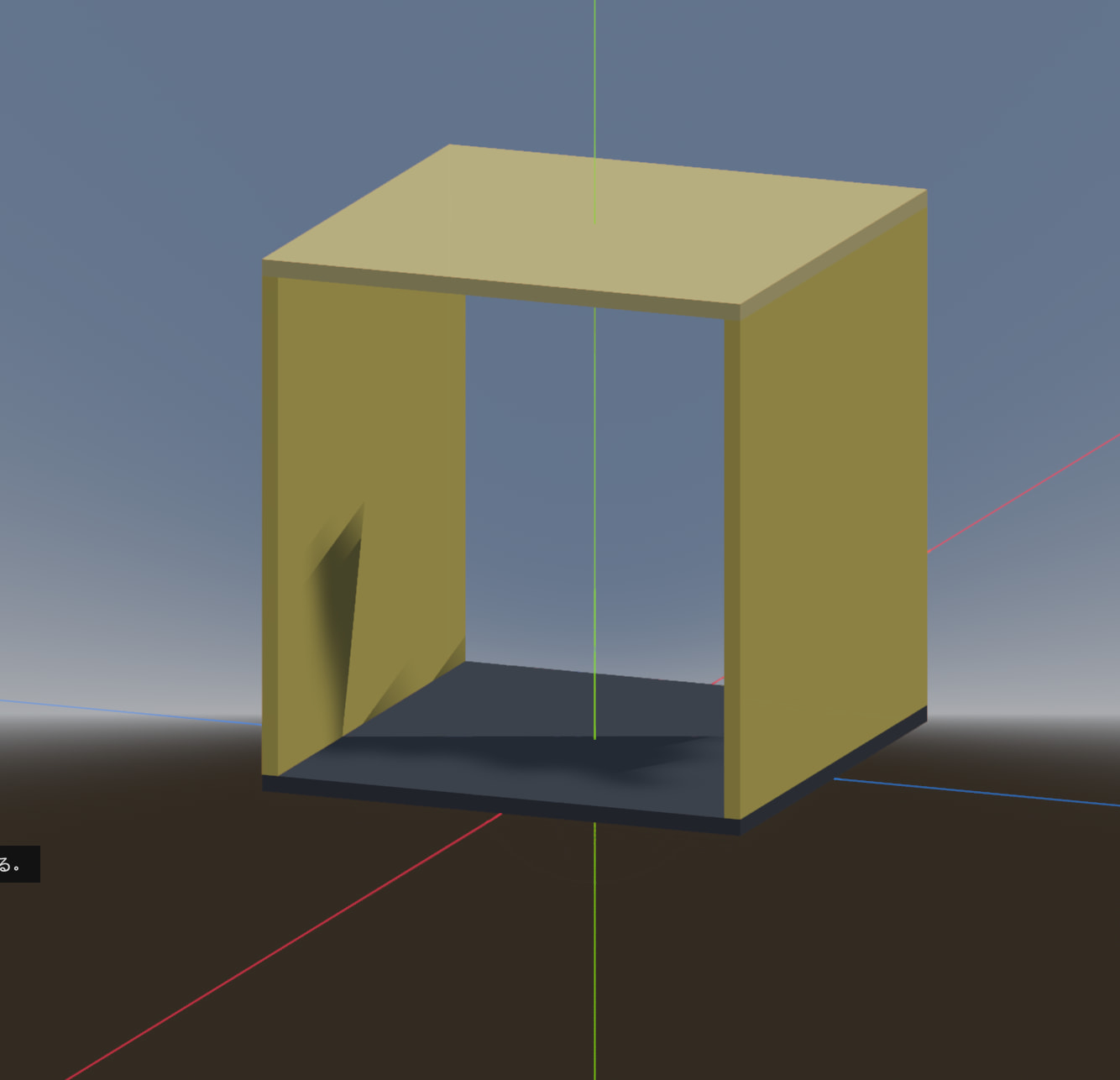
To minimize the shadow bleed, your walls should be “solid” boxes, not just planes.
Note that some artifacting is always expected with shadow maps. They’ll never be perfect unless your shadow map size is enormous. It’s a balancing act to minimize the artifacts by adjusting the parameters. The perceived quality is view dependent, so always tweak the shadows looking from your actual game camera instead of editor camera, and always use the actual light setup you plan to have in the game.
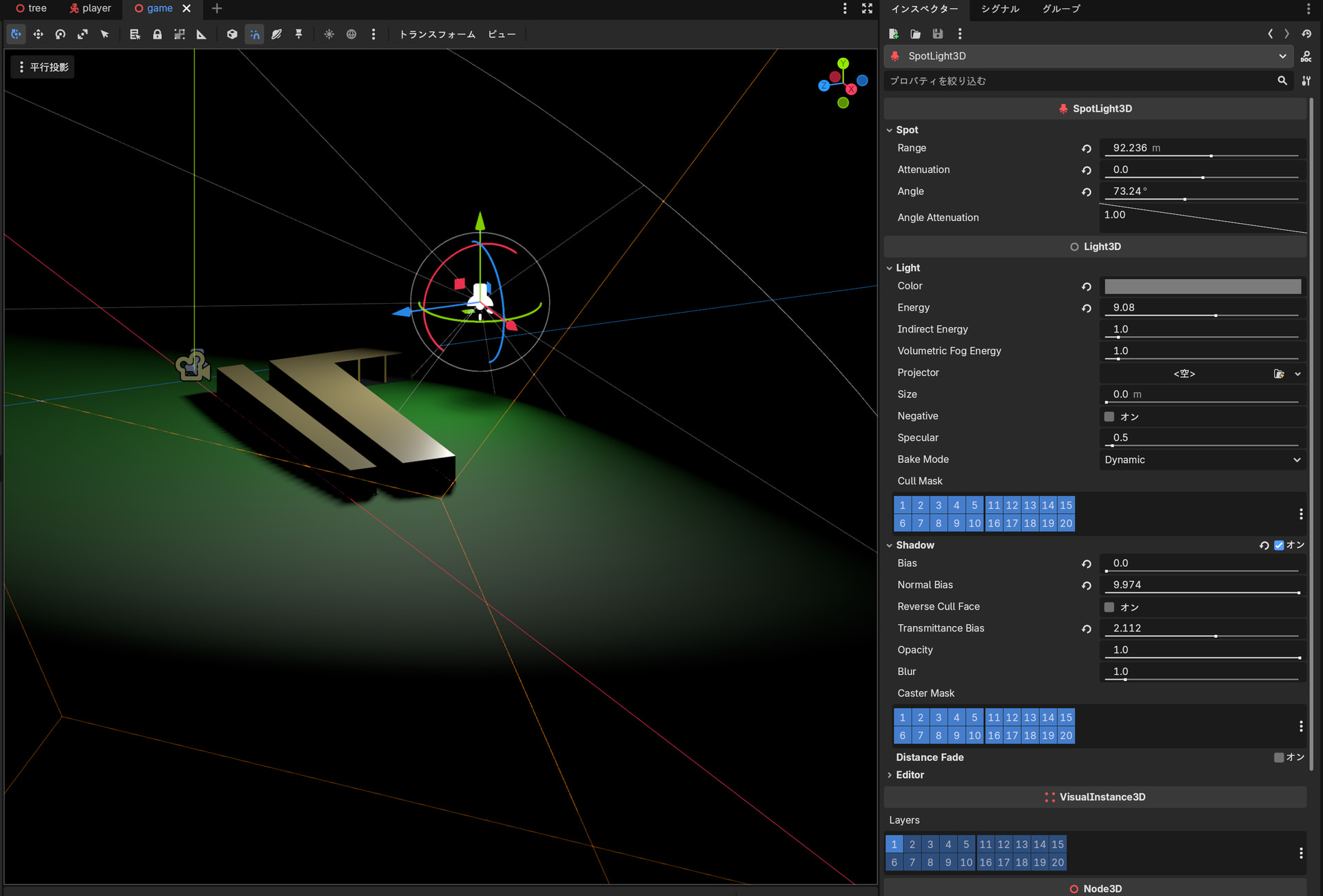
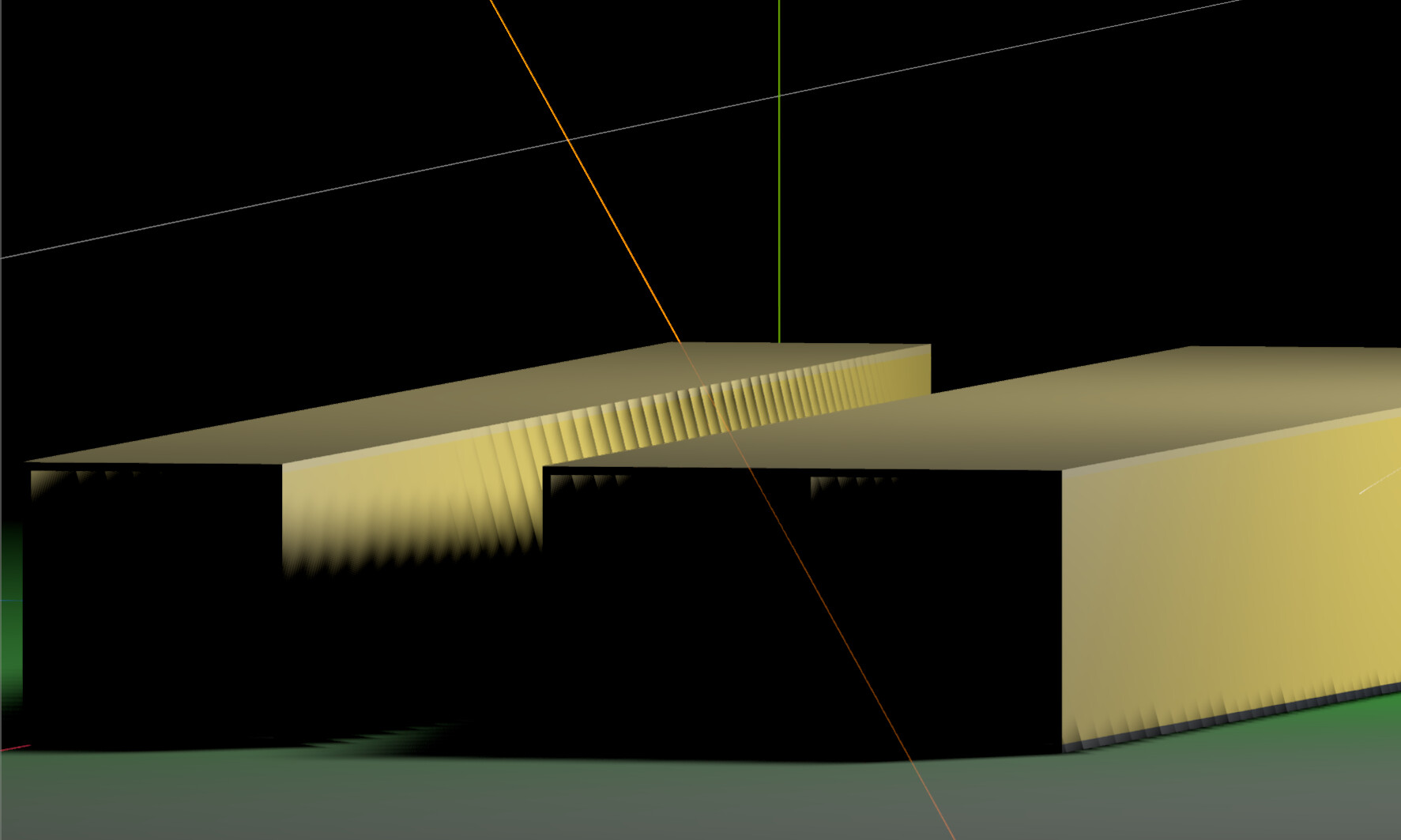
I tried it as shown in the image, but I can’t get it to look right.
It’s a spotlight. Why is that?


Is your camera projection set to othogonal?

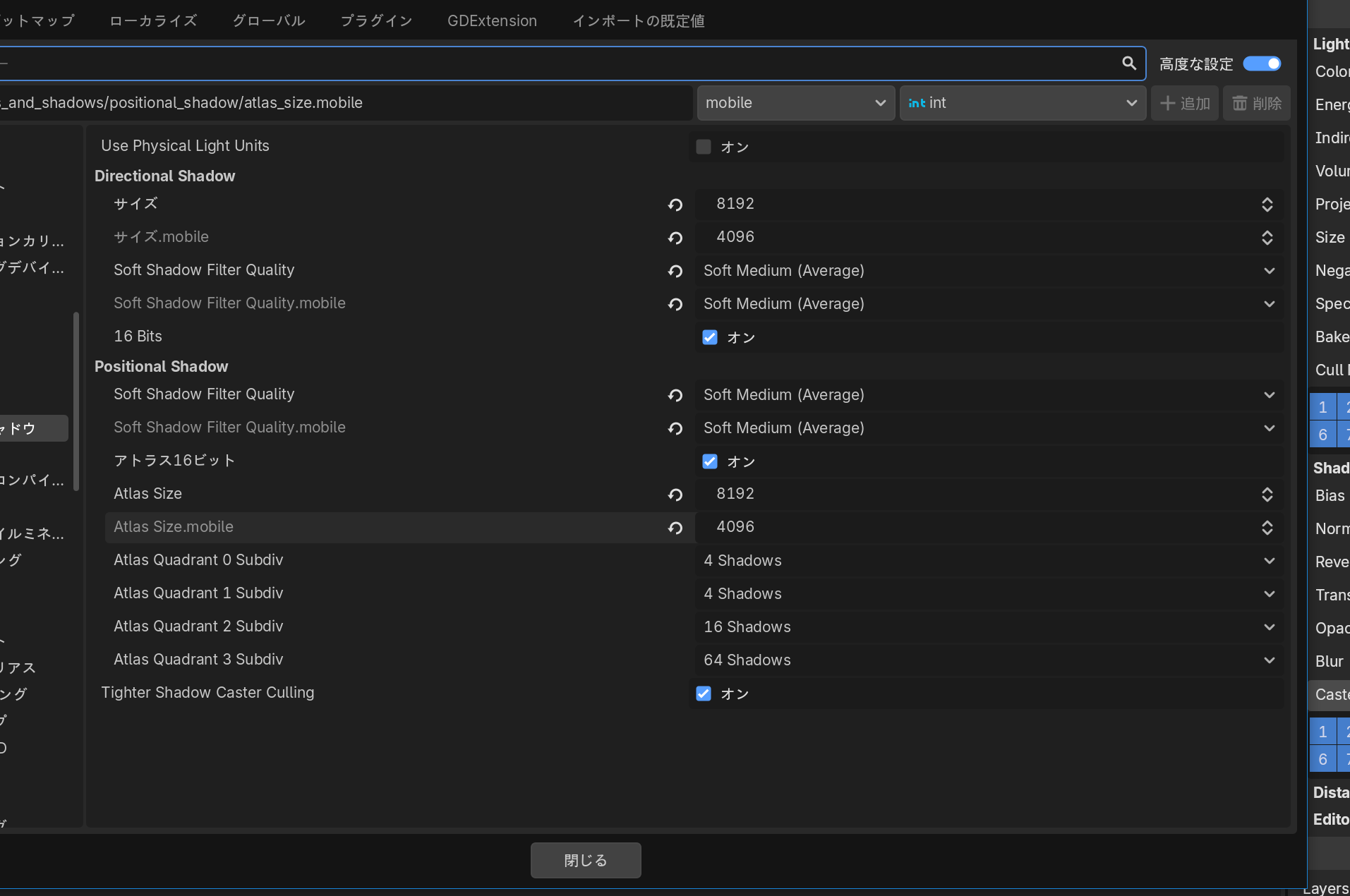
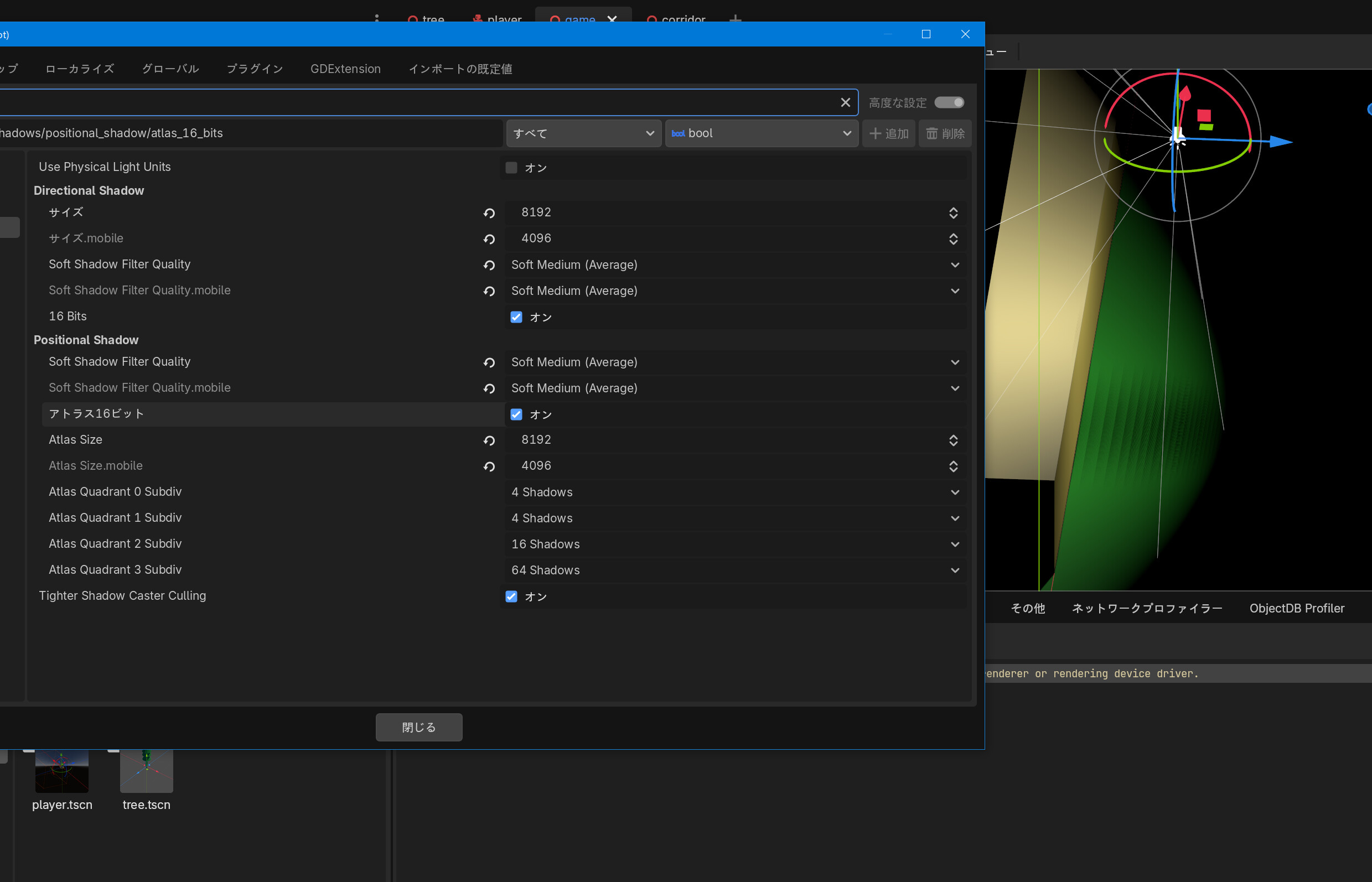
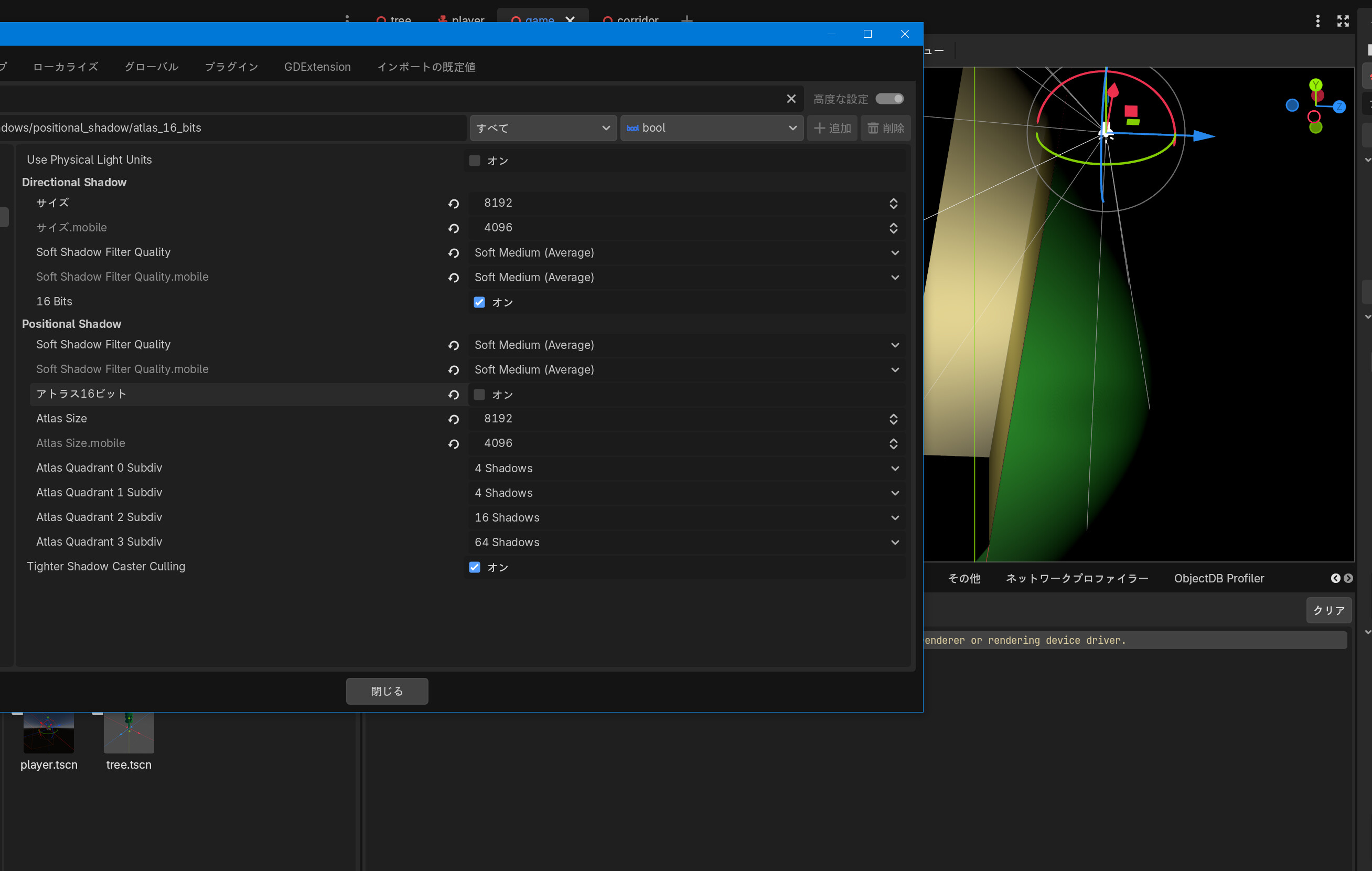
The issue was resolved when I turned off the “Atlas 16-bit” setting. Now, no light enters the hallway either.

Cause

Turn off the “Atlas 16-bit” setting