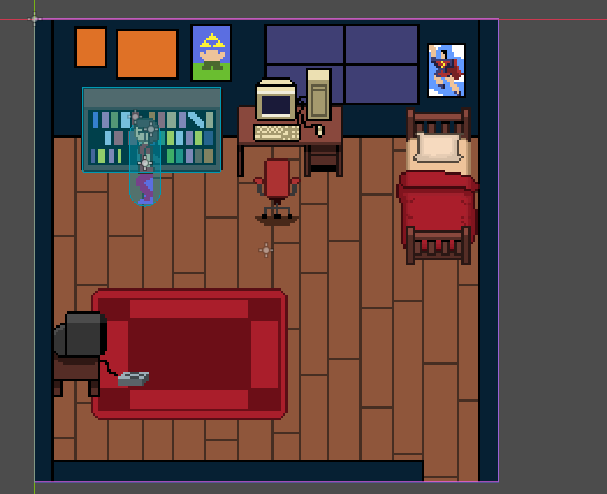
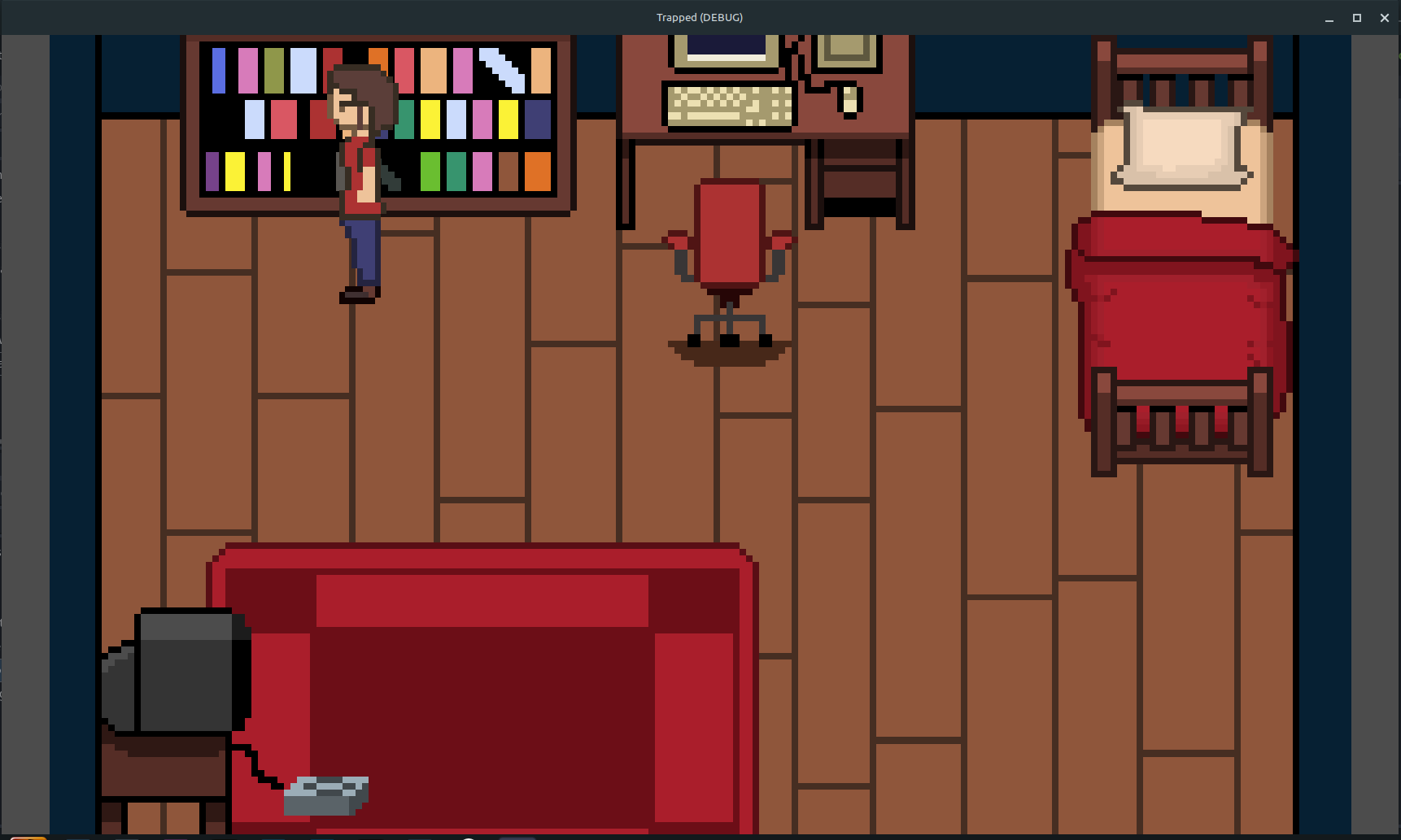
I got a view that covers half of the scene, not the full one (like the one up)
My viewport width and height is 1600x1600
I got a 2D camera who is well adjusted to this size, but when I run the scene, I only see half of it.
My question is, why the camera (or the debug run) can’t adjust to that width and height? I’m trying to check in the documentation but I got nothing and I’m a bit lost. I searched for something like resolution but I didn’t find anything either.
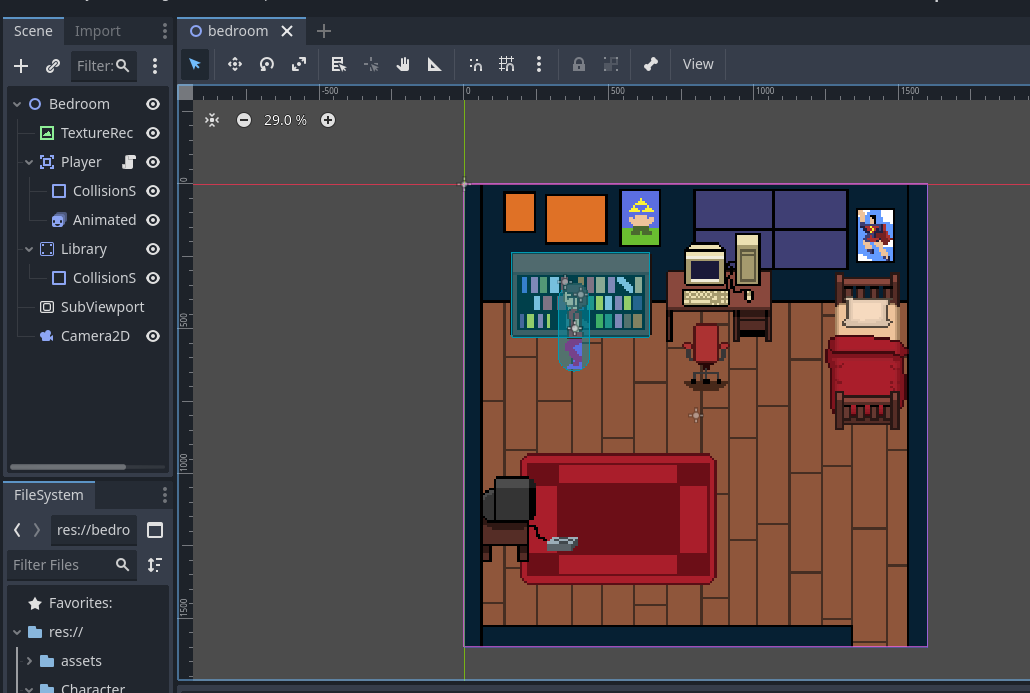
Before anyone can help with this I think we’ll need a full screenshot that includes your scene tree and the scene, with the camera selected so its settings and transform are visible in the inspector.
My best guess is there’s something wrong with the Camera2d, but I can’t see it without seeing all of the camera’s settings, and its position in the scene and the scene tree.
Instead of scaling your pixel art to the viewport, set your viewport size to the same size as the height and width of pixels in your scene’s art
Your art looks to be roughly 128x128, so set the viewport to 128x128 (check first) and scale the art to its true size (1,1) in the editor.
Then in project settings, set stretch mode to viewport and scale mode to integer.
Your window will be tiny at 128x128, but it will be scaled correctly to your pixel art. Now you can set the initial window size when opening the game with Window Width and Height Override in project settings.
You will also have to adjust the camera to fit the new viewport size
Sorry about that! The forum limited the media I can upload because I’m a new user. Hope this helps to clarify the trouble. Although I think Marabo hit the jackpot with my issue!
 yeah I think i made a mistake in the art, I’ll try to scale it! Thanks again, have a great day!