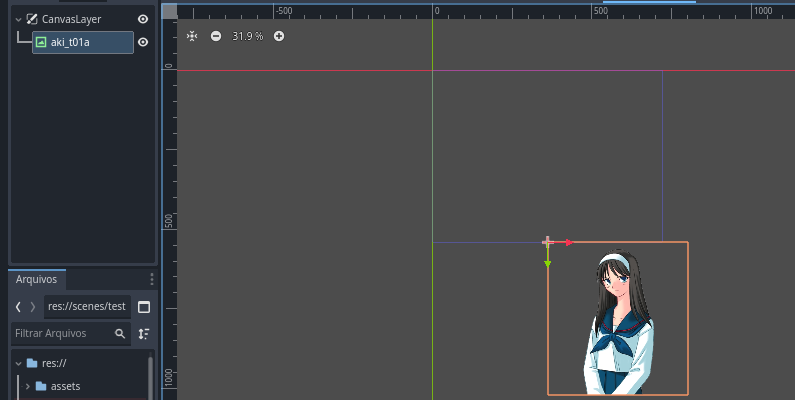
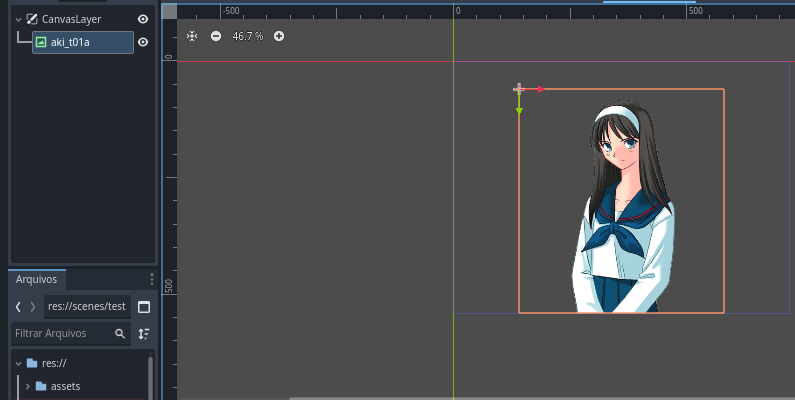
EDIT: Found a solution added at bottom of this post!
I tried really hard to recreate this as I thought I had an answer, but I could not get my generated texture rect to position itself with set_anchors_preset either.
My example texture rect for comparison with anchors set in the editor gave a global position of (499.0, 544.0) which was positioned correctly. The generated texture rect kept giving a global position of (499.0, 544.0). It was like the layout mode was set to position and not anchors. But you cannot change this in code, only in the inspector.
Anyway, it works fine if you have a pre-existing margin container set in the editor to anchor center bottom, and then just generate a texture into that without trying to set its anchors. Perhaps not a solution but a work around would be to put your character into a pre-existing container. (Although I can imagine plenty of reasons this might not be possible). It looks like you are doing a dialogue system so this might work for you.
I hope someone else can shed some light on this.
PS I used a canvas layer, with a child control node set to full screen, and tried to generate a texture rect center bottom within that set up. I got the same problem with the anchor mode for the rect being set to top_left still, instead of center_bottom
PPS It’s a bit silly, but doing this after add_child for the texture rect without a pre-existing container got it back to the right position.
	node.position.x = node.position.x - node.get_size().x / 2
	node.position.y = node.position.y - node.get_size().y
PPPS
Setting these things manually worked as well (Sorry to double post).
	var texture_size = node.texture.get_size()
	node.anchor_left = 0.5
	node.anchor_right = 0.5
	node.anchor_top = 1.0
	node.anchor_bottom = 1.0
	node.offset_left = -texture_size.x / 2
	node.offset_right = texture_size.x / 2
	node.offset_top = -texture_size.y
	node.offset_bottom = 0
	control.add_child(node)
FINALLY (30 mins of trying everything and anything later):
This worked:
	node.set_anchors_preset(Control.PRESET_CENTER_BOTTOM, true)
	node.set_offsets_preset(Control.PRESET_CENTER_BOTTOM)