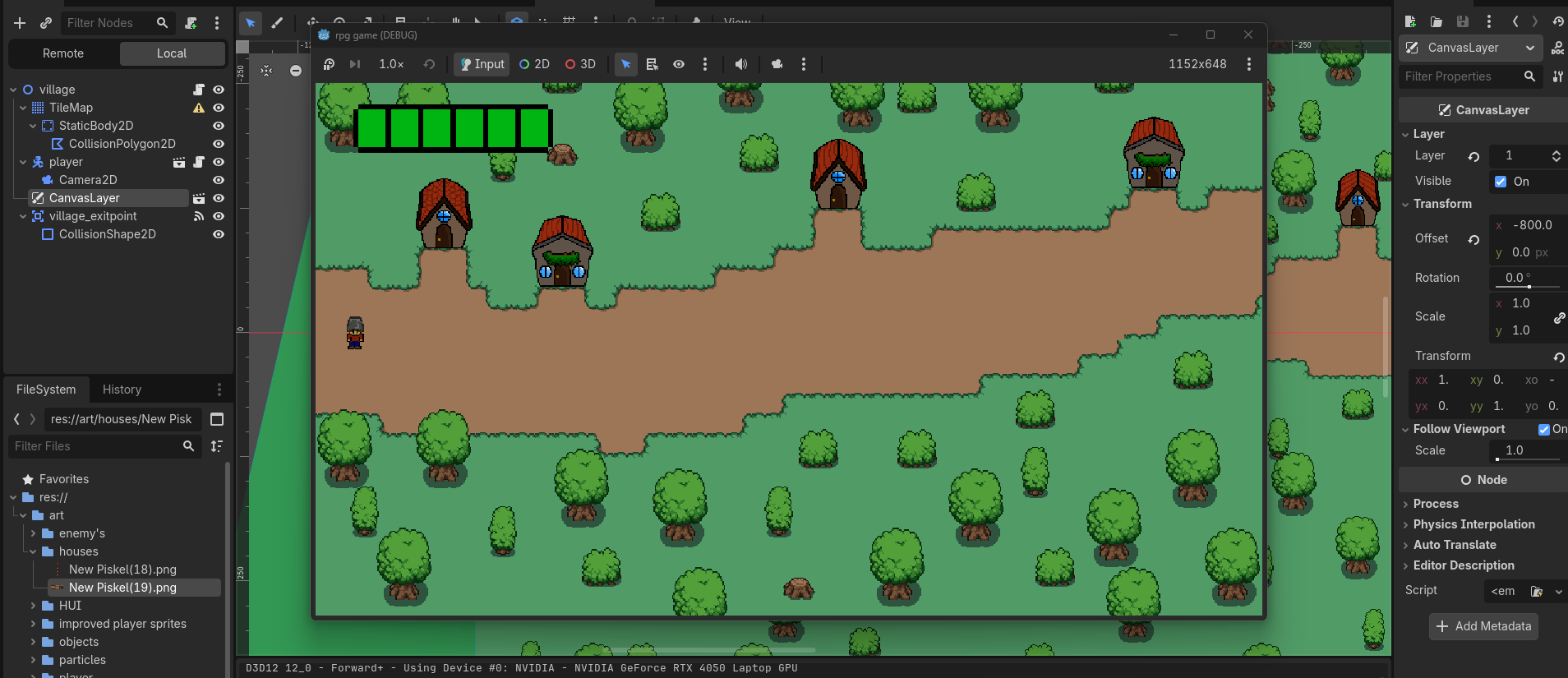
Okay so im trying to get a cool little health bar to show in the top left of the screen and for it to stay there (hui). I’v tried adding a canvas layer and no matter what I try it doesnt seem to want to work.
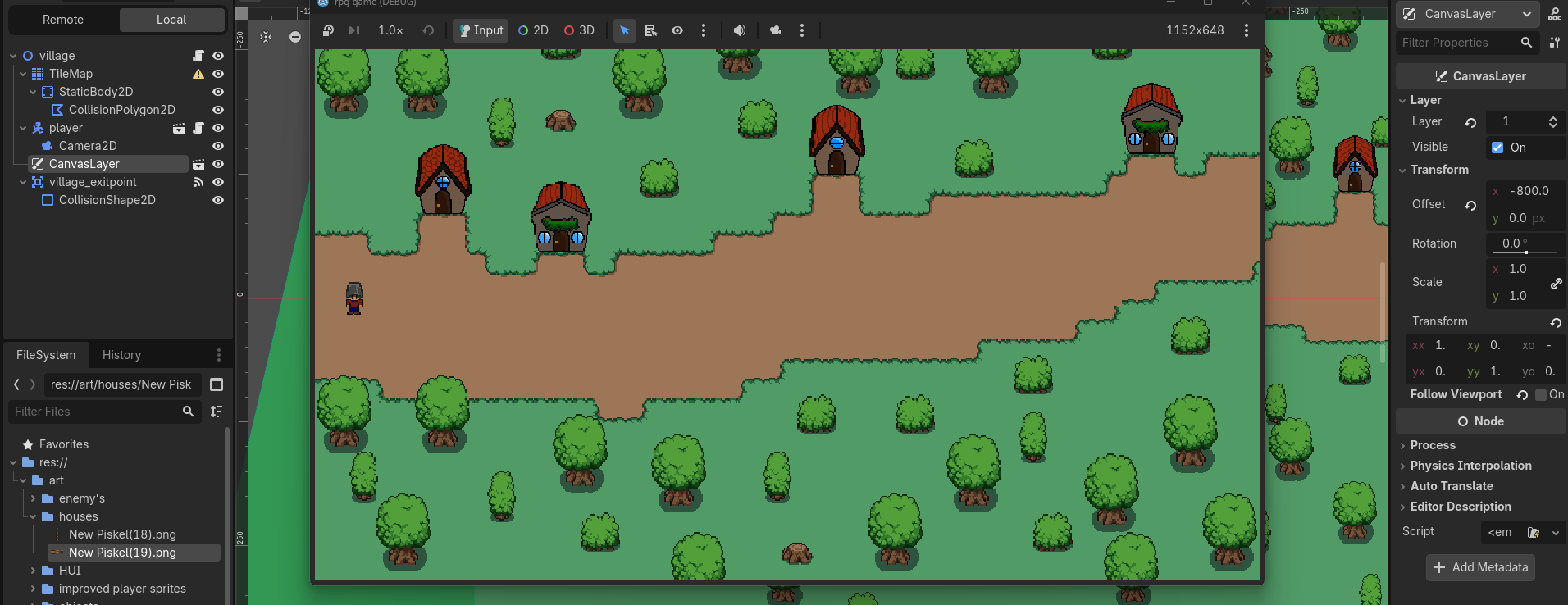
If i turn on follow Viewport it the health bar shows up but it stays as a still part of the scene and if i turn it off it just completly disapears.
extends Control


# Called when the node enters the scene tree for the first time.
func _ready() -> void:
	pass


# Called every frame. 'delta' is the elapsed time since the previous frame.
func _process(_delta):
	play_anim()

func play_anim():
	var anim = $healthbar
	var health = global.player_health


	if health >= 11:
		anim.play("health6")

	elif health >= 9:
		anim.play("health5")

	elif health >= 7:
		anim.play("health4")

	elif health >= 5:
		anim.play("health3")

	elif health >= 3:
		anim.play("health2")

	elif health >= 1:
		anim.play("health1")

	else:
		anim.play("death_health")
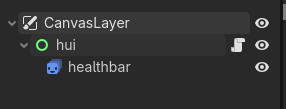
These are screenshots if you need to see anything about the insepctor or so and a picture of the code that i have set up for my hui. Originally my hui was set up as a node 2 but a just changed the parent root and connected the code to the control root instead, if thats helpful information.
Generally only Control nodes will actually respect the position of other control nodes. You are mixing control nodes with a Node2D. This might not work as you’d expect. Try to use a TextureRect instead since that’s also a control node, and use code or an AnimationPlayer to animate its texture changing.
You can tell what is what by their colours. Green nodes are control nodes, and Blue nodes are Node2Ds.
I was doing some further testing, after i wrote my responce and i tried just having a tag attached to a canvas layer alongside a control node. (Canvas layer - Control node - - tag) and the text i put on the tag, worked as usual with the movement. (it stayed in the top left of the screen with no issue)
i belive it could be somthing to do with my sprite 2D but ill try out your reccomendation. what ever works, works.
The problem could be with the animations. Probably not but worth to try. Just comment it all out. Make the function do nothing by commenting everything out and adding “pass”.
yeah i found the problem everyone. im just a dumbass and didnt realise that the purple rectangle represents the screen. I found it out last week sorry for the hassle.