Where to start with traffic?

Godot Version

4.7.2

Question

How to make a simple traffic in city, such a car stops when someone crossing the road, it be driving on correct lane, and wait on red light, and giving way.

Where should I start with making it?

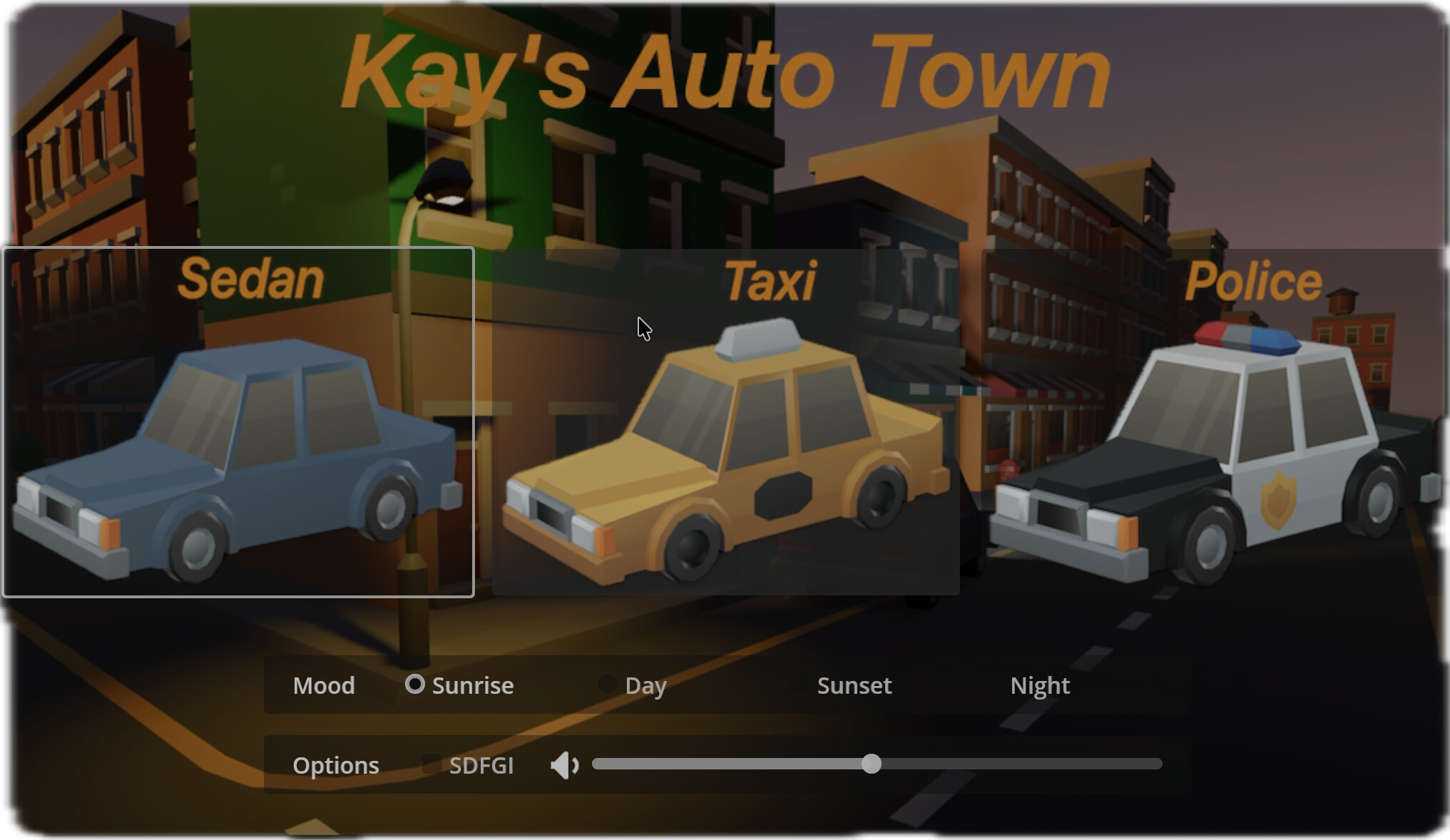
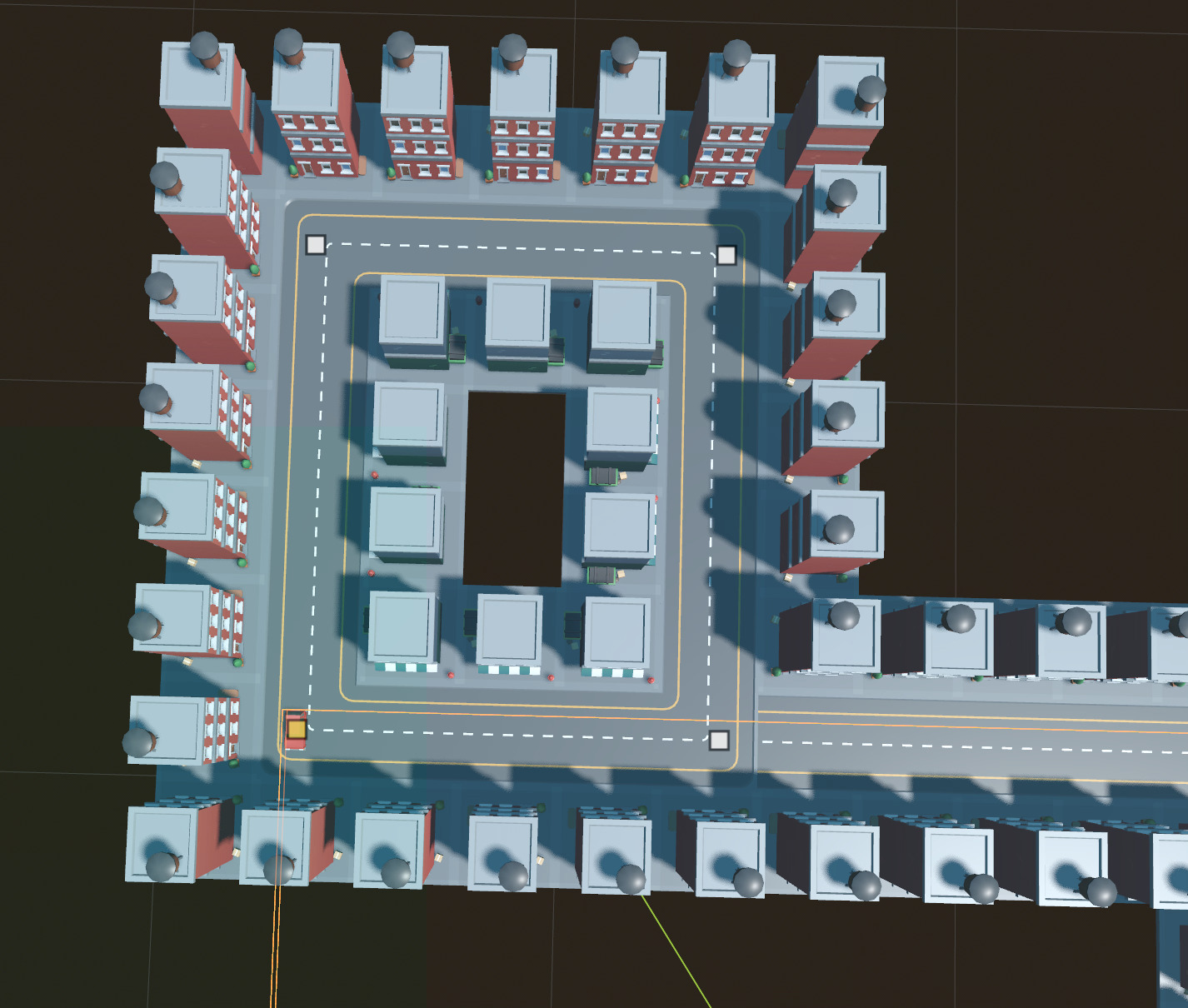
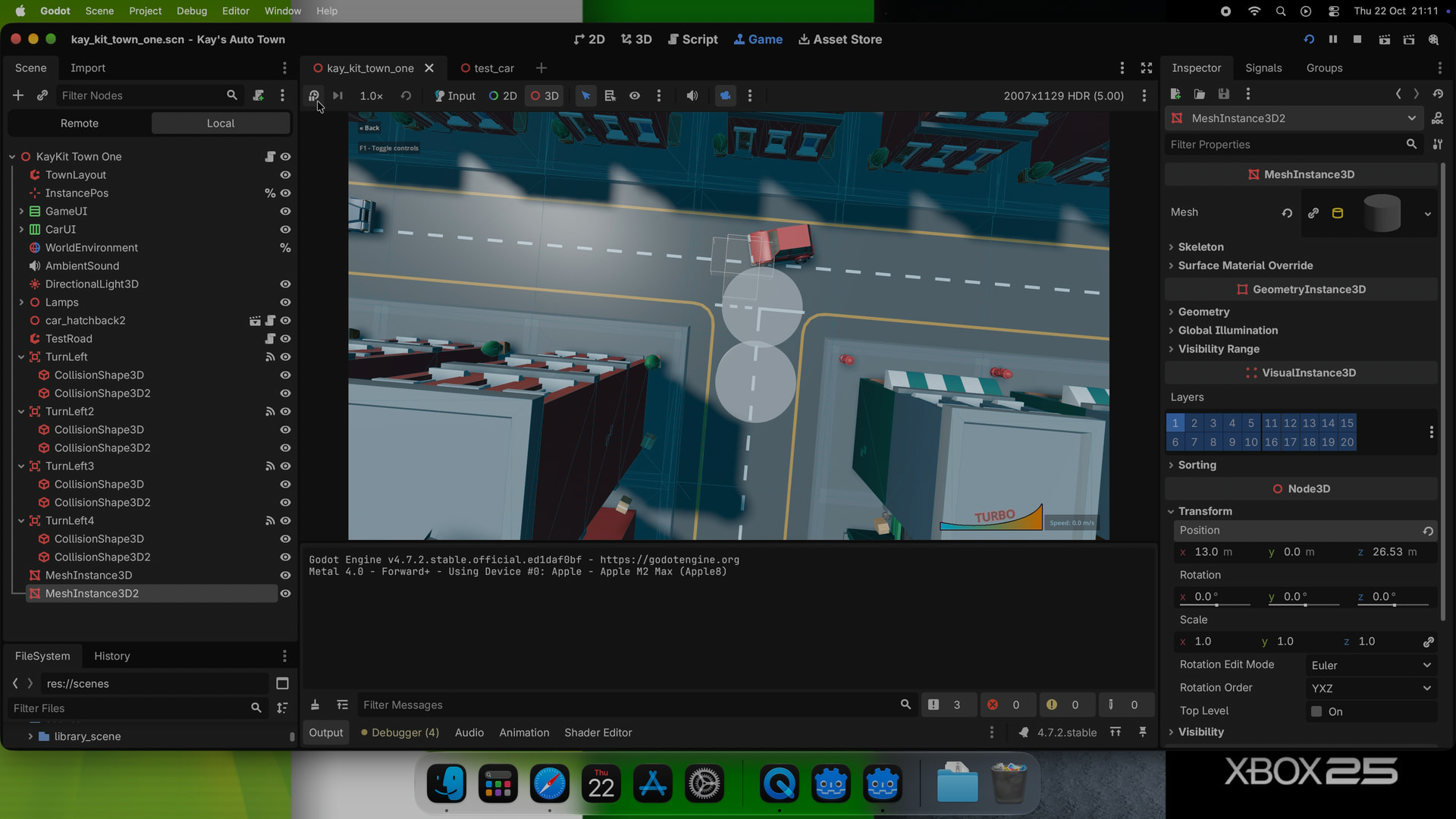
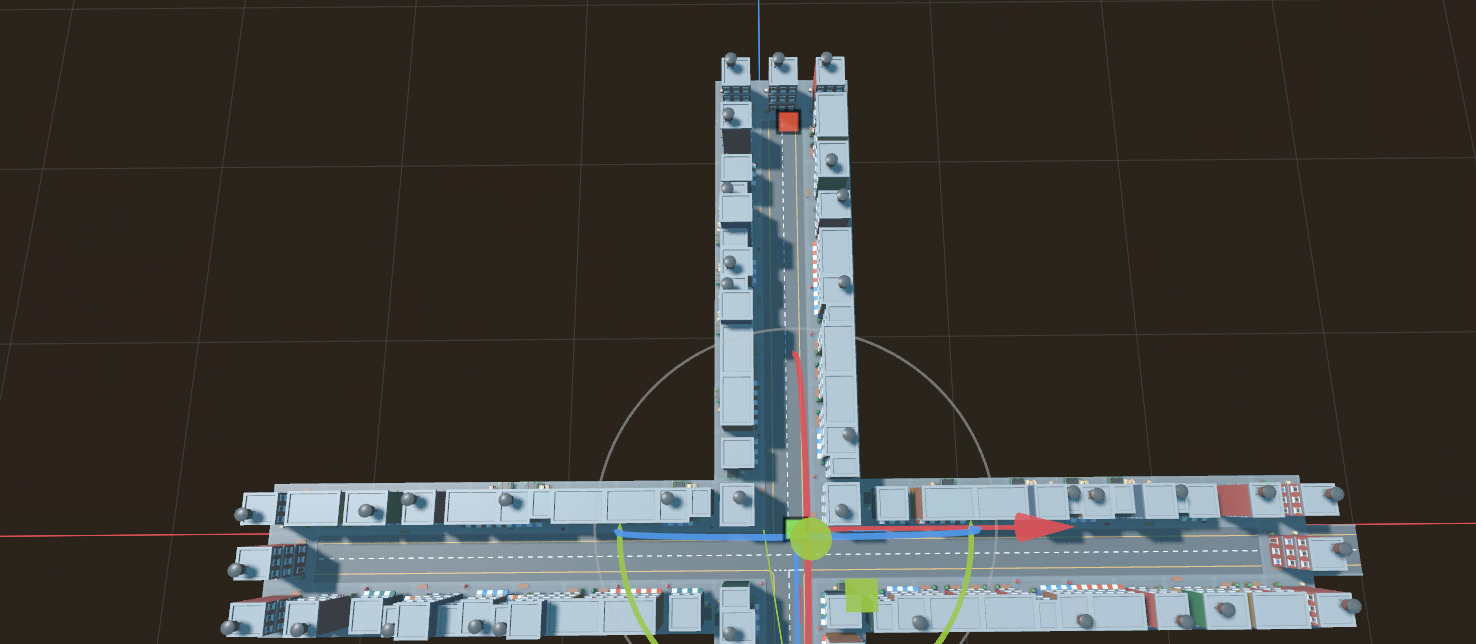
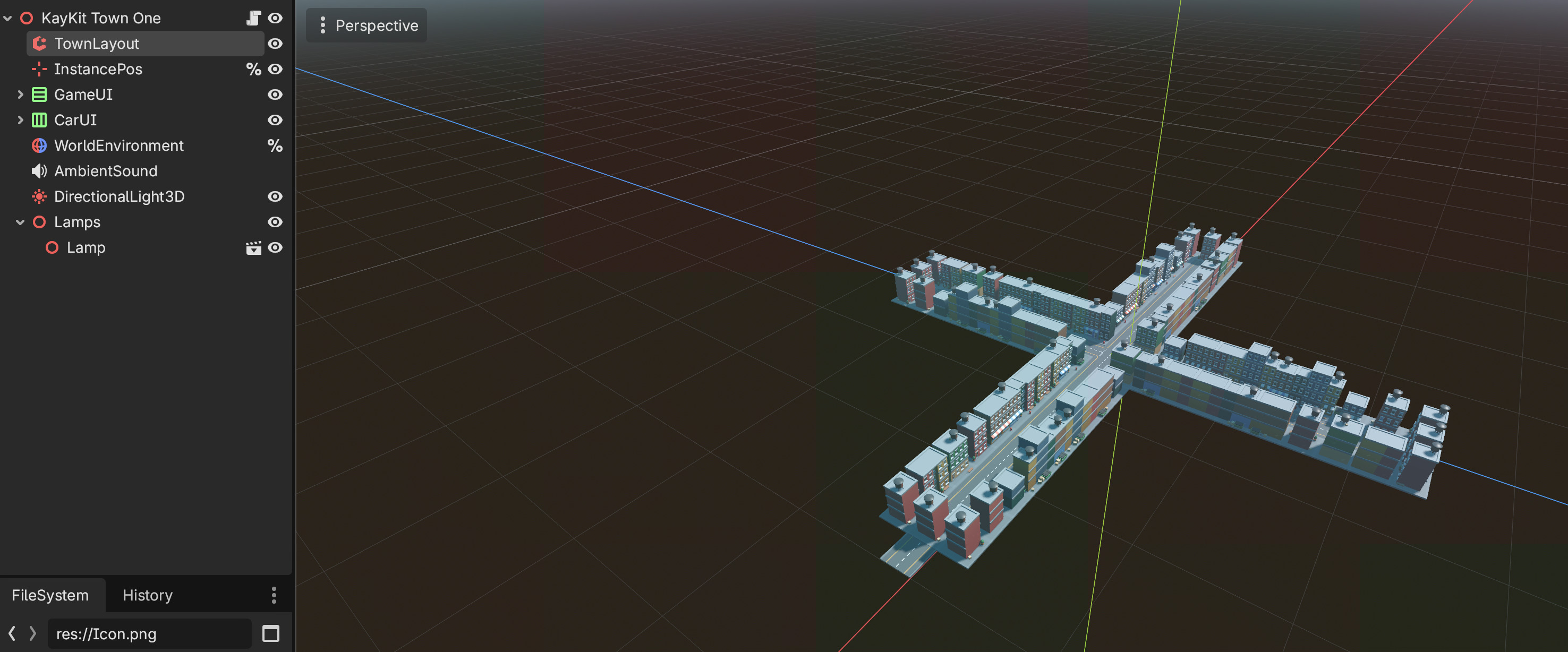
I made a simple adjustments of Truck Town demo from Godot Engine using Kay’s Kit assets.

It’s looking quite stylish, and I like simplicity of building with GridMap.

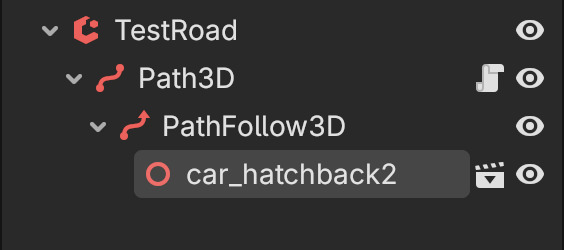
SceneTree of level is very simple
Bit of gameplay

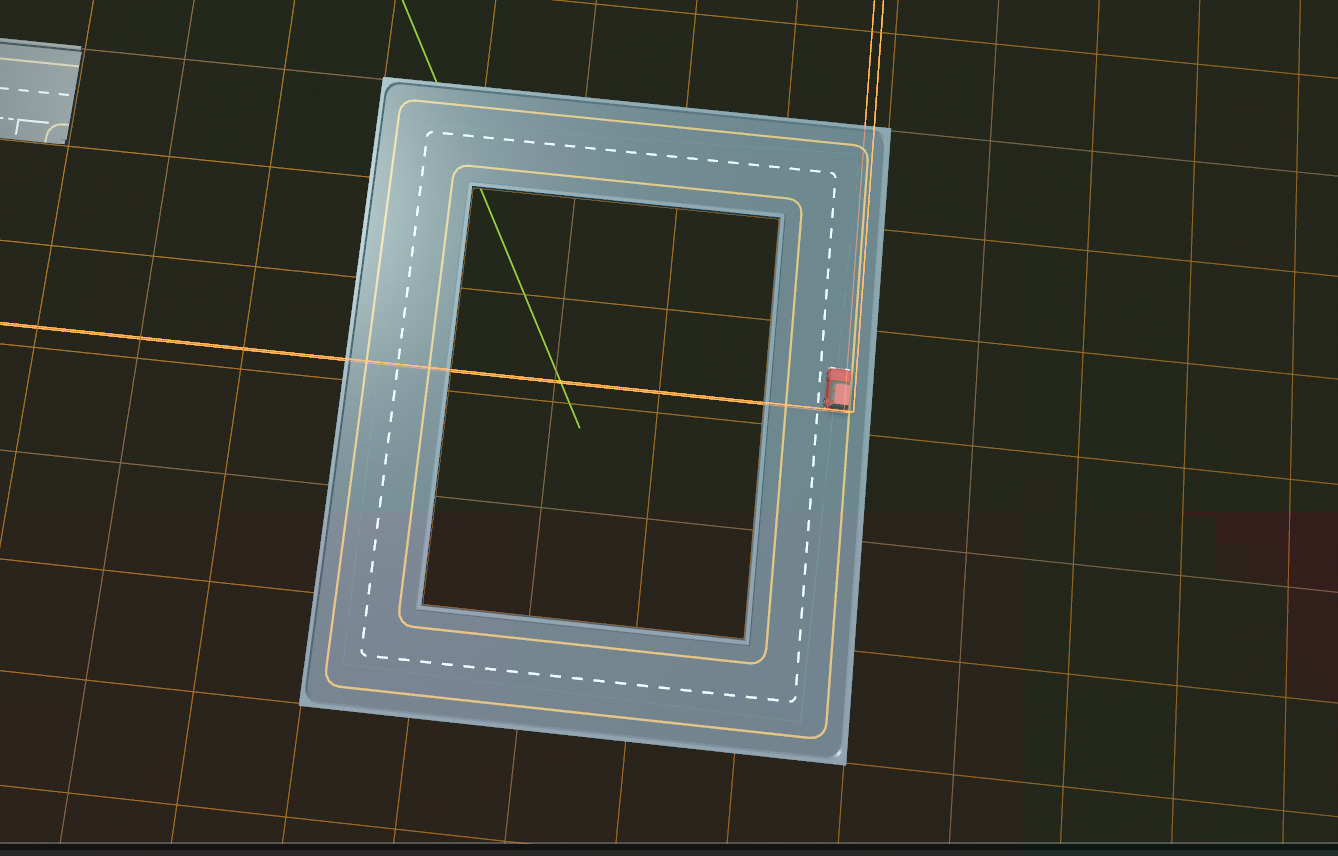
Ok the Path3D would do it, so could maybe convert, GridMap positions to Curve3D points, but still question how to make aware of others, and crossing’s and giving way.

For path finding around NPCs, moving physical objects and avoiding obstacles, you can add a contextual steering system to your game. It’s basically RayCast lasers, giving your NPC car a simple detection system so it can react to obstacles at its path. This tutorial should help you implement it:

Edit: Also, for getting some ideas about how NPCs can control the car, this video may help! It certainly blew my mind when I watched it the first time. Time stamped for the NPC car control behaviour.

Thanks I watched it, that’s a few steps ahead of me.

[(6, 0, 12), (10, 0, 12), (10, 0, 17), (6, 0, 17), (7, 0, 12), (8, 0, 12), (9, 0, 12), (10, 0, 13), (10, 0, 15), (10, 0, 14), (10, 0, 16), (9, 0, 17), (7, 0, 17), (8, 0, 17), (6, 0, 16), (6, 0, 15), (6, 0, 14), (6, 0, 13)]

Could I calculate based on type of item in cell next point for travel?

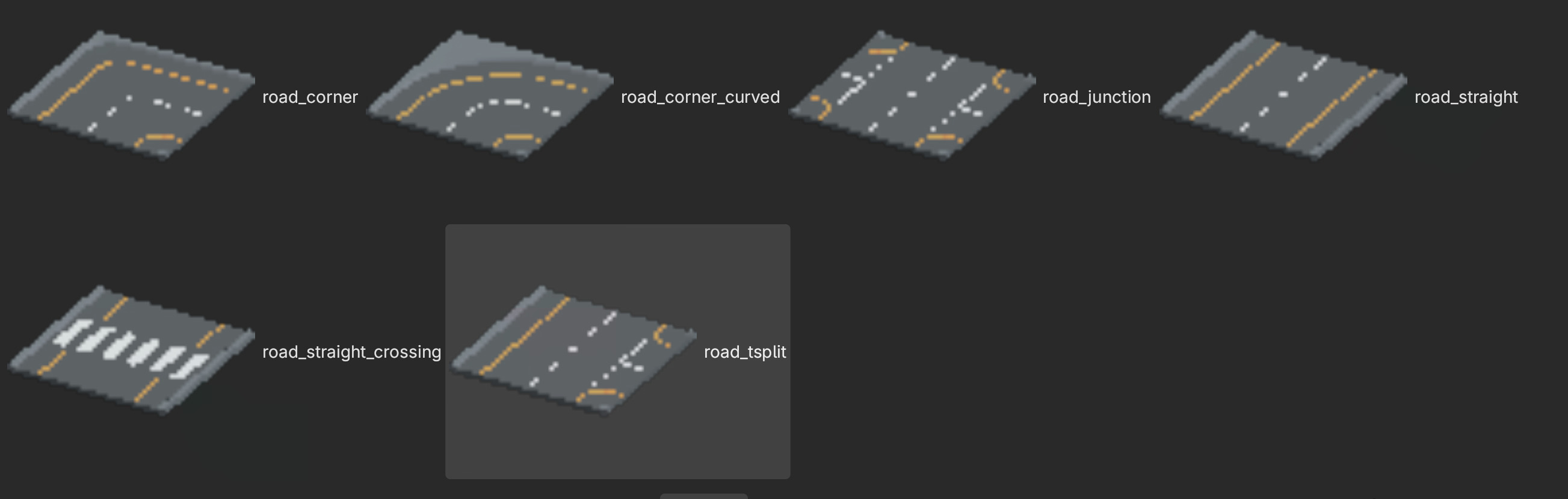
Pack includes 6 different types of meshes, also to play comes orientation on Y.

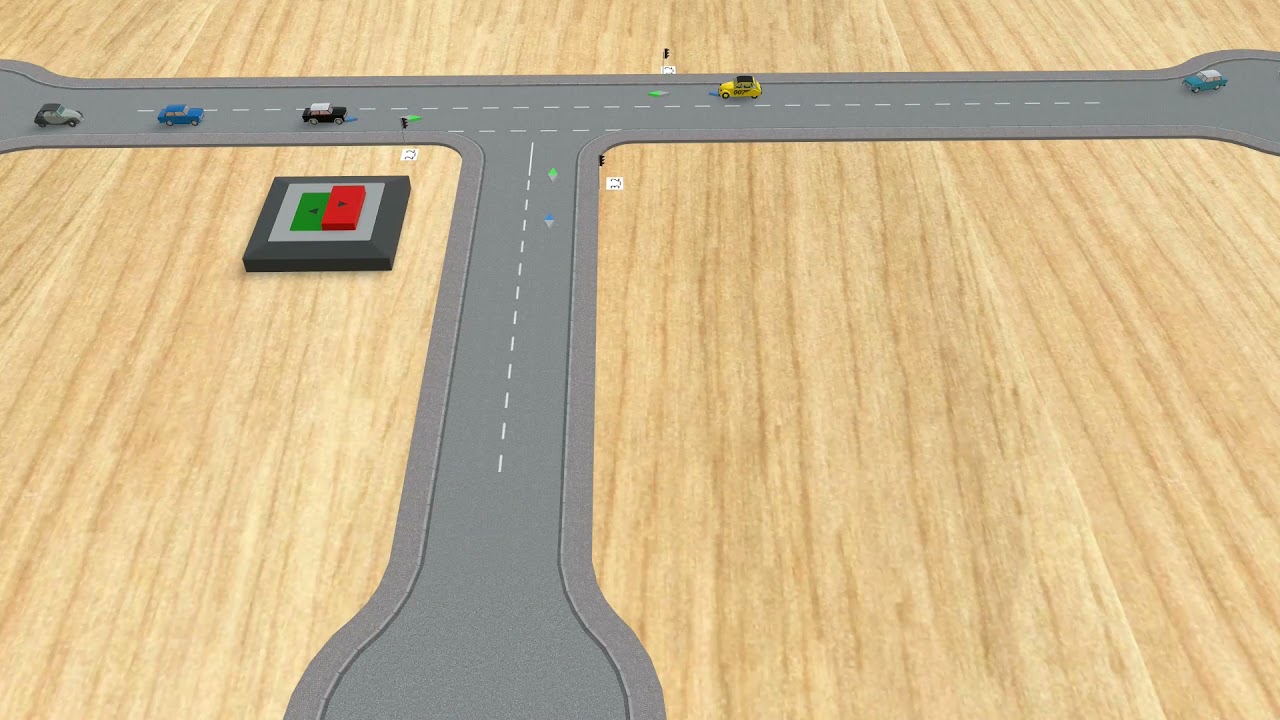
I spent quite a while modelling for 3D Train Studio; despite the name, there was a great deal that could be done with road circuits. Amongst other regular topics was the best way of setting up road junctions, or roundabouts, traffic lights and pedestrian crossings. Lots of solutions, most of which had at least one, sometimes more, pitfalls or weaknesses, allowing vehicles to collide, or getting stuck, unable to move. Here’s a short video of a T-junctions, naked at first, showing the guide paths, then fully dressed with more traffic. It’s quite a complex subject, once one starts to go beyond a ‘simple’ road junction. If you get the opportunity, I would recommend 3D Train Studio as a very worthwhile playground; there is much to be learnt from it. Here’s the video…

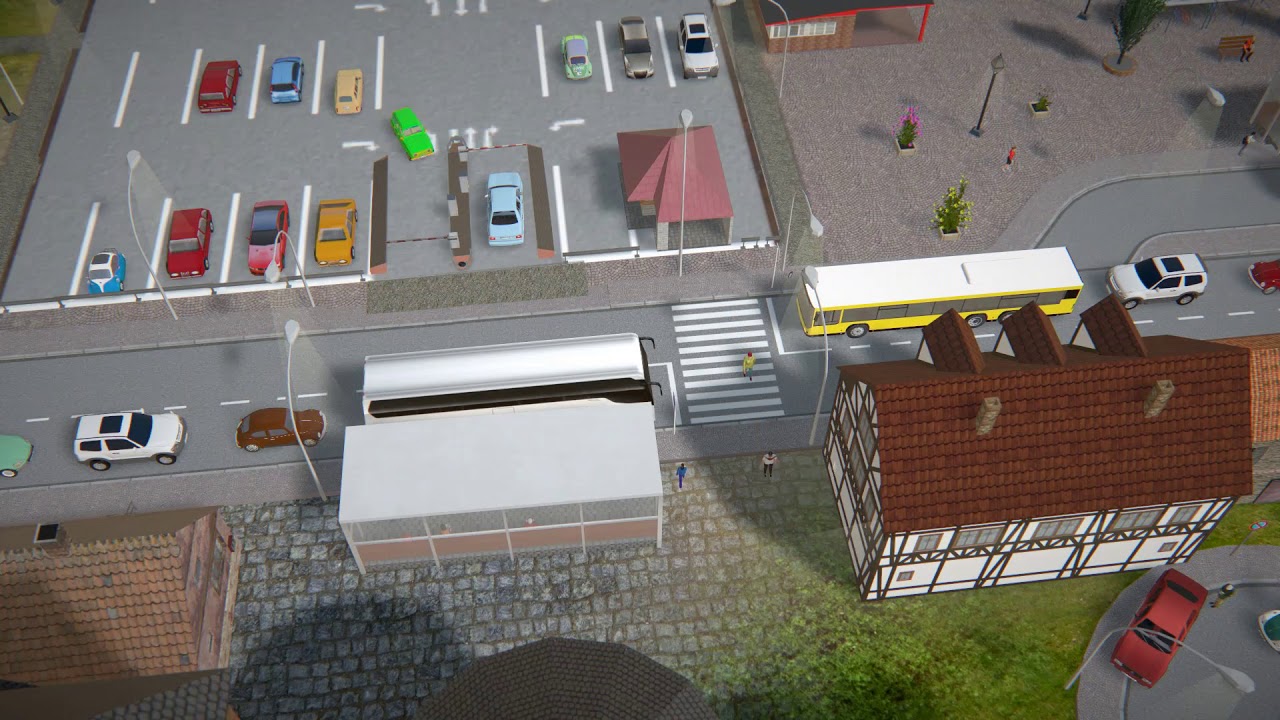
… and another, of a pedestian crossing in the city…

I’m not a much in luck as only got Mac or Xbox - its for Windows 64.

I started with simple Path3D and Making Vehlice adding engine_force.

extends GridMap

var items_to_cells: Dictionary = {}  

func _ready() -> void:
	for x in get_used_cells():
		var item: int = get_cell_item(x)
		if not items_to_cells.has(item):
			items_to_cells[item] = []
		items_to_cells[item].append(x)
	print(items_to_cells.get(9))

I think to do such a small functions to identify each cell of road and type, next be orientation which I’m not sure how to find.

Luckily the Kaykit using quite nice dimensions which are easily calculated, only need to figure out those offsets for turning which could be these circles as mentioned @Vachivenza in off-road video.

Four point for turning.

Can you not use PlayOnMac (Wine…) for running Windows stuff..? The 3D Train Studio is supported. Just a thought. Chum

Usually trying to keep OS clean from third party software( especially it’s quite picky unless you use Crossover )or any other distractions, even Parallels haven’t used for ages.

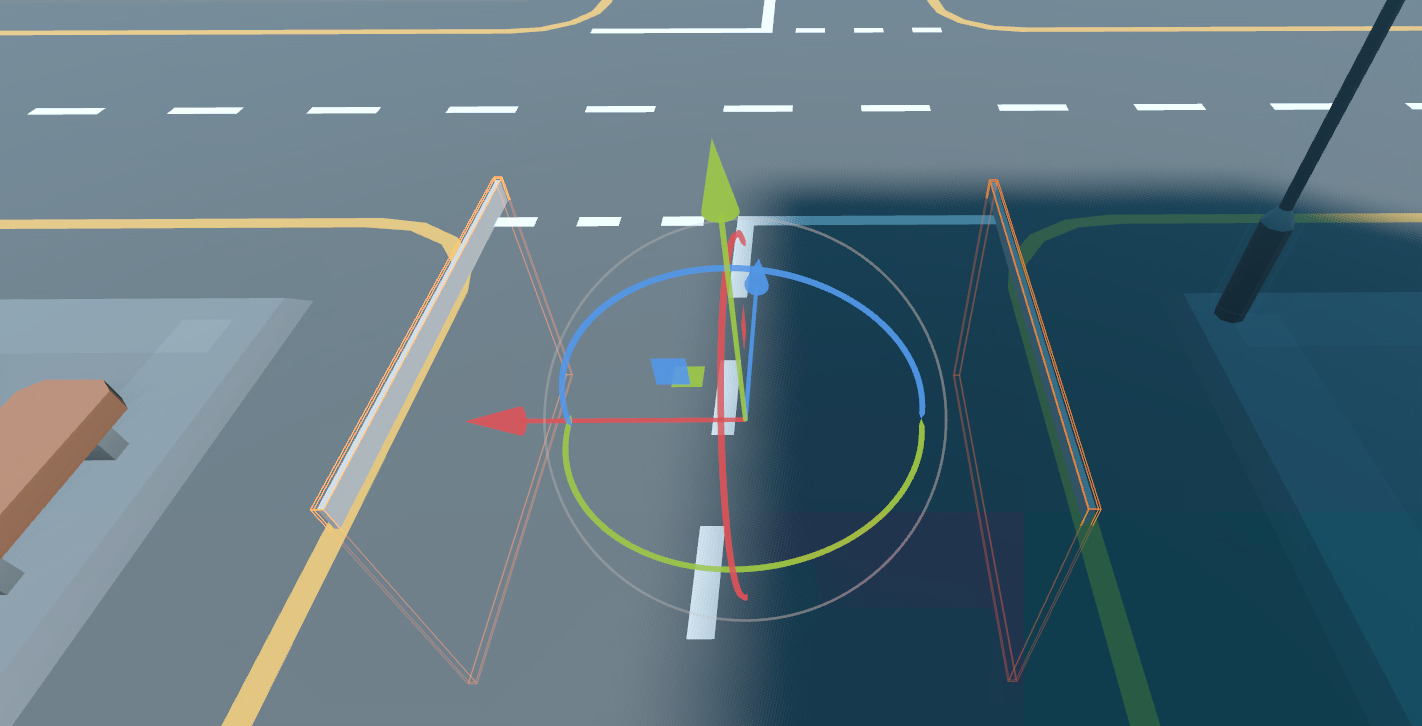
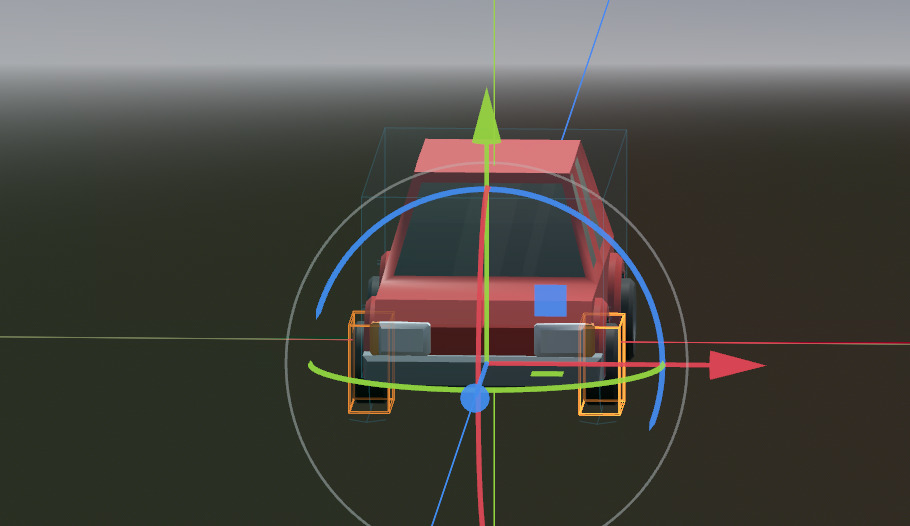
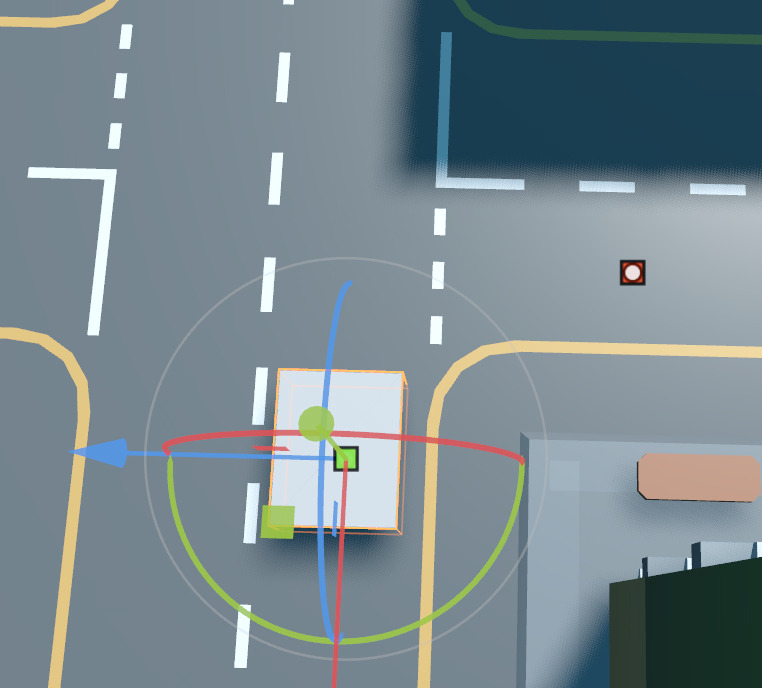
so I have tried to mess with making area3d where car get instructions to turn right, left.

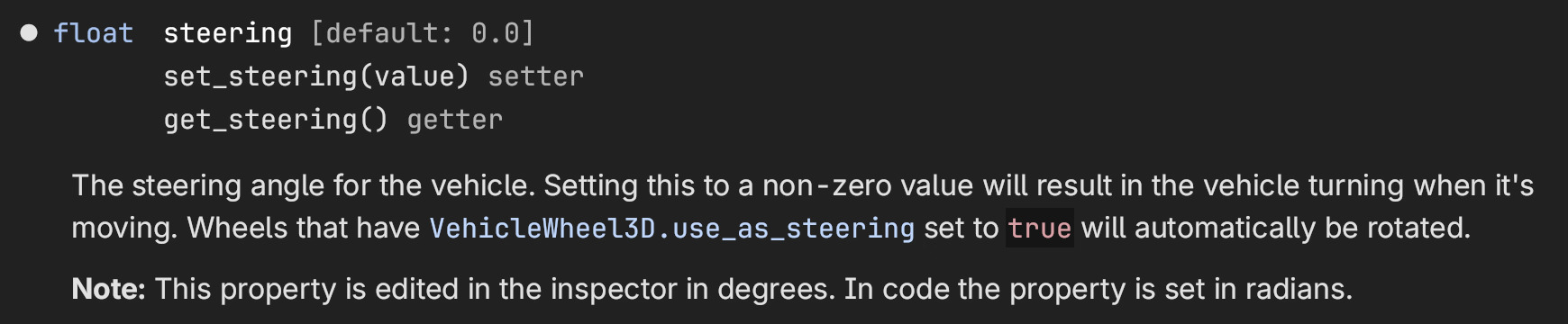
But as I used code, just now noticed the code use radians :frowning: .

The basic project had -0.4 right, 0.4 left where player drive car values from print.

I have made a few attempts but can’t figure out ideal position and size of area to instruct car turn left to perfectly align with lines.

vehicle_body_3d.rotation_degrees = Vector3(0,snapped(vehicle_body_3d.rotation_degrees.y, 90),0)

also used this to try align it correctly after leave a area but it’s a bit too much tinkering.

Some ideas for solve it ?

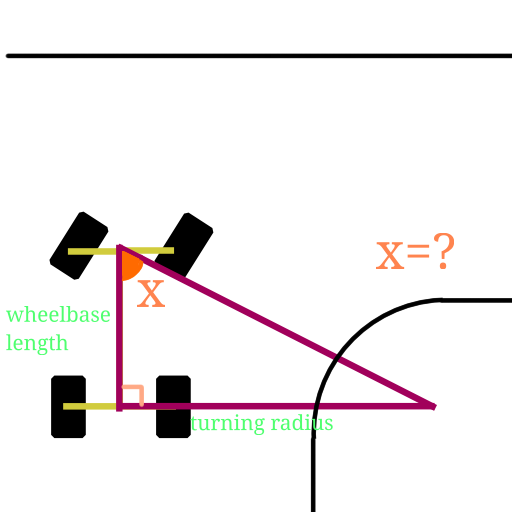
If you want to follow the Area3D route, and achieve perfect alignment with the road, you got to dig into some trigonometry to find the required turning radius and steering angle.
Here’s a silly little illustration I made to try and show the problem at hand:

Here’s a trusty trigonometry calculator:

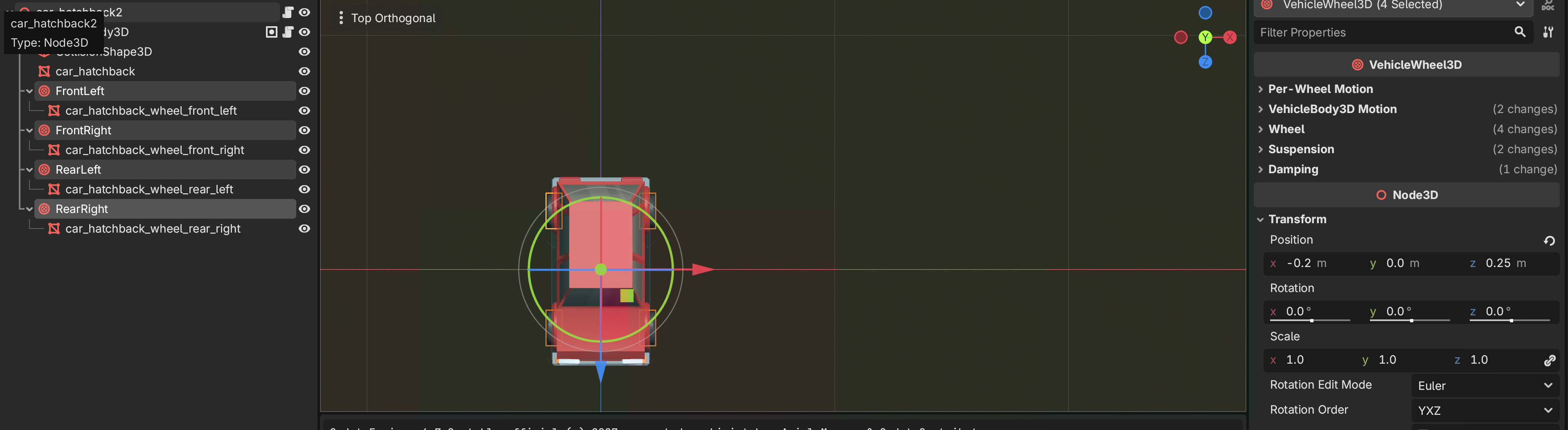
So wheelbase length should be 0.5m

1.2m is wide road

the cell itself is 2m size,

Wheels are -0.2 and 0.2 so 0.4m wide.

You probably don’t want to use physics based vehicles for traffic, let alone physics based steering. That’s a privilege reserved for player interaction. It’s computationally too expensive and hard to control. And you’d certainly want to use some kind of invisible monorail system and keep the cars constrained to those lines, just like shown in that 3D Train Studio clip posted by @Dad3353

What about wheel spinning - how could I fake it because Path3D would solve this ?

That’s a minor problem.
Your main problem boils down to sliding plain boxes along the rails. Solve that first.
Spinning wheels are just an animation. Depending on the art style you might not even need to actually spin them.

How do I get reference from Path3D - Curve3D the points into RailSystem?

That’s up to you. I personally wouldn’t use Godot’s path follow for this, especially if roads are arranged in an orthogonal grid. I’d just use a piecewise circular arc curve, keep the complete road network representation in data structures that only store sequences of arcs and straight lines.

I’m not sure how to do this.

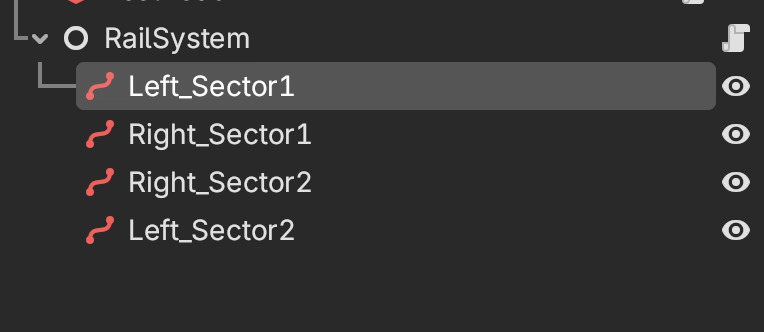
Sector one is short road,

Sector two is long crossing road, I thought to make a right side driving, arc would be basically two points with

print(left_sector_1.global_position,right_sector_1.global_position, left_sector_2.global_position, right_sector_2.global_position)

(1.3, 0.0, 0.0)(0.7, 0.0, 0.0)(-18.0, 0.0, 0.7)(-18.0, 0.0, 1.3)

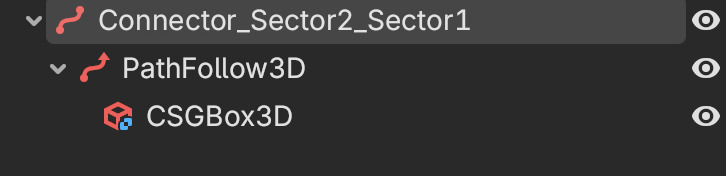
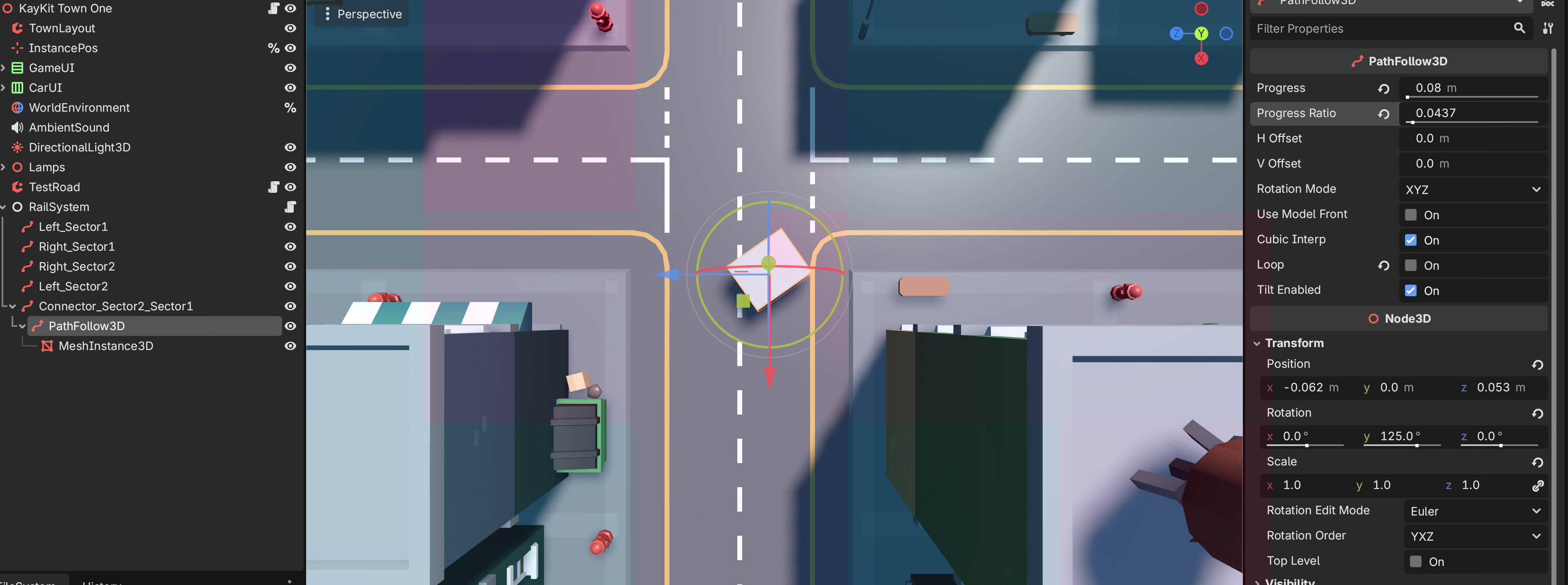
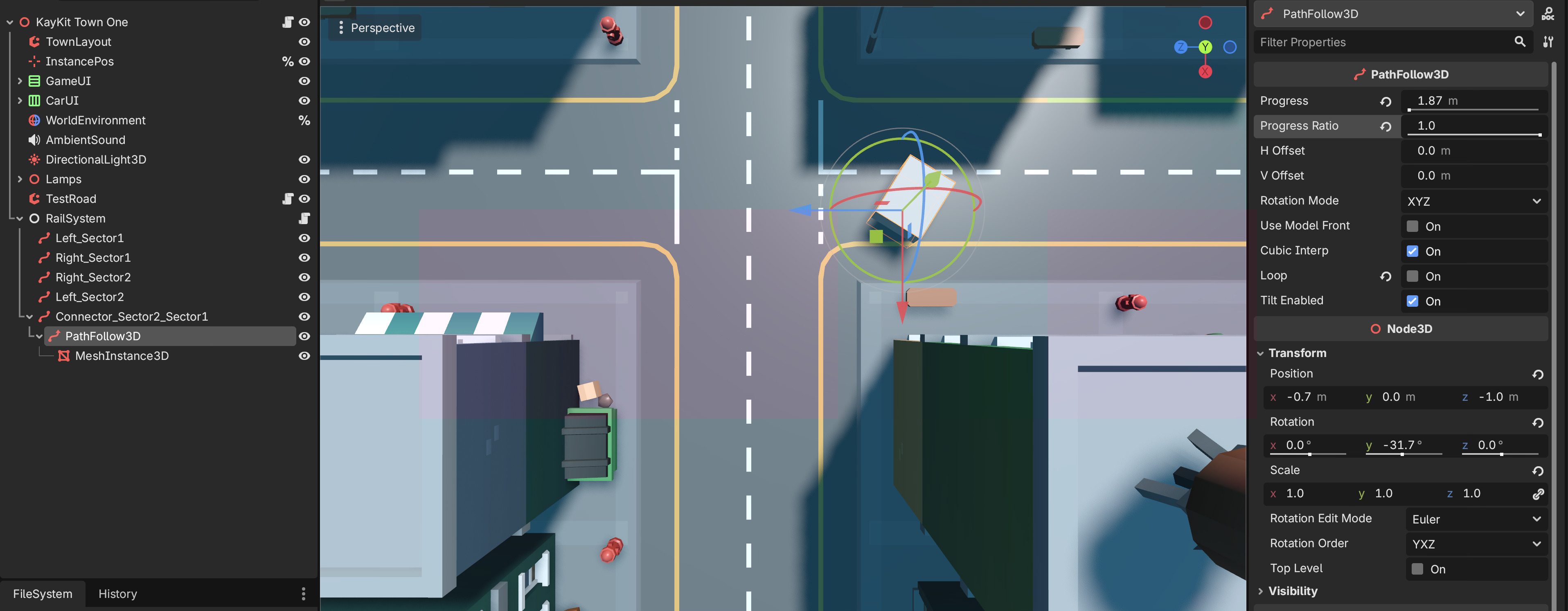
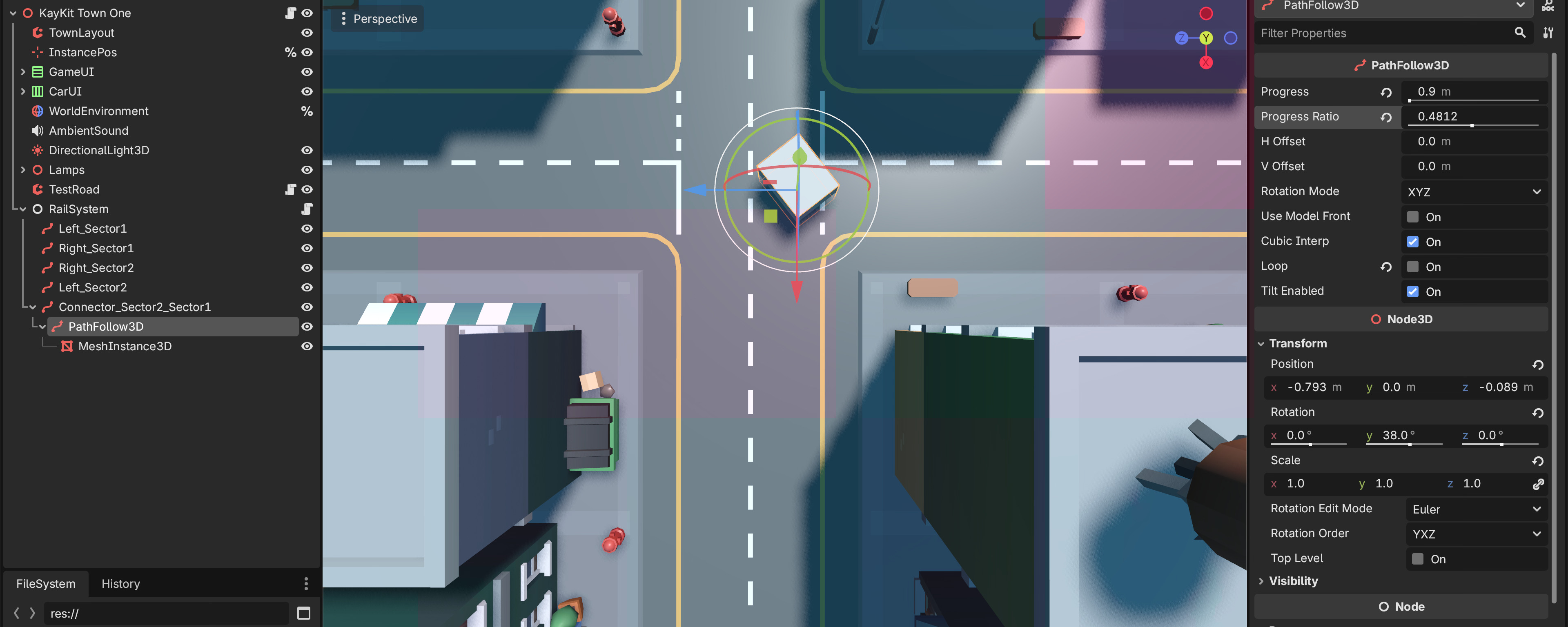
Tried to make connectors but it’s changing rotation straight after touching progress to y 35 degrees, but not resetting it back.

I have tried to use handles as well but not great results,

Not using nodes. It’s purely a data structure representation. In mathematical terms it would be a graph.

Why not start even simpler. Build a network of straight lines and junctions Slide points (representing cars) along lines. When a box reaches a junction, pick one of other available branches and slide along that. It’d be a very good exercise to learn to model/simulate things with data, decoupled from visual representation.

Still can’t imagine what you mean?

If it’s not visual representation how do you express the line or junction?

Using data structures/objects. A junction is an object that has a position. A road that connects two junctions is a pair of two references to junctions.