Hey fellow Godot devs!
I need your help hitting Google’s 12-tester milestone for my mobile game, Gravity Blob—a fast-paced 2D arcade platformer built in Godot 4 featuring global leaderboards and a high-intensity “Glitch Run” mode.
 CRITICAL REQUIREMENT: You must have an Android device linked to a Google account to participate in this test!
 How to Join the Test (2 Quick Steps)
Because of how Google Play handles closed testing, you must follow these two steps in order, or the download link will give you a “404 Not Found” error:
-
Join the Google Group: Click here to join the Gravity Blob Testers Group. (This instantly allowlists your Google Play account for the build).
-
Opt-In & Download: Once you’ve joined the group, click the Google Play Web Testing Link to accept the invitation and download the game directly from the Play Store.
 What I’m Looking For:
-
Feedback on performance: Let me know your device model and how smoothly the gravity-flipping mechanics feel.
-
Leaderboard check: Make sure the Google Play Games Services login completes and logs your high scores correctly.
-
The 14-Day Rule: If possible, please keep the app installed on your phone for at least 14 days so Google registers you as an active tester!
Drop a comment below with your device model if you jump in, and feel free to leave any feedback or bug reports right here. I’m more than happy to return the favor and test your Godot projects in exchange!
Thanks a ton! — Maestro Dev Labs
Godot Version
4.6
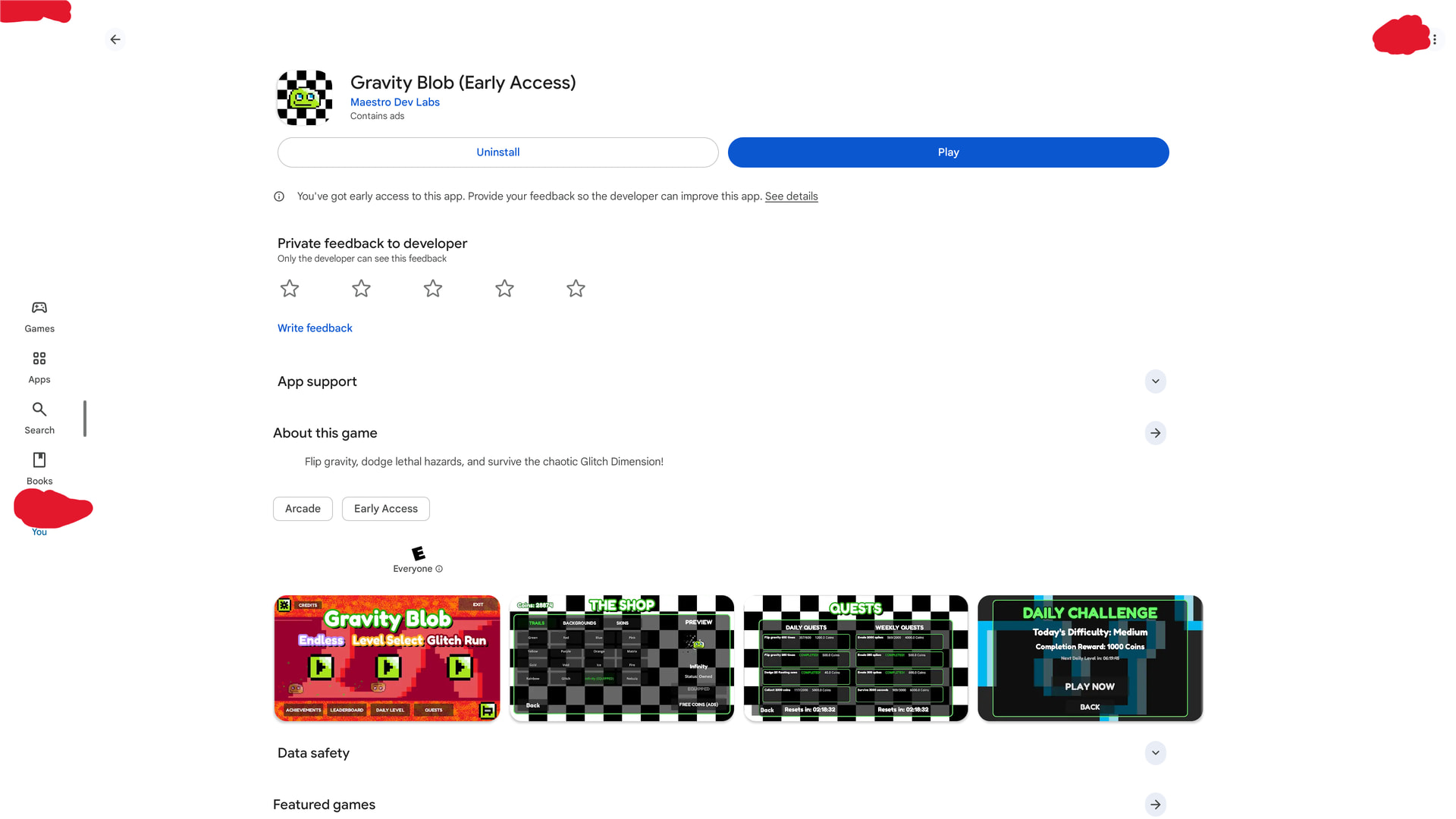
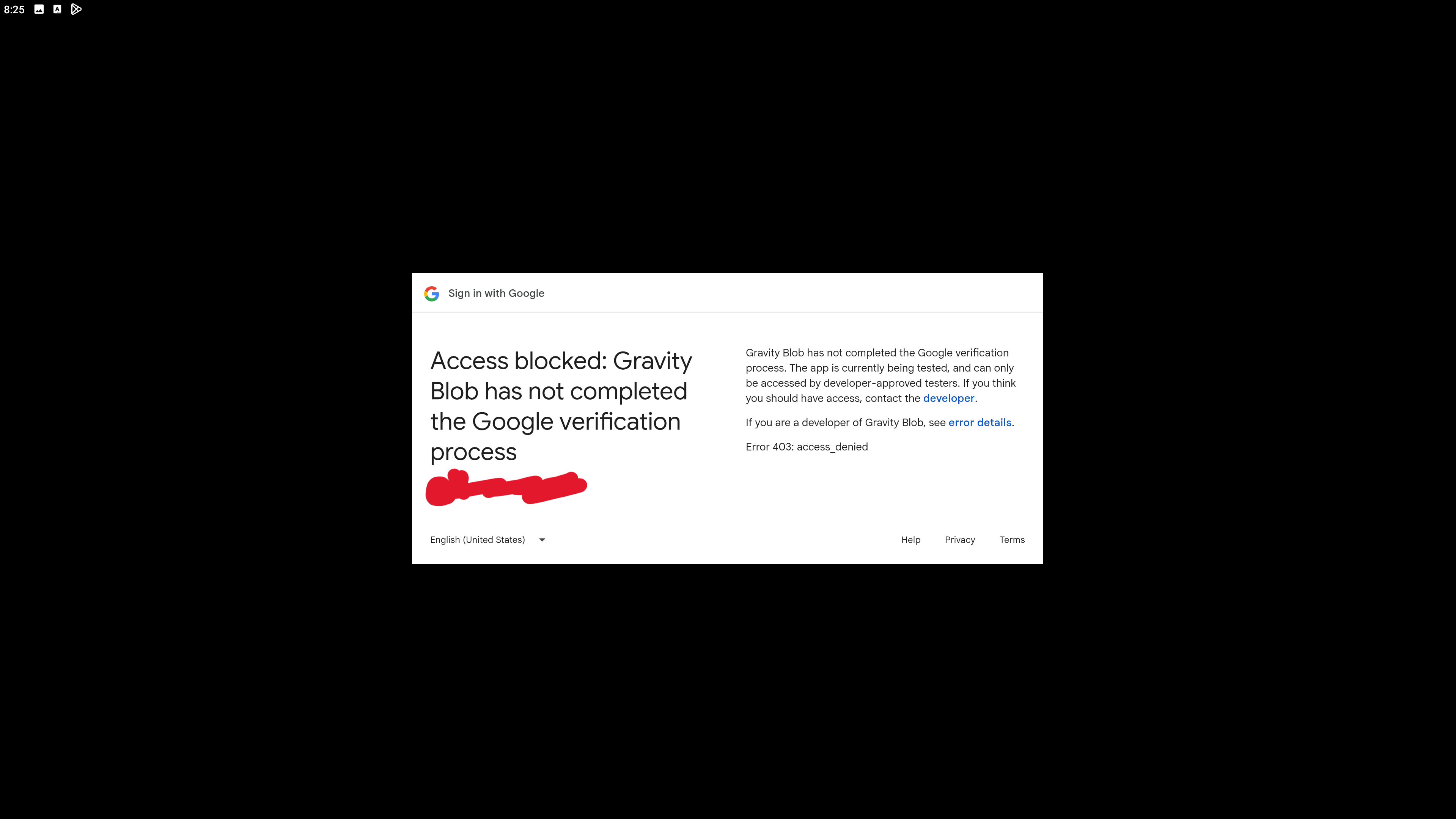
this looks like a fun game! i followed your instructions, and was able to get to the play store page and everything you said, but after clicking the play button:
it just does this:
and i cannot test your game

Thank you, there was one step missing in GCP setup. Should work now.
ok i was able to get in, but i keep trying to open the app, but every time i do it i get black screen, and sometimes some epic music plays.
is this just a problem with me giving to much hardware power to the app, im using an emulator and gave it a cpu with 4 cores, 8 gb of ram, and made it run at 240 fps, so idk if thats the problem or not.
Hey! Awesome to hear the music is working, but sorry about the black screen!
Don’t worry, you didn’t break anything by beefing up the emulator specs—assigning 4 cores and 8GB of RAM is completely fine! The issue here is actually a known technical quirk between the Godot 4 game engine and Android emulators.
Because the game logic is running in the background (which is why you can hear the epic soundtrack), the black screen means the emulator is failing to initialize the Vulkan graphics renderer that Godot 4 uses for mobile deployment. Emulators generally have a hard time handling hardware-accelerated Vulkan mobile instances.
Two ways to get around this:
-
The Best Route: If you have a physical Android phone or tablet, try downloading it via the Play Store link there! Real hardware handles the Vulkan drivers seamlessly.
-
If you have to use the Emulator: Go into your emulator’s engine/graphics settings and see if you can switch the Graphics Rendering engine mode over to Vulkan explicitly (if it’s on OpenGL), or toggle Graphics intermediate mode on/off. Also, locking the emulator back down to 60 FPS instead of 240 FPS can help stabilize the virtual sync.
Let me know if you’re able to try it on a physical device, and thanks so much for troubleshooting this with me!
Wasnt able to fix it on the emulator, and im an iPhone user lol. sorry i cant test this, hopefully you can get feed back from other people!
No worries, thanks for trying. Appreciate your help, one bug was caught still.