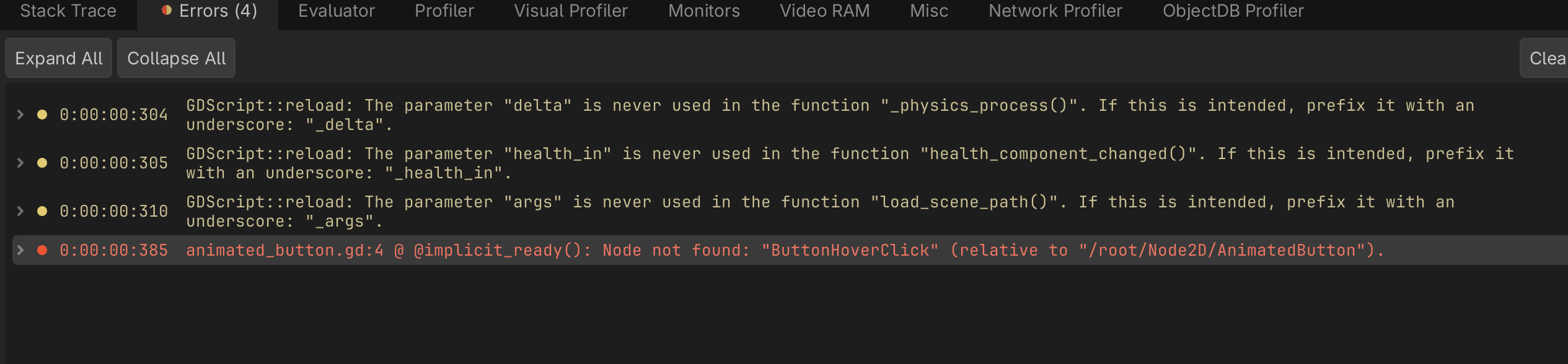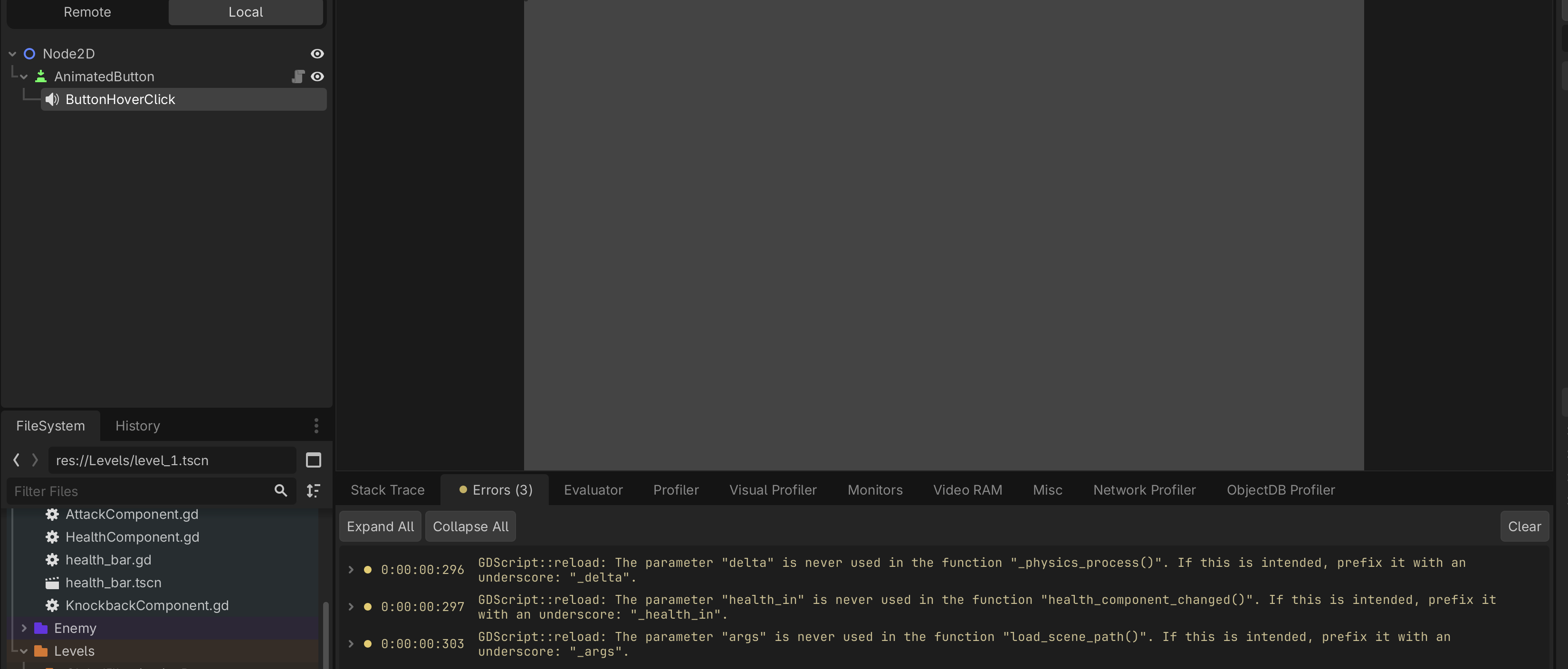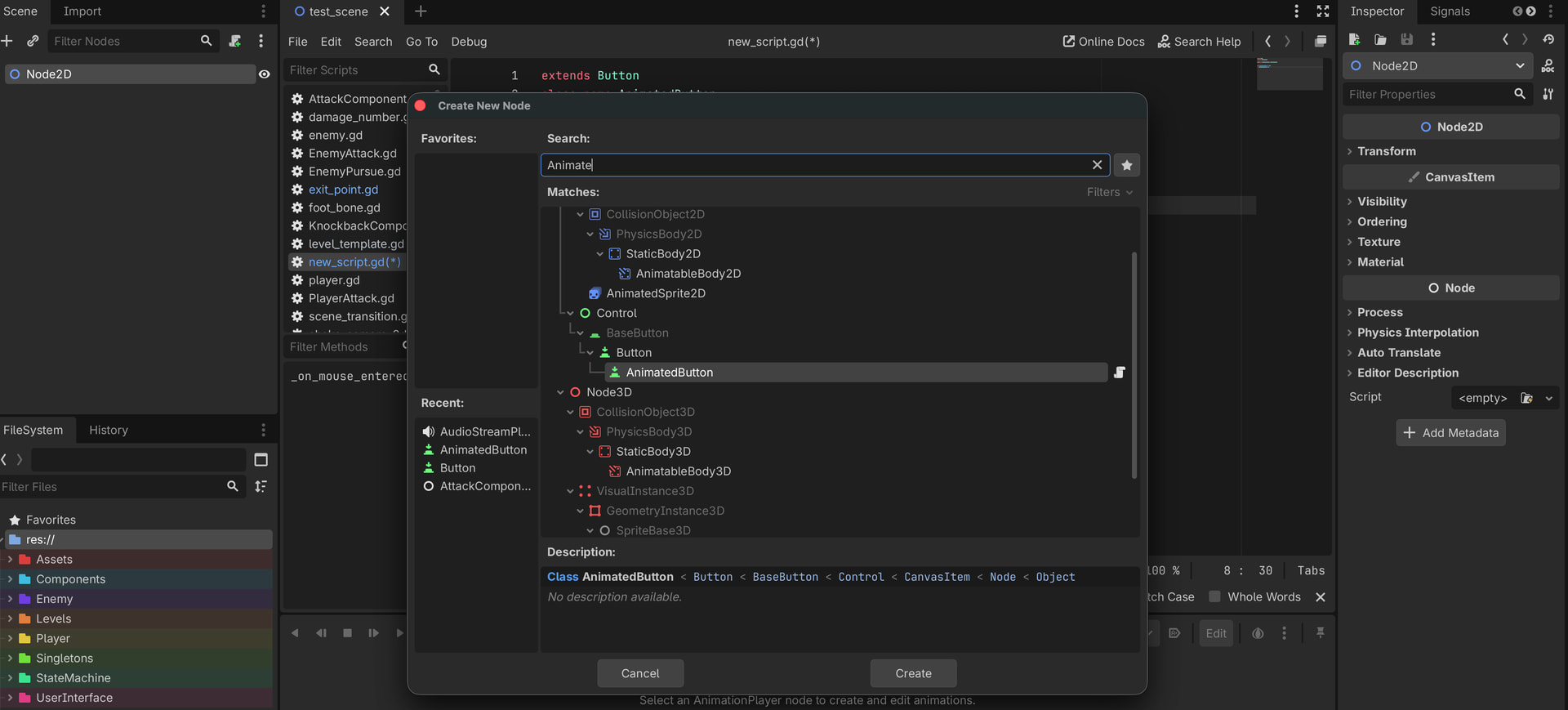
I believe you made wrongly the code and saving scene with it,
it should have this uneditable script attached, but AudioStreamPlayer you need to instantiate manually and also name it exactly same if you want them to work in manner like scene,
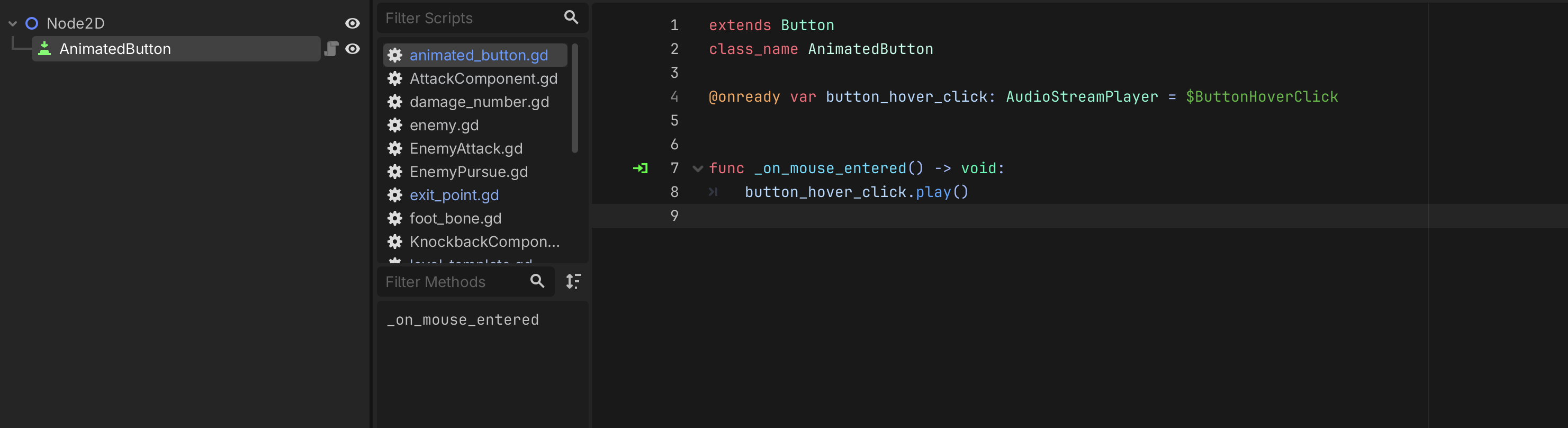
correct code should be
extends Button
class_name AnimatedButton

@onready var button_hover_click: AudioStreamPlayer = $ButtonHoverClick


func _on_mouse_entered() -> void:
	button_hover_click.play()
also you could use different approach
extends Button
class_name AnimatedButton

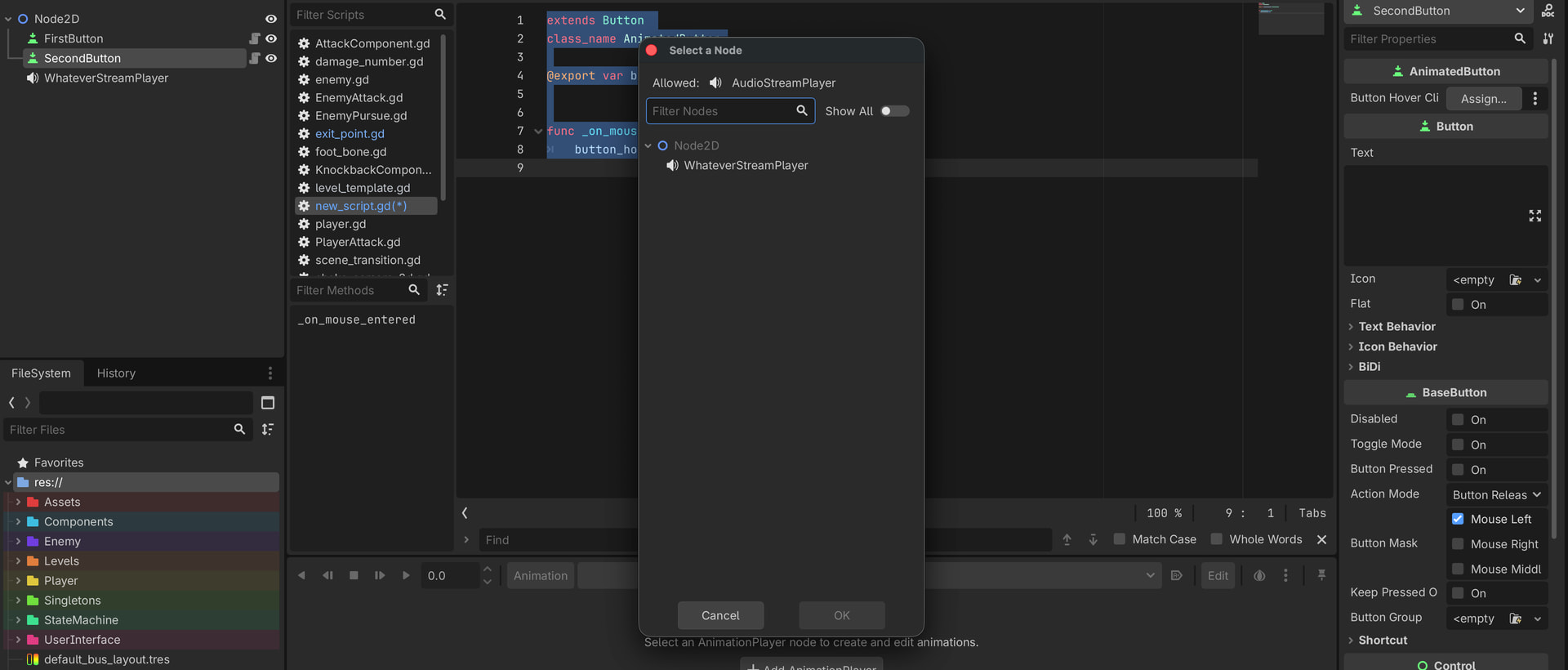
@export var button_hover_click: AudioStreamPlayer


func _on_mouse_entered() -> void:
	button_hover_click.play()
This way it’s more flexible for attaching different AudioStreamPlayers, and make it easier to edit, and you no need to making scene with it. 
I was about to ask how you would get the sound, but then I saw export which I never considered. I’ll try it out later.
Ultimately I have it working. Again, thank you for your help. 
no problem.
original solution with saving as scene is fine if sound be for all the buttons same, but once you want put new sound for button that’s where you have to do extra work.
So using @export with class approach is more adaptable if you decide to make variety of sounds which need to be played, or if is one sound then one stream player be enough