Ok, yes I mean 2-player co-op on the same screen. Currently each character has its own camera2d as a child. Not sure how you solve it with 2 players.
It depends on what you want the camera to behave like.
Many local coop games just give a camera to player 1 but not to any of the others. Makes it easy to implement. If you want that, just save the camera as a separate scene and add it as a child to player 1 when spawned in.
Ok, sounds like the easiest solution.
@baba You mentioned plugins, which one?
This is the only plugin i use
Ok, but it wont work for godot 3.6?
Probably not. A lot of things have changed since then. You could probably find old plugins but best perhaps to update to the most recent version if you haven’t already come far in your project.
Ok, the reason im still on 3.6 is that I have old projects that wont work in godot 4.
You can keep multiple versions of the engine on your computer. Its tiny. Keep the 3.6 for your old stuff but get the most recent for your new projects. It will make it a lot easier for you to get help, follow tutorials etc.
2 Likes
Maybe thats a good idea.
There is no easy way to convert gdscript from 3.6 so that they work in godot 4?
I never had to upgrade from 3.x Projects to 4.x, but in terms of converting gdscript, it is probably a good idea to just try to load them in 4.x and see what works / throws an error, and fix them one by one. This way, you also get familiar with the changes.
Doing a quick web search for “godot 4 migration guide” showed up this: Upgrading from Godot 3 to Godot 4 — Godot Engine (stable) documentation in English
I think this will be a good starting point for upgrading.
2 Likes
Searched for tutorials on youtube on making a local multiplayer with character selection screen but found nothing 
Try to divide the issue in smaller steps and start with the first one. Does selecting a character in the selection screen work already?
1 Like
Searched for tutorials on youtube on making a local multiplayer with character selection screen but found nothing
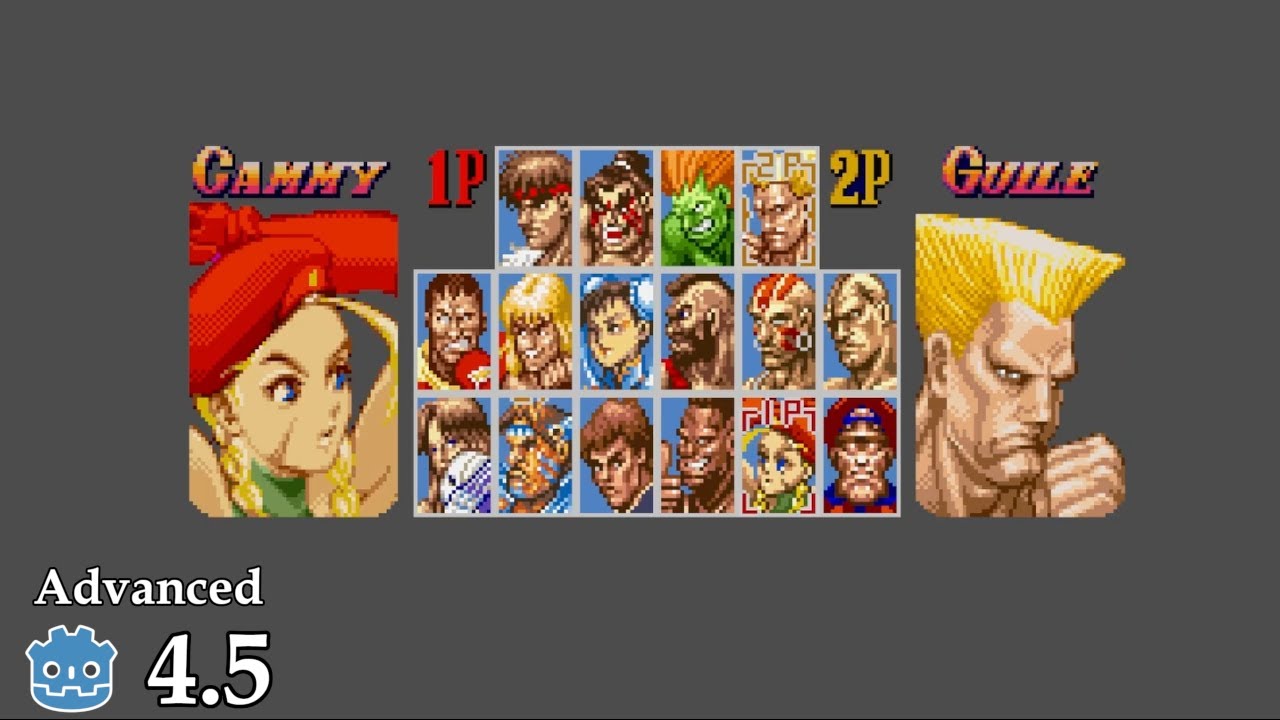
Yes, it works! I guess I neeed to set upp the ui in character selection with two cursors like P1 and P2 that can select characters. Then check for when both players clicked on a character and stop players to choose the same character then load both characters onto the spawnareas and maybe also load an extra hud for player2 with healthbar and coincounter.
1 Like
Any documentation or tutorials on setting up local multiplayer?
On one machine two inputs.
No split screen. 2-player co-op on one screen is what im looking for.
1 Like
Yes, im trying to figure out how to easiest make the character select screen for 2 players.
same character_select.tscn that now works for 1 player but for two players. Easiest to use the same or dublicate it for two players maybe calling it character_select2.tscn?
Thankful for any suggestions.
Found this:
AI-reply:
To create a 2-player character selection screen in Godot,
use an Autoload (Singleton) script to store player choices globally
. Design a UI scene where each player navigates selection buttons using distinct input actions (e.g., ui_up/down for P1, p2_up/down for P2). When a player confirms their choice, update the Autoload variables and transition to the game scene, where you spawn the selected character scenes based on those stored values.
Core Implementation Steps
-
Global State Management: Create a script (e.g.,
GameData.gd) and add it to Project > Project Settings > Autoload. Define variables to hold the selection:gdscript
# GameData.gd var player1_character = null var player2_character = null -
Input Handling: Define custom input actions in Project Settings > Input Map. Create separate actions for each player (e.g.,
p1_select,p2_select) to ensure their inputs do not conflict. -
Selection UI: Use
TextureButtonorButtonnodes for characters. Connect thepressedsignal to a function that assigns the chosen character to the corresponding variable inGameData. -
Syncing Selections: Use a counter or boolean flags in your selection scene to ensure both players have confirmed their choices before calling
get_tree().change_scene_to_file("res://level.tscn"). -
Spawning Characters: In your main game scene, check the
GameDatavariables in the_ready()function. Useload()orpreload()to instantiate the correct character scene and add it to the tree.
Is that true?
You cant have two player focusing buttons at the same time in the UI?