I have a menu scene in my game. It is 4 buttons inside a VBox. I would like to apply some animation to the buttons.
I can figure out how animate using tweens with no problem. I was watching a video about it. The video was simple enough, it is animating 2 buttons below some text. See image below:
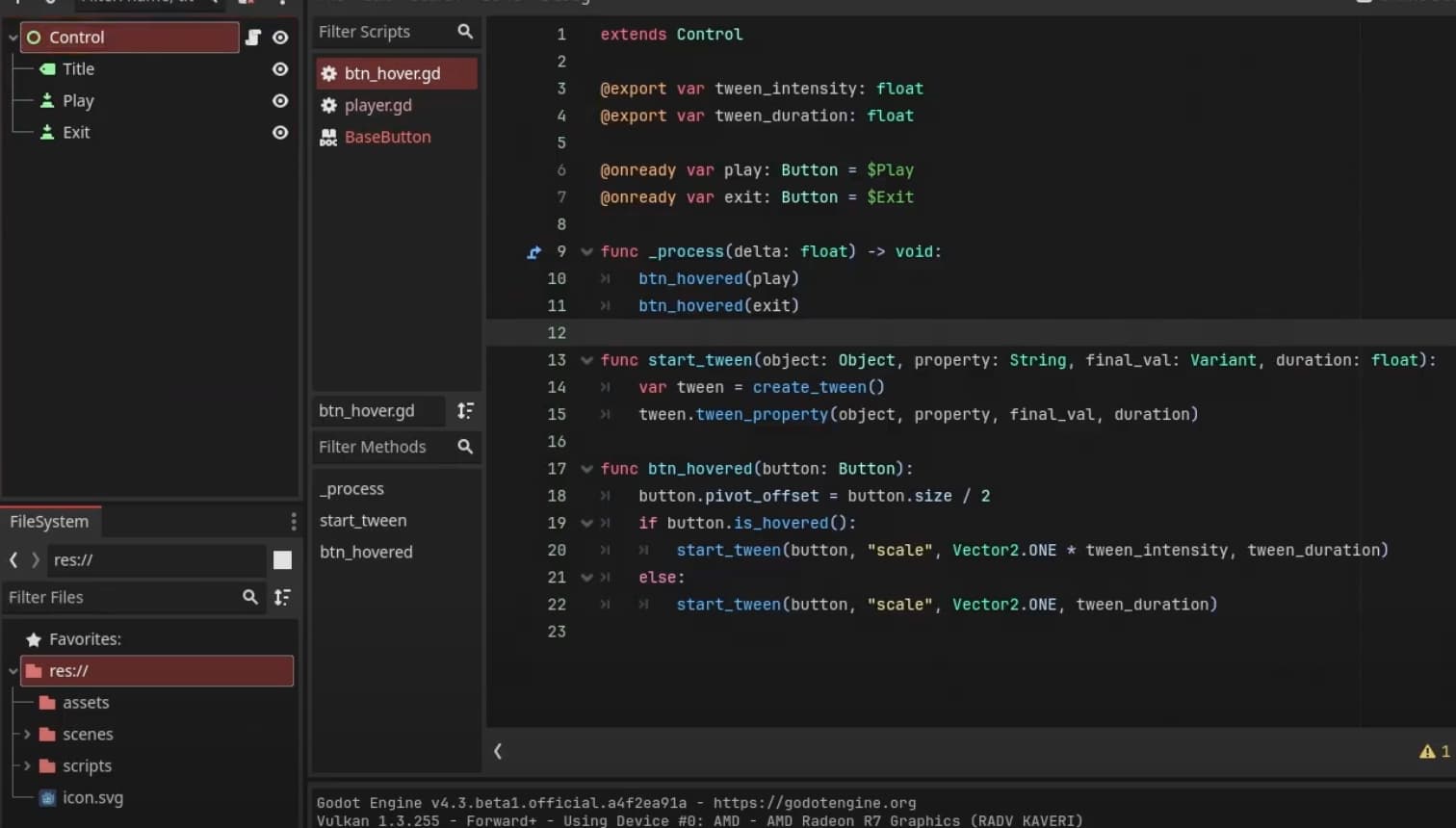
What I don’t understand is how the text and buttons are centered and aligned under each other (without a Vbox), like so when the scene is run:
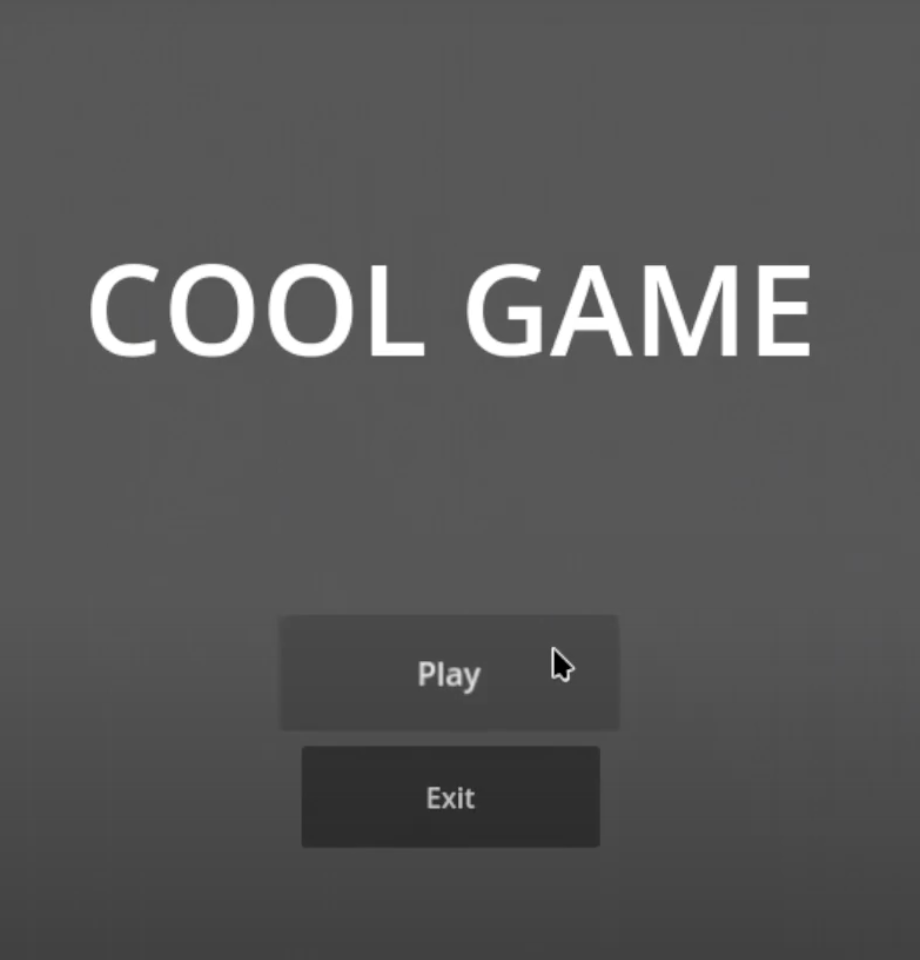
When I replicate the scene all the nodes are on top of each other. This is why in my game I use a VBox to place things in order on the screen. I don’t think I can animate and run tweens when an object is inside a Vbox, thus my question.
This is most likely a super basic question, I’m self-taught so sometimes I missed things. Thanks.