Topic was automatically imported from the old Question2Answer platform.
Asked By
VANN Universal
I basically want to fit a Label3D and some other 3D elements into a specific area. Therefore, I need to know the height of the Label3D (if possible with autowrap on) to adapt the size of the other elements. Any hard coded solution would not work because the text and font size can be changed by the user.
Hello. Do you absolutely need to use a Label3D? Because I’ve been looking but there doesn’t seem to be any way to get the dimensions of one! I was thinking maybe you could try the same thing with a normal Label? But I assume that you have some reason you can’t use the normal label else you probably wouldn’t have asked.
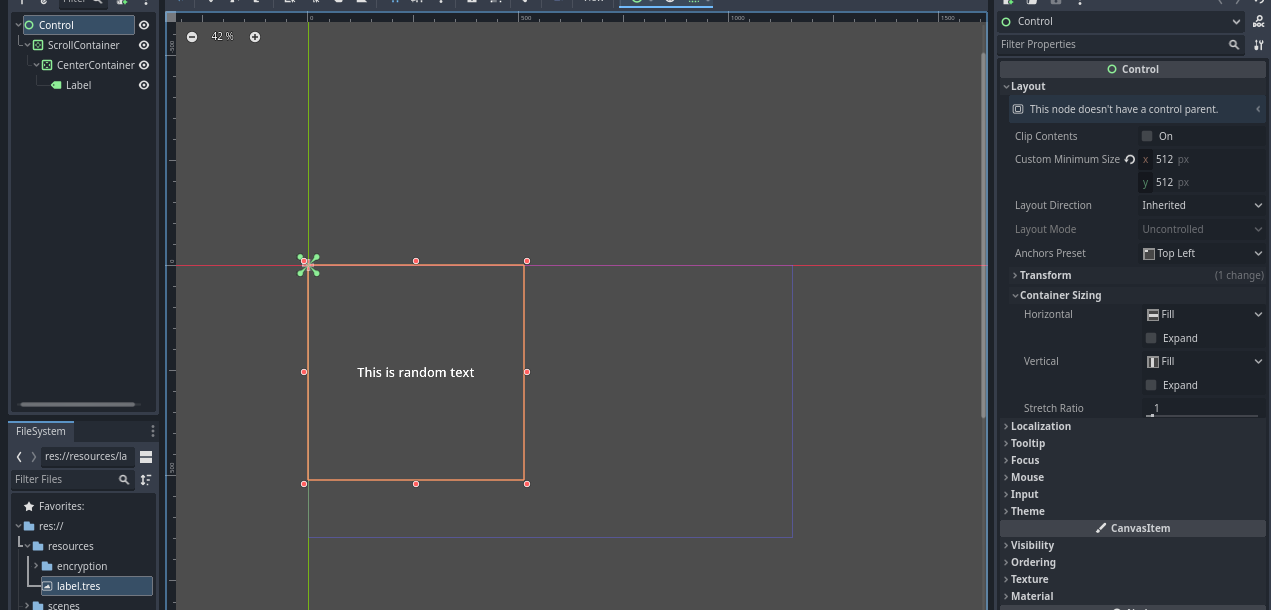
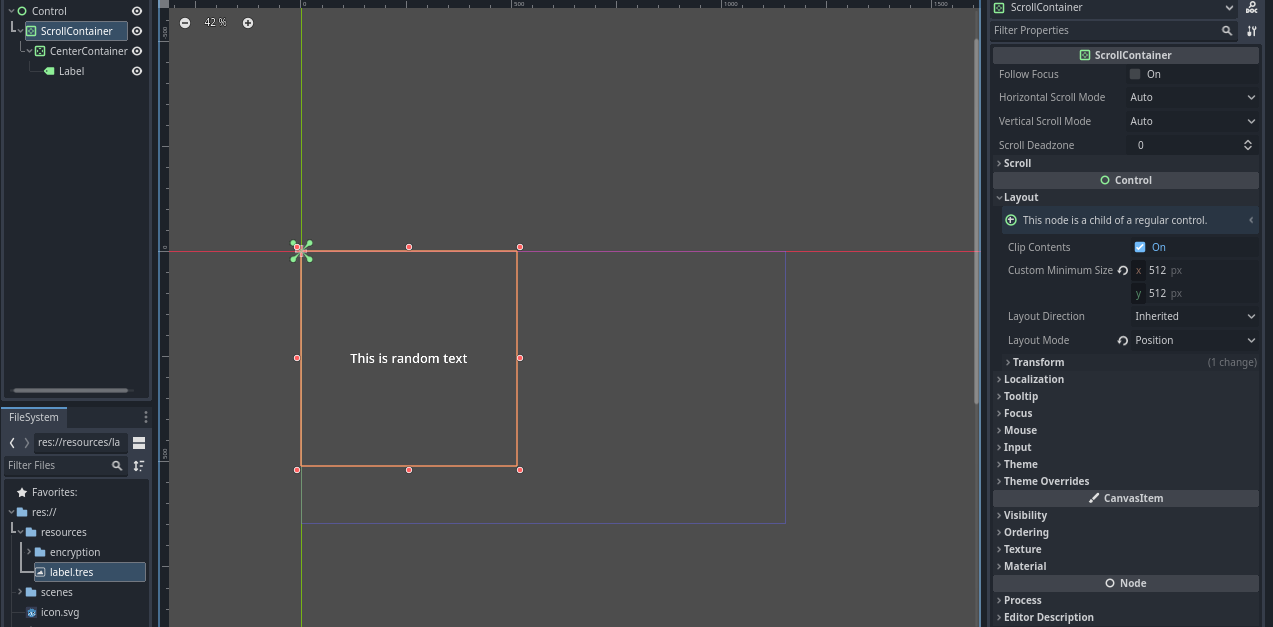
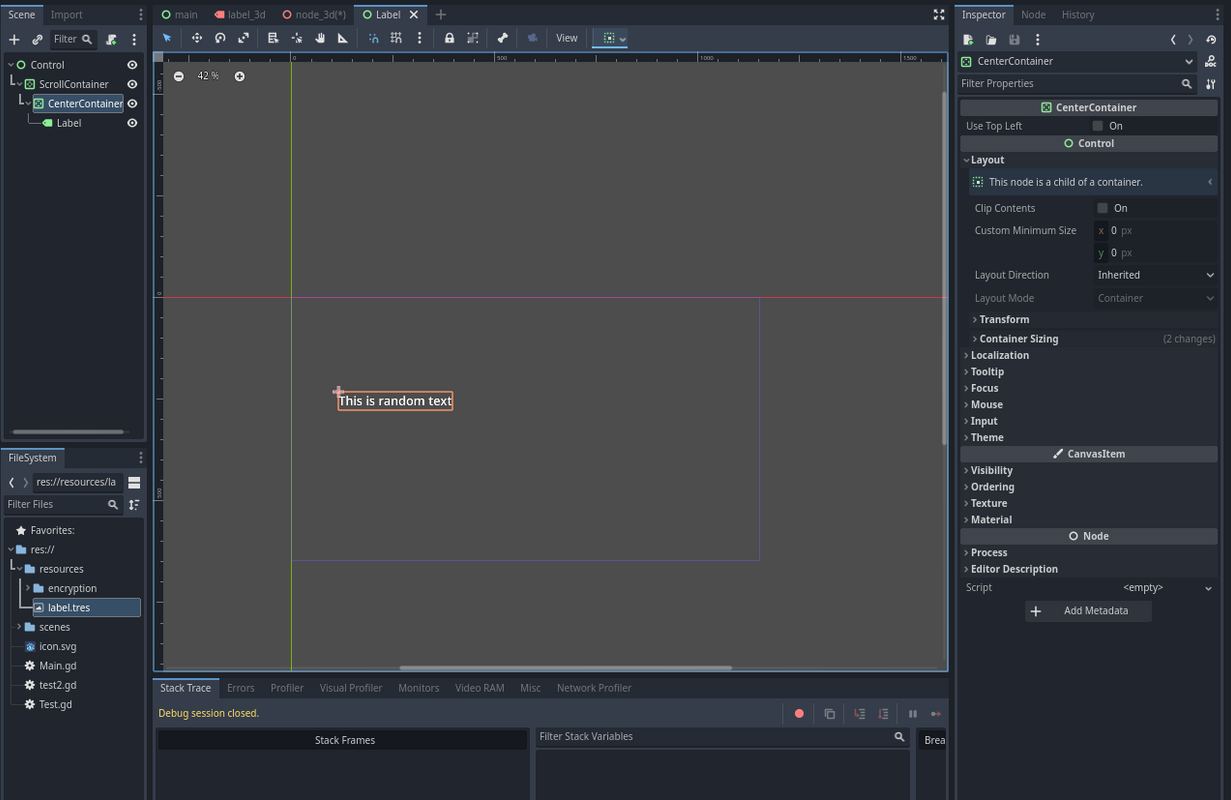
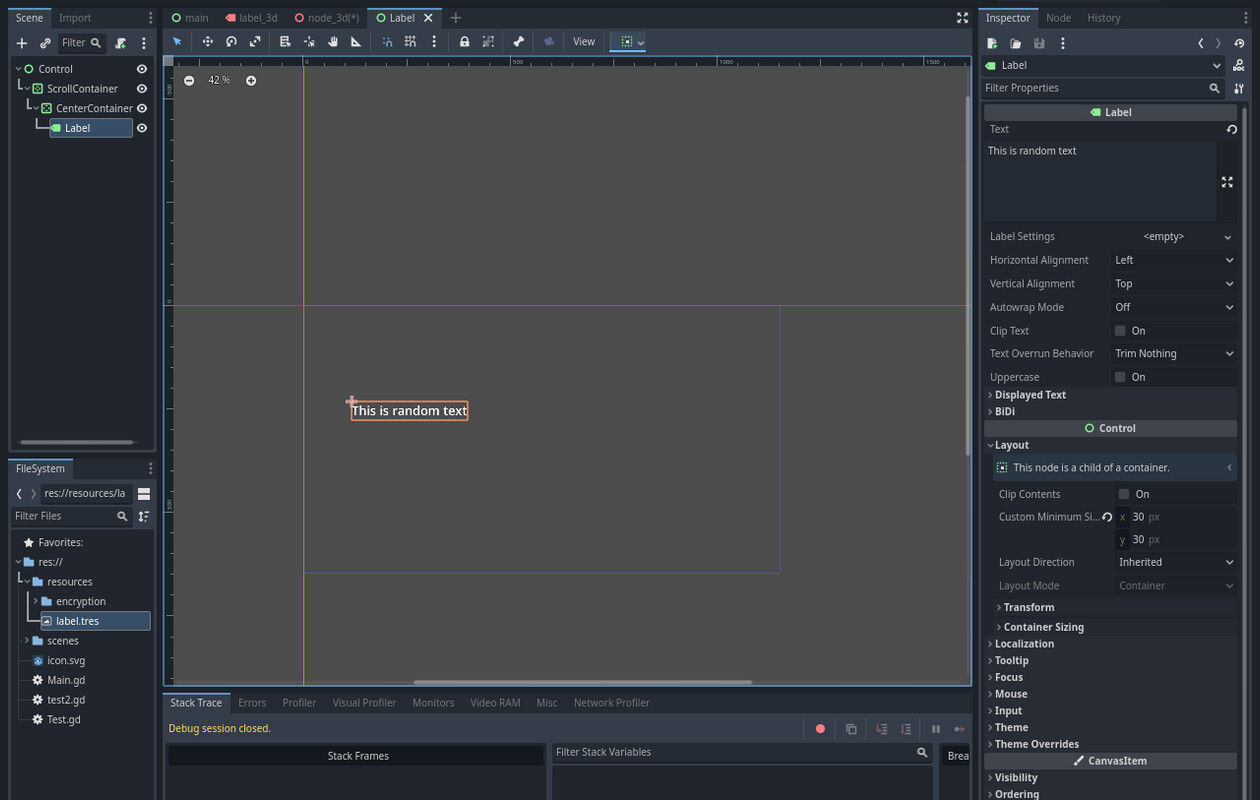
now I’m thinking perhaps you could try to render the text onto a MeshInstance-plane with a transparent background? that would make it easier for you to get the dimensions but then it would be hard to do the autowrapping, unless you use a normal label inside a viewport and a viewport texture? then prehaps it could work but it’d still get quite complicated
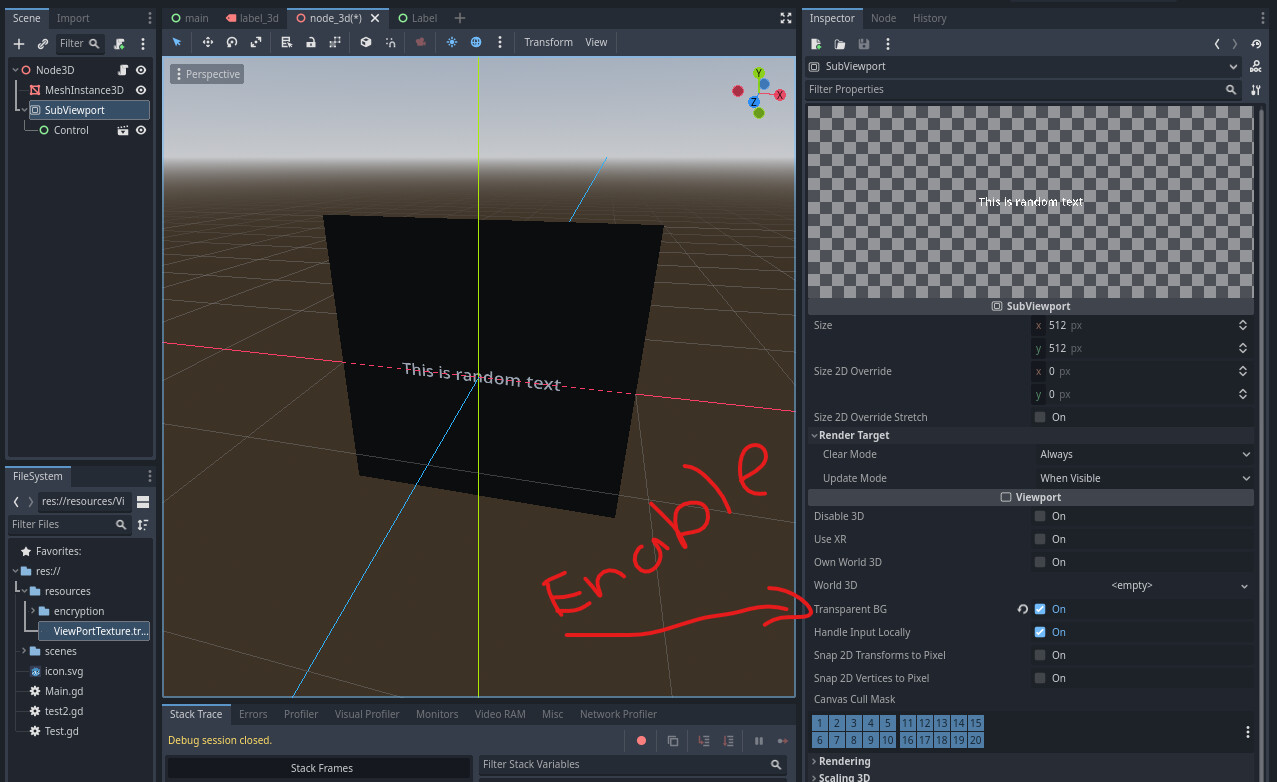
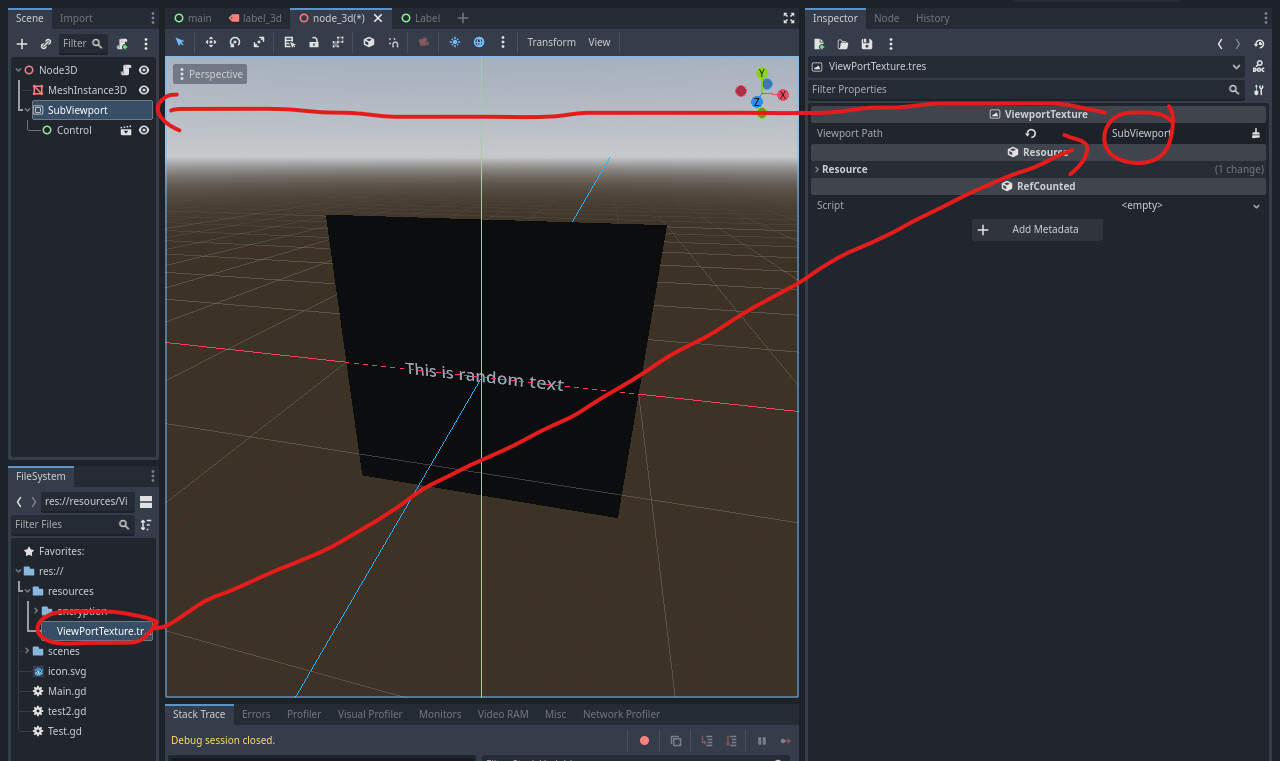
make sure to enable transparent BG on both the subviewport and the meshinstance’s material. also DRAG the viewport texture to the meshinstance/Geometry/Material Override. just loading it doesn’t work for some reason it just keeps failing expecting a shader material.
I hope this helps it’s the only way I could think of doing what you wanted, You might need to make some of your own adjustments to get it to work like you need it to but this is most of the setup to create a custom 3D Label
Thanks for the idea. I’ll try to dynamically update the viewport size to fit the Label and prevent clipping. That could work with autowrap.
I found a solution using the AABB. You can get the size of probably any 3D object by calling .get_aabb() and getting the size.
For my specific problem, I had to call Label3D.get_aabb().size.
Another way of doing it is with Font.get_string_size().
You can create a label, set all the properties and then use the font of the label to get the bounding box.
Here is a little example code:
	func get_label_size():
		var label:Label3D = Label3D.new()
		var text = "Hello World"
		label.text = text
		label.font = font
		label.outline_size = 0
		label.horizontal_alignment = HORIZONTAL_ALIGNMENT_LEFT
		label.font_size = 32
		add_child(label)
		await get_tree().process_frame
		var word_width_pixel = font.get_string_size(text, HORIZONTAL_ALIGNMENT_LEFT, -1, label.font_size).x
		var word_width_meter = word_width_pixel * label.pixel_size
		return word_width_meter