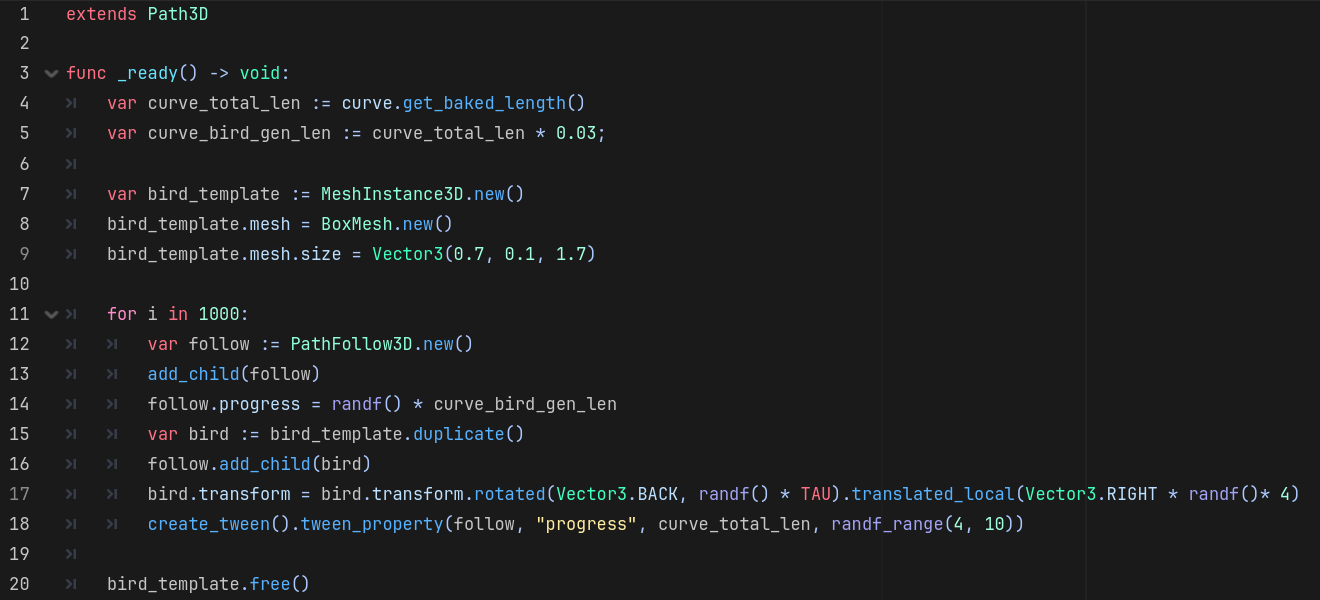
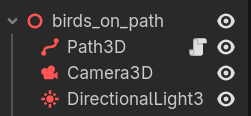
Create the path manually. At startup generate and scatter the birds around the path start. For each bird: find the closest point on the path, create a follow node, set the follow progress to the closest point, parent the bird to its follow node and align bird’s basis with the follow node’s basis, create a tween and animate the follow node’s progress.
Would that not result in the same effect as I proposed?
No, because not all birds would be oriented the same. It’d look more fluid in the case they’re more scattered along the path. I think that’s exactly what the OP has in mind.
I apologise, I double checked and I didn’t attach the script properly, the result of your method doesn’t display the relative offset the same way as it appears in the editor. The result has them all lined up next to each other side by side, when the relative offset is a scatter going backwards
I understand what your trying to tell me to do. What your missing, is that to make sure it actually looks good I would end up doing it manually first then using the scrip after wards to replicate the same set up. At that point, its not worth bothering with the script
I don’t think I’m missing anything. You be the judge though 
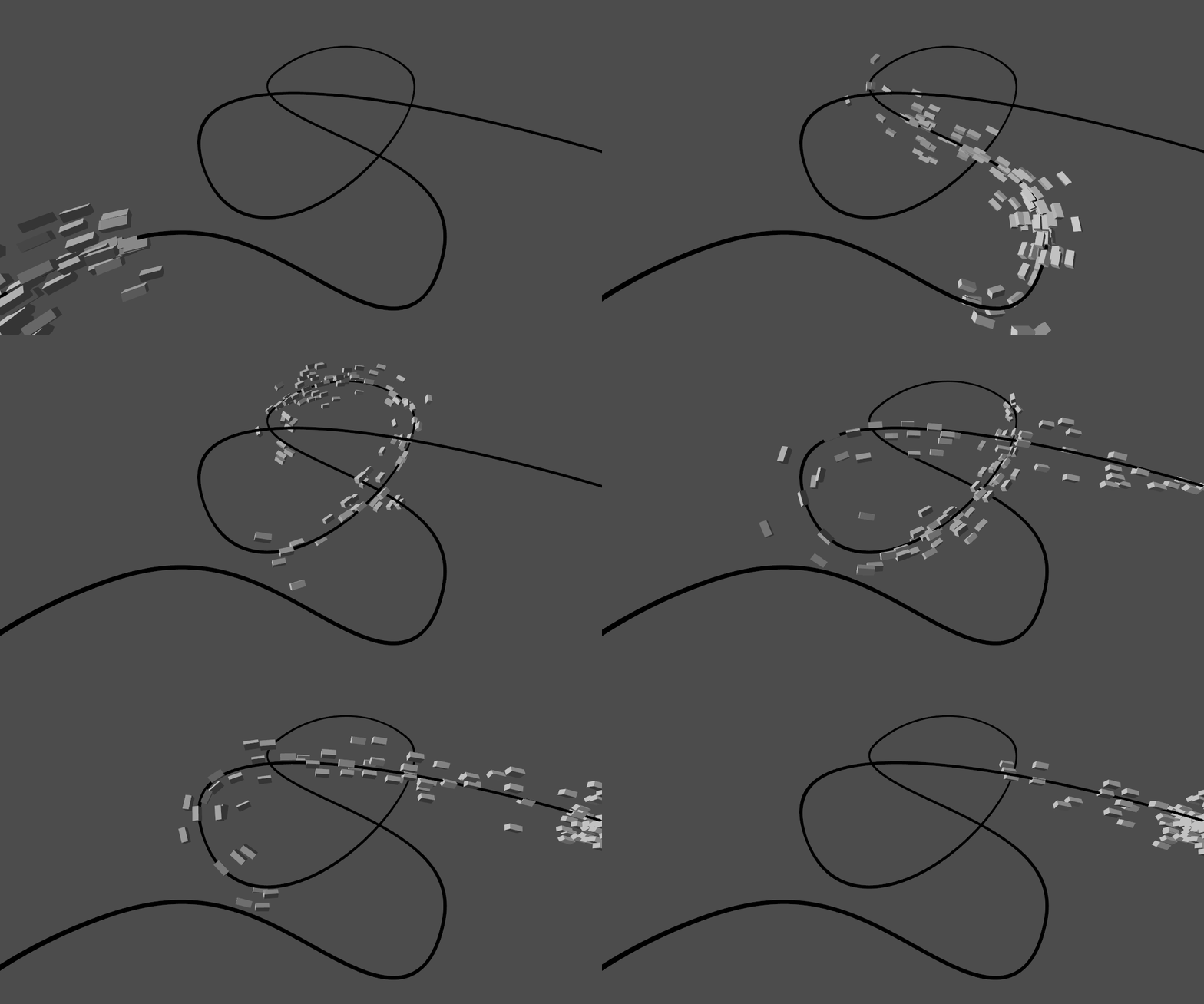
Scripting is automation and automated is always easier and quicker than manual.
Here’s another snapshot just for fun, with exactly 1000 birds:
My final bit of fun with this, some randomness and a couple of tweens added:
The whole thing (without additional randomization) is mere 20 lines of code including the mesh creation. So it definitely beats any manual work, especially if you want to go with 1000 of objects.