First things first, next time put what version of the engine are you using, what type of game/program are you doing, learn how to debug (i put a material in the third link in the references), and see the guidelines for posting in the “Help” forum: Posting guidelines in #Help channel.
The characterbody2d is usually for playable aspects of the game, not for the computer to use, second, to access a character body 2d nodes direction and speed the way you are doing without taking into account the function move_and_slide() of the same node leads to some janky behavior.
If you want a node to access those attributes, I recommend RigidBody2D.
Also, I think you are doing a top down style of game, if you are you should be using collisionobject nodes and program the movement from zero.
Next, the @onready editor function all it does is declare variables while the function _ready() runs, if you declare something and dont give it a type or a value and then accessing it the very next frame without proper security checks to ensure the value isnt Null it may crash in most cases.
To solve this what I would do is the next:
First the enemy scene should roughly look like this:
RigidBody2D/CharacterBody2D
|
--Sprite2D/AnimatedSprite2D
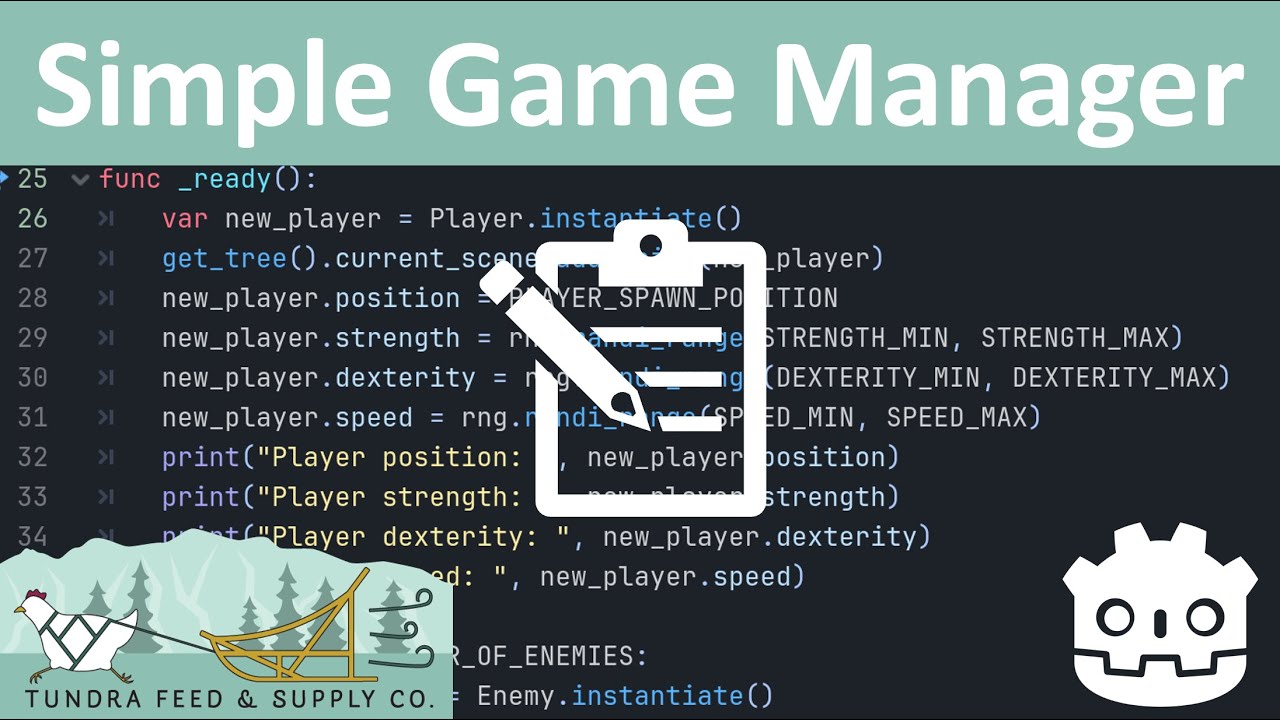
Also very important that you have a GameManager, check the fourth link in references.
In the code of your character it should send the information of its position to its parent or the GameManager, and in the game manager there should be a simple function called “get_player_position()” and in your enemy code it should look like this, (i am making the code for characterbody2D but I really recommend the RigidBody2D node):
const MAXIMUM_MOVEMENT_SPEED:Vector2 = Vector2(50,-50)

var enemy_direction:Vector2 = Vector2(0,0)

var known_players_position:Vector2


func _process(delta: float)→void:

known_players_position = GameManager.get_player_position()


#If it is negative it means the player is on the right, if its positive it means the player is on the left

enemy_direction.x = position.x – known_players_position.x

#if the value is more than a 100, limit it to a 100

enemy_direction.x = clamp(enemy_direction.x, -100, 100)

#if it is negative it means that the player is below the enemy,

#if it is positive it means the player is above the enemy

enemy_direction.y = position.y - known_players_position.y

#if the value is more than a 100, limit it to a 100

enemy_direction.y = clamp(enemy_direction.y, -100, 100)


velocity.x = MAXIMUM_MOVEMENT_SPEED.X * enemy_direction.x


move_and_slide()
This code is for a linear side scroller but it gives an idea.
References: