I thought making a small forest adventure would be the easy project

I want to post something here that isn’t just a link drop.

I’m a solo dev. Hobbyist, evenings and weekends. I’ve got four things up on my page now,
and the only reason any of them exist in public is that itch.io doesn’t do gatekeeping.
No pitch deck. No approval email. No “we’ll get back to you in six weeks.” You make
something, you upload a zip, and it’s live. When you’re doing this alone, that’s not a
small thing. That’s the whole thing.

The other part I actually appreciate is pay-what-you-want. My games are free. But PWYW
means if someone plays one and feels like tossing a couple of dollars at it, they can.
I don’t have to build a shop, or stuff ads into a platformer about a frog. It’s a decent
middle ground for a hobby project that isn’t a business and doesn’t want to become one.

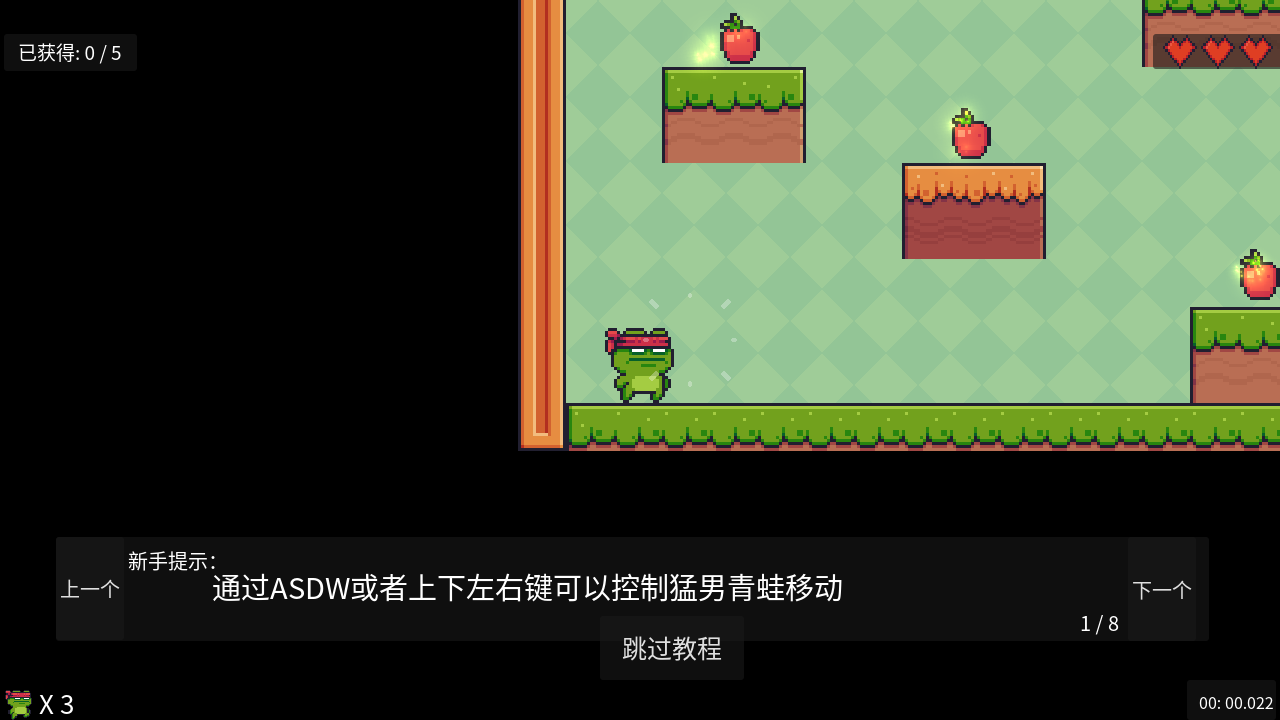
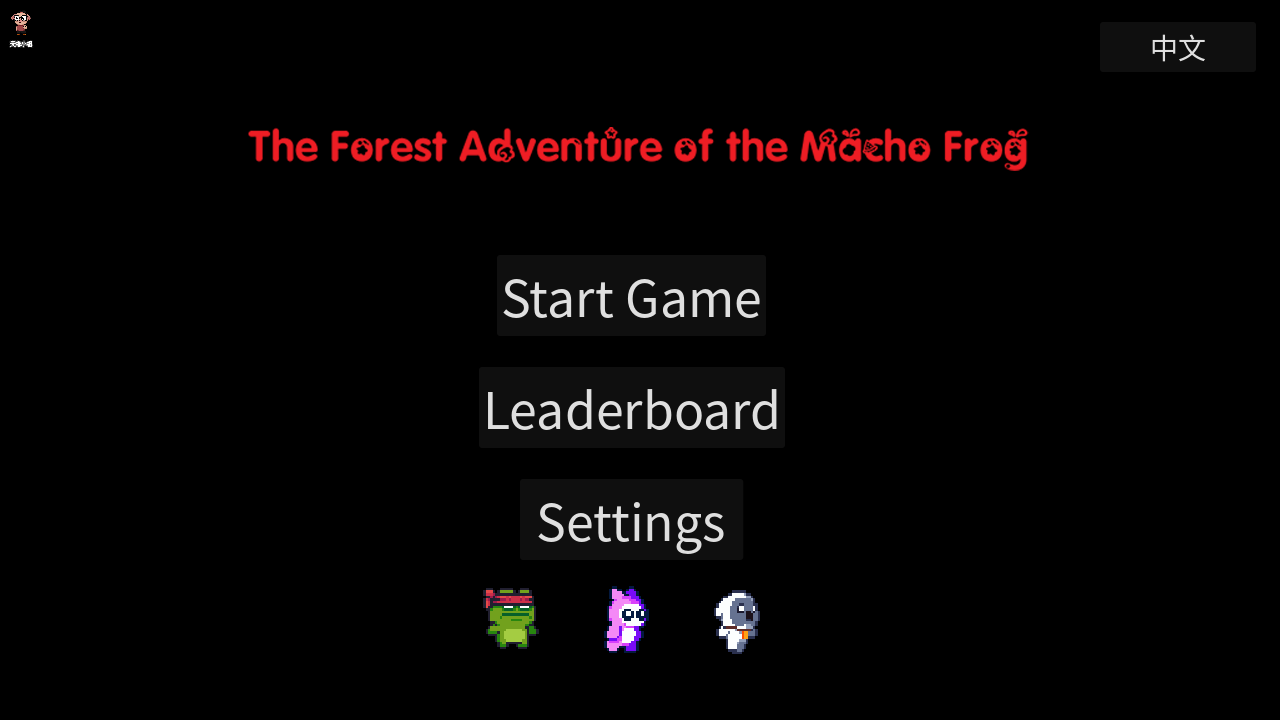
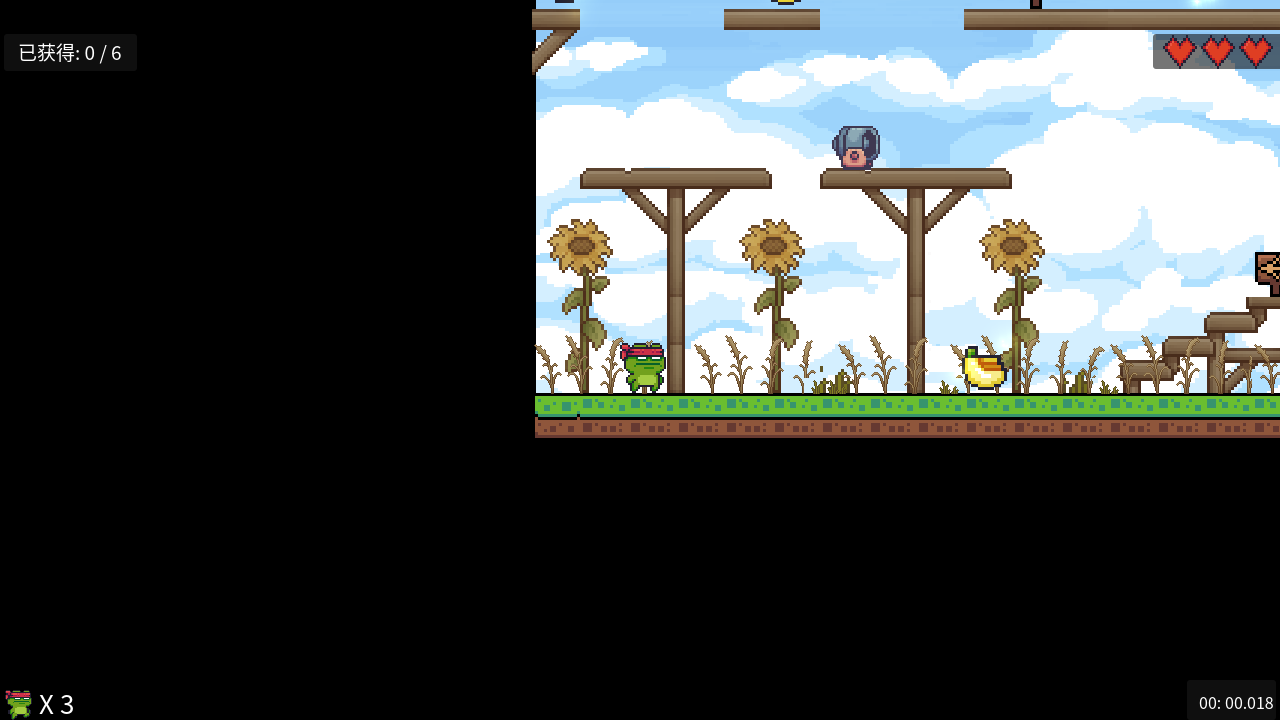
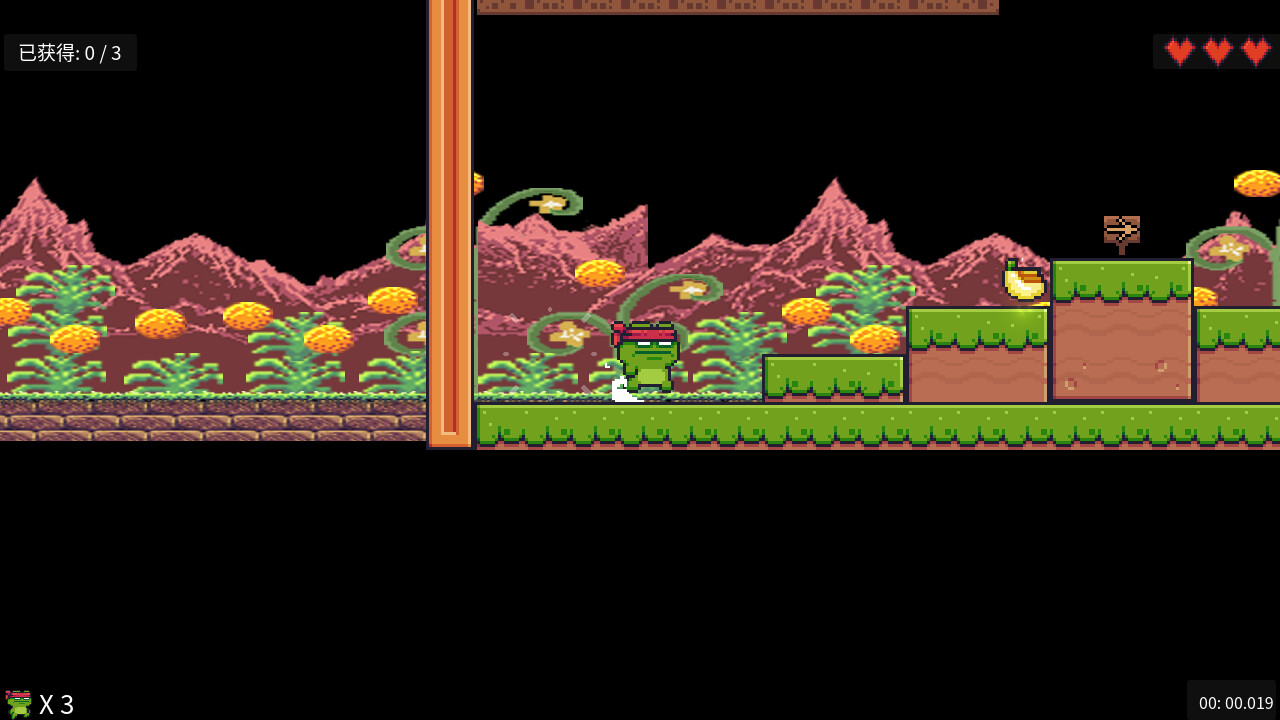
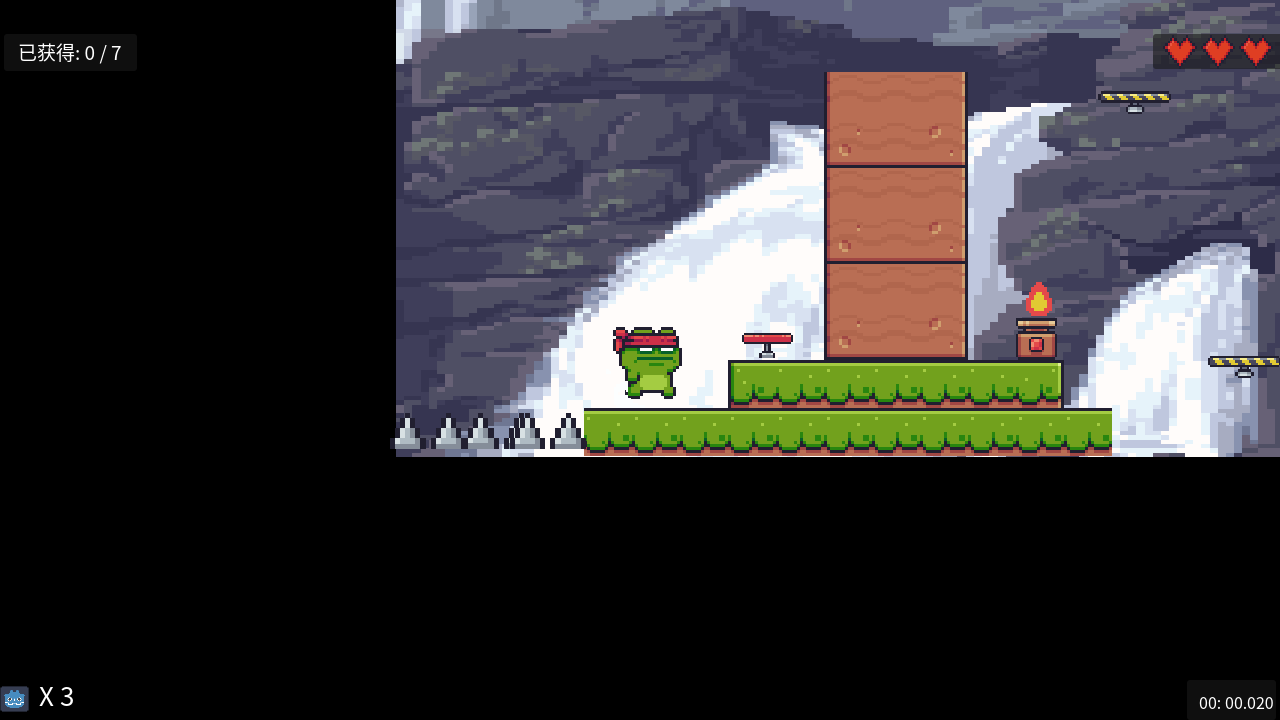
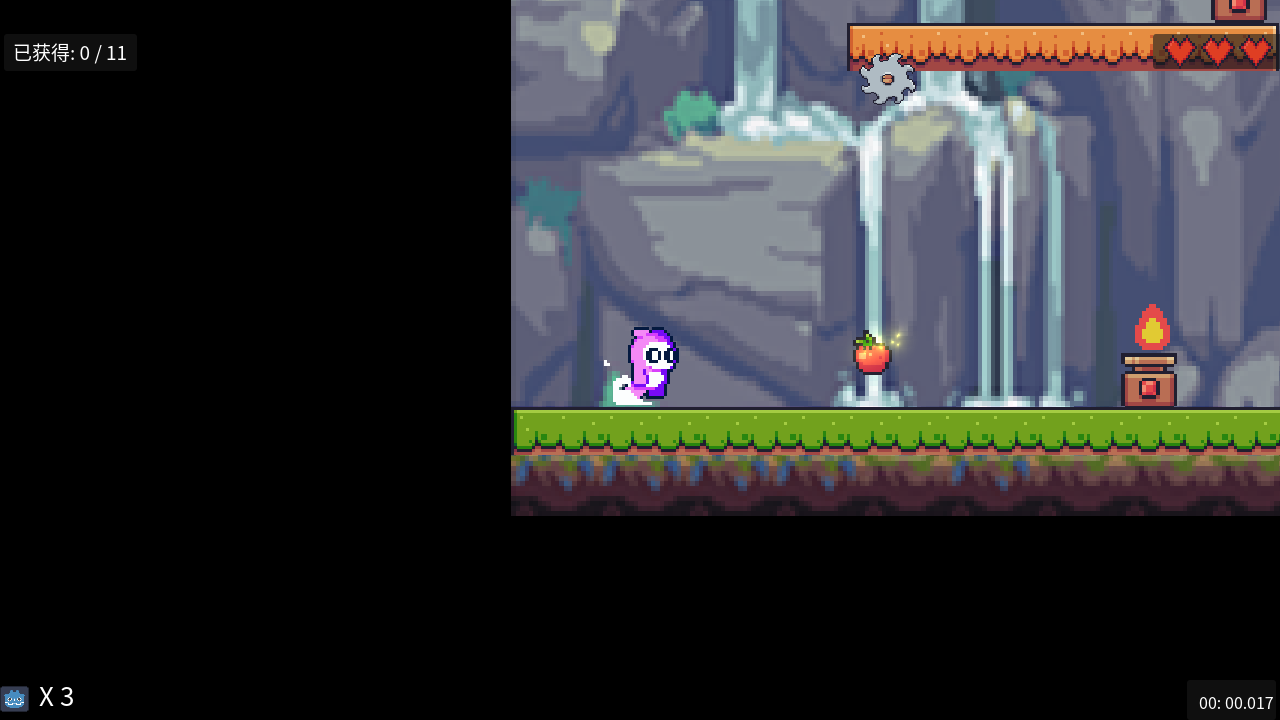
So, what I put up most recently. Muscle Frog: Forest Quest. You’re a frog. You eat fruit,
you get bigger, you jump on platforms, you dodge spikes and fire, and eventually you fight
a pig who calls himself a king. Seven levels, about fifteen minutes. Free, runs in the
browser, works on phones with touch controls.

It’s short on purpose. No shop, no stamina bar, no daily login, no cutscene to skip. I kept
thinking about all the things games do to hold your attention and then I just didn’t build
any of them. You press right, you jump. That’s the whole game. And honestly, playing my own
thing was more fun than a lot of what I’ve played this year, which was a surprise.

There’s also a mahjong game and an RPG on the same page, if a frog isn’t your genre.
Different games, same one person.

If you try the frog one and something annoys you, tell me. I read everything and I do
actually fix things.

And a real question for everyone else posting here: what’s the thing itch does that other
platforms don’t, that you’d miss most if it went away? For me it’s the no-approval-process
part, but I’m curious what it is for everyone else.

1 Like

Small update on this one — I found a fairly embarrassing Web export bug.

The browser version had technically had a save system for quite a while, except I was writing everything to res://. So on desktop it behaved normally, while in the browser nothing was actually being saved.

It’s on user:// now, which means IndexedDB on Web, and the leaderboard finally survives a refresh.

I also fixed a startup case where a bad saved resolution could end up calling window_set_size(0, 0). Windows doesn’t quite give you a 0×0 window, but the tiny sliver it creates is arguably worse because it looks like the game failed to launch.

Both were very simple bugs once found. Finding them took considerably longer than I’d like to admit.

1 Like

This makes me wonder why Godot even allows writes to res://. I guess it makes sense for tool scripts, but for the actual game? Is there a valid use for writing to res:// that I’m missing, or should res:// be mounted in read-only mode for actual games?

For the modest Projects that I create, ‘res://’ serves me very well, enabling complete and welcome automatic separation of my Projects. As I have no intention of exporting or commercialising my Projects, ‘user://’ has no purpose for me. If, punctually, I decide to render public any export of my Projects, it’s an easy enough matter to change to ‘user://’; until then, I am in favour of leaving the default as ‘res://’. I may be alone in this, but that’s not certain.
Peace.
Chum

I just learned about this from Godot’s documentation and other YouTube videos. While my understanding isn’t very deep, I’d still like to share my thoughts:

The difference lies in the project file system and the runtime file system. Simply put, res:// is the project root directory during development, making it writable and very useful for editor plugins, @tool scripts, importers, generators, build tools, etc. In this case, if Godot forces it to be read-only, it would be quite limiting.

However, for exported games, res:// should not be considered writable application storage. Depending on how the project is exported, resources may already be included in the PCK file (I haven’t looked into it closely), and Godot’s documentation treats the exported project file system as read-only.

Therefore, res:// = files included with the game, while user:// = files created or modified during game runtime, such as save files, settings, downloaded data, cache, screenshots, generated content, etc., are all placed under user://.

However, I still agree with your point. After all, for exported games, treating res:// as read-only is probably the safest and most secure approach. Hope this helps.

My friend, I never knew you had such in-depth knowledge in this area! You’re amazing, it really surprised me. I hope you’ll continue to support my work and offer more insightful comments in the future.:clinking_glasses: