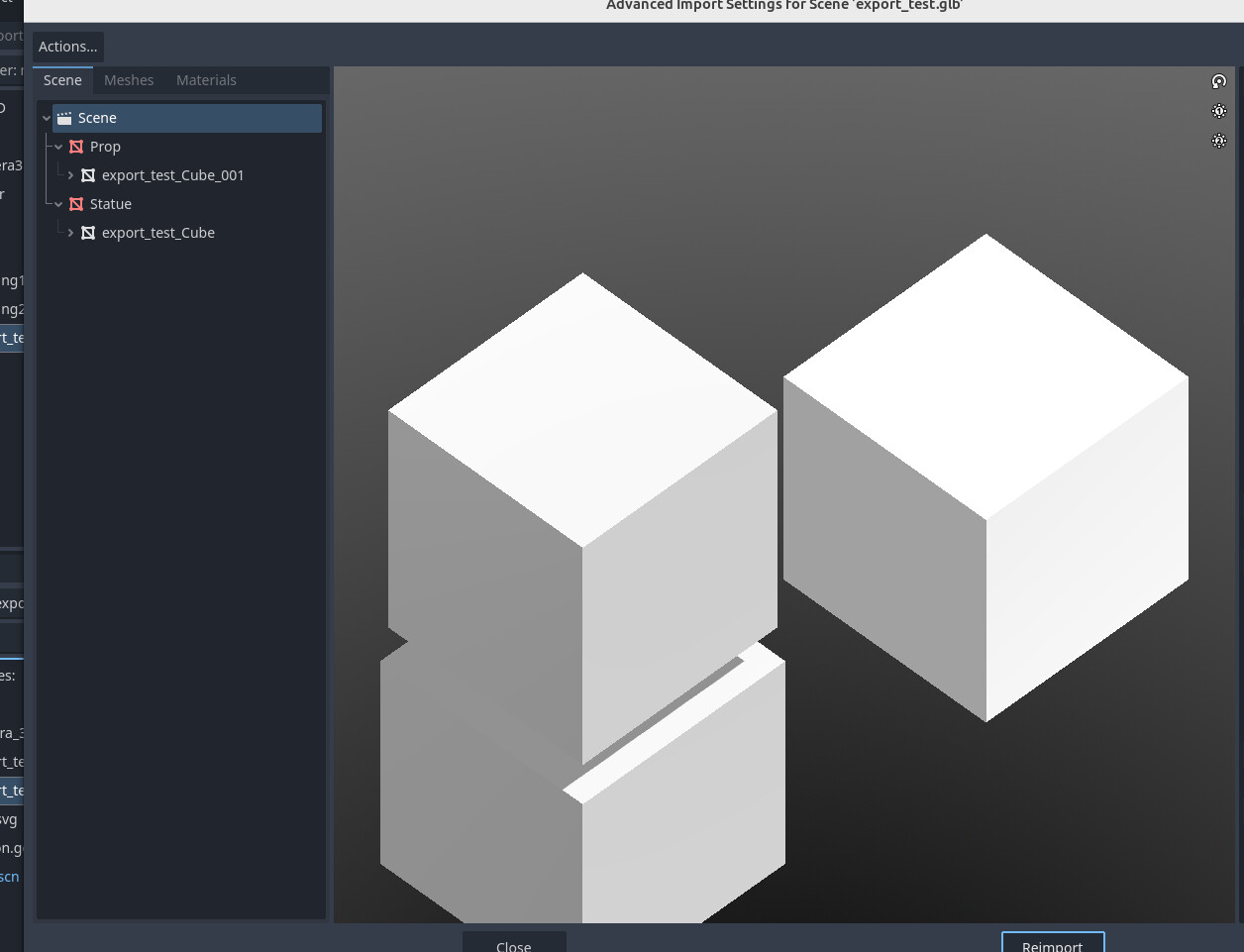
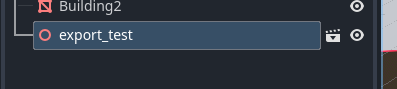
I’m importing assets from Blender into Godot 4, and I noticed regardless of using a blender file or a gltf file, they’re imported as one node instead of subnodes (or a tree). ie. no individual parts. But when I double click the file in Godot 4 I see them as separate nodes in their own scene. I’ve tried multiple import options, but none seem to help.
Is there a way to import multiple mesh parts into Godot using only one file?
You can right click any instantiated scene and select “editable children” to change the children nodes for that scene. You could also create a new inherited scene of the GLTF/blend file from the filesystem.
yes, if separating them is that important to you, then you can just export them as separate glb files, or within the advanced import panel you can disable any specific mesh you don’t want to import just yet