Godot Version
Im not sure where i can see it. But godot 3 atleast.
Question
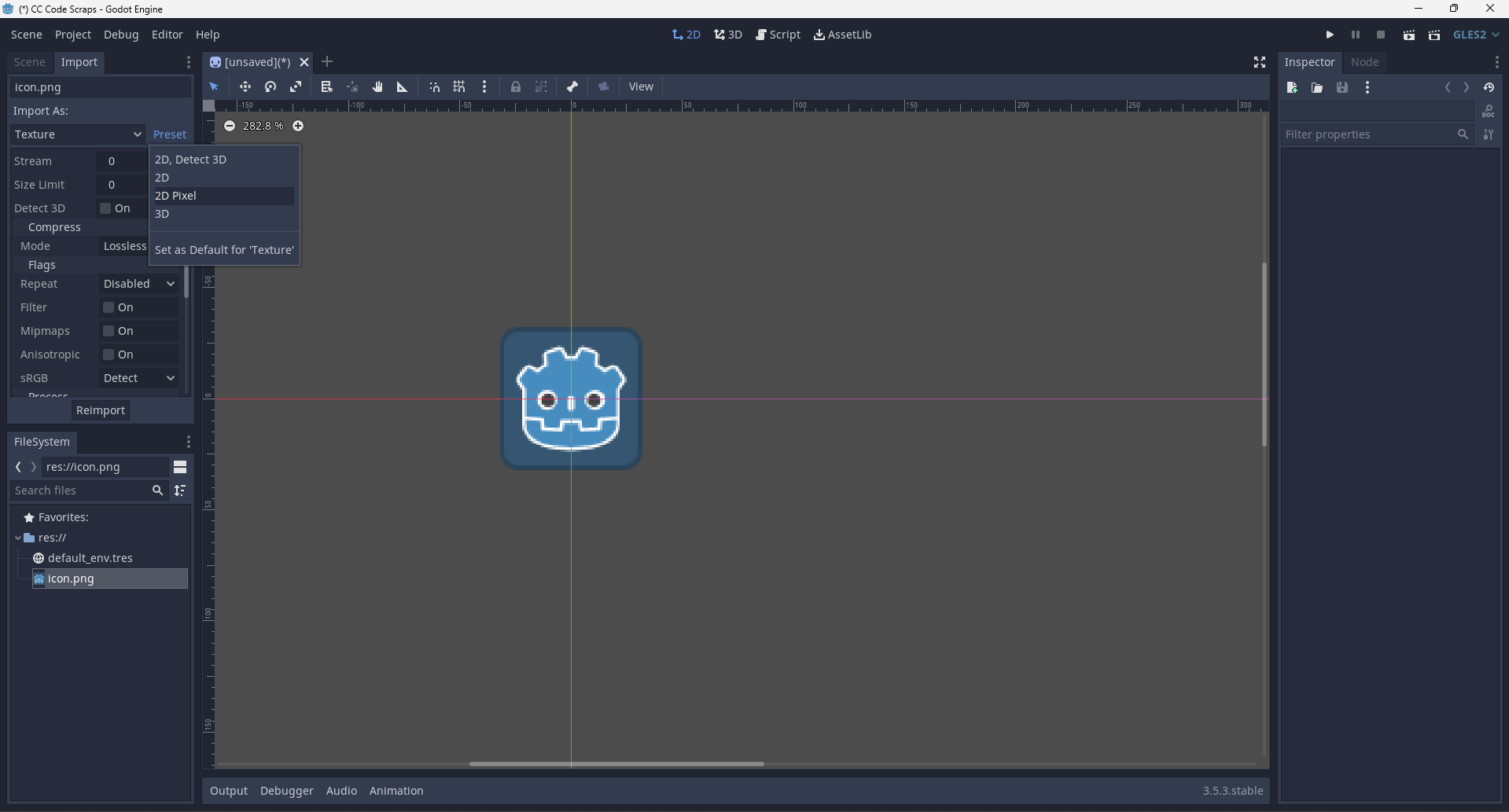
So basically the title says it but i wanna make my pixel art sharp and not blurry 
Thank you 
Im not sure where i can see it. But godot 3 atleast.
So basically the title says it but i wanna make my pixel art sharp and not blurry
Thank you
When you say “characters”, do you mean sprites, font glyphs, or something else?
If you are doing pixel art then go to Project Settings, then filter? (I forgot what it was called.) Then change the filter to Nearest. It will make your pixel art not blurry.
(Or maybe linear if your game is not pixel? I don’t do not-pixel games, so I don’t remember the other filters.)