I was talking with NVIDIA, and they are working to keep up with the main branch while also making the system 100% GPU agnostic. Currently, the Path-Tracer runs on any GPU, including AMD, and even on Linux. The only part that is NVIDIA only is Ray Reconstruction, which is currently used for denoising.
However, they are actively working on a second denoiser that can run on any GPU. They have made it abundantly clear that the goal is to not be NVIDIA only.
The shadows in that last video are convincing, perhaps the fork will be useful for special builds of a game. People will be able to say “here is the standard version, and here is the super HD version with RTX, take your pick”.
Reflections and shadows definitely benefit the most from Path-Tracing. Indirect illumination is also excellent, but if we’re talking absolute game-changers, SDFGI holds its own for GI. However, in my opinion, reflections fall short, and shadow maps are… well, shadow maps. I don’t need to explain why they suck!
Yeah, the shadows are amazing. The best part is that they’re often cheaper than shadow maps, since you can have far more shadow-casting lights at very low cost. Path-Tracing avoids the overhead of shadow mapping, and the resolution is effectively infinite something traditional methods just can’t match. I love PT/RT shadows!
As for special builds, all of this can be toggled in game, so a developer could add a menu where players can choose to use Path-Tracing or rasterization. So yeah, that’s totally possible.
Basically, anything that’s going to be visible in reflections or indirect illumination needs to be visible. There is still work being done on how exactly occlusion culling and related systems should work, but currently, this renders any objects that are needed for off-screen rendering.
For some additional context, the rasterized version using SDFGI, SSIL, SSAO, and SSR has been tweaked to look as good as possible for an object of this detail. If I move the camera, there is nonstop popping and visual discontinuities, so even the “bad” version can’t be used in-game. I could fix the popping, but then you don’t get self-occlusion in most areas, so it looks worse than this image. In contrast, Path-Tracing is completely stable and handles everything at a per-pixel level.
The scene is lit by the sky itself and a single directional sunlight. The sun is mostly used for highlights, but most of the ambient light comes from the skybox.
This scene was super simple. I used the HDRI for most of the lighting, which alone provides an extreme level of realism. The sun was just added to create some nice highlights on the plastic, and then the Path-Tracing handles the bulk of the rendering work.
As for noise, I am using the DLSS Ray Reconstruction denoiser, which handles everything in real time. In fact, someone is even working on porting it to Blender, which could do the same thing. I am only running at 1 sample per pixel with 3 bounces, and since DLSS RR does such a good job of cleaning the image, I can use fewer samples and more bounces, which significantly improves quality.
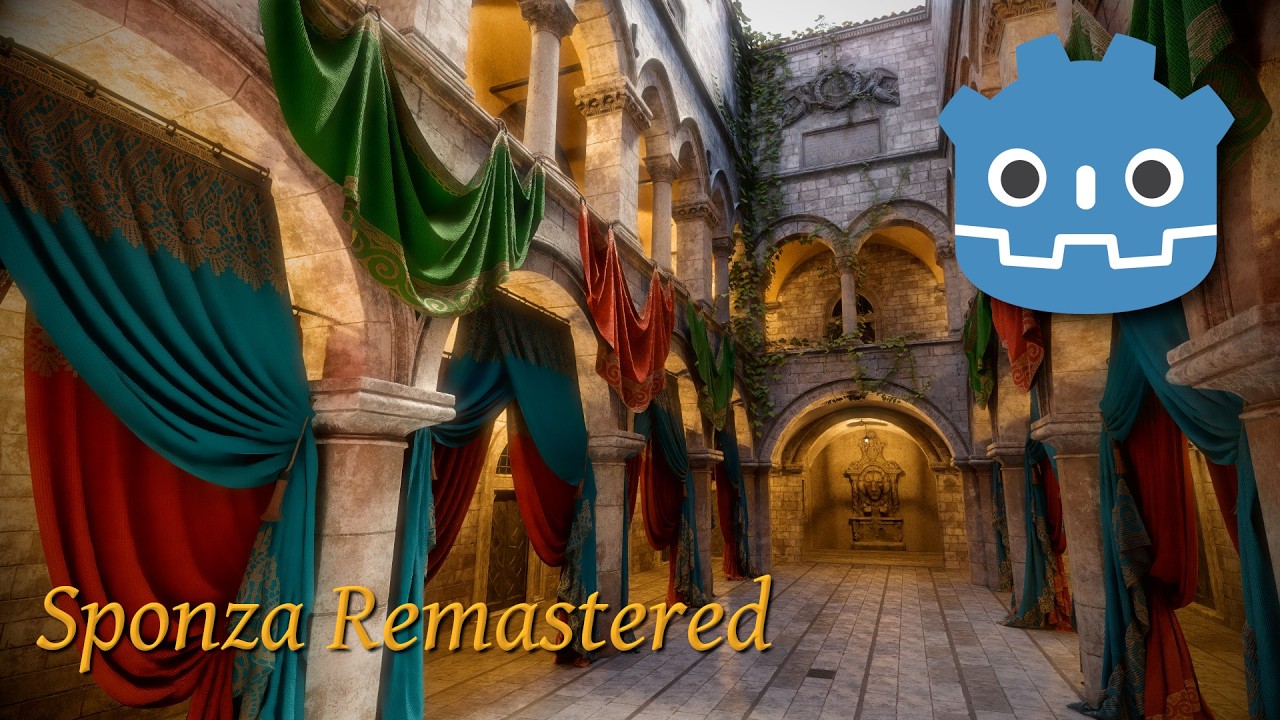
Got a new demo today. This one is more realistic it’s the Remastered Sponza scene that I have ported natively to Godot and configured to work with Path-Tracing. Not only that, but I have spent a substantial amount of time making the Rasterized version also look decent, so this is more of a fair comparison of Path-Tracing vs. Rasterization in terms of quality.
You can download the demo from the GitHub link below, which is a repository of demos. Currently, this only includes Sponza, but I will have more demos soon.