What’s that supposed to mean?
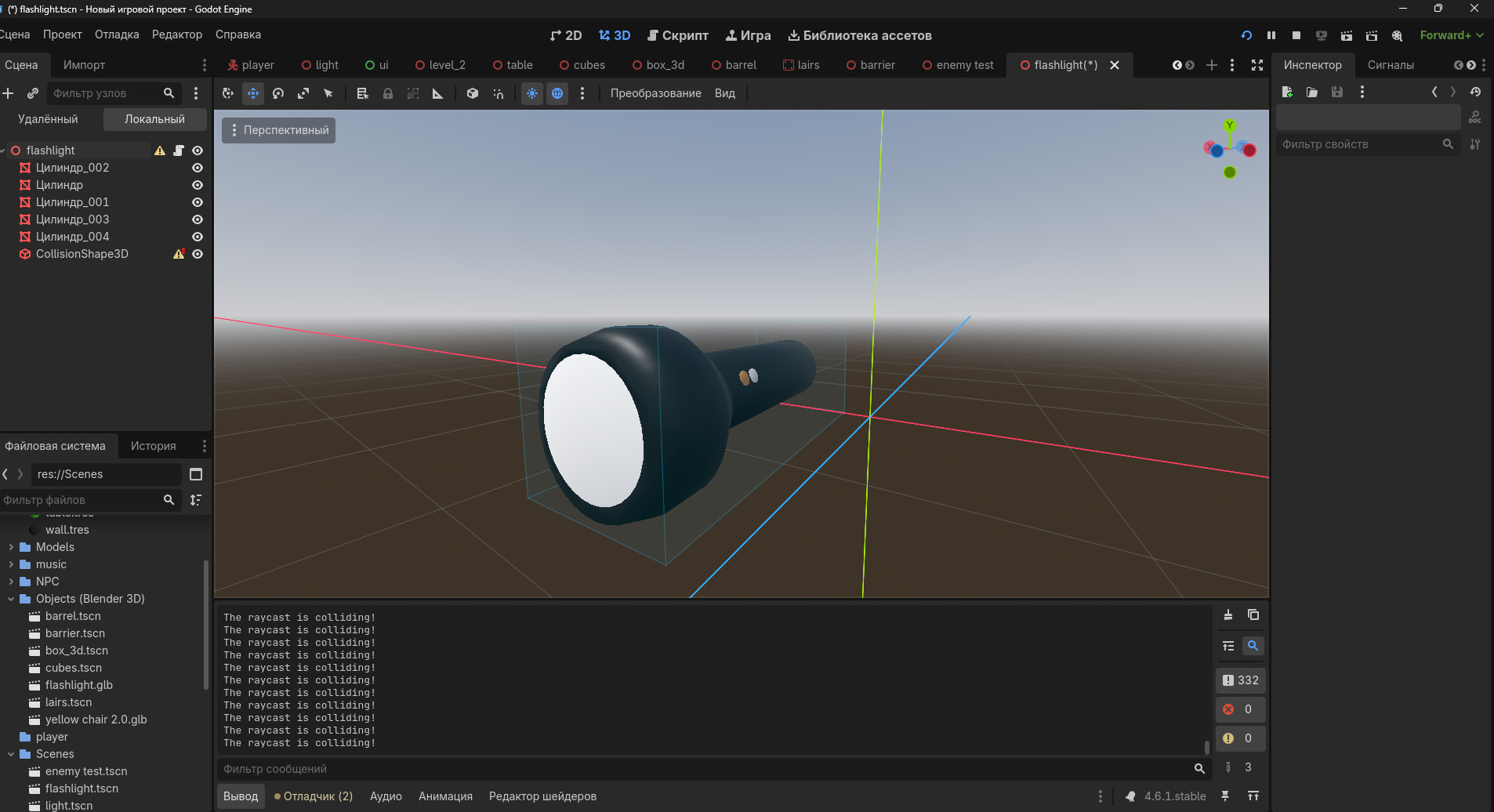
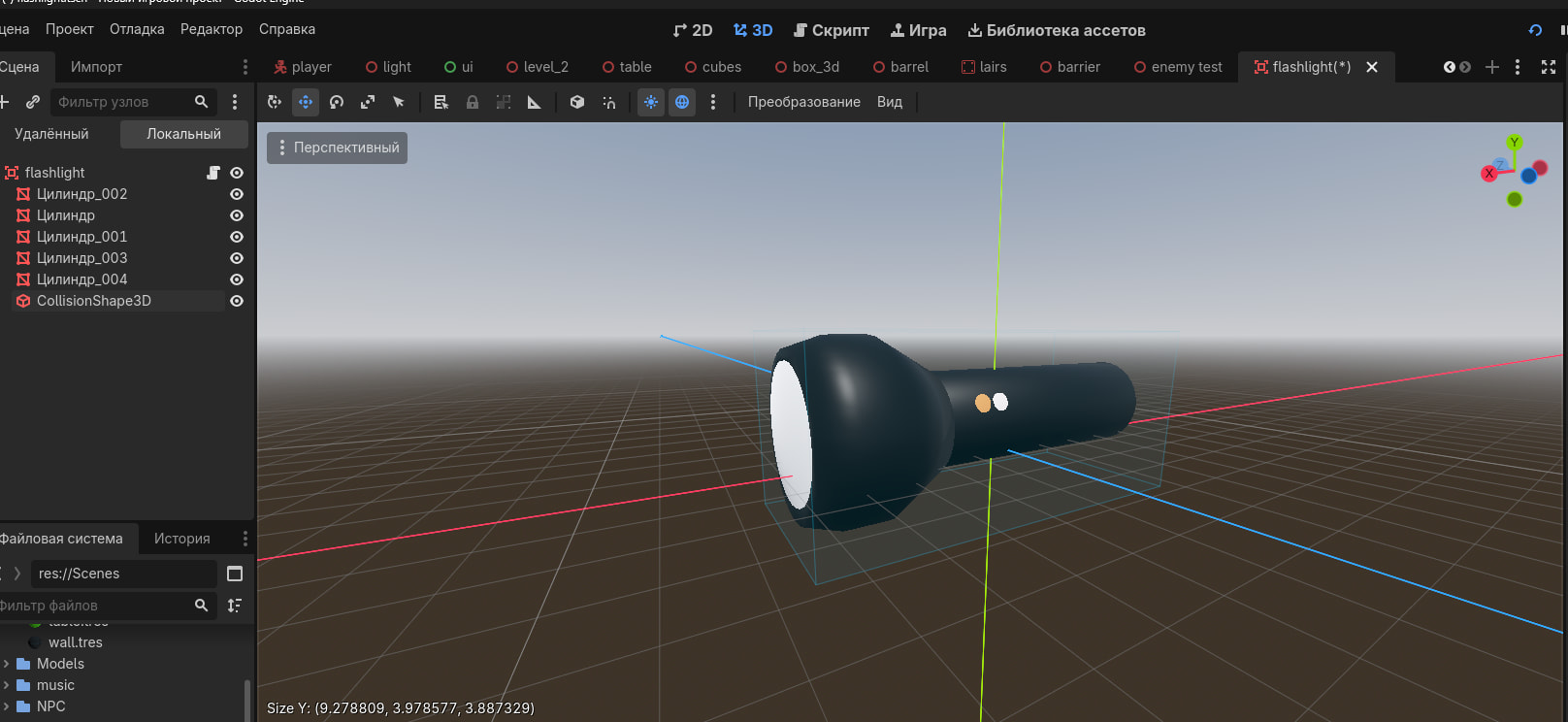
Expand the flashlight node so we can see where the area is located underneath. There’s also a yellow warning triangle icon on that node, meaning that something about it is not set up correctly. Hover the mouse over that triangle to see what the warning is.
Warning about node configuration!
It is not recommended to transform the root node of the scene, as the instances
of the scene usually override this. Reset the conversion and restart the scene to remove this warning.
Warning about node configuration!
• CollisionShape3D serves solely to provide a collision shape to nodes derived from CollisionObject3D.
Use it as a child for Area3D, StaticBody3D, RigidBody3D, Character Body3D, etc. to provide them with a shape.
• Most likely, with an uneven scale, the CollisionShape3D node will not work as expected.
Instead, make its scale uniform (i.e. the same on all axes) and resize its shape resource.
The first is because I downloaded the object from blender 3d and the second is from barrier
Do whatever it says to get rid of that warning.
When that is fixed, click the expand arrow on the left of the node in the tree to expand its hierarchy and post the screenshot of it.
Well, I can remove the border, but I’ll think about the model itself.
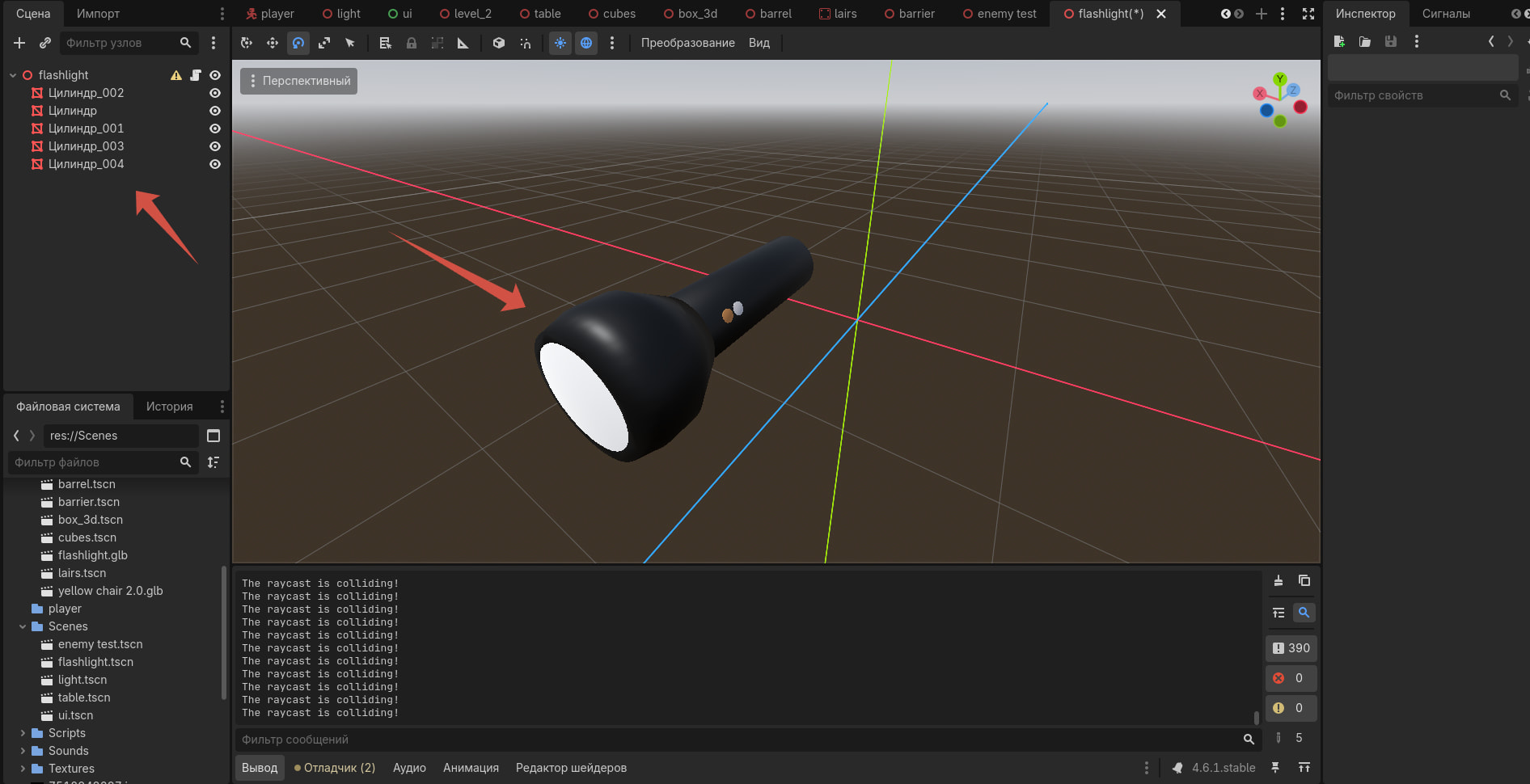
Where’s the area node the ray is supposed to hit? Your previous screenshot of the flashlight looked like there was an area node there.
So I didn’t have to delete the border.
No, just show the whole scene structure as it originally was.
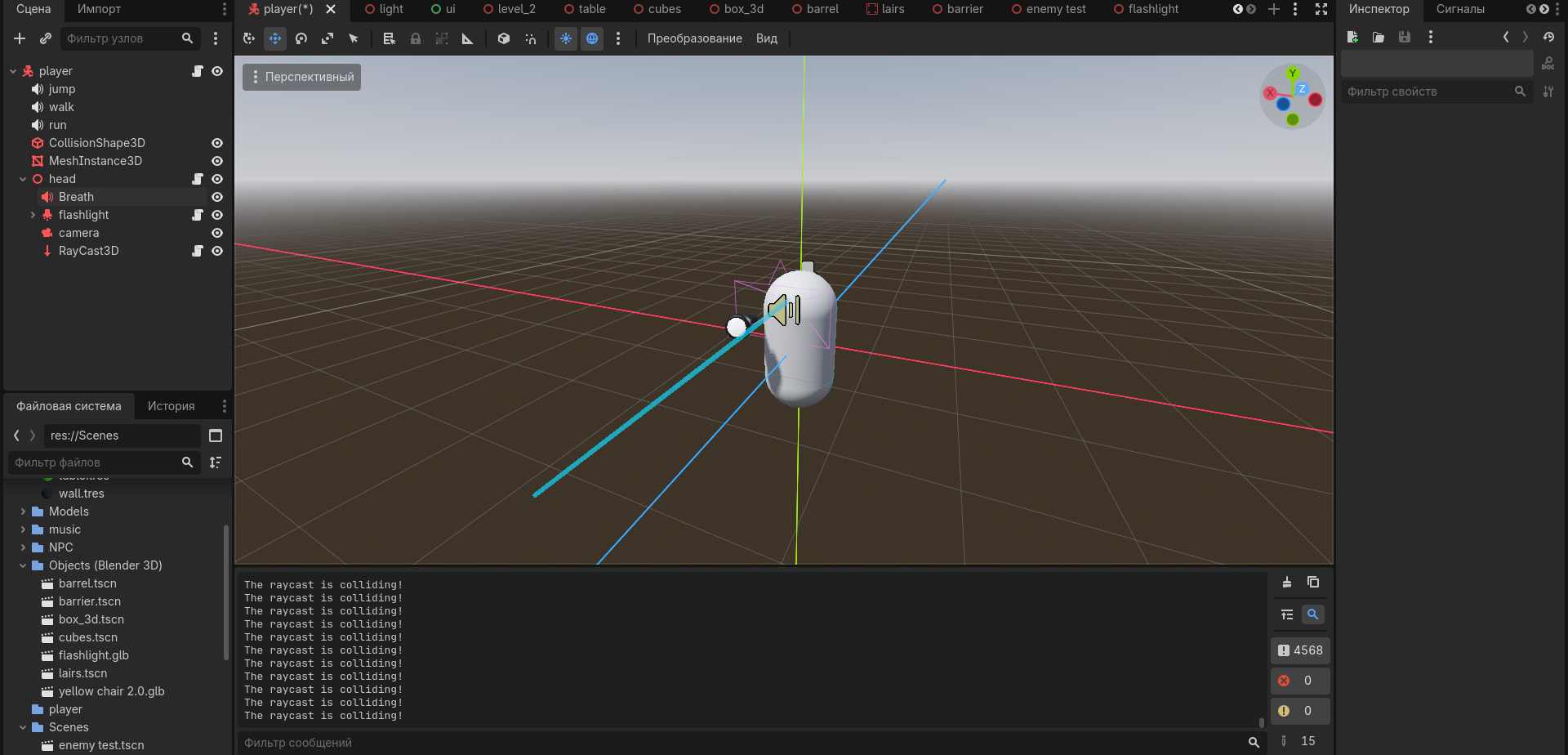
This is a scene with the player, as planned, any object that he picks up will appear next to him in his hand (Of course, there is no hand itself)
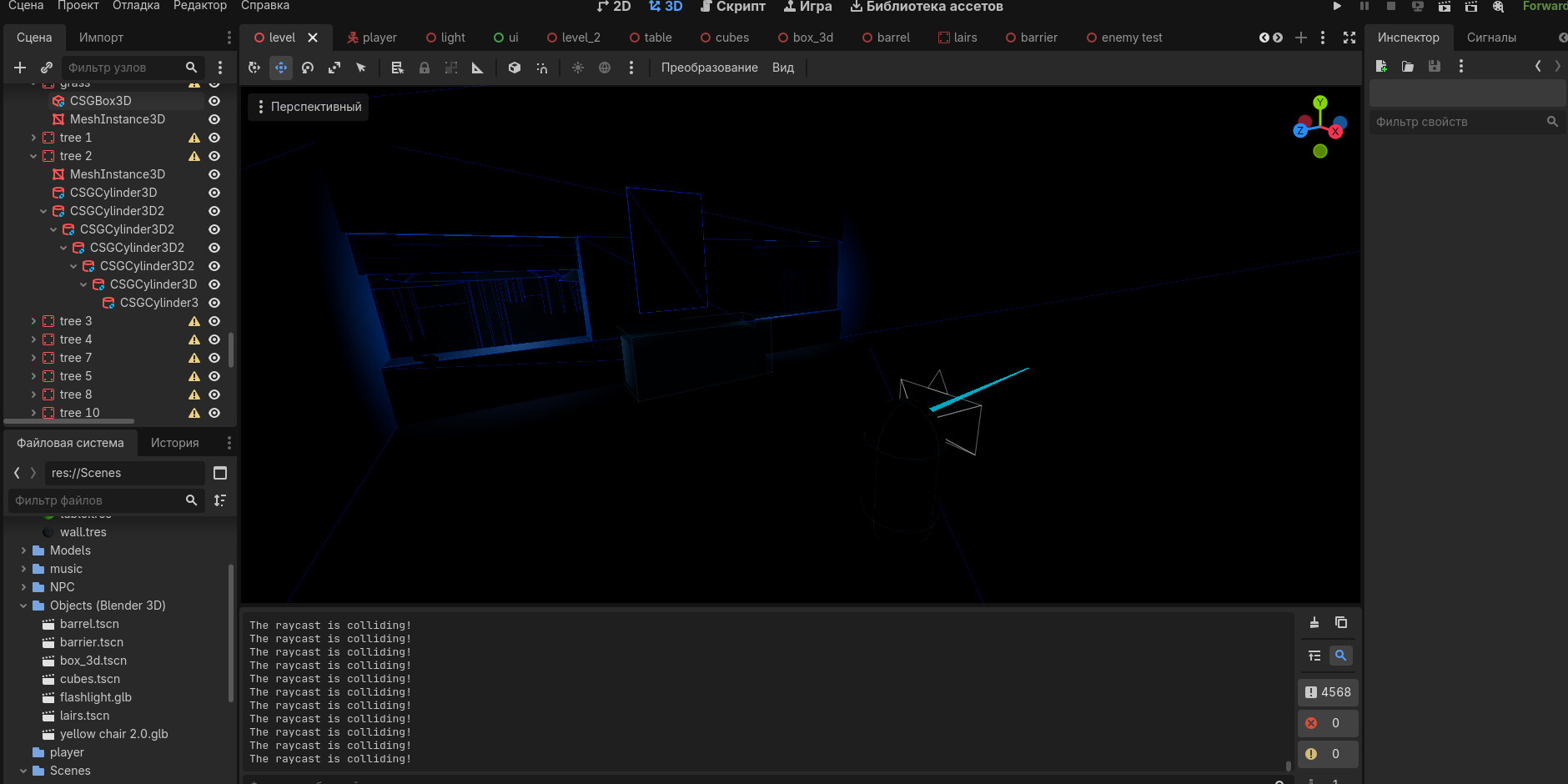
If you’re talking about a game scene, then this is what it should look like. The cutscene begins (It’s not there yet) Then the player finds himself here and he needs to find a light source in this room. He goes to the window and the beam should be directed at the flashlight
I’m talking about the flashlight scene. Post the original structure of that scene, before you deleted the area/collider node (that you called “border”)
There we go. Wasn’t so hard 
The root node flashlight needs to be of type Area3D. So right click on it and pick Change Type... from the popup menu, and select Area3D.
Next, this node needs to have no transforms. So set its position and rotation to (0, 0, 0) and its scale to (1,1,1).
This should get rid of both warning triangles.
1 Like
This scene is now properly set up for collision.
Next, we need to see the script attached to the flashlight node. Click on the script icon beside the node and show what’s in the script editor.
We returned to the script for picking up an object: a flashlight.
Just post the whole script again.
So I copied the flashlight script, changing only that it comes from area3d, now I have approached the flashlight in the main game, but for some reason the absolutely correct object does not see the beam
We won’t accomplish anything if you keep jumping ahead of yourself.
Post the script attached to flashlight node.