
I have developed a pixel art application for game developers! It has 3 image editing modes : Image, Sprite, and Tileset. Each mode has awesome features to help speed up game asset creation! And project tabs make working on multiple files a breeze!
Image mode is the basic editor mode, all features in Image mode is available to the other two edit modes. You get 6 editing tools each with their own set of tool options! :
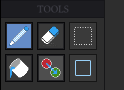
-Pencil has options for shape, brush size, pixel perfect, anti-alias, line drawing using shift, eyedrop with right clicking

-Eraser has options for brush size and also has the eyedropper feature
-Select has 3 modes, box, lasso, and magic wand, each with tolerance settings and the option to add and remove selection regions via shift and alt as well as a transform mode using ctrl-T that allows you to scale,rotate,and move your selection around. Copied items can be pasted between project Tabs!
-Shape has 2 modes box and ellipse with fill settings and thickness settings

-Fill as the name suggests flood fills the selected area
-Color Replace will replace the selected color on the canvas with the current brush color with the option to effect all layers
The right panel is where the magic happens! At the top you have the current brush color chip, a palette panel with custom and preset palettes, and the powerful layers panel with per layer effects! Pyxel Art Forge launches with 6 customizable effects, all stack-able and like layers reorder-able!
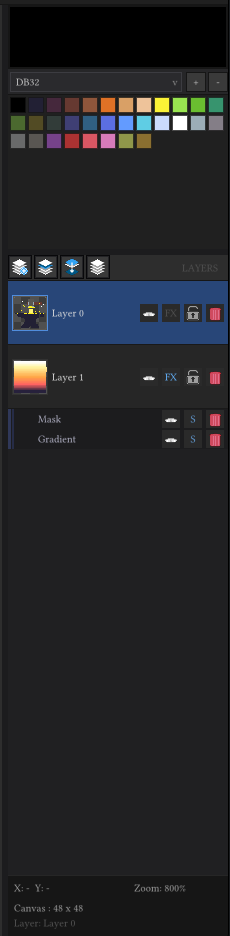
Effects:
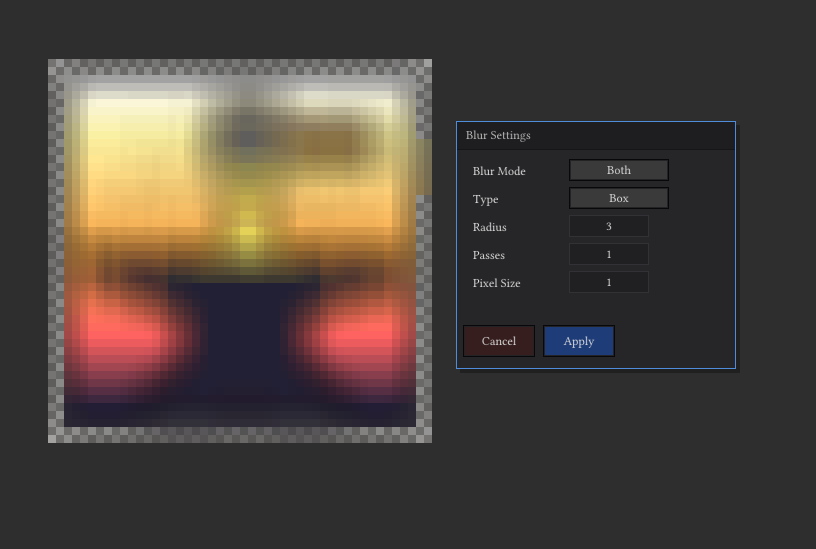
-Blur blurs the drawn art on that layer as well as all effects below it using either a Box or Gaussian method with the option to effect both, just the layer, or just the effects below it
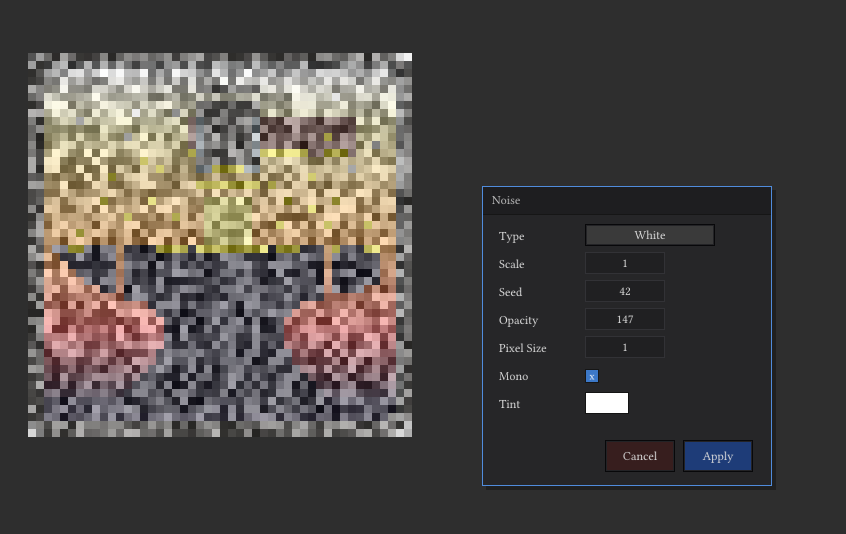
-Noise create a noise effect with color, resolution, and 8 different noise variations!
-Mask will let you paint regions you don’t want effects below it to draw to!
-Gradient has 3 different gradient options with a ramp bar that supports multiple colors! Rotation, and more!
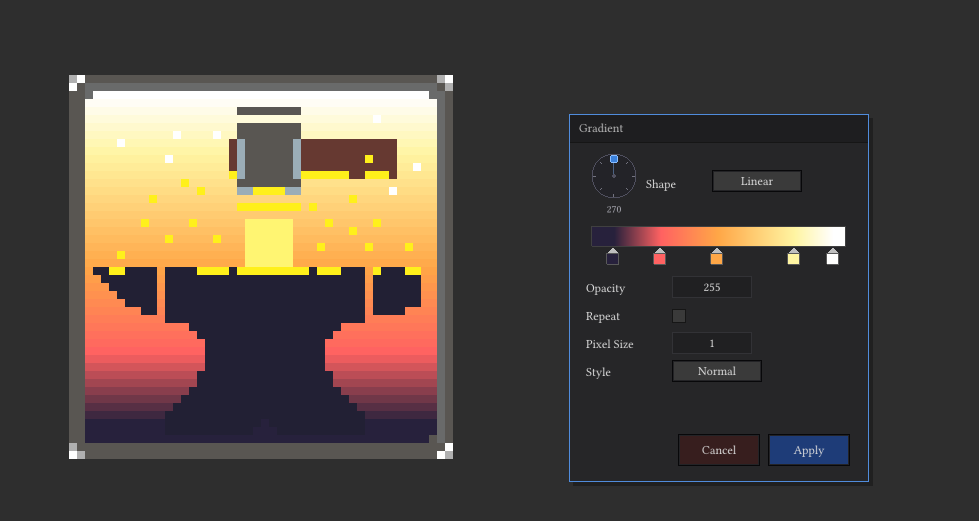
-Outline draws an outline around the art drawn to that layer with color options
-Drop Shadow will as the name suggests creates a drop shadow with custom color, and offset options
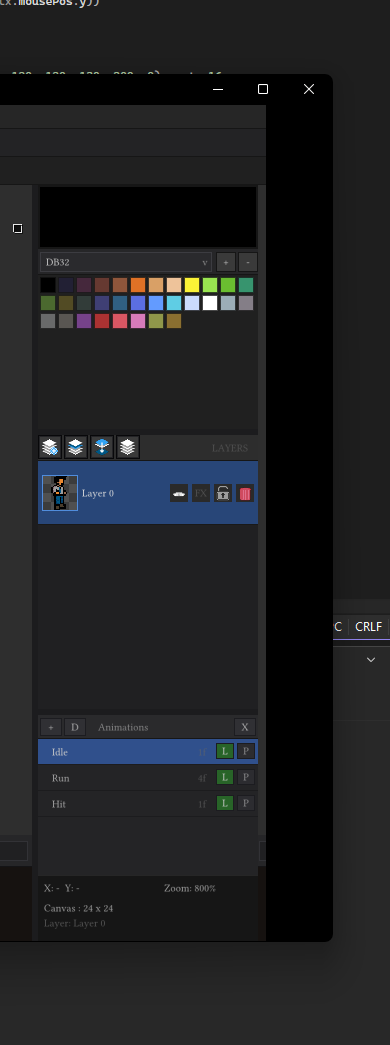
And that’s just the image mode! Sprite mode makes creating sprites fun and super EASY! In right panel you get a new panel called animations.
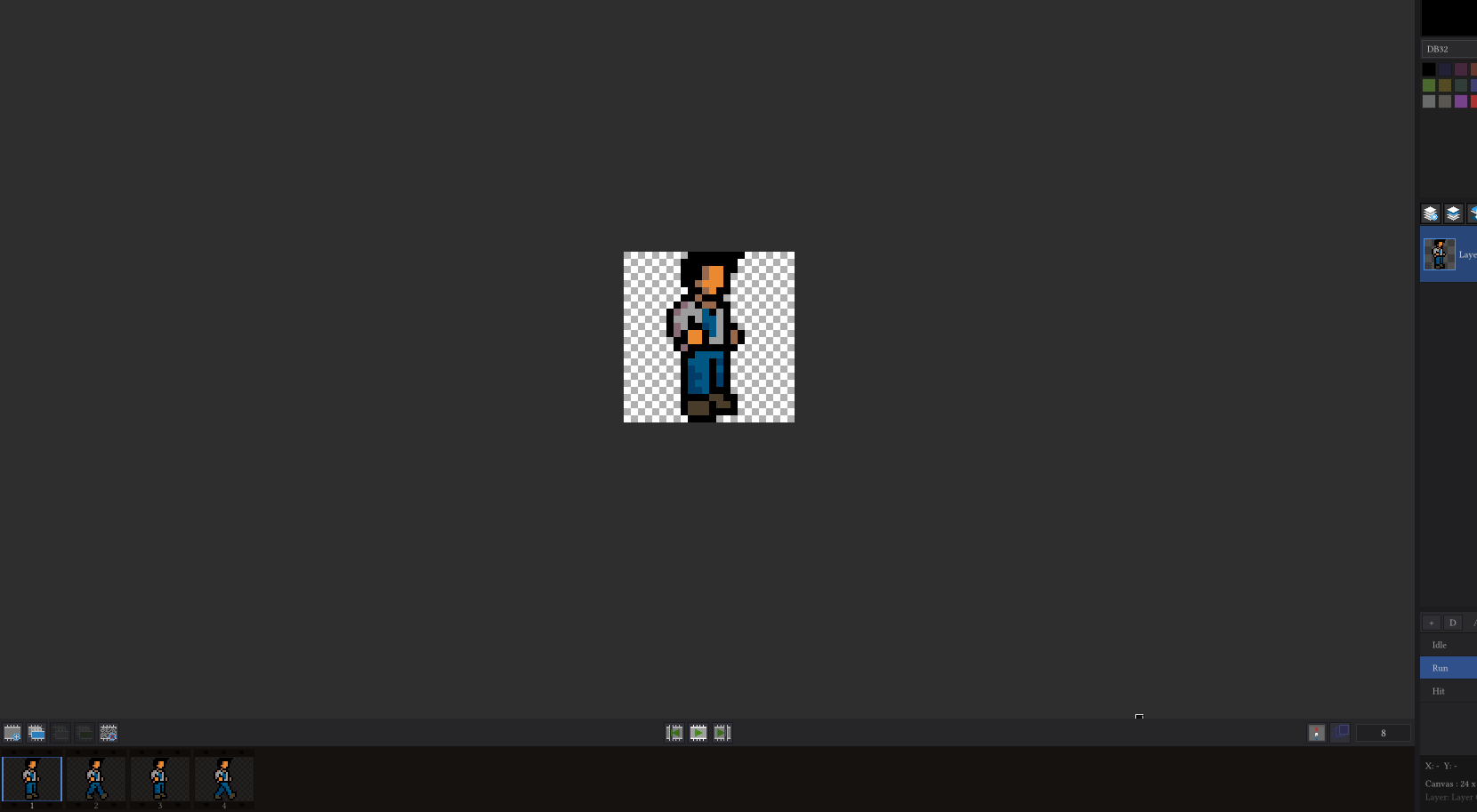
below the canvas is the sprite timeline with onion skinning, animation playback, and an animation preview window toggle!
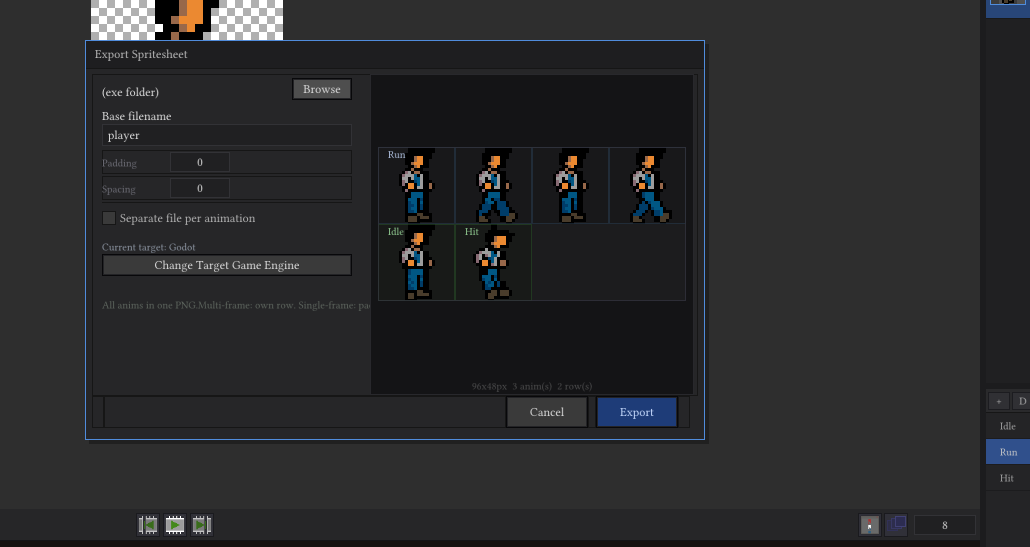
Each animation is made up of frames and each frame has its own set of layers. Frames can be copied and pasted between animations as well! It even has a special exporter that smartly packs your sprites and animations into one png and includes a .pyxelsheet file that when both are dragged into a godot project with my plugin(included with program) will auto import your sprite and create the sprite resource for you!
Tileset mode is another powerful project editor, the canvas is split up into a tiled grid based on your selected tileset size. The right panel now has the Tile Panel where you can add tiles to from the canvas and re-order them. The left tools panel gets 3 new Tile Tools : Stamp, Wrap, and Clear!
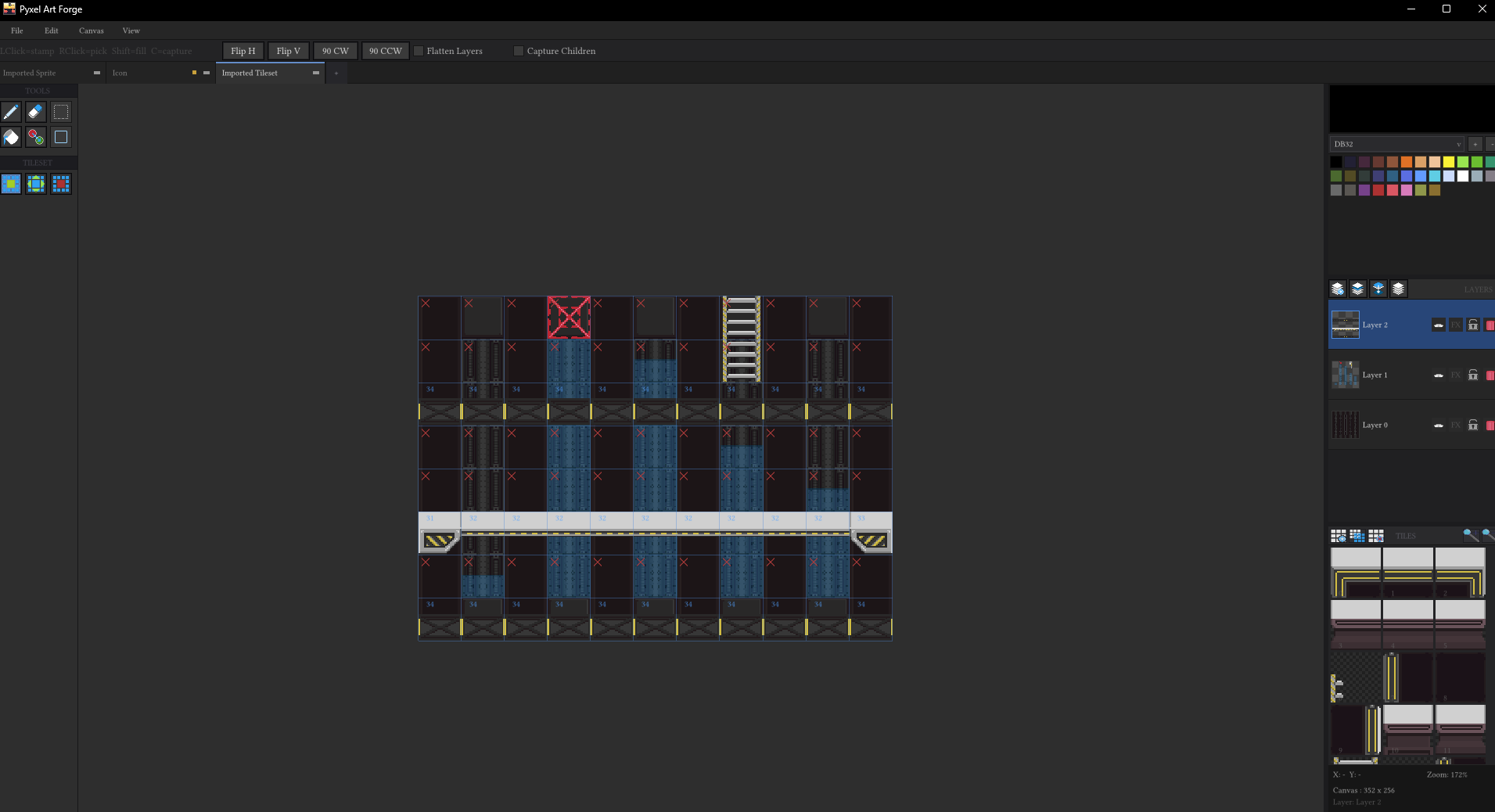
-Stamp lets you pick up, place and add picked up tiles to the tile panel, like tile panel it supports muli-tile selection and will send all picked up tiles to the tile panel by pressing ‘C’.
-Wrap is a neat tool that takes a tile and lets you shift it around its tile space to reposition it, auto wrapping at the edges
-Clear is like the eraser tool but for tiles!
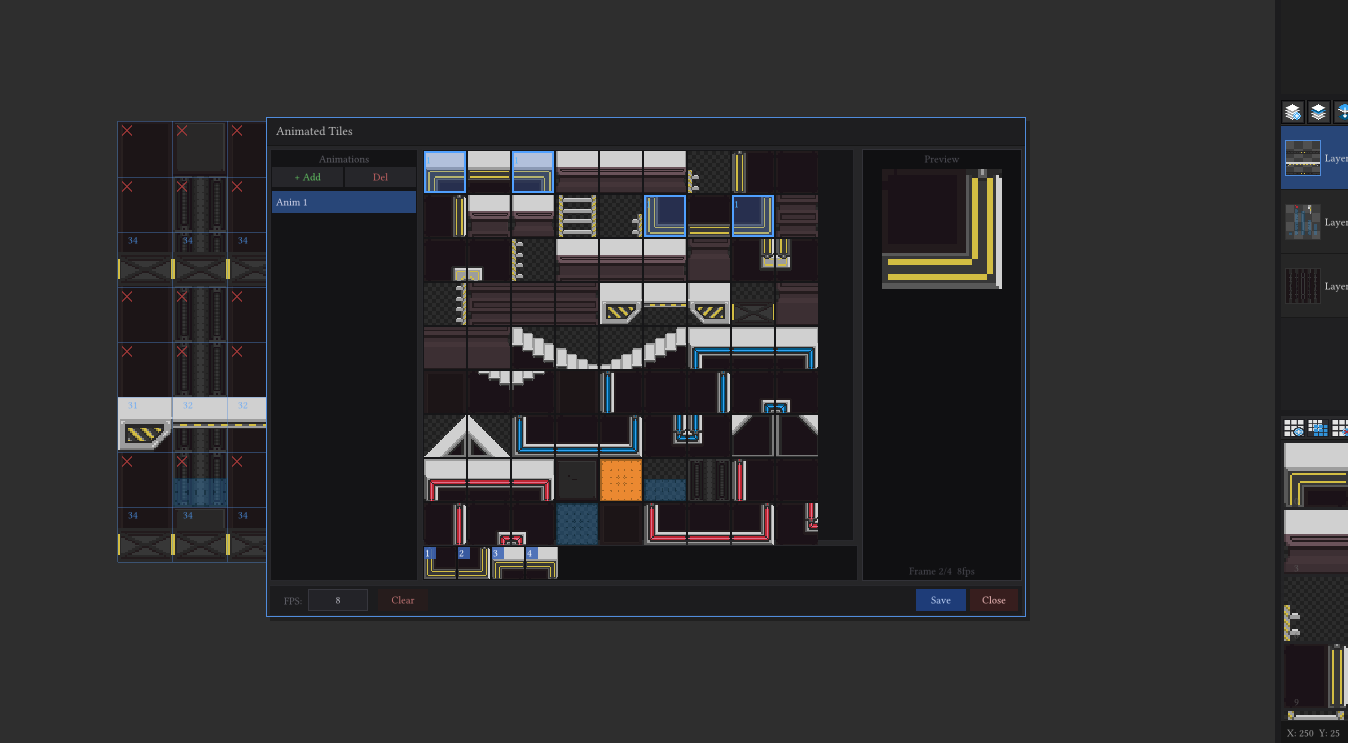
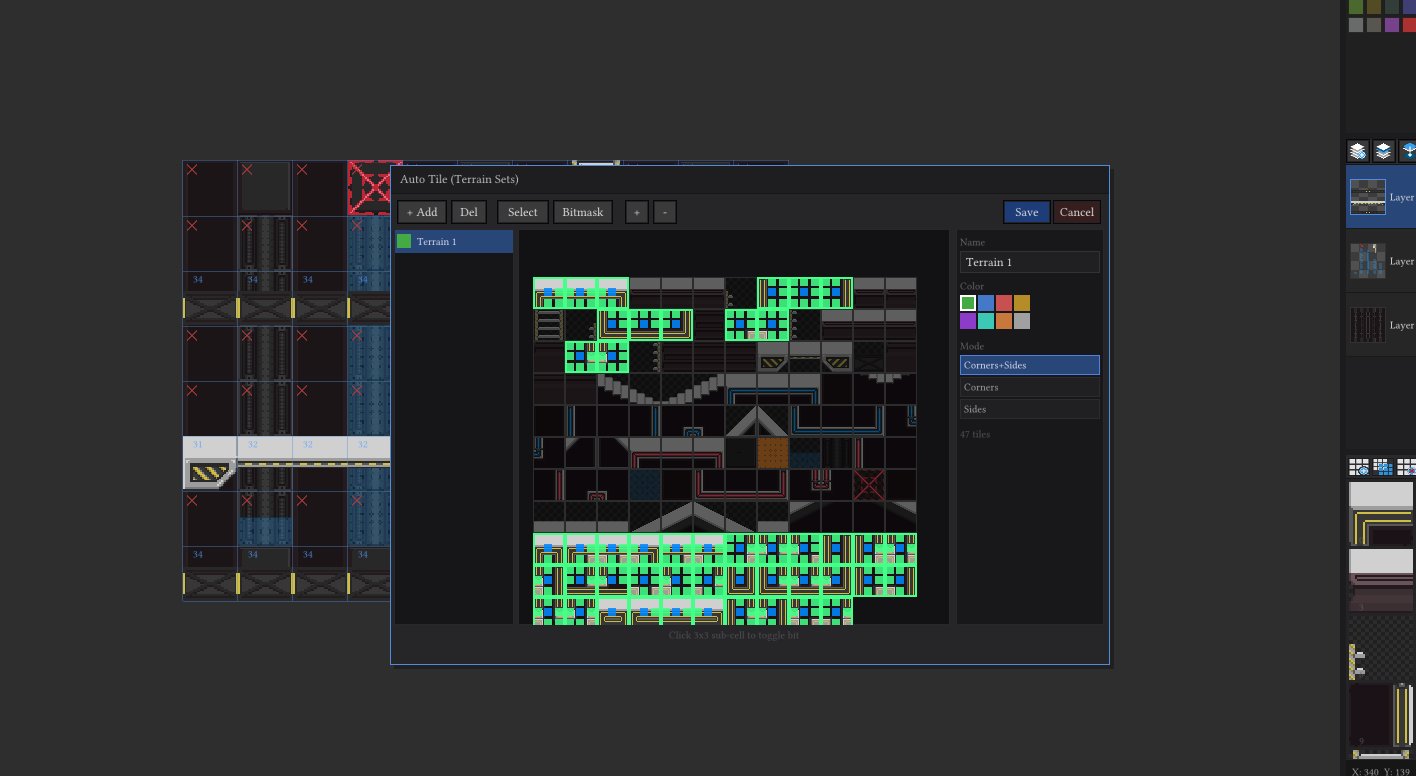
One of the most ambitious things with this mode is the 3 tile editor windows for creating animated tiles, auto tiles, and collision polys!
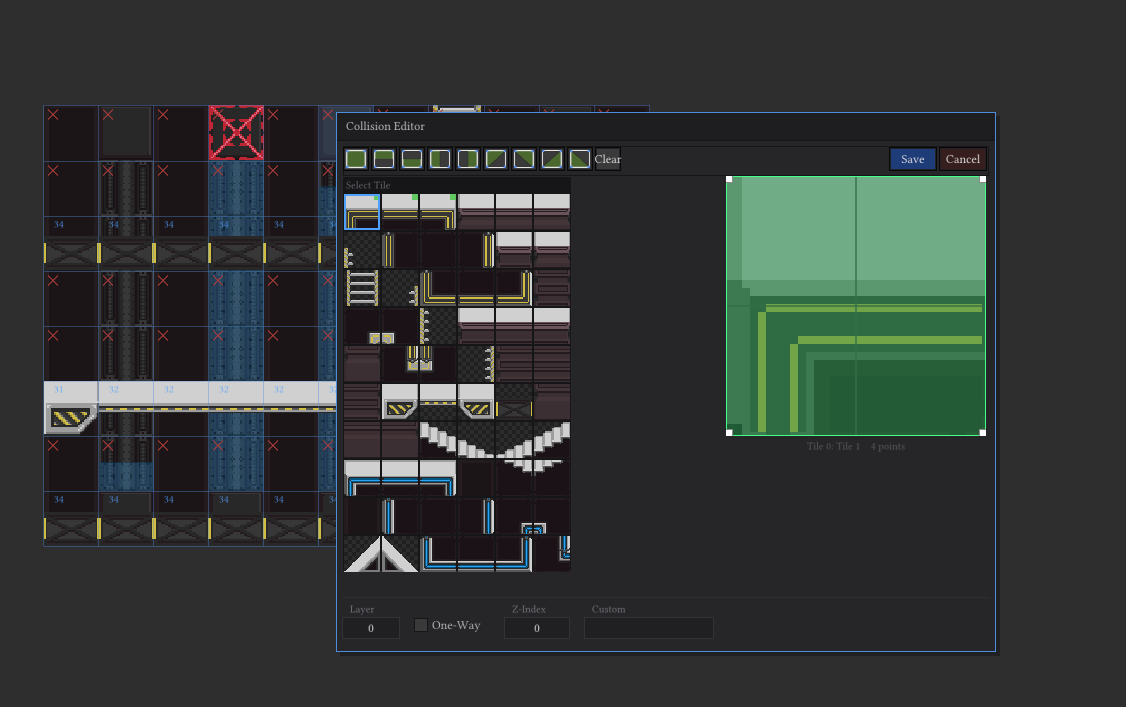
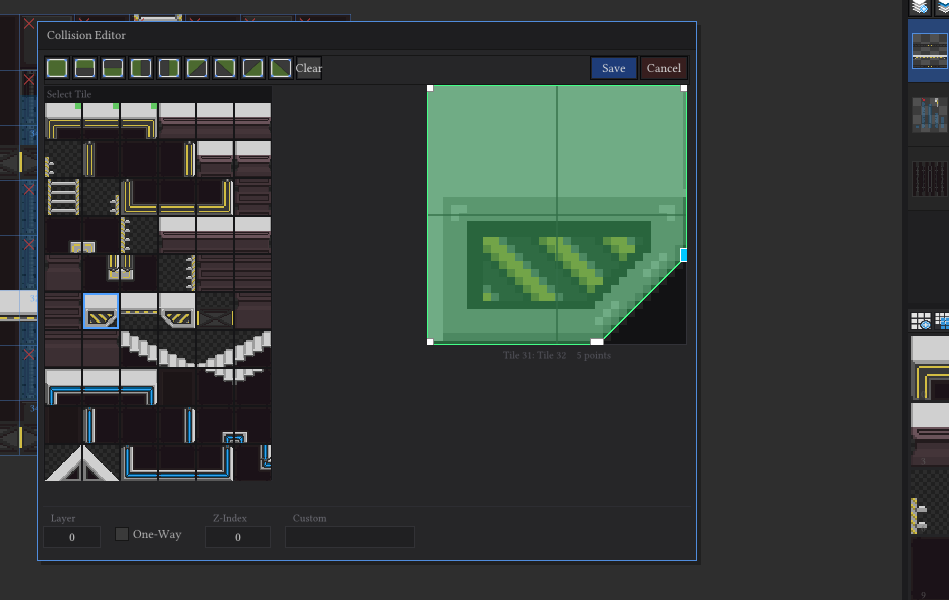
Collision mode lets you edit each tiles collider individually add/remove points and shift them around!
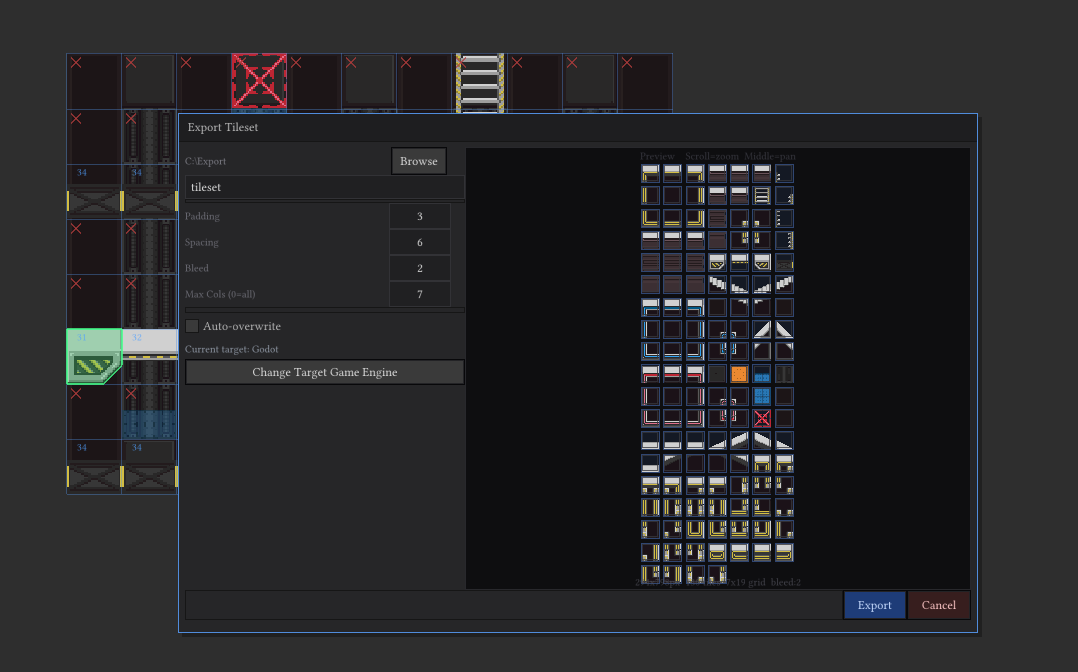
All of which will export along side the exported png in a .gmap file that will import directly into godot using the custom plugin to auto create the tilemap and everything for you! Saving loads of time and lets you get right to just creating levels!
Tileset export supports max columns, padding, spacing, and edge bleed to eliminate that pesky tear between tiles!
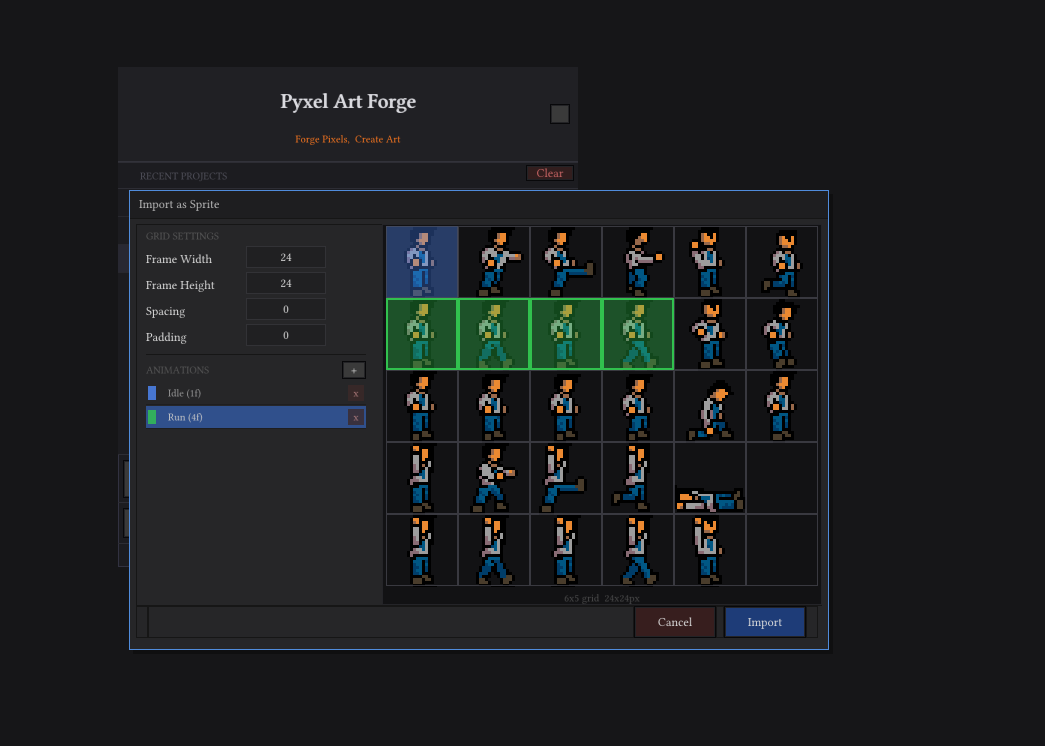
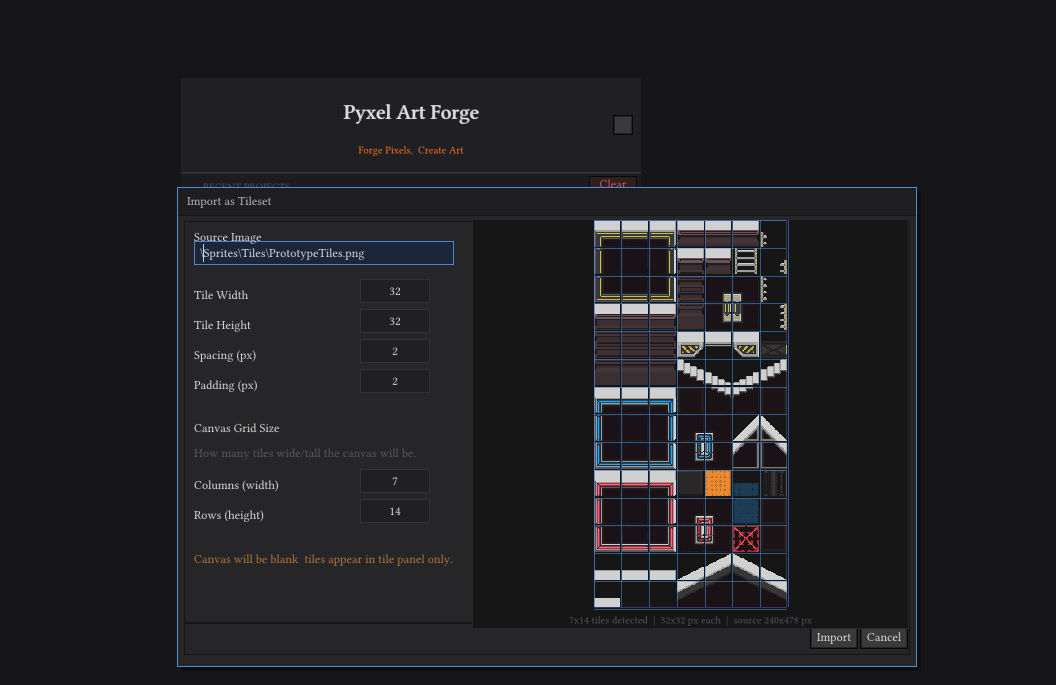
There are two special importers as well besides the basic image importer, a sprite and tileset importer!
Sprite importer lets you add animations and select their frames, spacing, and padding. And auto creates all the animations so porting your sprite projects over couldn’t be easier!
Tile set importer lets you set the tiles width, height, padding, and spacing as well as how many tiles big you’d like the canvas to be. It then upon importing adds all tiles to the tile panel. Setup and getting started couldn’t be easier!
Roadmap?
Pyxel Art forge is in a completed state but still has bugs and I have more features planned! So whats comming ahead?
-Mac and Linux version on full release no need to buy another copy!
-More effects
-Layer Folders for better organization
-Possibly an IPad/Android version later down the road
-Custom pencil brushes
-Plugin Support
When will it release out of Beta?
I plan to have it out of beta by spring of next year!
How can you help?
-Report bugs
-Send me feature requests for things you’d like to see
-Submit feedback
Whats it cost?
During the beta release you can purchase it for $15 after full release it will be $30.
Where can I get it?
You can purchase it from my payhip store here : https://payhip.com/b/M3IXb
Are there tutorials?
Not yet, but tutorials WILL be released to Youtube as soon as I am able. There is a getting started read me included along with the godot plugin!
What about Discord?
Right here : https://discord.gg/dgdsqGR4sg
It’s a page for people to submit bugs, request features, and show off their art made with this application.