Have you tried replacing the world shape watchamacallit with a normal collisionshaoe2d?. Also turn on visible collisionshapes in the debug settings. That makes it easier
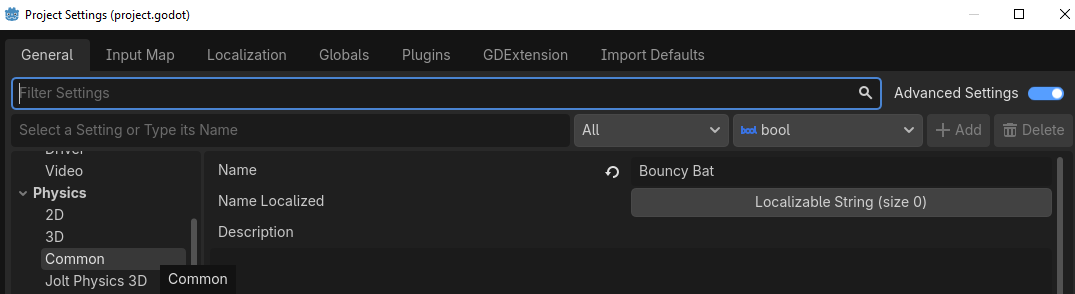
Are ther some chnged setitings?
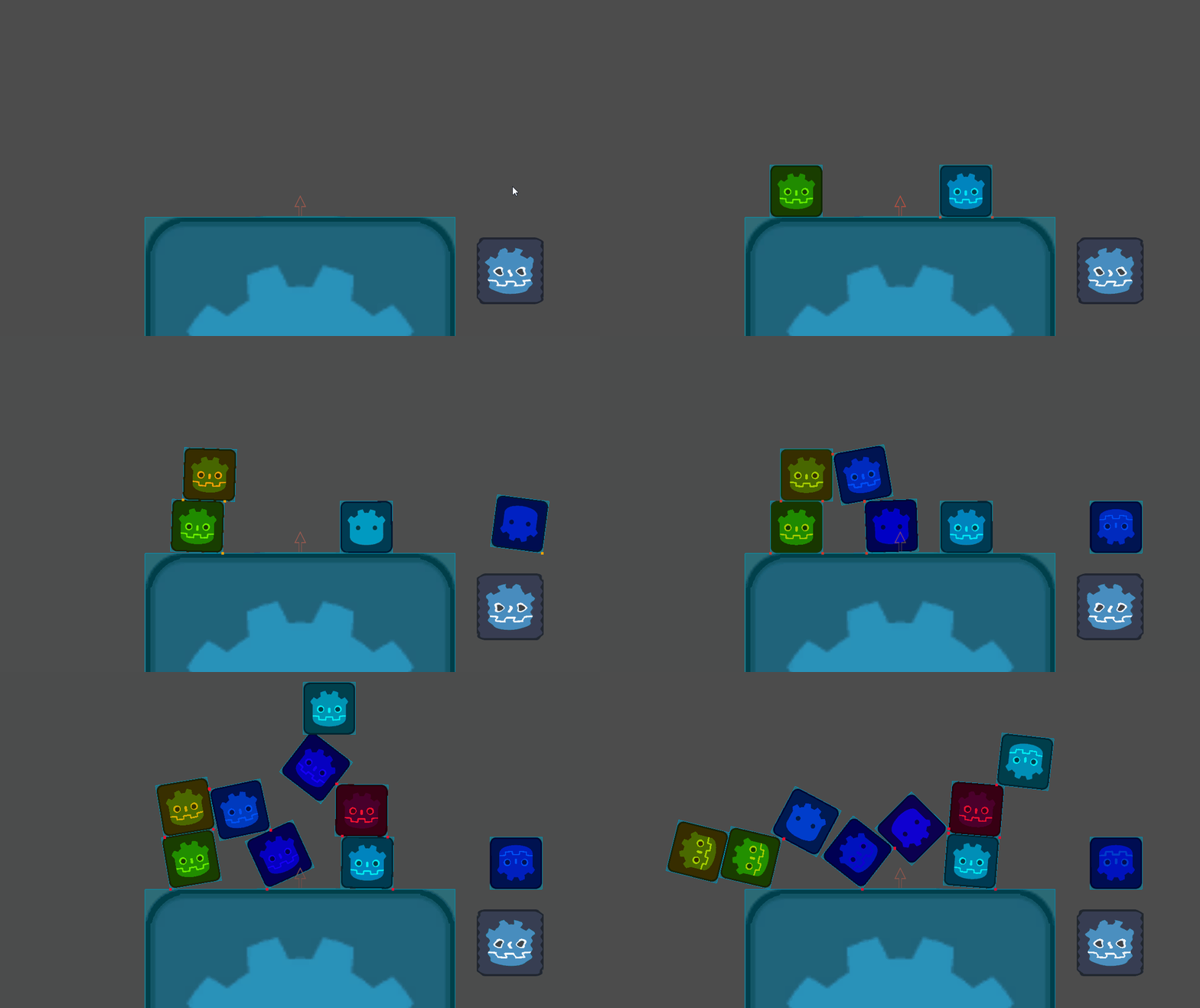
The GIF is recorded at 60 FPS but is in slow-motion.
Here is another test with a starting speed of 2000 pixels. There is no overlap between the bodies themselves.
EDIT: Actually, maybe there is penetration happening between the bodies, but only when the colliding surfaces are co-planar. Maybe that’s the reason this is happening?
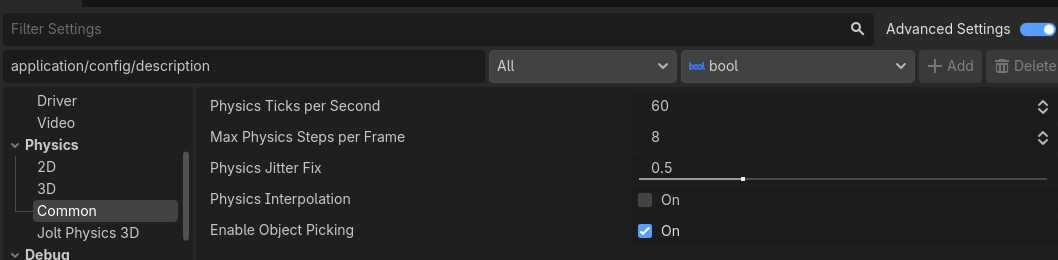
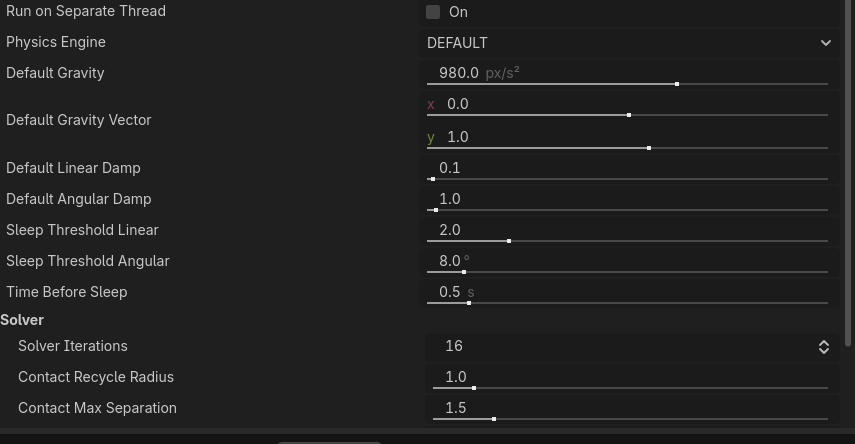
are you sure? I think I can see them clipping into each other (even with the small ones on other small ones)
Yea bu this is normal, it is just sus how crazy thed do this on your video.
I agree. A small amount of penetration is normal, but OP’s amount of penetration doesn’t seem normal.

Here’s another test, this time with circles. I don’t know why it only happens sometimes.
If this problem is bothering you a lot, you can always just increase the Physics Ticks Per Second in the project settings. I just doubled it to 120 and it is way less noticeable now.
I’m a little puzzled, though, as to why continous CD doesn’t resolve the issue. Perhaps it’s a scaling issue? My brain doesn’t work so well with these pixel-type values. I don’t know what the expected values are for 2D stuff.