Sprite maker - sharp pixels

Hello ,
I’m looking into turn 3d models into pixel art .
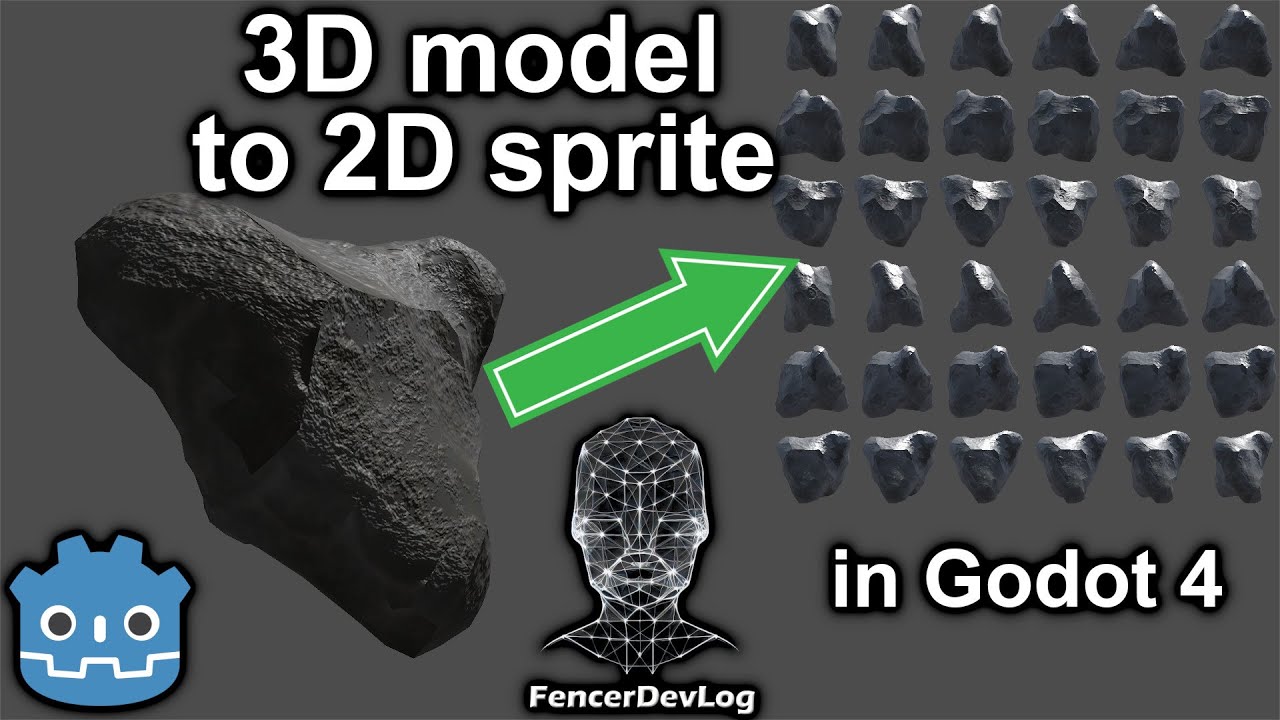
I have shader pack by @FencerDevLog which also is shown in video :

The question I have : how to make it sharp nice low pixel count instead of blur for size like cell size 8x8,16x16

Could I combine this pixelate shader into it
https://youtu.be/XXa9xnVmbOU?si=FKkki-fHX0Z6xitQ ?
Or is there some other settings to change to achieve sharp pixel art ?

Do you mean dynamically rendering 3D Godot visuals in low-res, or do you mean creating 8x8 / 16x16 sprites as images (files) from 3D renders?

1 Like

Creating image files from 3d model .

Personally I would render the 3d model out as raster myself (DKC style) and just use normal sprites but depends on what you are trying to do.

As long as you keep everything in Blender for example size wise to a full integer and then just render out at say 32x32 for example it should work fine.

I have done extensive tests as the current project I am working on will be doing just this.

You can also us something like Pixel Over on Steam to do this too… Which funnily enough is based on Godot. I am going to try and start using that as it also allows indexing of colour pallets etc, as well so its all in one place.

1 Like

so I’m trying to figure out this ,as using this orthographical camera , why is it not displaying whole camera on lower pixel count ?

Hmm … The viewport editor probably isnt designed resize something like that down to 8x8.

If the goal is to raster out 3d models, then I would seriously look at PixelOver as it does just that, and its pretty cheap.

PixelOver - Turn art into pixel art

2 Likes

that’s why I asked about shader if I could combine it with this sub viewport and achieve pixel sharp effect .

And it’s free for some people : >

How is it related to method achieving in Godot ?

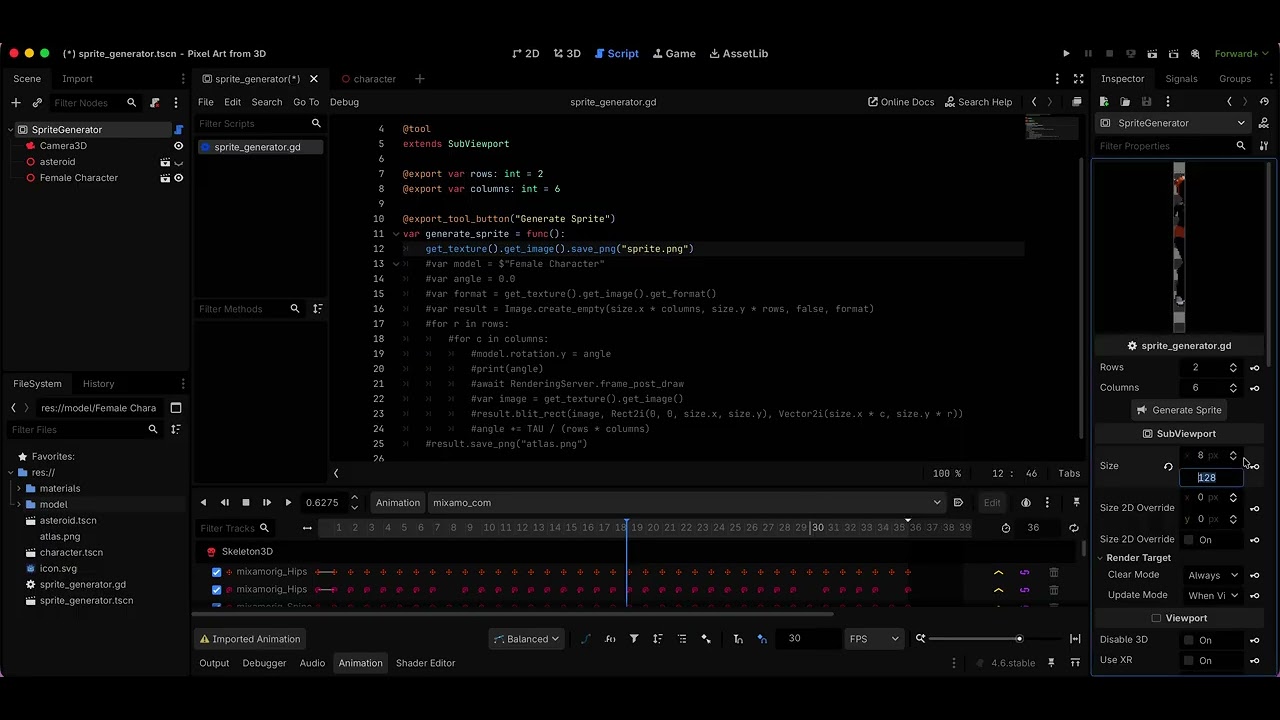
What do you mean by “lower”? It appears to be displaying 128x128, exactly as you set it.

1 Like

I mean result picture .

So if object is 2mx1mx1m in 3d , how does it translate to size of viewport( if I set 8x8) and render size image is (8x8) Does it average it or just not works ?

Not sure I understand what the problem is. The viewport will render whatever its camera sees on the resolution specified for the viewport size. If you set it to 8x8, the viewport will render into an 8x8 texture.

1 Like

As you might see more pixel I allow the character get more details , which is logical .

But if I want to turn character into pixel like art :

do I need to zoom in more camera or change proportions of model to occupy more pixels from viewport to get rendered?

Yes, you need to adjust the camera. If the camera is orthographic, set its size property to “zoom” it.

1 Like

Ok thank you .

If I use shader for pixelate , does it only affect scene in runtime or can be inserted in code here as post effect to affect png ?

Why would you need a pixelate shade if you’re already rendering at the low resolution?

1 Like

To render higher and then post process and save as lower .

Usually with pixel art it’s best to stay at the intended resolution. Sizing up and down tends to introduce blur and unsharp edges. If you can do the post processing at the final resolution, I’d suggest trying that.

1 Like

What is “post process”? Why do you need to render at higher resolution for doing that?

1 Like

To introduce more colour shades on higher resolution,
post process - apply filter to picture to create from it pixels ( such filter is available in Krita with different pixel size ) .
For this I’m asking about shader if it can work within export tool rather then run scene .

And downsize it to make it realsize pixels instead of upscaled .