The best resource is the docs TBH.
1 Like
Looking at the docs, the GPU not sending back a list is a bit limiting. I’ll probably need GDScript or C++ to pull the VERTEX_IDs that match the color range, then store that data per mesh since they’re rigged together. From there, I can run a shader on each mesh individually so the local VERTEX_IDs match up.
Any ideas on how to simplify this workflow?
1 Like
You can make shaders in a “Visual Shader” if you want a node graph style instead of code.
This color replacement may work better as a splatting function
This example is essentially the same as my 3-textured island example, but using 3 source colors instead of 3 textures.
shader_type spatial;

uniform vec4 red_color: source_color = vec4(1);
uniform vec4 green_color: source_color = vec4(1);
uniform vec4 blue_color: source_color = vec4(1);

void vertex() {
	vec4 r = red_color * COLOR.r;
	vec4 g = green_color * COLOR.g;
	vec4 b = blue_color * COLOR.b;

	COLOR = r + g + b;
}

void fragment() {
	ALBEDO = COLOR.rgb;
}
2 Likes
It certainly is, but the good news is any data on the GPU has to have gone through the CPU first, so in your case you can read the Mesh data from a script, you don’t even have to give it to the GPU.
The function .get_faces will return vertex position data, while .surface_get_arrays will return multiple arrays of vertex data including color.
I’d bet you want code like this, though I don’t know your scene tree nor have I inspected such data myself
var mesh_data: Mesh = $Rogue/Armature/MeshInstance3D.mesh
for suface_idx in mesh_data.get_surface_count():
    var surface_arrays := mesh_data.surface_get_arrays(surface_idx)

    var color_data: Array = surface_arrays[Mesh.ARRAY_COLOR]
    for color: Color in color_data:
        print("I found a color! ", color)
2 Likes
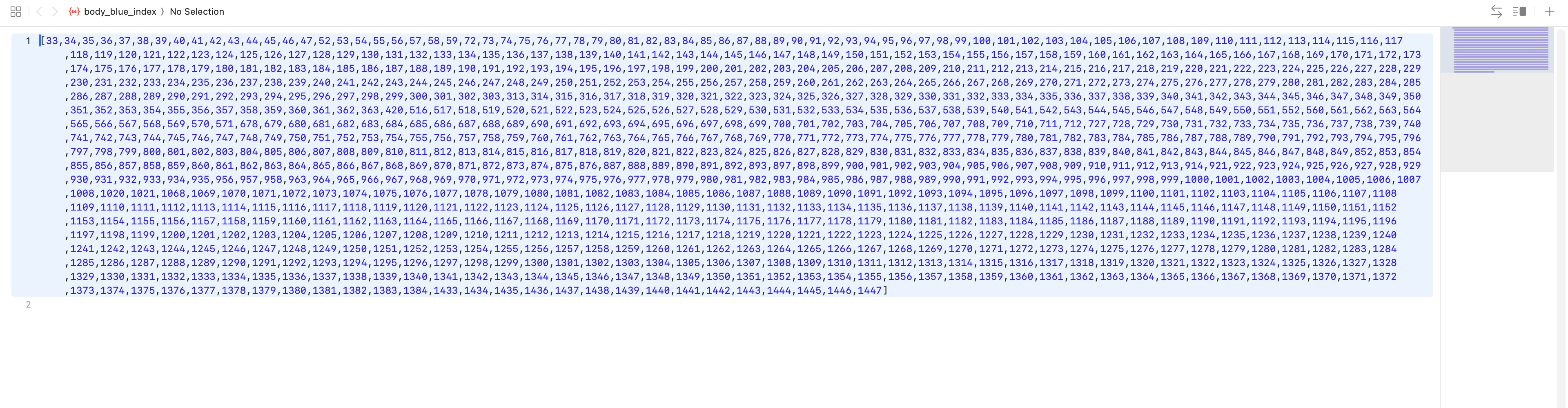
Thanks a ton, this helps a lot! To keep CPU overhead low, I’d like to store these IDs in a binary format. But looking at shader uniforms, there’s no direct way to load a file. Any tips on how to feed these IDs to the shader? I counted 962 matching vertex IDs just for the body mesh alone.
The best way to send a lot of data to the GPU will be through vertex data or a texture. If you want to store these ids as texture data it may be tricky, otherwise you may as well use the vertex colors directly. Even 15 year old GPUs have hundreds and hundreds of threads to operate on, processing this kind of information what it’s built for and the GPU will chew it up fast. If you are using vertex colors or find it even more difficulty to use vertex IDs to pick out another color from a list, maybe using UVs isn’t a bad option, it uses less data than the former and only slightly more than the latter.
Putting this all together we end up back at square one, Kaykit uses a very small swatch/color palette texture and UV (instead of vertex color) data to pick from that texture. Color swaps only require changing the swatch. I hope this exercise maybe builds some trust and understanding of why low-poly models would use swatch textures.
- Color palette textures can be tiny, one pixel per color used
- UV data is four bytes less per vertex and more commonly used for textures
- Some engines can omit vertex colors entirely, saving plenty of space per vertex
- Changing textures is easier than changing vertex data for users and the GPU
2 Likes
Right now, I take a KayKit Model (Hoarder from Pateron):
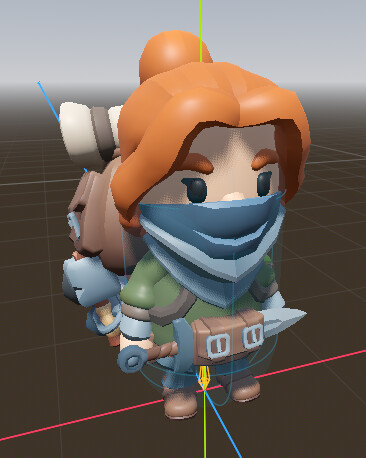
I drag an alternate texture into the shader that my code made on import:
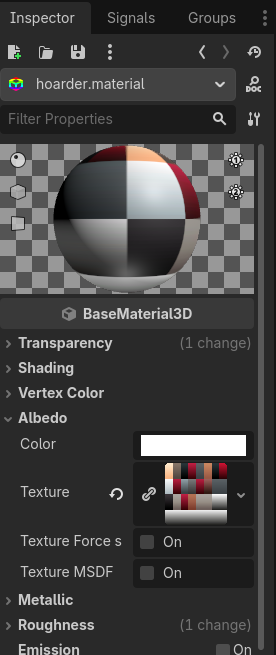
Voila!
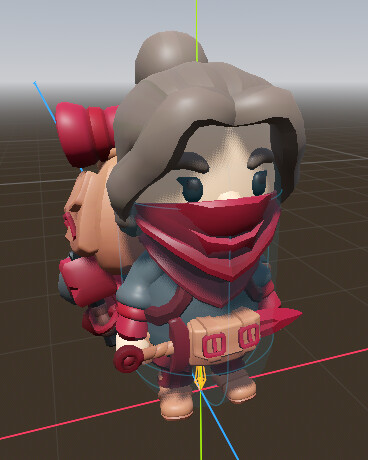
Everything on the character gets updated. And I can do this in-game with a single line of code.
1 Like
Grateful for the lessons learned. Next up: Vertex Animations.
@gertkeno - thank you .
1 Like