Vertex Colours is it only for low-poly?

I’ve been experimenting with low-poly assets (free kits by KayKit) and noticed a some discussions around setting up materials and textures upon import (like this Godot forum thread).
It made me wonder: Why not just bake the texture into vertex colors?
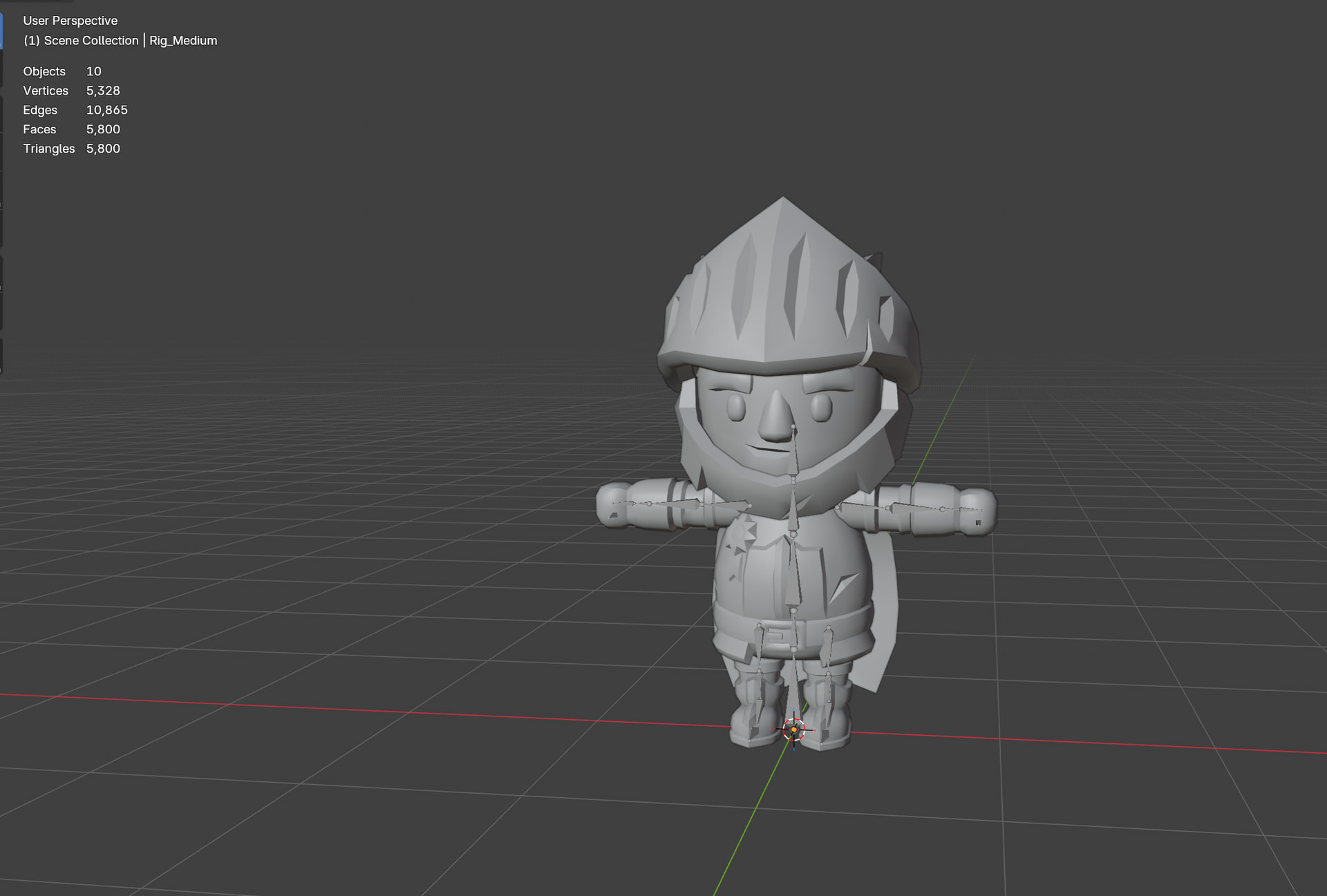
To test it out, I grabbed the Knight model from the kit (the base .glb is about 342 KB). The Knight is split into a few separate meshes, so I had to repeat the process for each part. Here is the workflow I used in Blender:
Go to Object Data Properties → Color Attributes
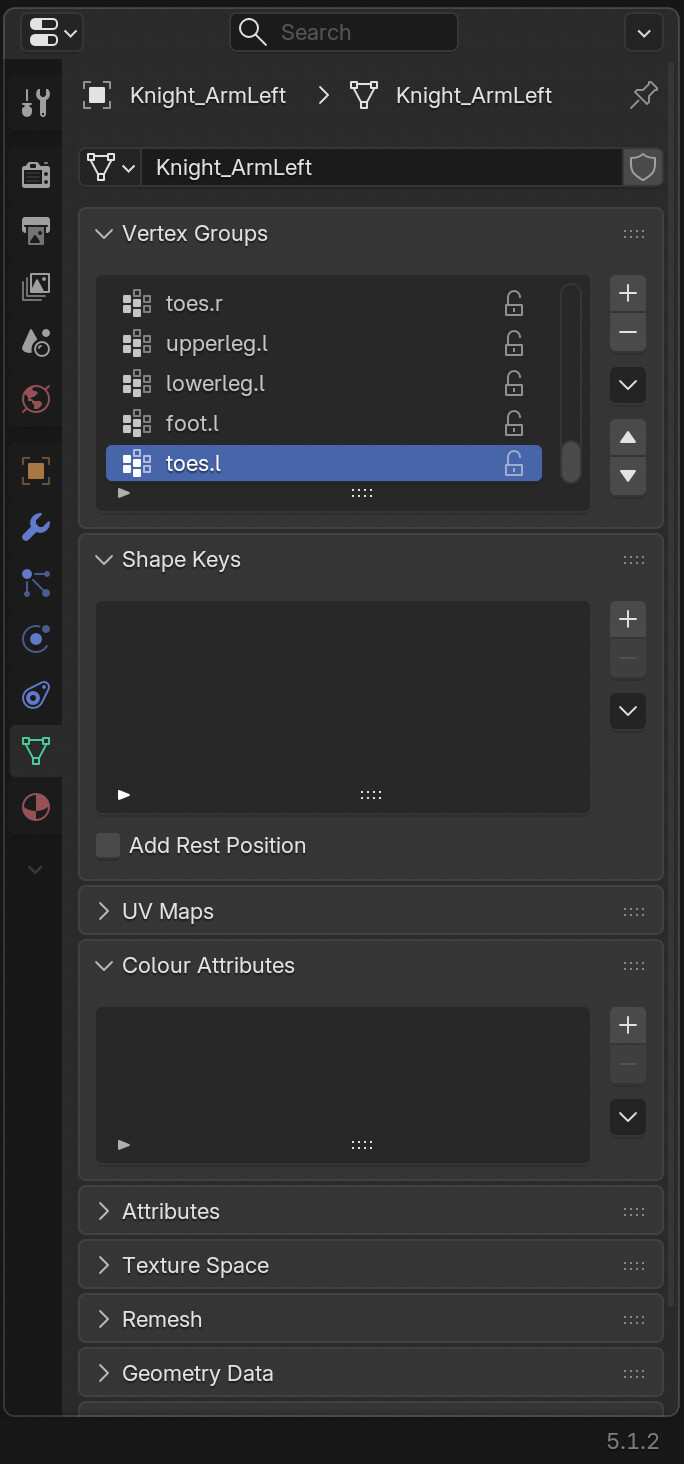

, and add a new one with the default settings (Vertex / Color).

Switch the render engine from EEVEE to Cycles, and set it to GPU.
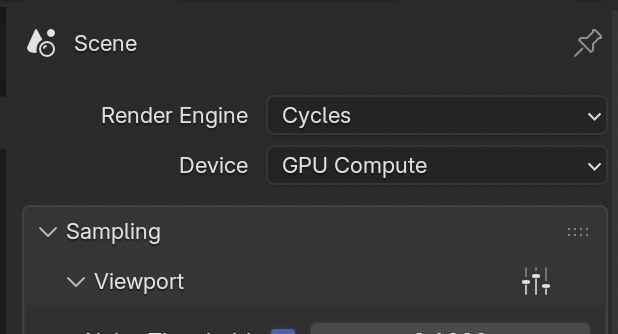
Scroll down to the Bake tab, change the Bake Type to Diffuse, and untick Direct and Indirect under Contributions.
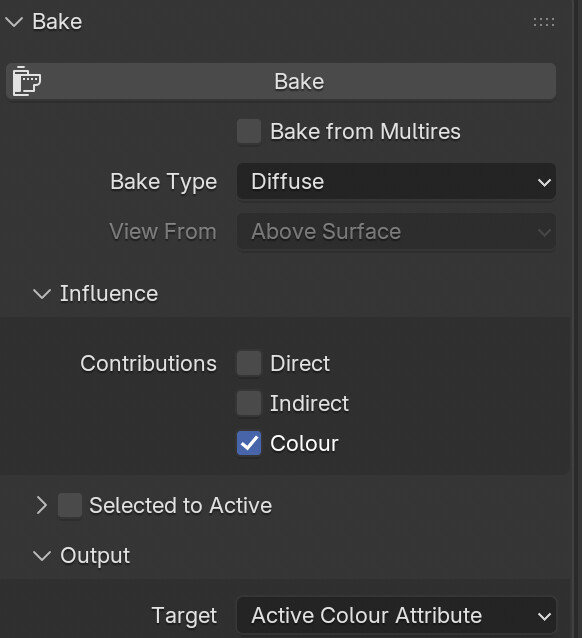
Change the output target to Active Color Attribute and hit Bake. (Repeat this for all the meshes).
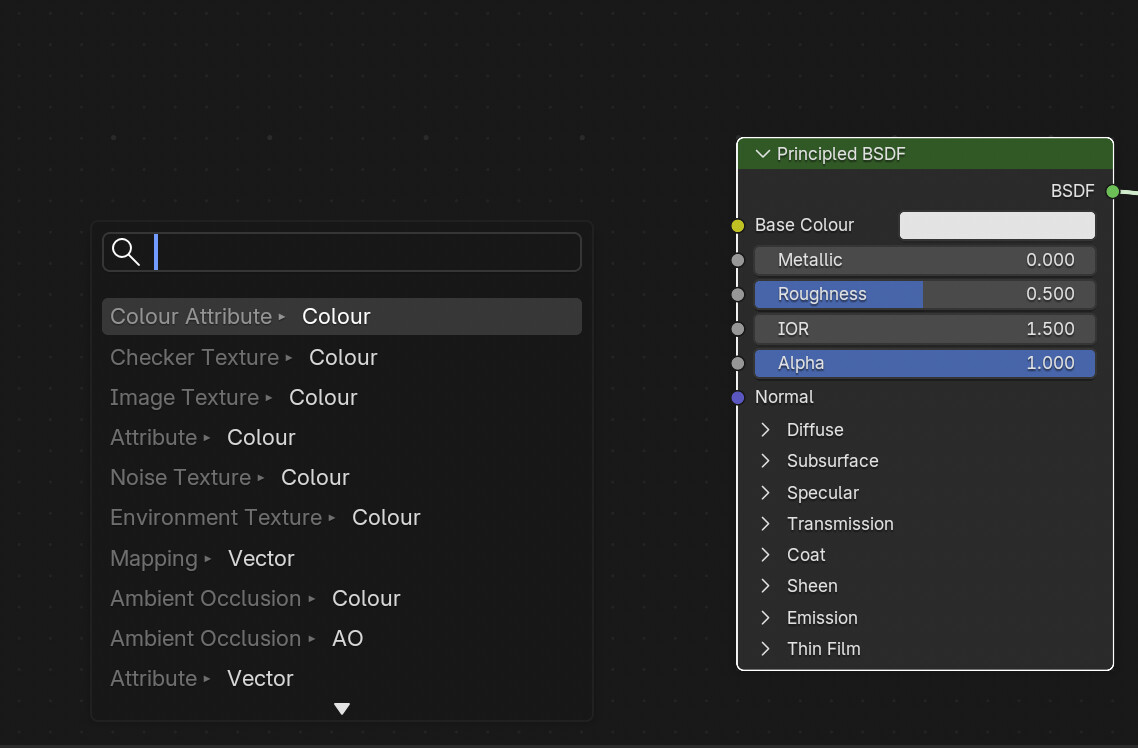
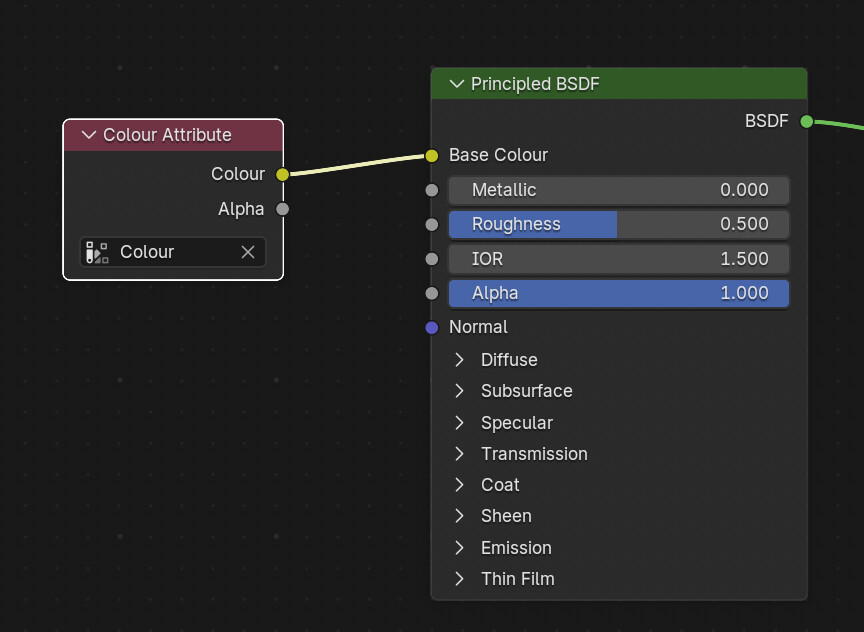
Head over to the Shading workspace. In the material slot for the knight (change to Material), add a Color Attribute node, select your color, and plug it into the Base Color.
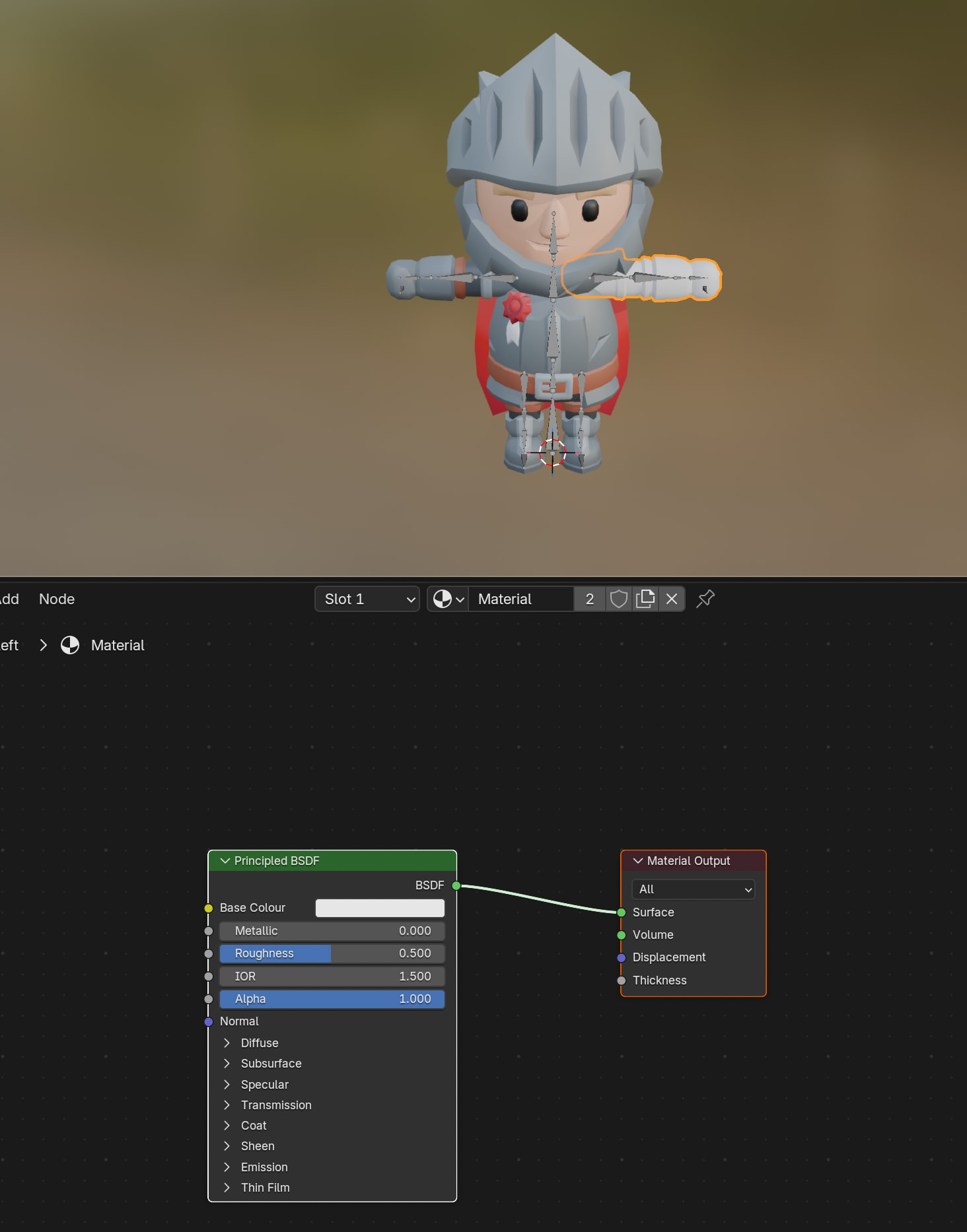
Select all the other meshes, make sure your main mesh is the active one (Shift + Left Click in the Scene Collection), and hit CTRL + L → Link Materials.
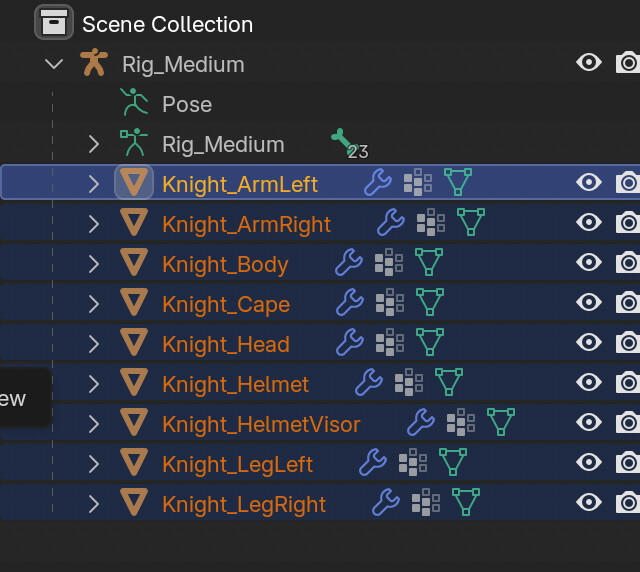
For cleanup, switch the Outliner from Scenes to Blender File and purge any unused data blocks. Save it as a .blend file.
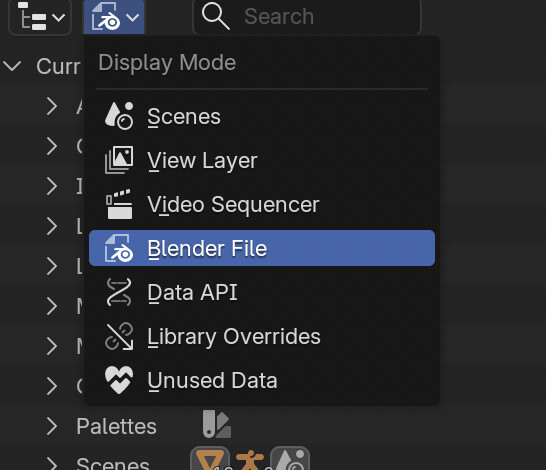
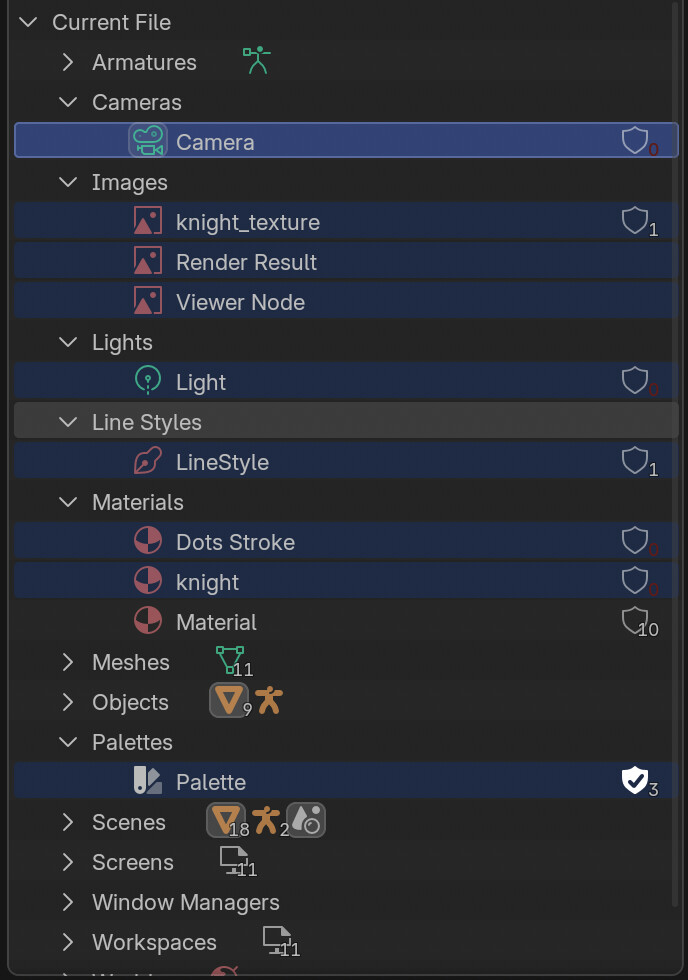
Then I brought it into Godot:

Drag the .blend into Godot and double-click to open the importer. The mesh looks white at first.
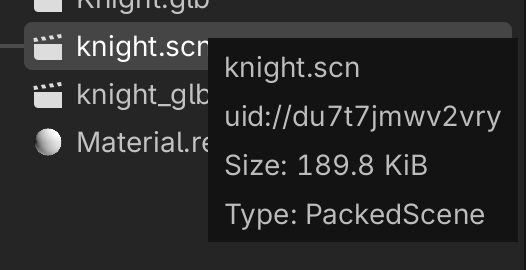
Go to Actions → Extract Materials. I chose the .res format since binary is usually faster than text (.tres) and I don’t need to manually edit it. Pick a folder and extract.

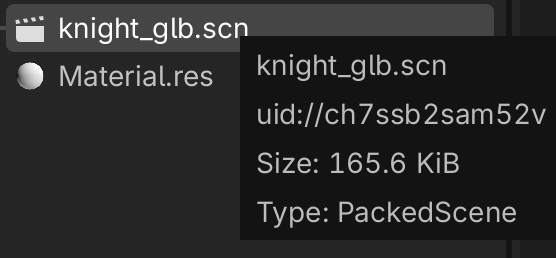
Right-click the .blend file and make a New Inherited Scene, then save it as a .scn.
Right-click the top node and clear the inheritance.
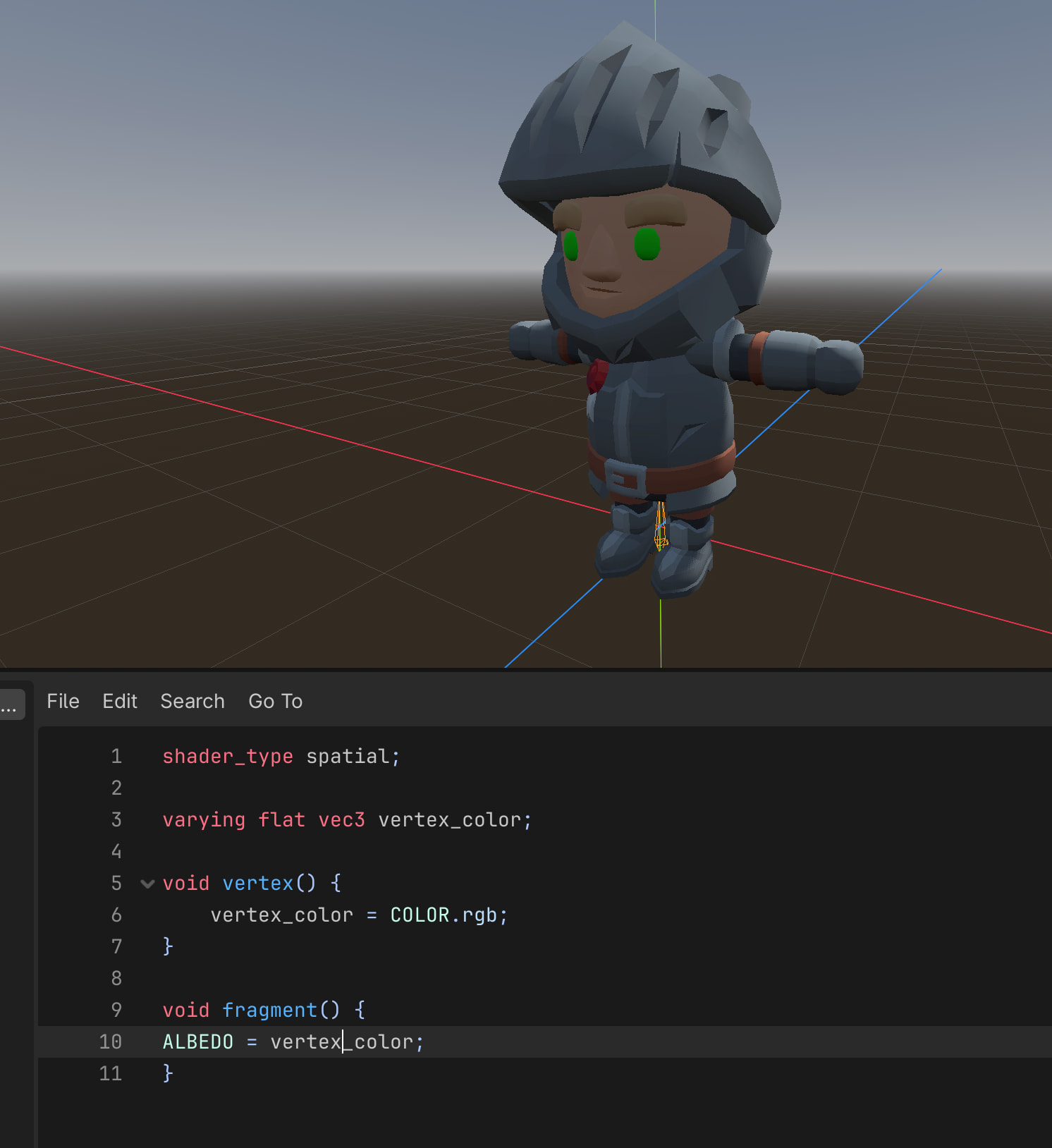
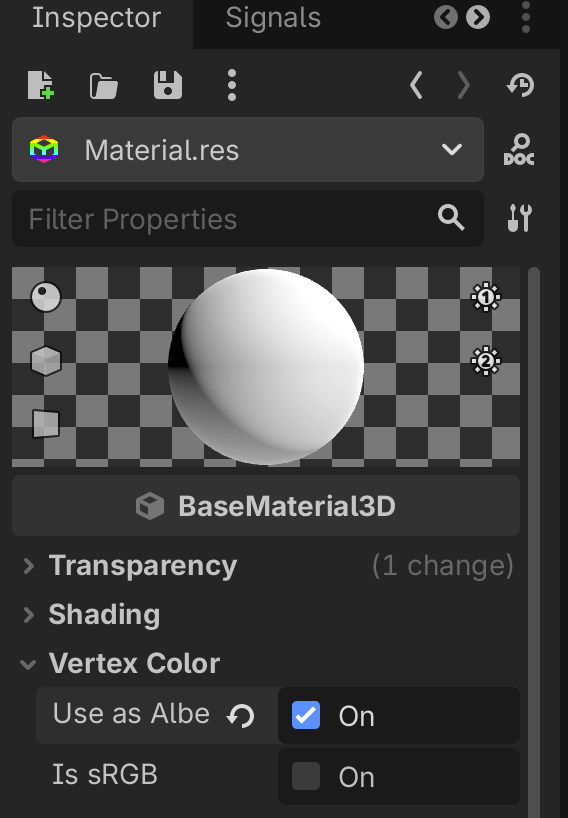
Finally, open up the extracted material and under the Vertex Color settings, check “Use as Albedo”.
I did some quick testing to see if there was a noticeable difference, but honestly, I didn’t find much. There was just a tiny drop in video memory usage and a slightly smaller scene size.

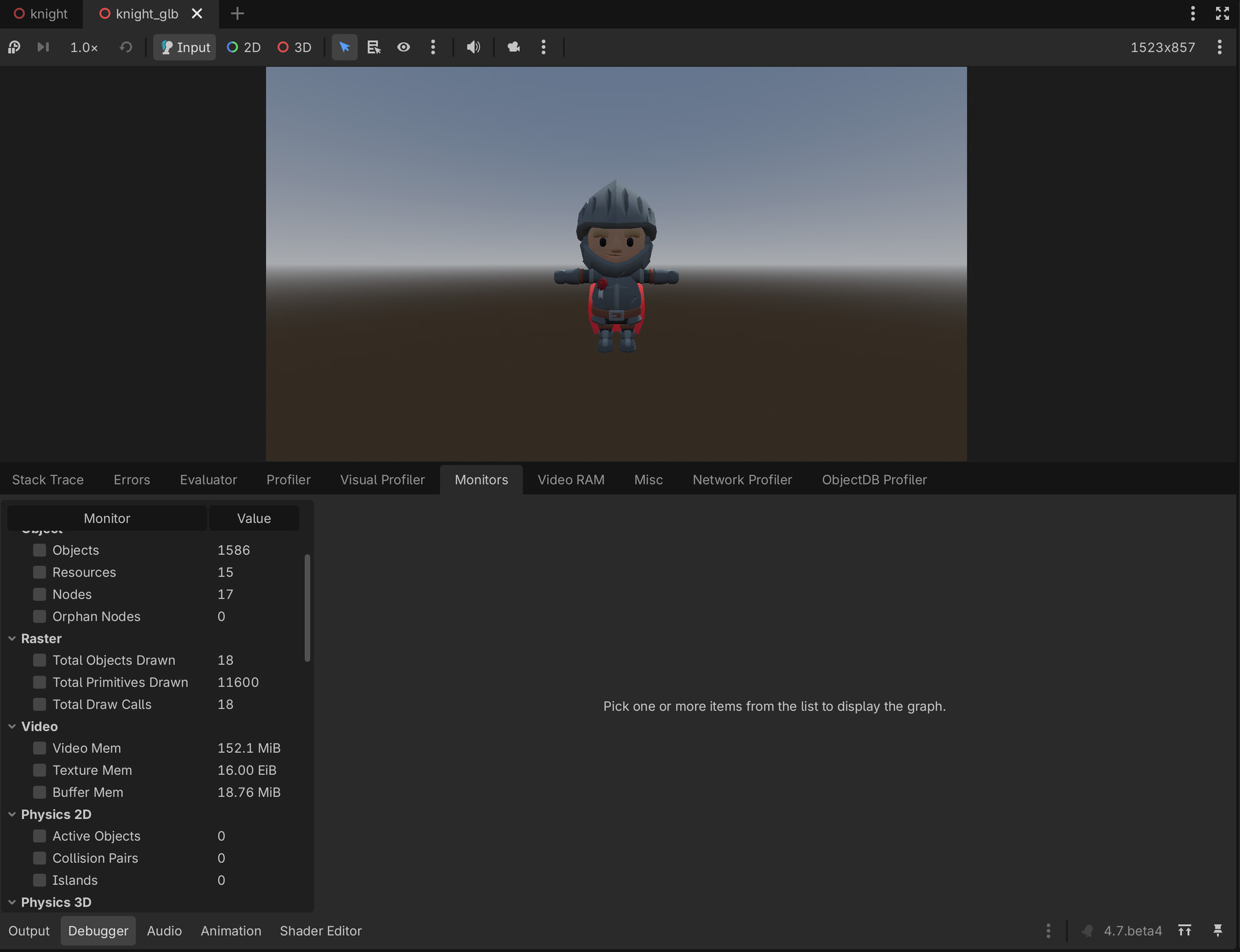
What are your thoughts on this? Does it actually make sense to use vertex colors, and if so, in what kind of scenarios?

1 Like

Looks great to me!

I can attest to how fast you can make anything look decent enough as well, because even though I am a total 3D hack that gets all his normals pointing anywhichway, I managed to build Goblins vs Fishfolk with almost exclusively albedo material.

For prototyping and play testing that’s fast, especially when solo.

Is it more performant using vertex colors?

1 Like

thought Apple’s demos hid it in the OBJ format under the UVMap attribute and pushed it into an array. Even at 9K resolution, it uses less than 1 GB of VRAM in a full scene. While I’d think per-vertex shading would use fewer resources, the real question is whether I need to configure the material here, rather than pushing it directly into the rendering server along with the indices and normals.

1 Like

Sounds like you want to try the second option, but would need an intuitive way to do it without hand typing all the colors and normals?

1 Like

Vertex colors can be used for a lot of things, albedo included. Games on the Nintendo 64 would use vertex colors to bake lighting data, like ambient occlusion to darken textures at corners. You can use vertex colors as regular old data, I use it for splat-mapping pretty often, or a while ago made a spring extend and retract based on vertex colors.

2 Likes

Responding with just :star_struck: is not allowed.

Blender has an option to convert that data, so as long as I modify the importer to read it, it should work. Also, Blender can be recompiled with a modified export format.

1 Like

Of course I’m not sure if I can speak to your intended audience, due to my lack of experience.

Then again, seeing that @gertkeno 's examples looked pretty great and a lower video memory footprint would allow for scaling up I’d say that this could be a route to make 3D art development more accessible for a broader group of game developers. Maybe more detailed textures for more distant stuff?

To be honest, I’m out of my league here, but I would love to read more about this topic here on the forum..

1 Like

I use it a lot but almost never for the actual color/albedo. I treat it as a generic vec4 vertex attribute.

4 Likes

Since you linked to my thread, there I was trying to automate importing models so that the number of steps was very low. I actually used that code this past week, and the import process was pretty seamless.

My only issue with your approach is there are a LOT of manual steps. I’m unclear on the benefits of vertex colors TBH. And I’m curious, if you do that, how hard is it to change colors?

1 Like

Blender can obviously automate this process using a Python script, so the Godot side would only need to handle the usual steps you’ve already done, apart from texture extraction.

However, the point that inspires me is using an augmented buffer to reduce CPU usage, which I mentioned in another thread.


Abstract:
Implementation of the AAPLObjLoader.
 This class manaully transforms attributes needed for the sample, such as vertex texture coordinates into vertex color.
*/

#import "AAPLObjLoader.h"
#include <stdio.h>

@implementation AAPLObjMesh
- (NSUInteger)vertexCount { return _vertexBuffer.length / sizeof(AAPLObjVertex); }
- (NSUInteger)indexCount { return _indexBuffer.length / sizeof(uint16_t); }
@end

@implementation AAPLObjLoader
{
    // Indexed positions, normals, uvs from ObjFile; to be collated into ObjVertices during face read
    std::vector<simd::float3>                   _positions;
    std::vector<simd::float3>                   _normals;
    std::vector<simd::float3>                   _colors;
    float                                       _boundingSphereRadius;

    // Map that holds all generated vertices to de-duplicate
    std::unordered_map<AAPLObjVertex, uint32_t> _vertexMap;

    id <MTLDevice>                               _device;
    std::vector<AAPLObjVertex>                  _vertices;
    std::vector<uint16_t>                       _indices;
}

// Buffer size used to store file data internally during read operations
static constexpr uint kBufferSize = 2048;

- (instancetype)initWithDevice:(id <MTLDevice>)device
{
    self = [super init];
    _device = device;
    return self;
}

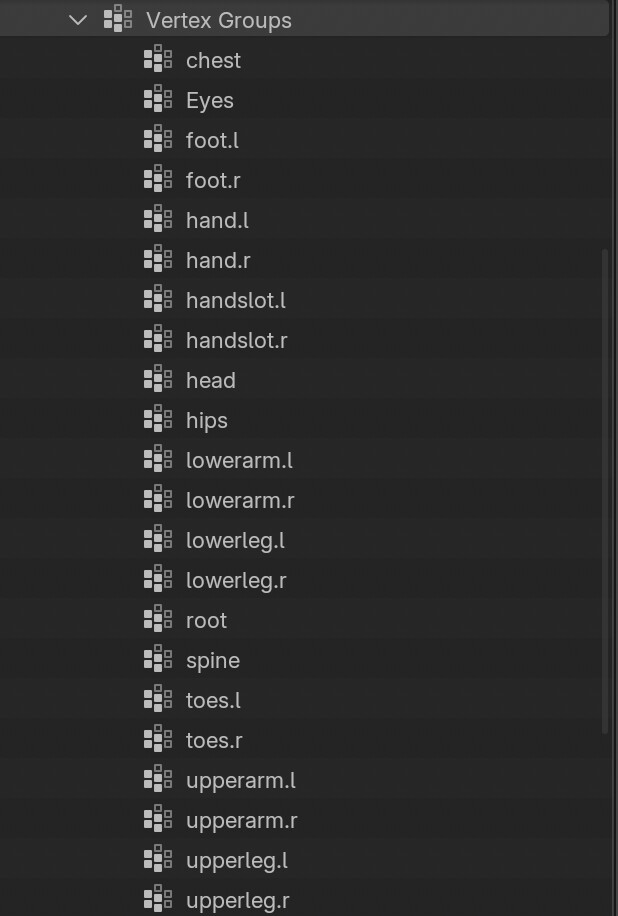
Whether changing colors is harder or easier is up to you, but Blender has a dedicated Vertex Paint workspace that makes it easy to paint selected portions of vertices. This can also be combined with vertex groups, which I plan to look into in the future for locomotion animations (similar to The Witcher 3).

1 Like

To be clear, currently with KayKit models, I can drag one of the many textures they made available on top of the material slot and change it. So that’s the comparison bar for me.

2 Likes

I might be wrong, but wouldn’t it make more sense to use a shader material in this case to swap specific colors for others, rather than loading entirely different color palettes? For example, when creating a character, the player could change the armor or skin color without needing to use a modular color option. This would minimize CPU load, since the shader runs on the GPU.

That would be awesome.

Are the pieces already partitioned off that way in the shader upon export?

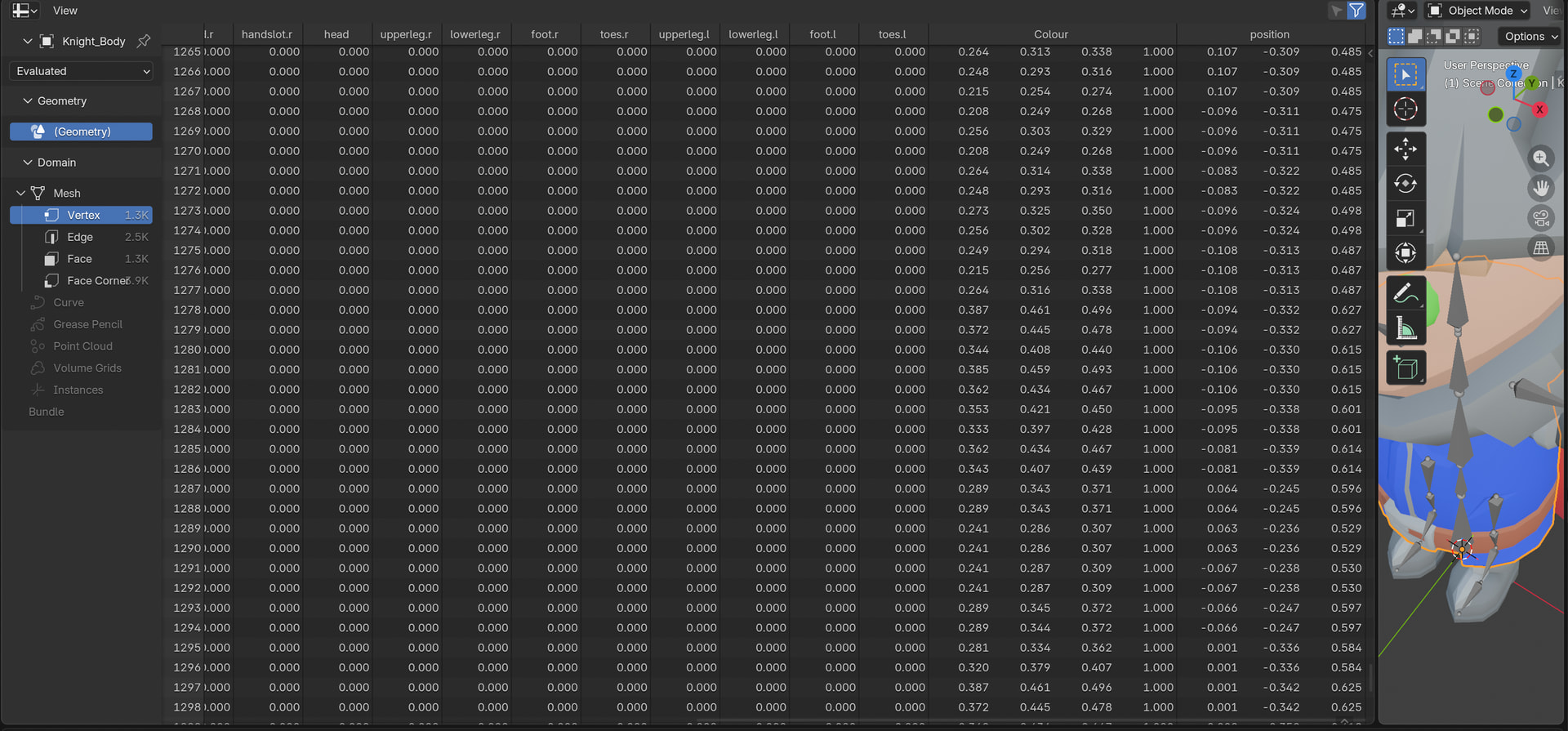
Unfortunately, Godot is discarding some of the data and misinterpreting vertex groups as a skeleton. I’m currently looking into it. The most reliable method would be replacing colors in the vertex shader using a color-find with tolerance, but that’s a bit too expensive performance-wise. A better way would be to export vertex groups in a text format and use them as a dictionary to replace specific vertices by their IDs.

1 Like

Blender → Godot Vertex Color NOT exporting with .glTF or .glb : r/godot https://share.google/Bv7JxtfzUcKEOktNl

It does if you use a .blend file, which Godot will automatically convert into a .glb file.

this is the issue :
As for identifying it in the shader, it would be great to access the vertex group and replace the color for that specific VERTEX_ID.

The color replacement method works, but it requires some effort to assign strong RGB values (see the short demo attached).
The ID team will need to try a simpler approach without using an armature, possibly exploring a GDExtension or add-on to make it work.

1 Like

Anyone have good resources on GLSL? I’m trying to figure out how to view shader data in a spreadsheet format like Blender’s geometry nodes. It looks like C++ but behaves totally differently.
Honestly, the fastest way would be getting a lookup dictionary working so I can figure out what output format Blender needs to feed it for VERTEX_ID replacement.