Working on a Racing Game

Hi All,

I’ve been working on a racing game for a few months, and wanted to share some progress with you guys to help keep me motivated.

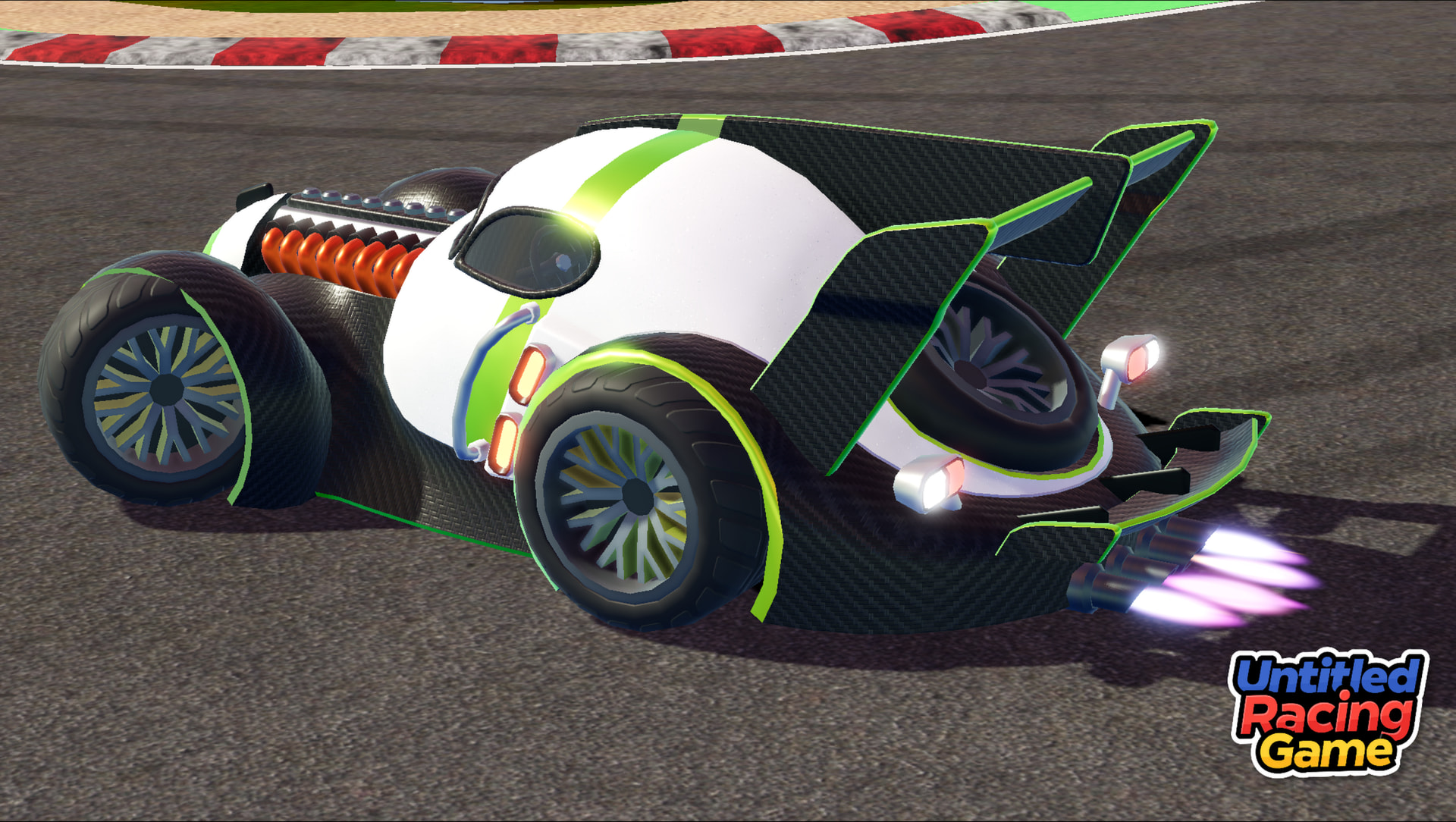
[Game logo, super exciting title I know]

The game lacks any real direction at the moment, just trying to get the core parts working and feeling fun.

There are 3 main parts:

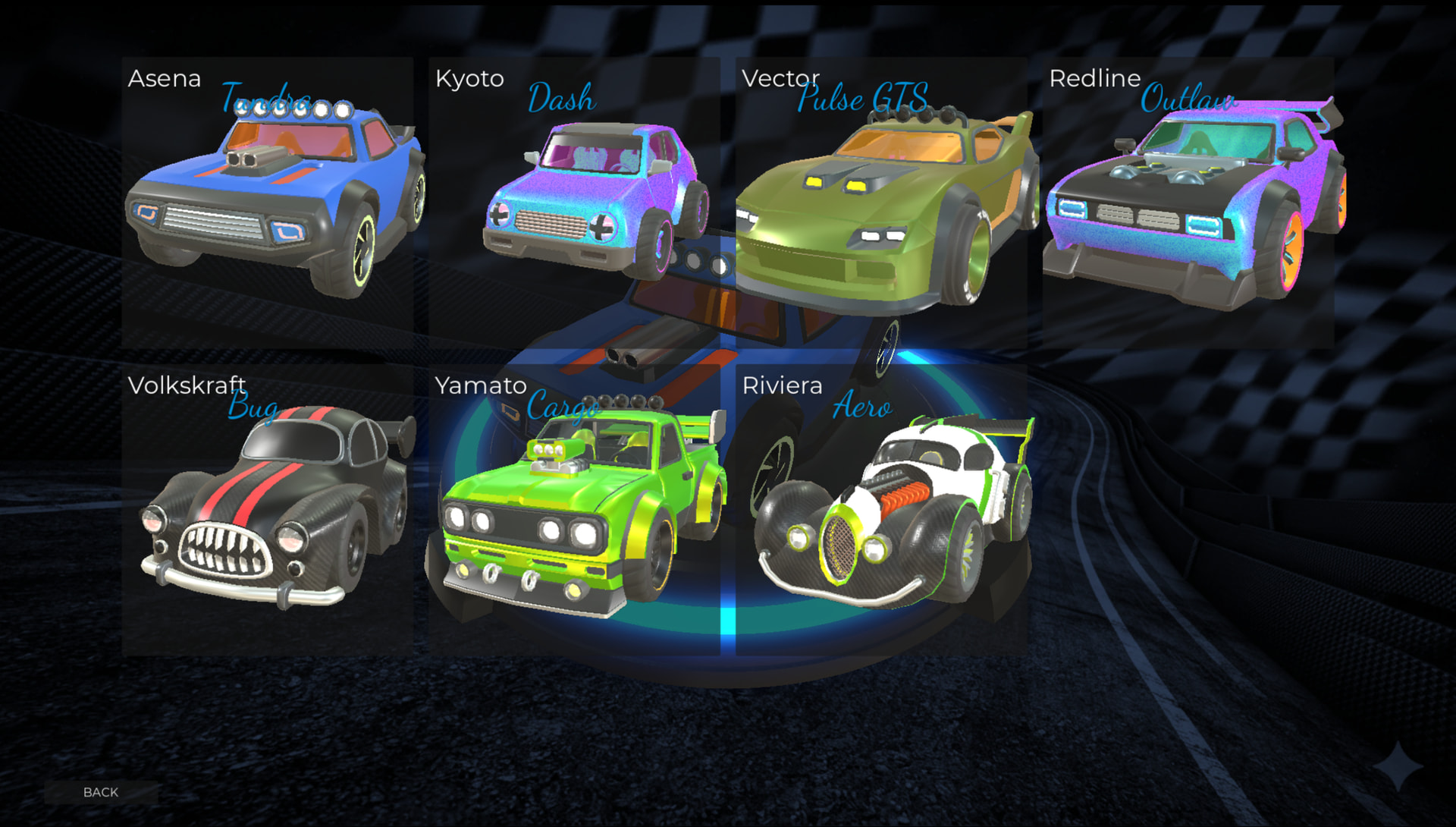
Car Customisation
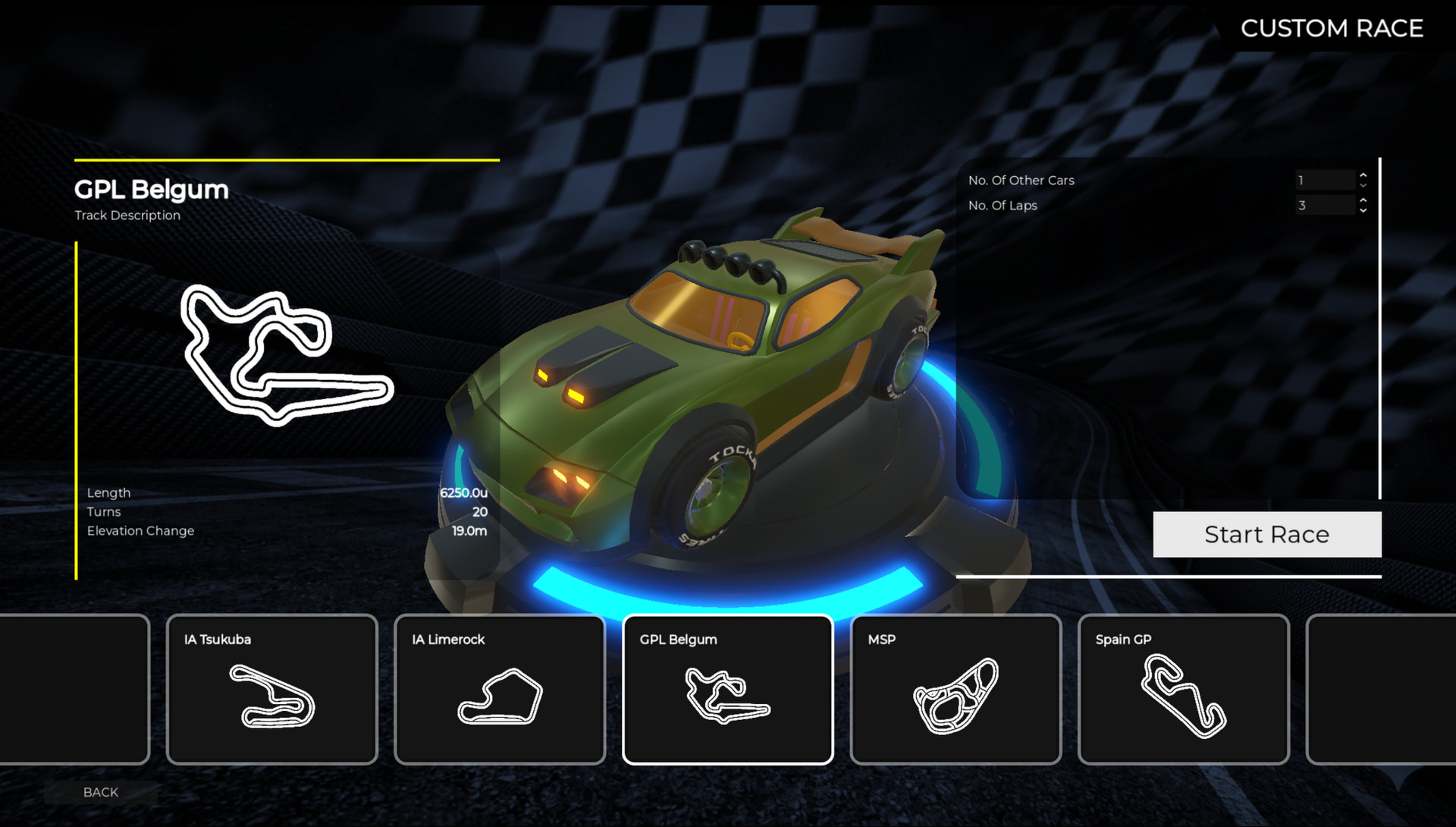
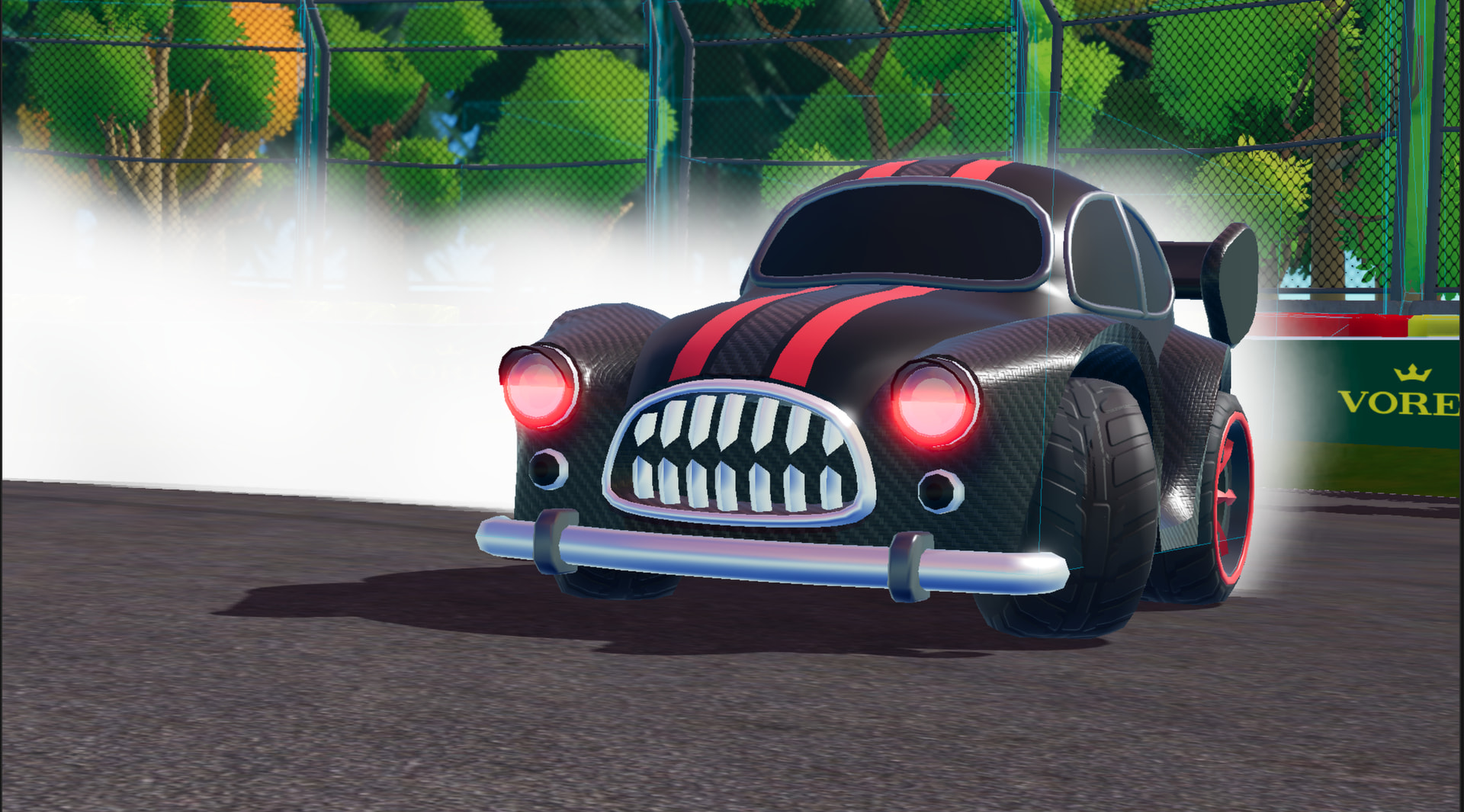
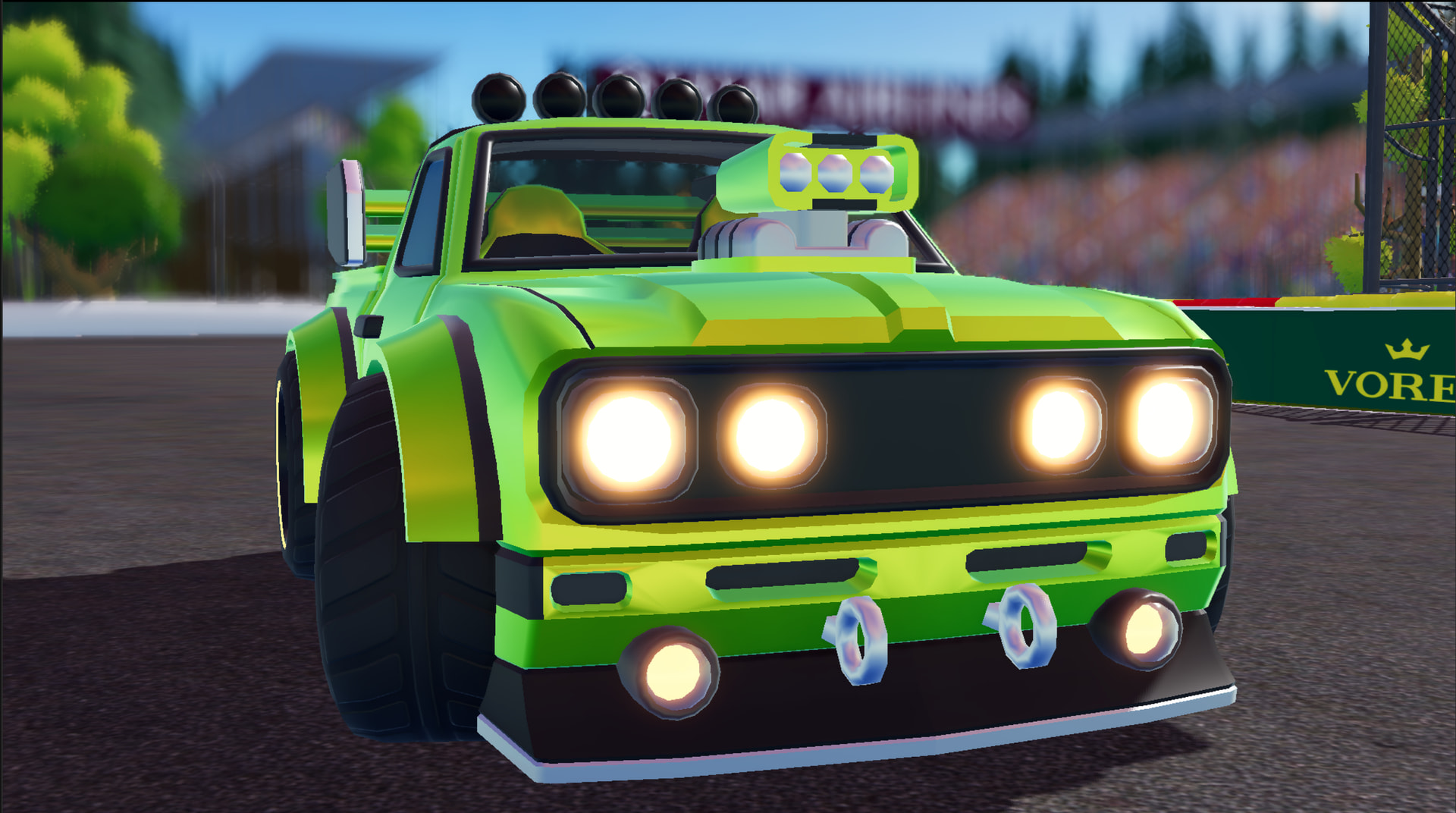
There are a few cars with togglable parts, and a Paint Lab for creating custom paints to use on cars:
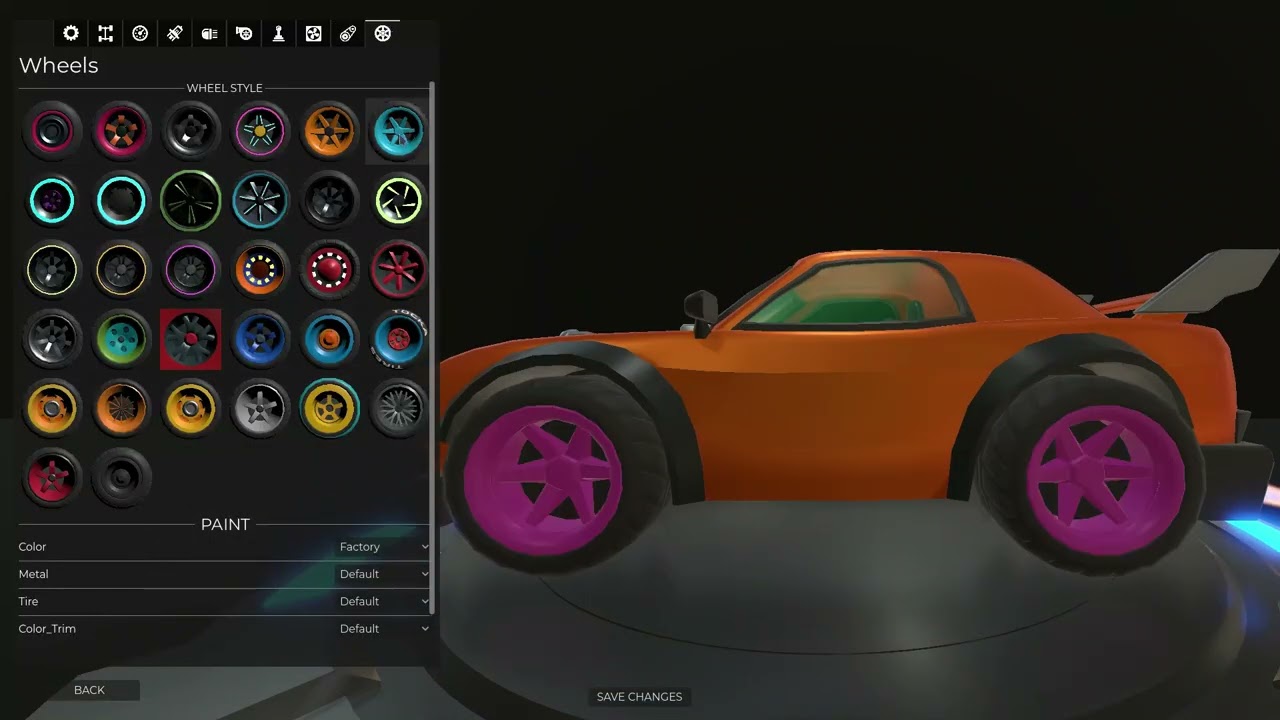
[Video of the “main menu”. customising a car and screwing with a custom paint]

Racing
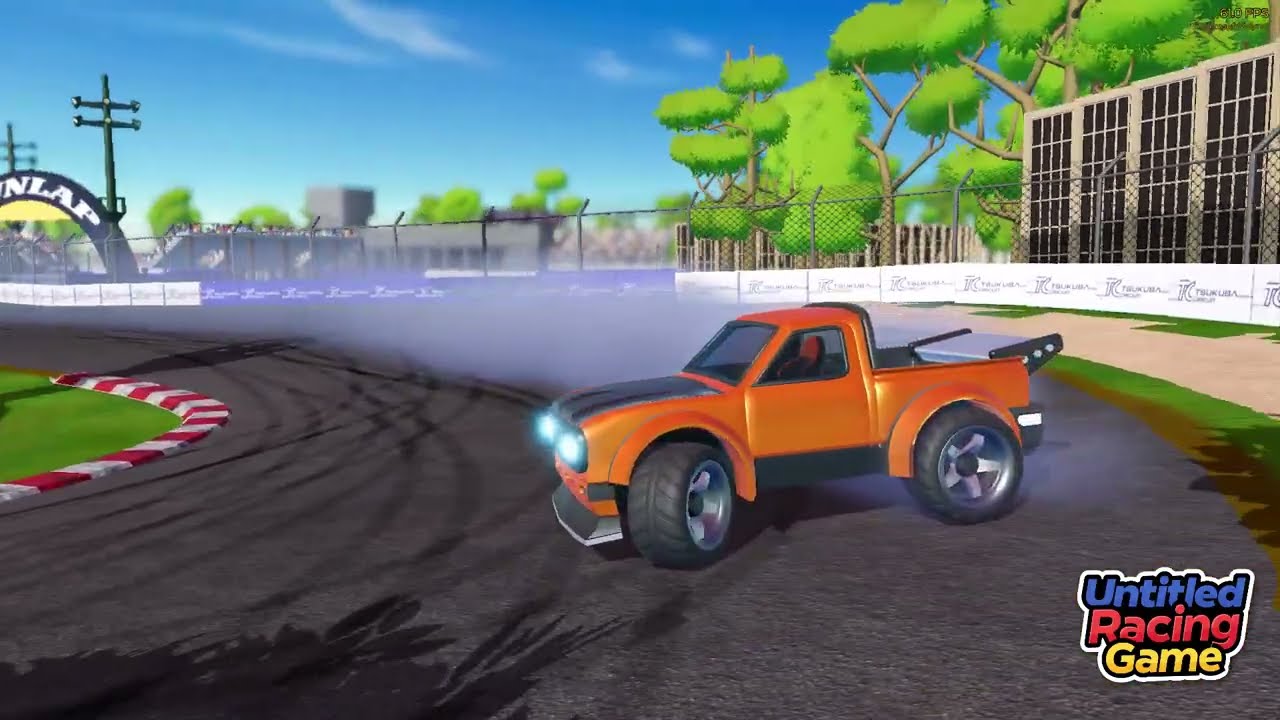
There are some dirt tracks and tarmac circuits for racing, time trials and drifting. It does not use the Godot VechicleBody3D in favour of a custom physics implementation - each car feels different based on weight, centre of mass, suspension, tire / surface grip, wheelbase and few other bib and bobs. It was super important to make the cars feel good to drive, drifting is very satisfying!
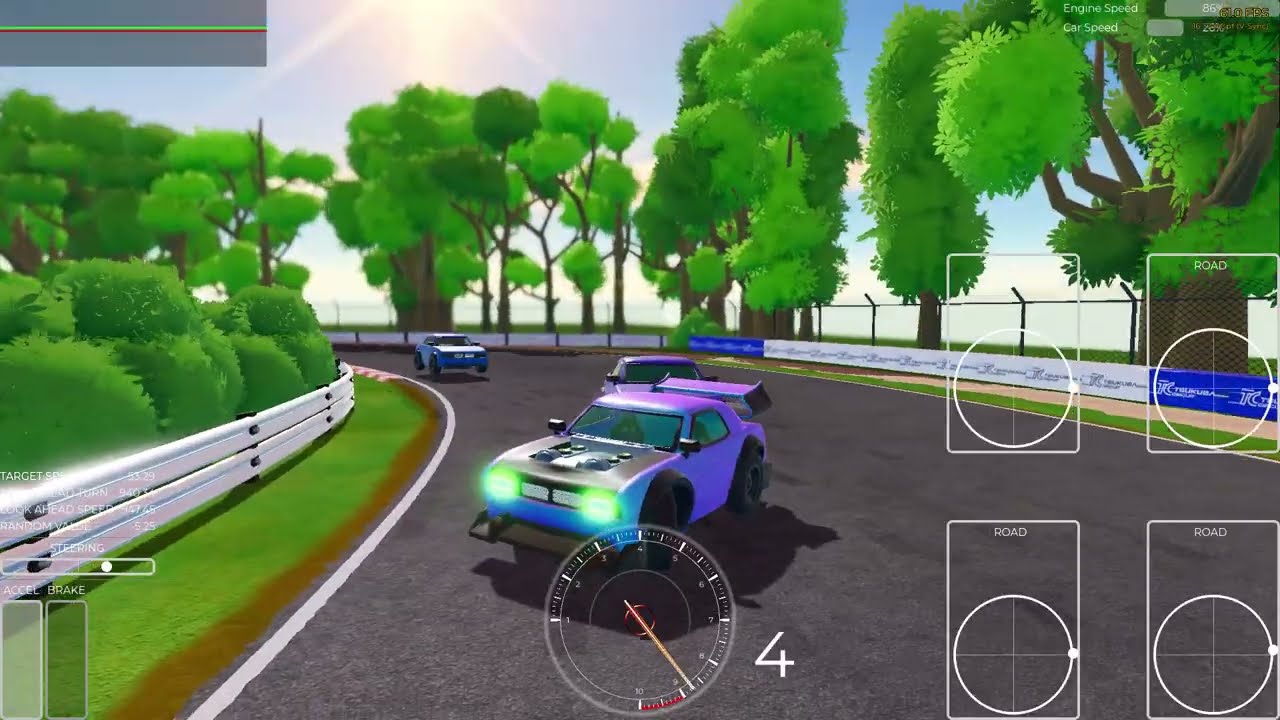
[Video of a few lap race at Tsukuba inspired test track]

There is a heap of debugging trash all over the screen - don’t pay it much attention. There are engine sounds but its very basic and super annoying so I opted not to record it =)

The AI is very dumb and not tuned for this track yet.

Track Creation:
This will probably not make it into the game but there is a bunch of cool tooling to streamline the process.

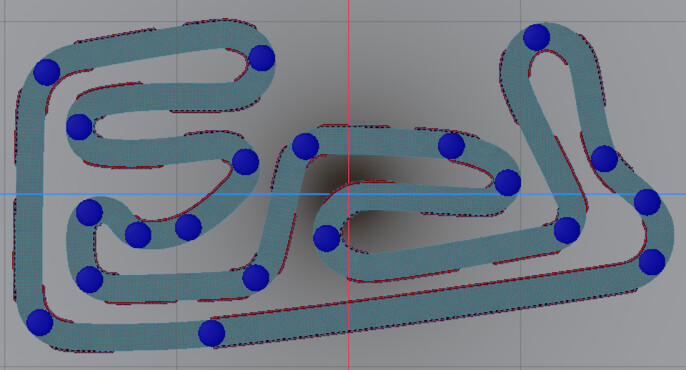
Tracks are build using a custom bezier curve system:
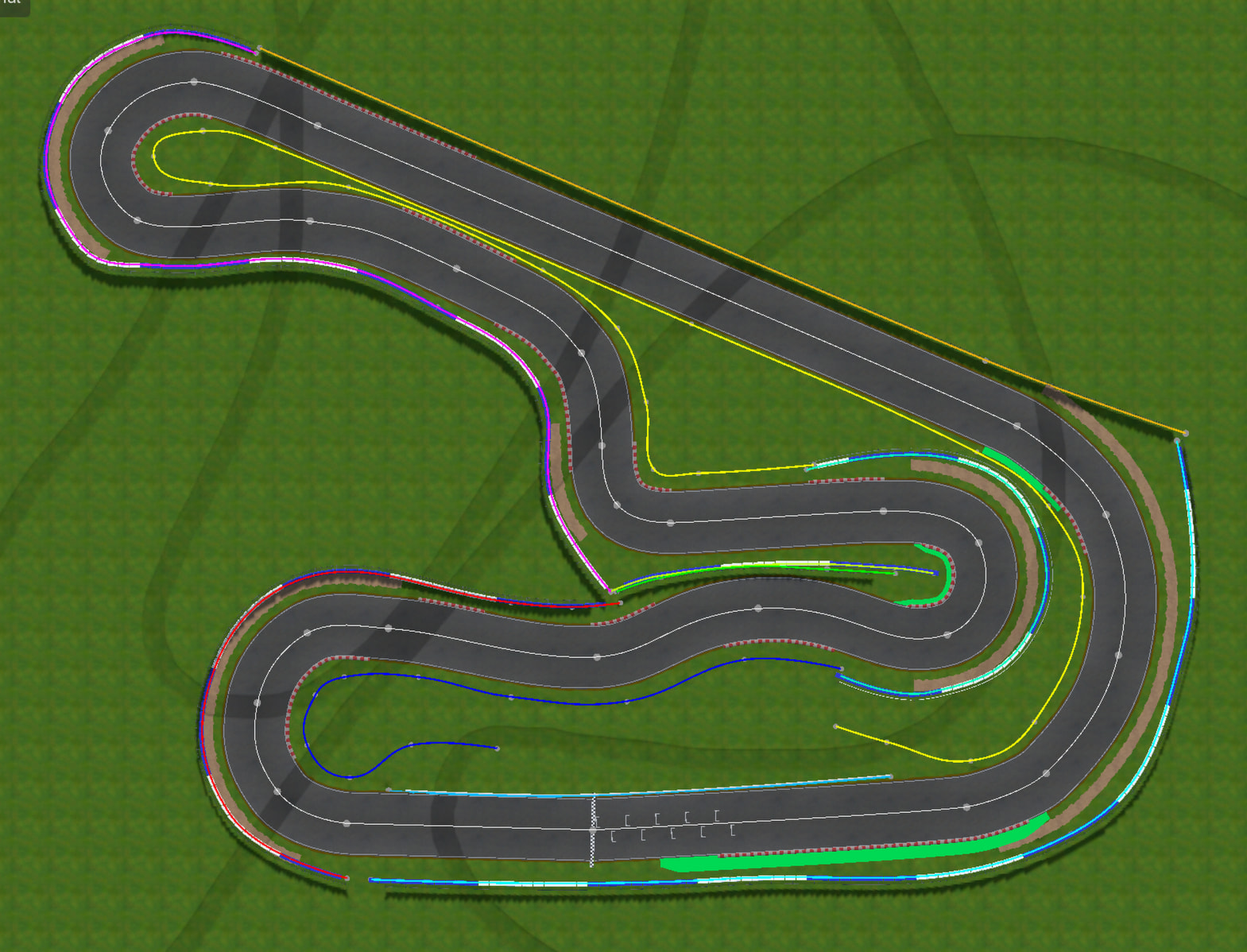
[In editor screenshot of the track creation process]

Barriers are placed using beziers also, then a mesh is extruded or instanced, then collision is generated. Lines, grass, sand, paint, kerbs etc are are defined using the tracks bezier then offset by a width - reshape the track and the side features stay attached!

There is a custom gradient painter to build the terrain, I didn’t use the existing godot terrain painting tools since they are overkill for my needs, and the track bezier paints most of the terrain which is pretty custom behaviour. :
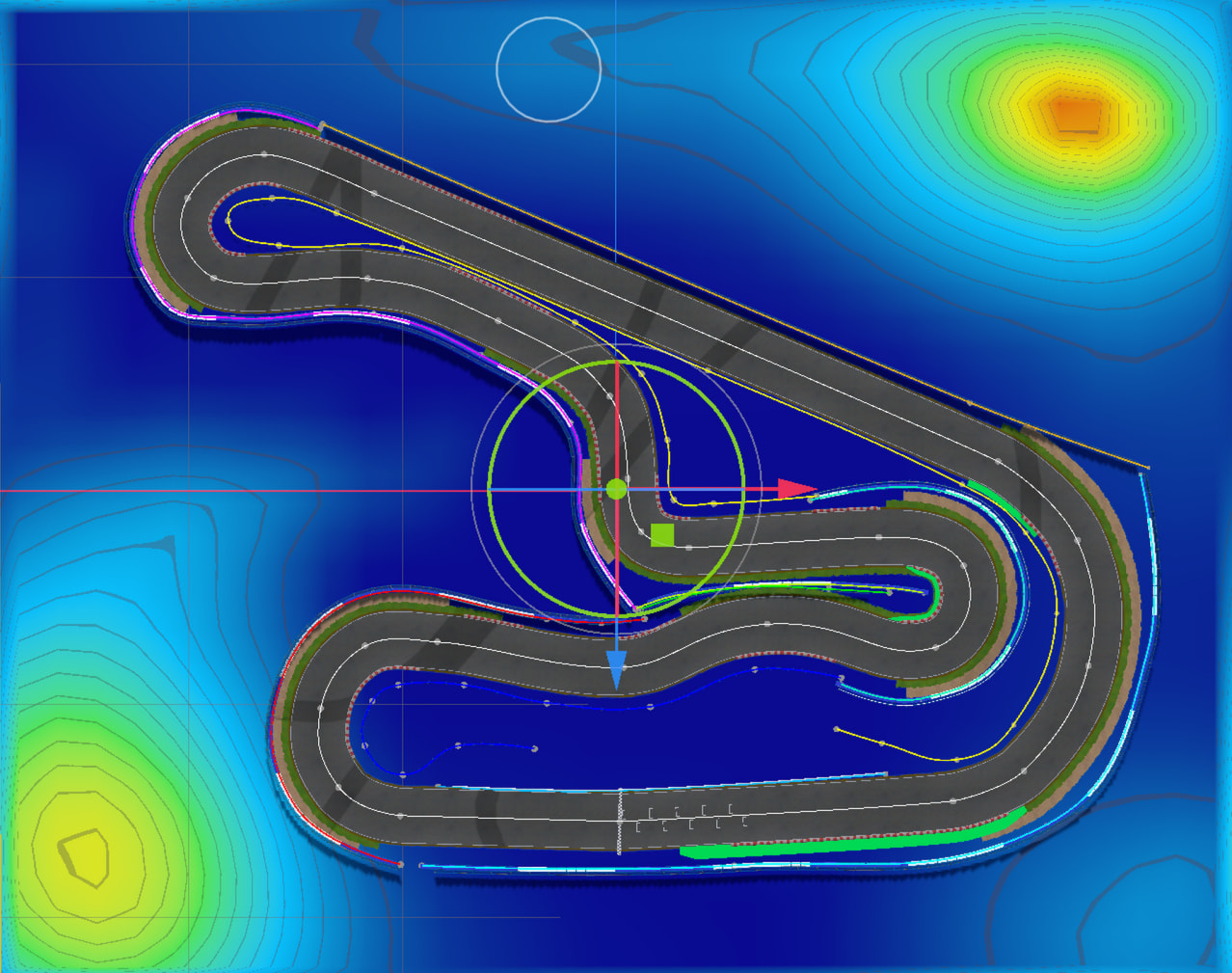
[Terrain height map / gradient painting tool]

Trees, bushes and grass have regions painted on the terrain using a bitmask then randomly spread around.

I’d love to hear any of your initial feedback and really enjoy answering any questions you might have.

Cheers
James
8 Likes

Looks very nice! Can you share more about your custom bézier tooling? Is it 3D?

I’d love to compare notes

At the moment I’m working on a knife tool for instance: cuts a closed bézier curve in half with a bézier based line

4 Likes

Nice start. The custom physics and Bezier-based track tools sound interesting, and it’s great that you’re focusing on making the driving feel good before worrying too much about polish.

1 Like

Thanks @renevanderark, yes it’s in 3D however, wow, that is some seriously impressive work, good job! My tooling is far less sophisticated and is almost the opposite to your work, I tried to take away control to simplify the process of making a track.

My Bezier system is a simple layer on top of Curve3D. The goals were:

  • Make a track quickly with as few points as possible.
  • Node3D’s be the points on the curve for easier editing;
  • not have to fiddle with handles;
  • have multiple closed and open curves treated as one object;


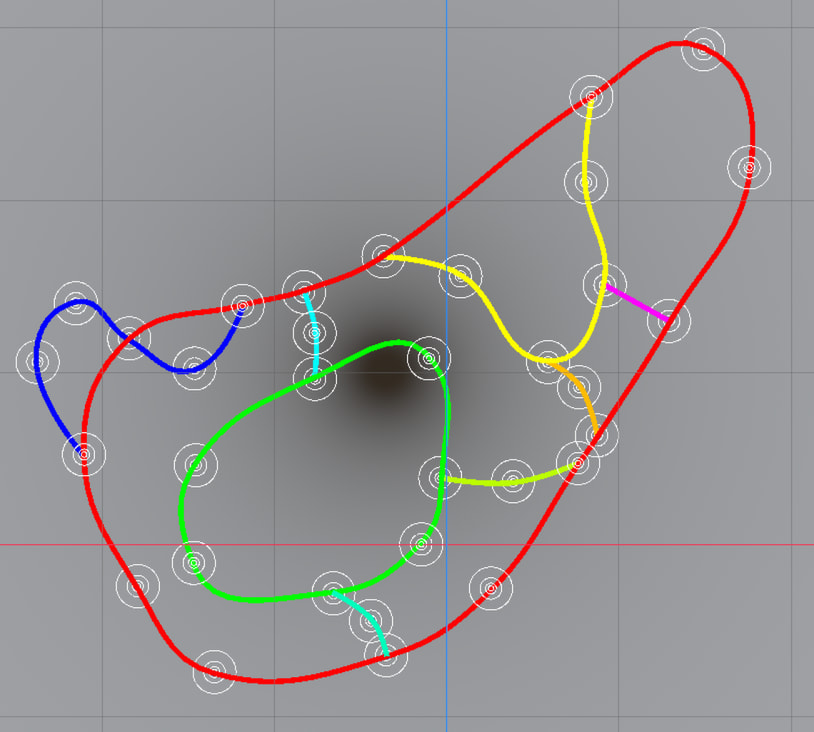
[“complex” track with relativity few points]

  • “Autosmooth” points by automatically settings the handles to be tangential to the curve with their length being a percentage of the distance to the next or prev point, controlled by a single value “smoothness” from 0.0 to 1.0:
    smoothness-ezgif.com-video-to-gif-converter

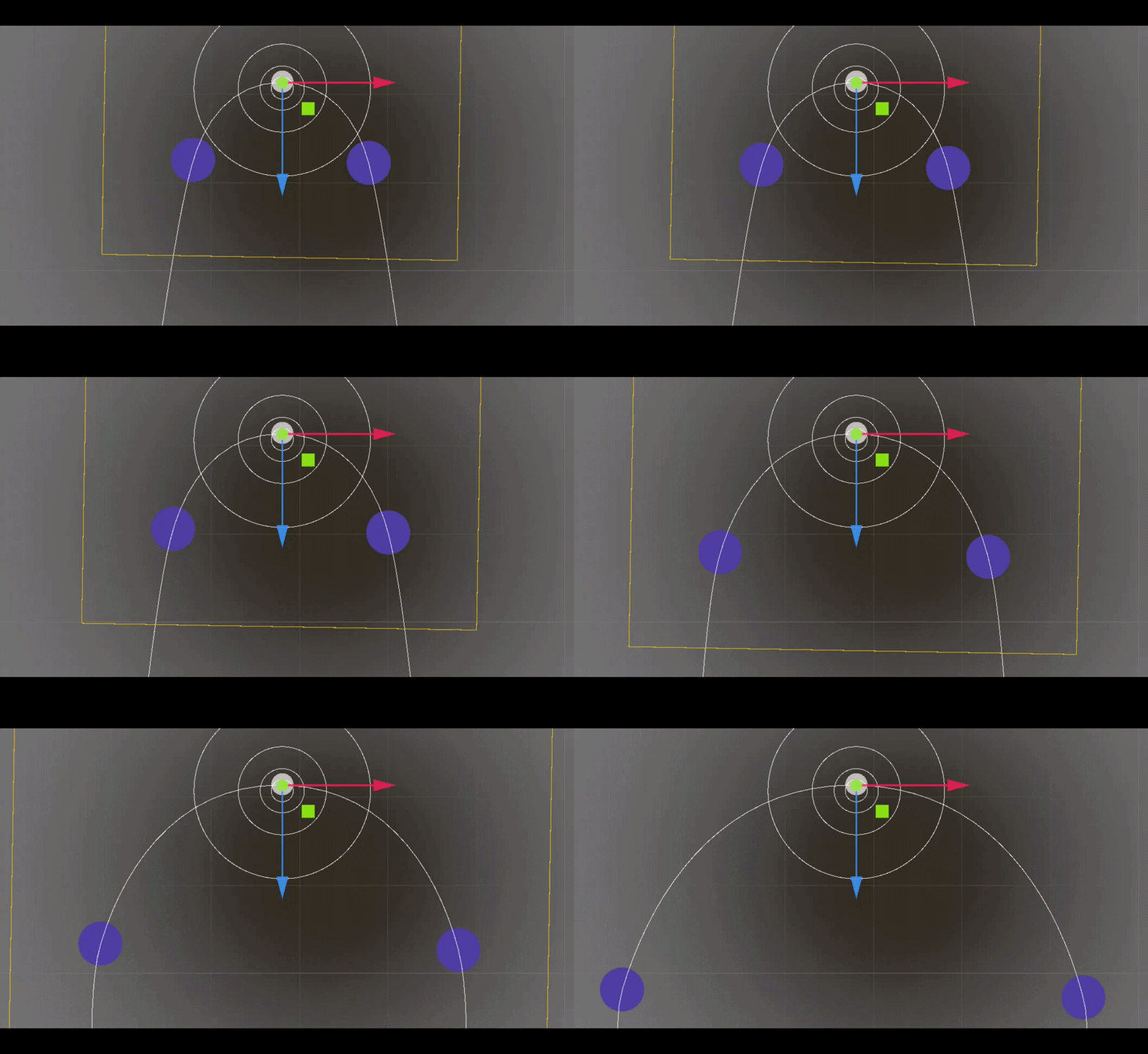
  • “Rotate the corner” make the middle of the corner not face the mid points between the prev and next points, achieved by rotating the handles:
    rotate-ezgif.com-video-to-gif-converter

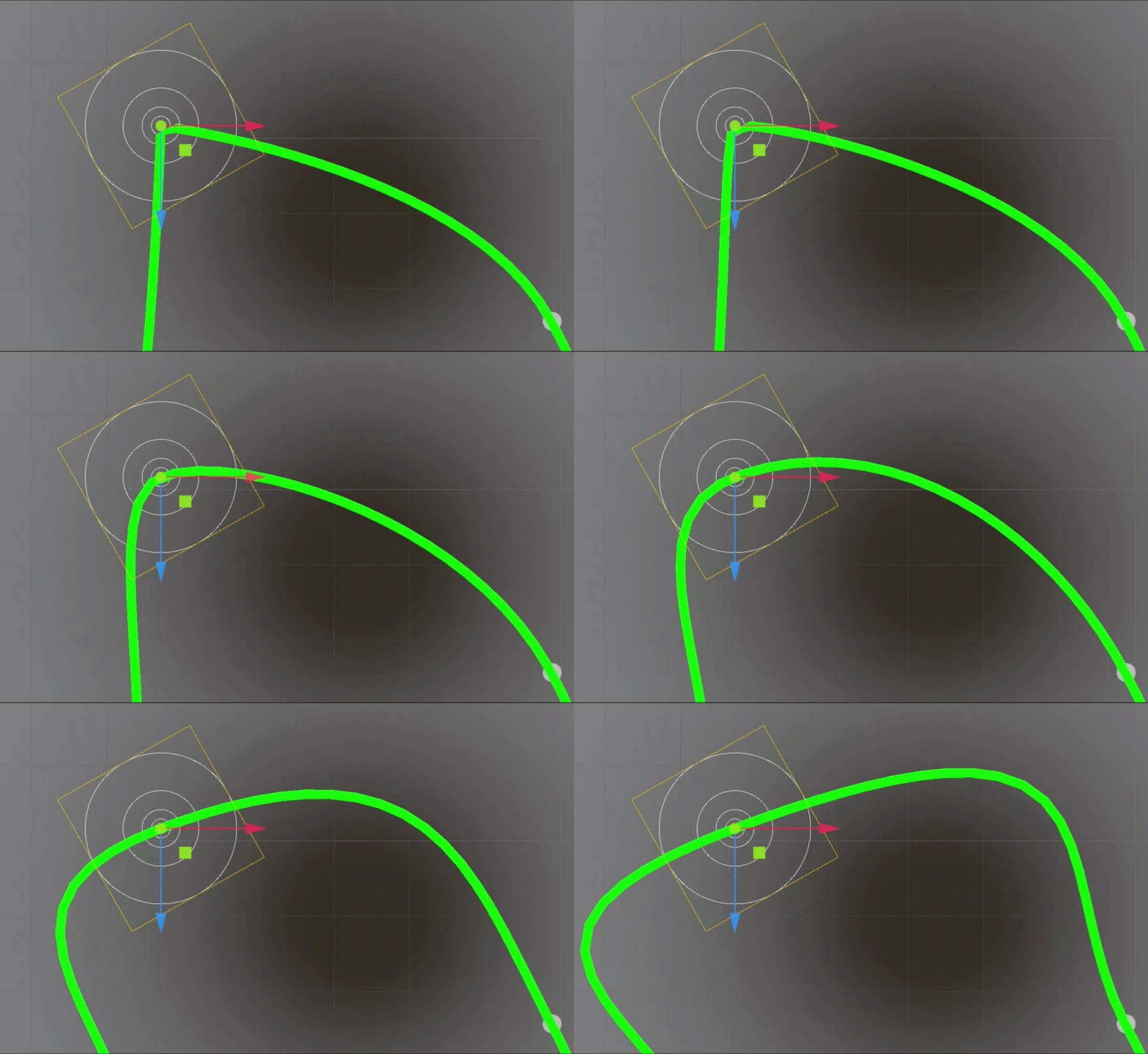
  • “Corner Radius Limit” if a corner gets too sharp (hairpins and 90 degree turns) add 2 hidden extra points that reinforce the corner so it can be a constant, controllable radius. This limit is set globally for a curve then each point can have its radius adjusted:
    subpoints-ezgif.com-video-to-gif-converter

  • “Branching Tracks” I needed multiple curves to be treated as one track, with branching paths - curves can share points - to allow for different layouts. A new layout is processed as a new single closed curve comprised of multiple branches.

  • “Tilt” is important since when pushing into 3D the curve normal (or “UP)” can get rotated causing incorrect corner camber, it’s also handy to add positive camber to some corners (banking on an oval track)

@renevanderark you might be able to help me with an issue I haven’t yet solved:

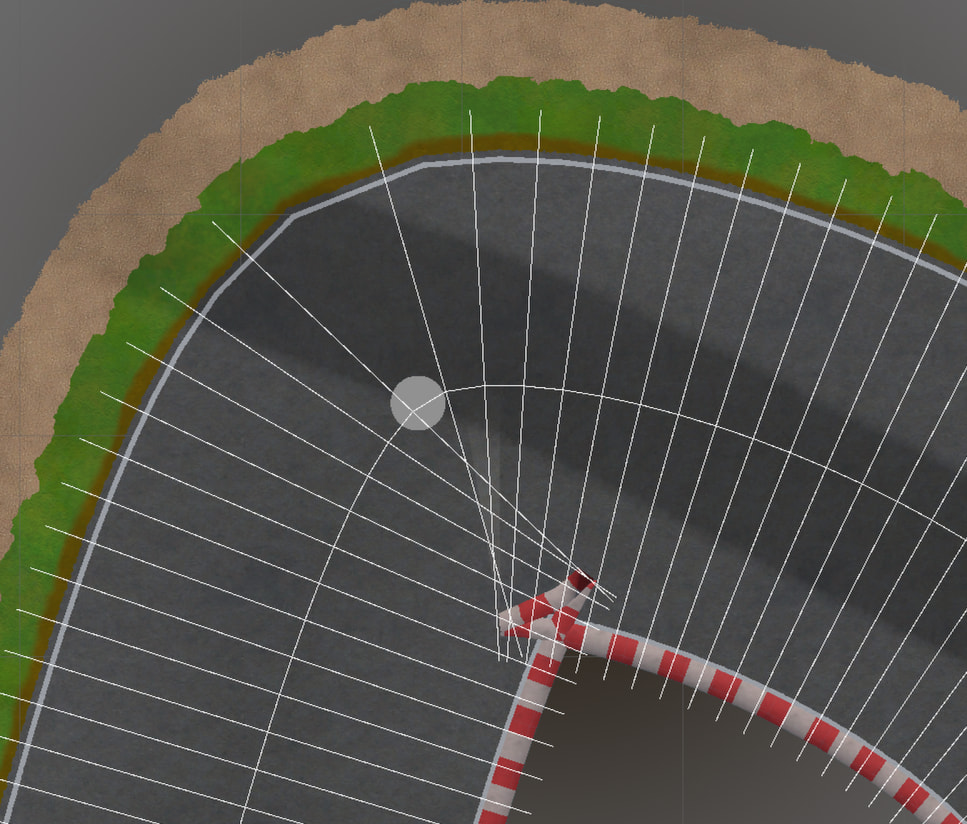
The inside of sharp turns, the geometry gets all folded up as the points go backwards =/

I don’t know what this issue is called, I’ve tried using the curve radius to detect this but that is not an accurate way to predict the issue, reducing resolution isn’t really an options unless its done locally which hurts my head, so the closest I’ve gotten is brute force marching along the "sideways lines " and checking if the closest point is their origin. Even then, if I can detect it, I’m not sure how to fix it.

I’m unsure the correct terminology so googling is rough. Any insights would be greatly appreciated.

1 Like

I like this one :blush:! Had not thought of that feature as an option.

As for your question. Because I am not great at geometry myself I try to use as much of the built-in capabilities of Godot myself.

If it’s an option for you, the Geometry2D class is quite the treasure trove and it may just have the solution you need for your tight bends.

For my poly_stroke I use Geometry2D.offset_polyline. You should give it a shot, because I think it solves the case of “self-intersecting mesh planes”… (I just made that up :rofl:)

It also has a couple of triangulation functions which might work on your existing mesh if you feed it the outlines. I haven’t tried those myself:

This would mean a bit of a rewrite and probably will not result in these tidy rectangular planes.

I agree, terminology makes finding the right answers hard sometimes. Screenshots help a lot.

1 Like

If the tracks are supposed to be edited manually, then you don’t really need to automatically fix it. Just warn that there is an overlap and let the track designer fix it.

In general, I find using piecewise circular arc curves much better for building roads. They are mathematically much simpler to handle and tessellation of circular arcs is trivial compared to cubic splines. Also, real life roads are build from circular arcs (well it’s spiral arcs, but circular arcs can be a good enough approximation for an arcade style racer)

2 Likes

It looks great! I really like the car designs, and I love racing games.

1 Like

@renevanderark Cheers - I’m having a play with Geometry2D to see what it can do, it really is a treasure trove!

@normalized you monster -“piecewise circular arc curves” was sort of what I was thinking about but didn’t realise it was an actual thing. Thanks to you I’m now neck deep in a ground up rewrite of all track generation :joy: - Cheers for pointing me in the right direction
awesome dude! keep up the good work, I can see it being a big game in the future!