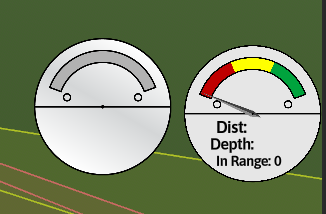
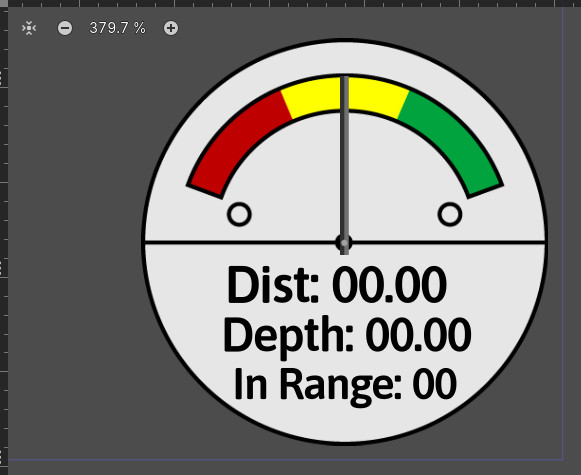
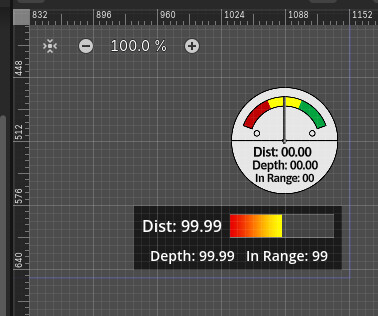
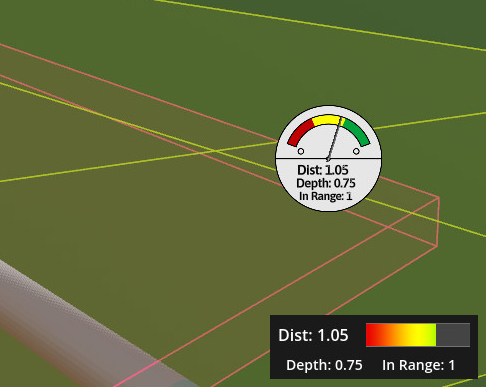
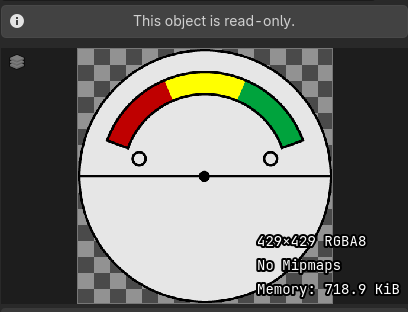
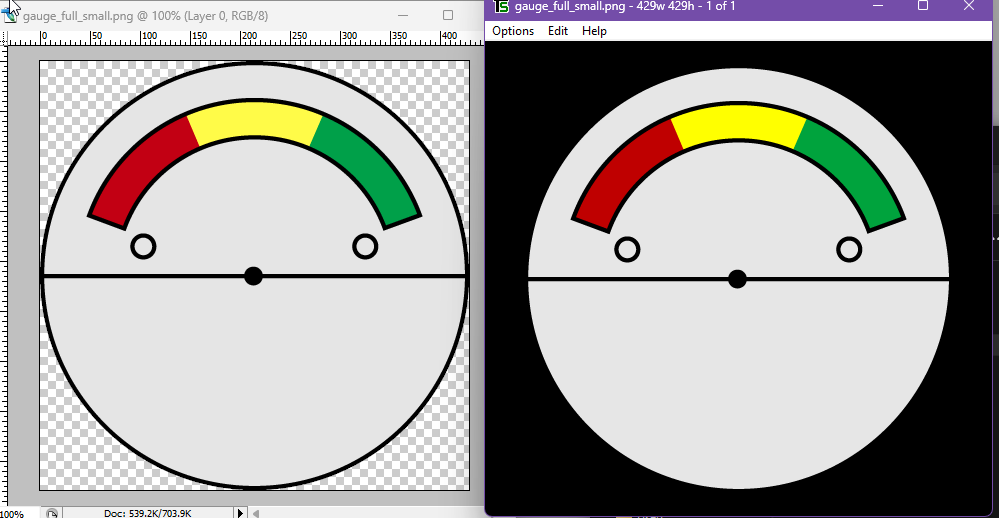
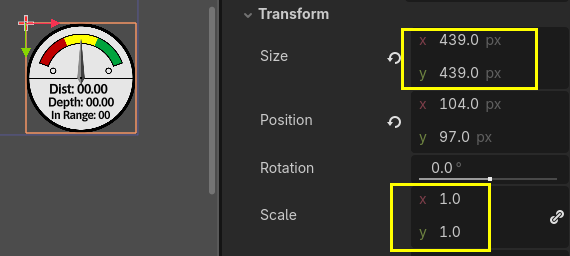
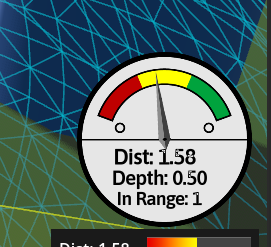
I’m using some simple 2D graphics as a gauge in my HUD. The original graphic is Illustrator vector, exported to png at ~550px square. After importing to Godot, it is then scaled down to 0.25%.
I’ve also tried scaling the original down prior to importing and get the same result.
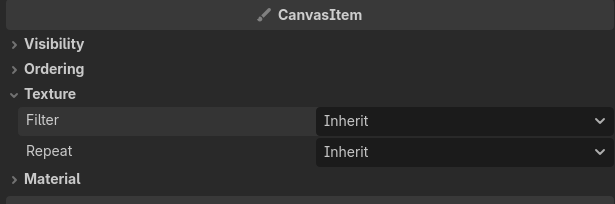
They will work better if you export your PNG to the same size as you want in-game, otherwise you can enable mipmaps and a mipmap sampling technique. The way GPUs sample small textures will produce grainy artifacts, mipmaps will pre-generate smaller versions of your texture with better blending.
they look fine to me i suppose, however, from the image it seems like the sprites were exported at a low resolution, and the fonts seem to be shrunk down, creating the blur effect.
What are the resolutions of the sprites and the actual project?
MSAA works only on polygon edges. It doesn’t smooth your gauge textures.
Avoid doing scaling in Godot without a very good reason. If you need 140x140 px texture in Godot, make a 140x140 px texture in whatever graphics editor you use. Don’t make overly large textures and then scale them down. You don’t get any extra details that way, you only get scaling artifacts.
What are you window settings in Project Settings? Stretch mode, aspect, scale and scale mode? Are you sure you are not scaling everything to your window size? What happens when you resize the window?
the sprite res looks lower than the resolution of the text displayed, it seems the sprite resolution may be the issue; upscaling pixels doesnt make them smoother.
You are scaling the texture in Godot. Don’t do that. Resize that 429x429 px texture in Photoshop to the final size, which I guess is about 150x150 px. Or export the vector image from Illustrator using the final size.
If you aren’t using a sub viewport/canvas group then that is the solution- match resolutions, do not scale. If you need to scale images down below half-resolution you should make use of mipmaps.
If you are using “Viewport” window settings that may prevent some solutions from working, same with a SubViewport.
What does your scene tree look like? Where does the scaling happen?
Here’s another topic on shrinking textures resulting in artifacts, the solution being mipmaps.