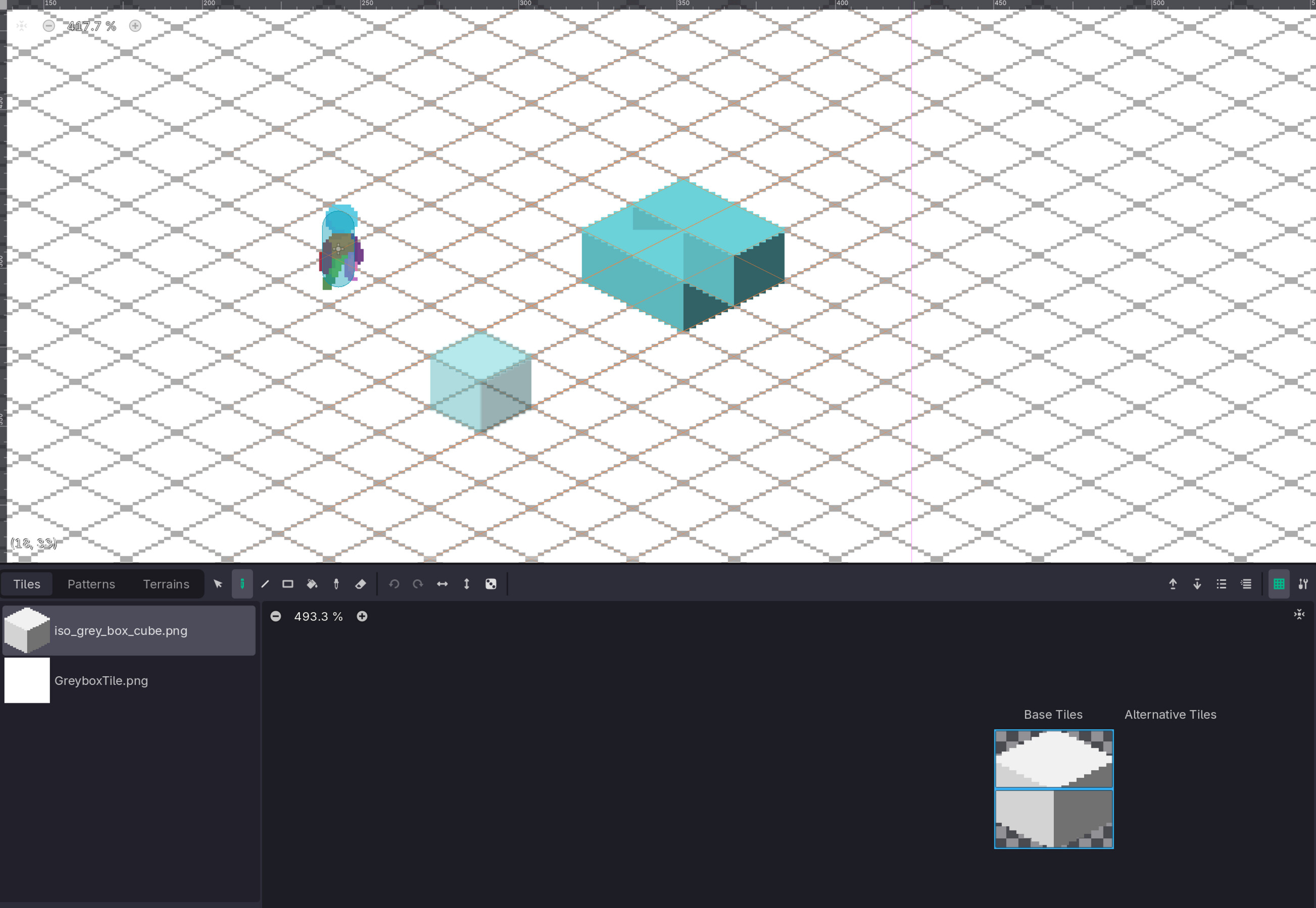
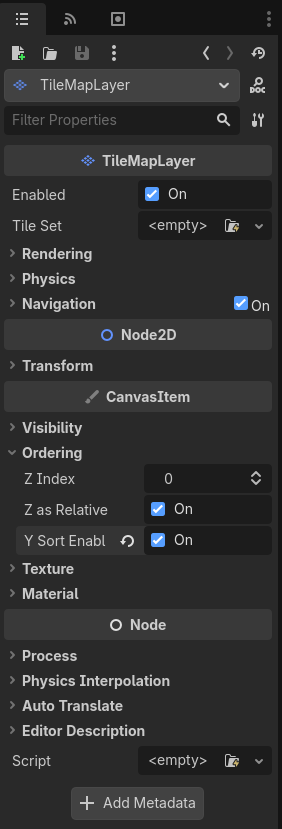
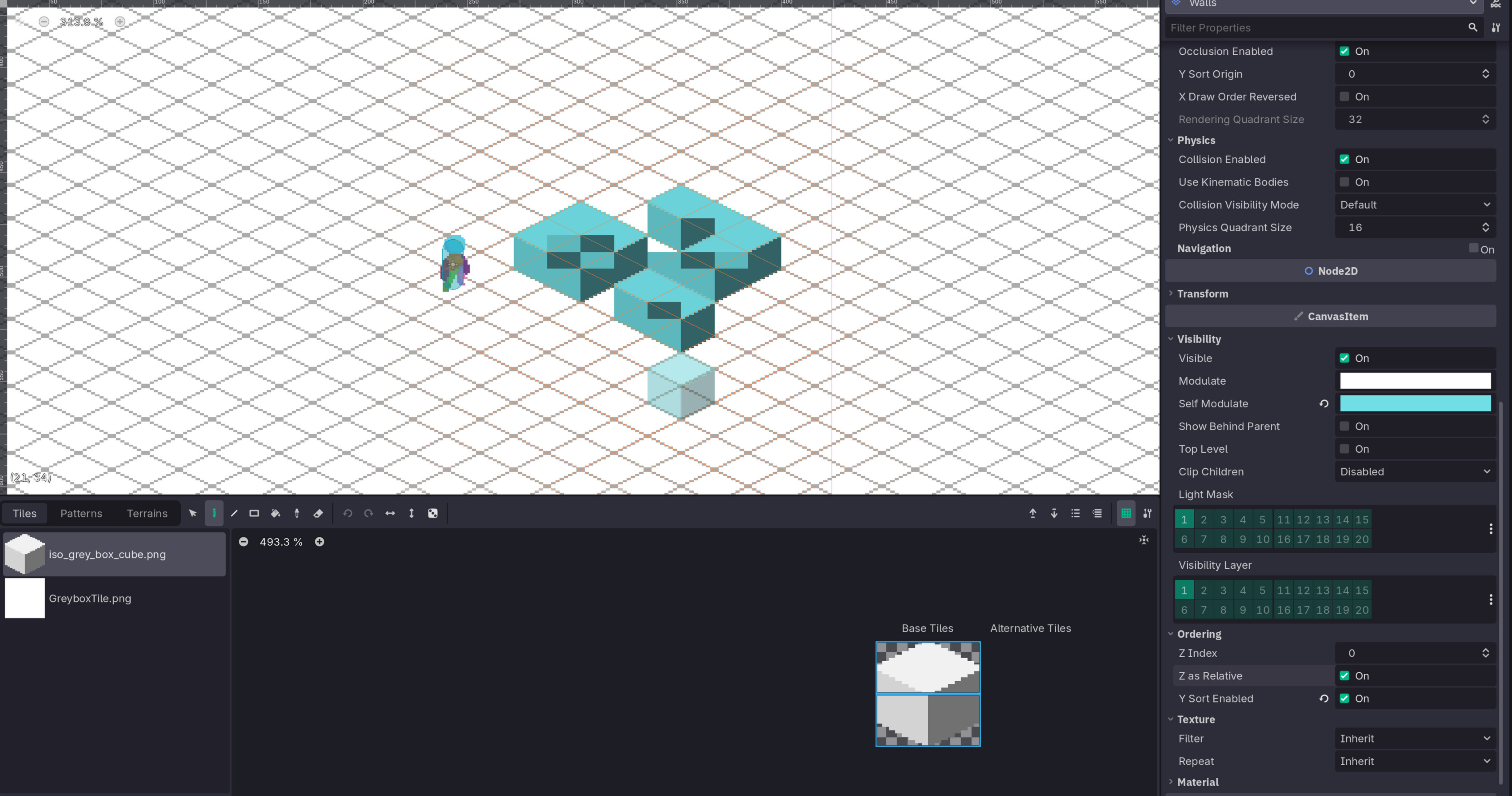
I’m attempting to create a 2D isometric game that uses 32x16 tiles as it’s base. Currently I’ve created 32x32 cube tile and I’m having trouble placing it in the world. A single cube looks good but if I place 4 cubes together or really even 3 they appear to clip through one another in an unsatisfying way. Has anyone else dealt with this issue, could there be something wrong with the way I’ve set out to configure the tilesets? Any help would be greatly appreciated. I’ve attached an image of what the cubes look like placed together.
Oh I’ve only just noticed this: it looks like your cube is divided into two tiles, top and bottom. For proper y-sorting, you should make it one big tile (hold shift and drag the mouse across both regions) and, assuming that’s the effect you want, shift the texture origin so the bottom of the cube is sitting on the floor: