Hello, I just started development of a 2D pixel art game. We have many assets at this point, maybe 20, including another animated character (frames are 64x64) total png size is 256x64.
We also have static images (16x16, 32x32) all these assets look fine.
We just replaced the main-character’s art with a new character. The sprite sheet is 96 x 192, and each frame in the spritesheet is 32x64.
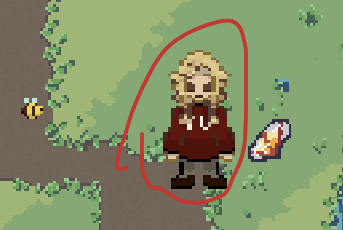
This character flips in and out of being bury. I ensured the sprite was imported properly and using the “Nearest” filter mode.
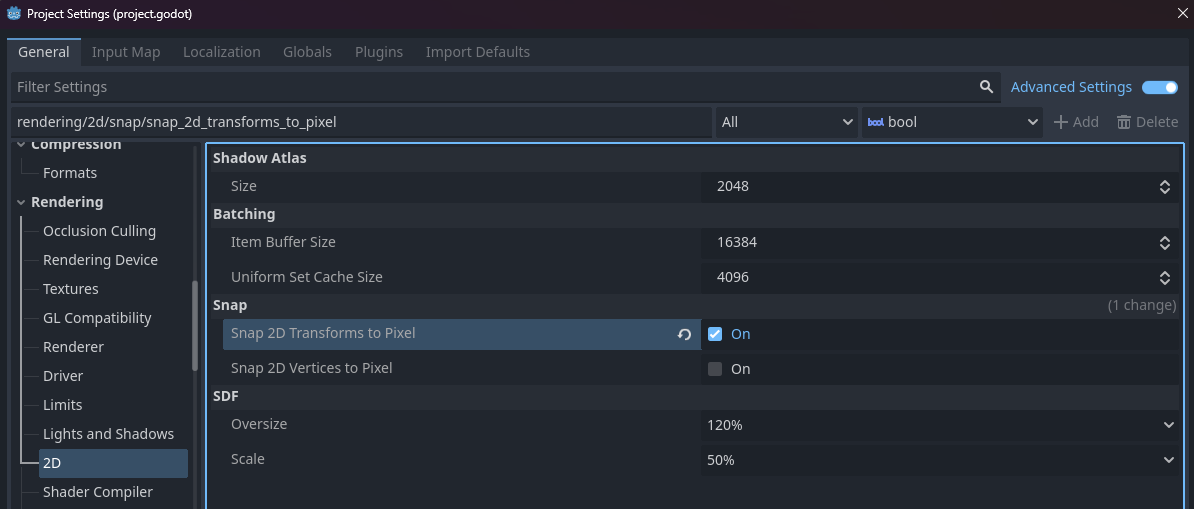
I read that the viewport and scaling can mess up sprite renderings, this is what is occuring. I have “viewport” rendering, with “expand” aspect ratio, and fractional scaling. I’d really like to preserve these settings, as I don’t want black bars, and would like to be able to handle multiple window sizes.
I also saw that the difference in sprite sizes could be the issue, and they should be uniform. (32x64 vs 64x64). I added padding to each sprite in the sheet, extended the sheet to 192x192, and imported the animation frames as 64x64. No luck.
Any ideas how I can fix this? How do others handle this? I’m new to godot and 2D. Thank you for your help!
Yes, certainly, and while I said “blurry” maybe the proper term would be “distorted”. The issue depends on the screen size, and can vary if I’m moving the character, for now. I’m using the same animation for all frames:
	if direction == Vector2.ZERO:
		anim_player.play("walk_forward")
	elif direction.y == -1:
		anim_player.play("walk_forward")
	elif direction.y == 1:
		anim_player.play("walk_forward")
	else:
		anim_player.play("walk_forward")
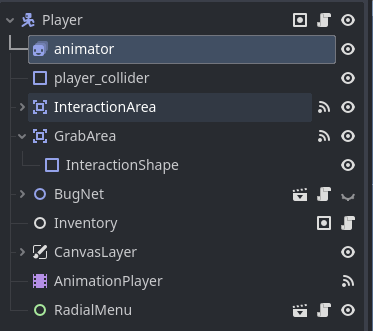
This is the whole player scene, which is a “CharacterBody2D” The highlighted “animator” node is the “AnimatedSprite2D” being used for the character’s frames:
For the node’s attributes, everything is default with exception of:
Sprite Frames & Animation (set to my animation)
Transform.position.y = -26.0 px
Texture.Filter = “Nearest”
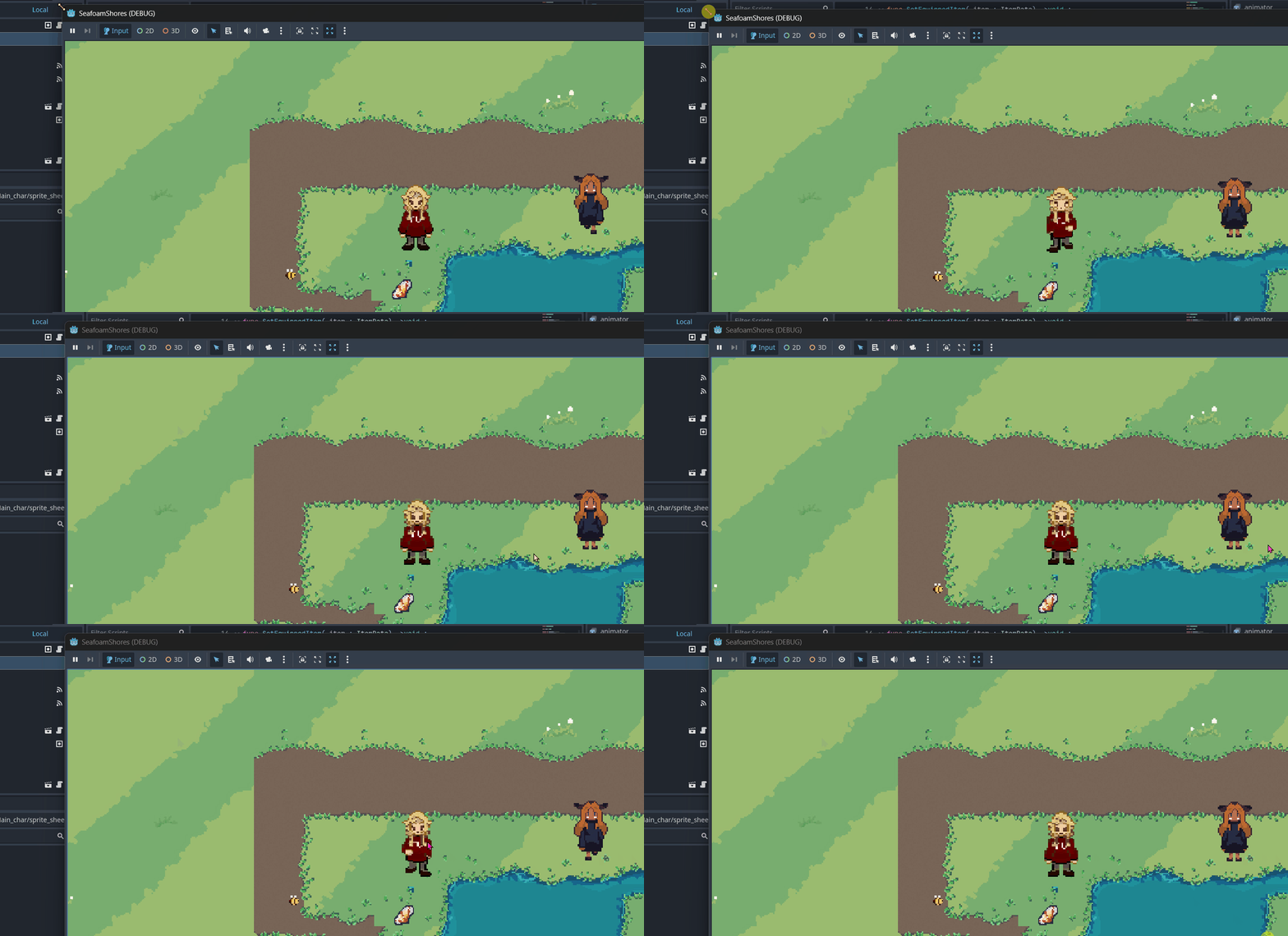
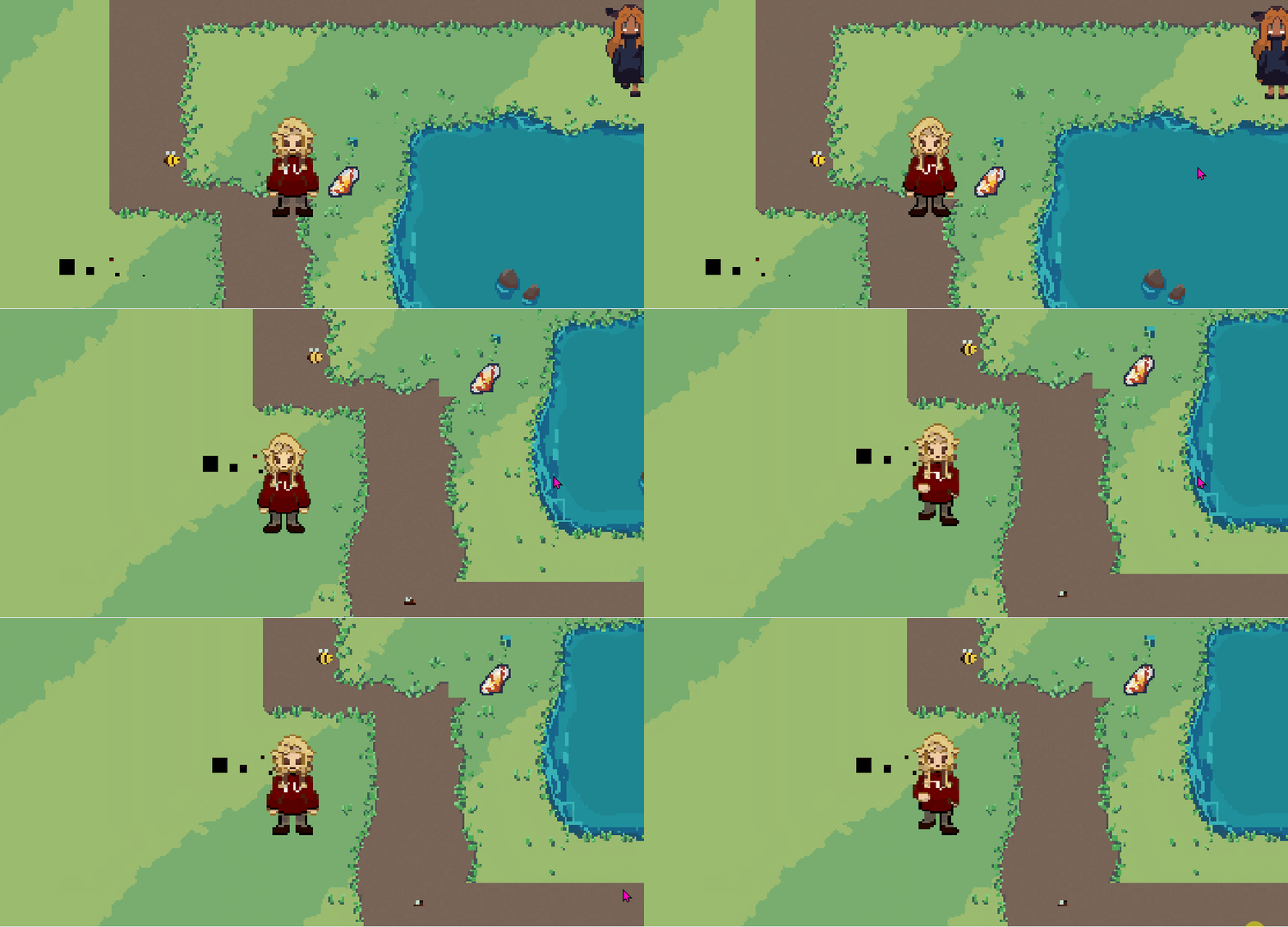
 maybe it has something to do with the movement code?