Godot Version
4.4.1 stable
Question
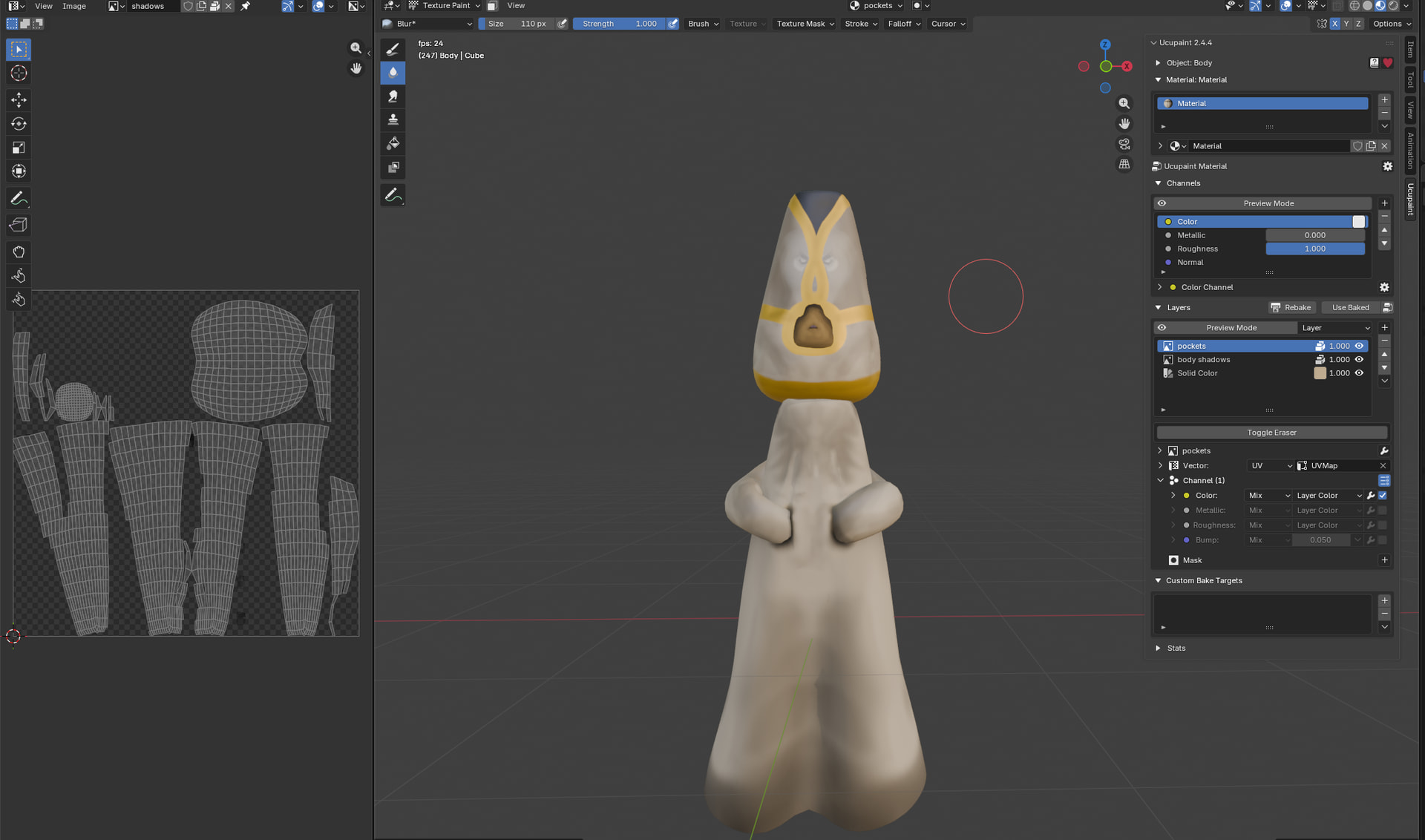
hey all, im having issues with importing a 3d model from blender to godot. I’ve done two other models so far and they seem to look right but this newest one doesn’t look right.
the head of the model was made previously and has the exact same base “white” colour but a few extra layers for the black,gold, and shading.
it’s quite a bit darker than it should be and i don’t know why.
the head looks right but the body does not. any help or tips are appreciated thanks!
in blender (textures were baked for my import)
in godot import menu
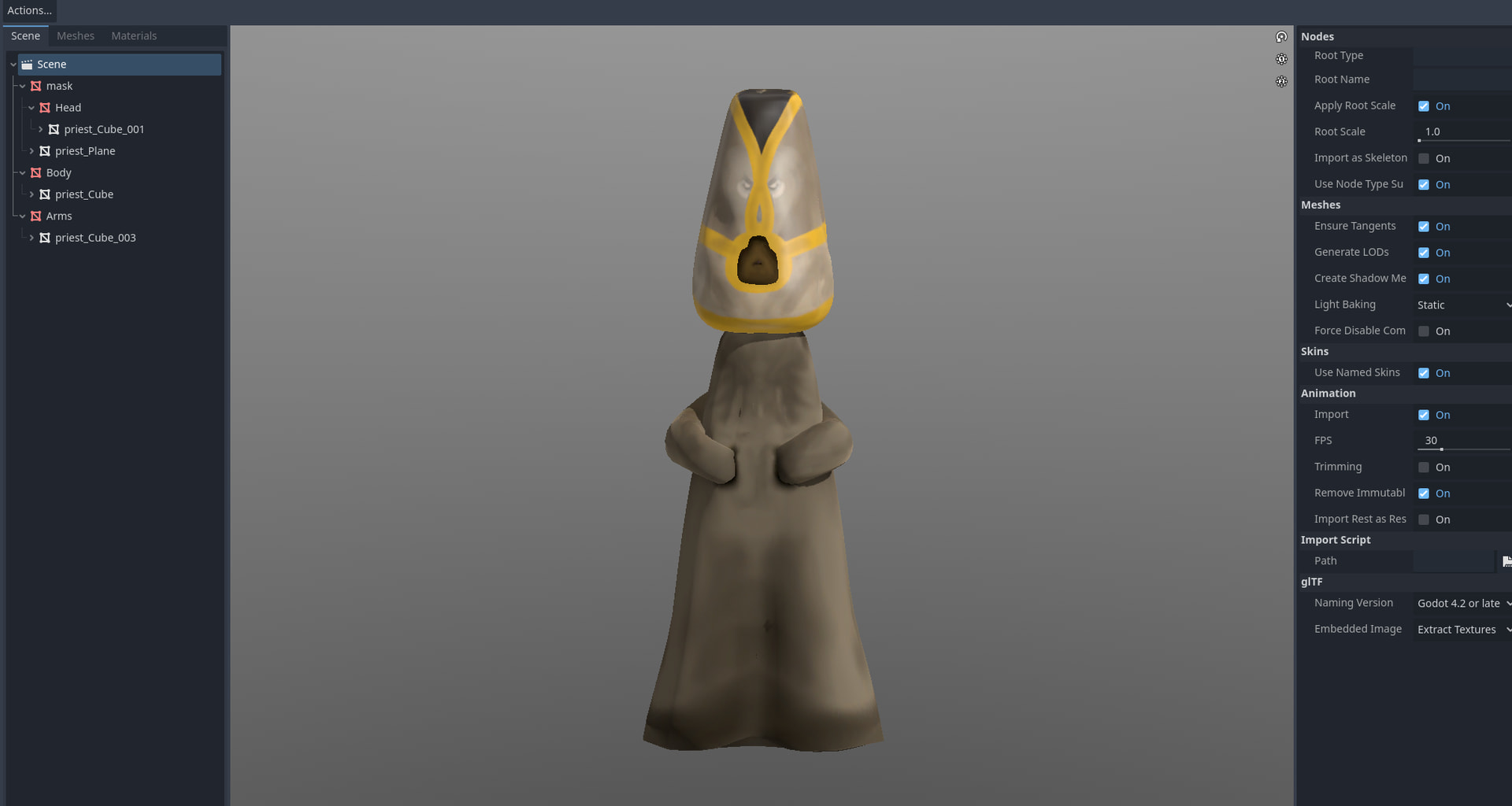
and in game with basic environment node.
