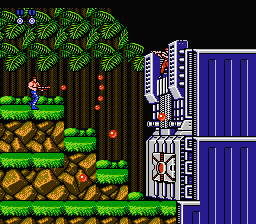
Quick update:
- I fixed rail hanging misalignment by shorten raycast length and disable raycast for a split second using timer.
- Rotate/reposition player collision (not visible here) using animation player.
Quick update:
Update: Baked Lightmap
Visually not much different but I’ve been learning the bake lightmap and using it for the first time.
Original lights:

Baked Lightmap:

After trials and errors, these are the steps that I used (not sure if correct but it worked as shown above):
It works OK with LightmapGI settings untouched. Although it’s a bit flat and I couldn’t get the hightlights on the sofa to show like the original.
Any Idea on how to improve it?
Update : Level objects
Made 3d objects and added to the level. Experimenting with sprite3Ds and alpha materials…etc.
Some dancer
More dancers I guess…
(Just learning Blender to quickly customize lowpoly human with animation for godot export)
UPDATE: Test Shooting enemy and Running enemies
Update: Test adding running enemy animations.
Unfortunately I realized I didn’t apply all transform to all my rigs (player, dancers, enemies). I didn’t know that the scale properties in Blender Object Mode and Pose Mode are different!
Blender’s Object mode

Blender’s Pose mode

..and so they were out of scale when imported to Godot.
I plan to use these rigs for other human enemies and I don’t want to re-scale them everytime in Godot so I decided to just gonna re-do all my rigs and animations again. 
Update: Hit flash and bullet bounce (mega man style)
Update: More enemy types
Added more enemies and their attacks
Flying Drones:
Type 1 : From left to right while continuously dropping bombs
Type 2 : Following and dropping bomb at player
Type 3 : Flying back/forth and dropping bomb at player
Turret:
Aims/Shoots at player in 8 directions
Running:
Runs at player
Bombing:
Throws bomb at player at random proximity, depends on player’s distance.
Shooting:
Type 1 : Shooting only 1 direction(with/without shield)
Type 2 : Shooting 8 directions
Mines:
Type 1 : Activated when stepped on, 2 seconds to explode, can be jumped over if timing is right
Type 2 : Activated when stepped on, pops up in the air and explodes with wider area.
I think it’s enough enemies for first stage. Will continue with stage design and boss.
Update: 1st level sub boss. Personal Mini tank. There’s gonna be an enemy riding it.
Random shooting 3-5 bullets before charging attack. Will add some animations to it.
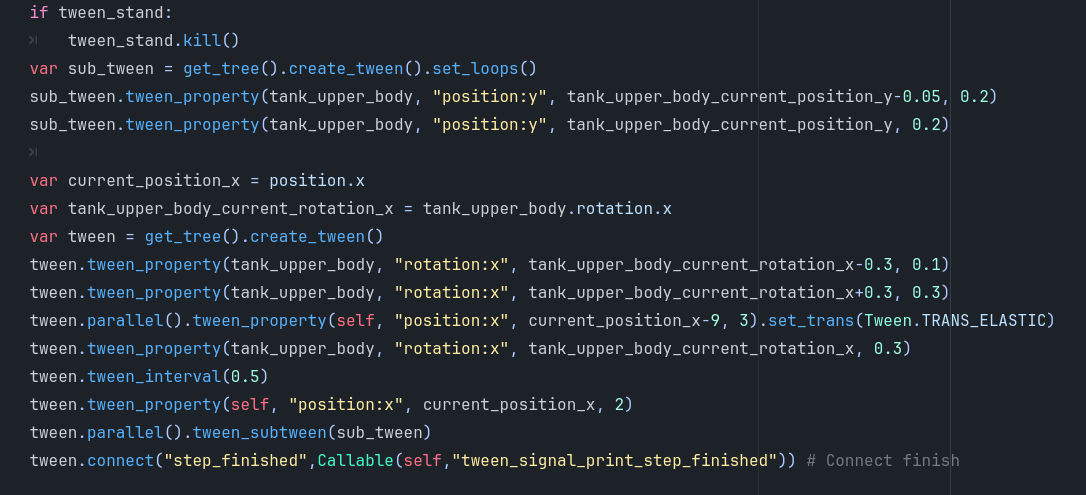
Made using tween, timer, Enum statemachine.
Quick Update: Animations with tween
First I tried with animationPlayer but got a little confused with the logic (like when to play() and when to stop()..etc.) so I made it with tweeners. I’d say it’s more straight forward and quite fun when you got it working.
Quick Update: Tank track texture animation using shader
I’m using a simple scrolling shader for the thread and a flipbook shader for the spinning wheels.
I then tested controlling them with the codes. Not perfect since it doesn’t stop/start at the same spot it left off, but good enough for now.
Quick Update: Testing Tank Track in action
Just wanna see how it looks with blender texture paint.
I think I will make all my textures as placeholders. Once the whole level is completed I will go back and redo all the textures again. Making assets is just so time consuming.
This is more like public announcement plus rant.
Gridmap has bad rep and I want to give it a chance, but it sure lives up to the rep lol.
I have tried and tried again and I thought I finally cracked exporting correct platform sizes/position from blender for gridmap and then something like this happened:
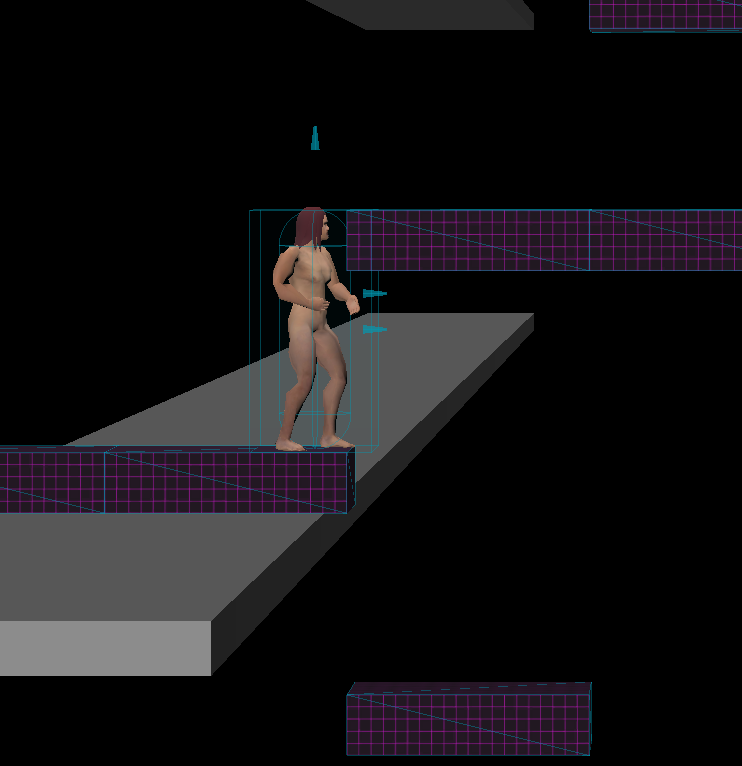
The Gridmap floor height doesn’t match my character’s default height so the platform is either too low to walk under or too high to jump on to. I know to fix it I need to change it cell_size Y but then the platforms I’ve made in Blender no long matched, I’d need to redo all my platform sizes/position again
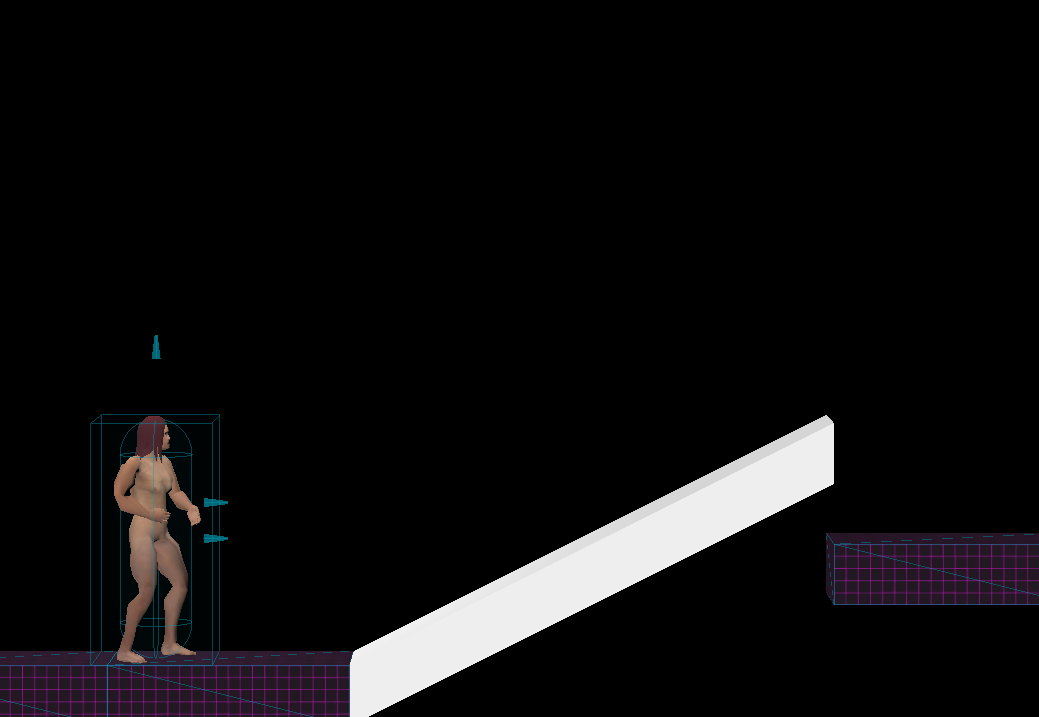
eg. my slope mesh after changing cell_size Y:
So if anyone plan to use Gridmap, especially for multi levels map, don’t forget to take your player’s height and Gridmap floor level into account!
Update : Cutscene for first level mini boss
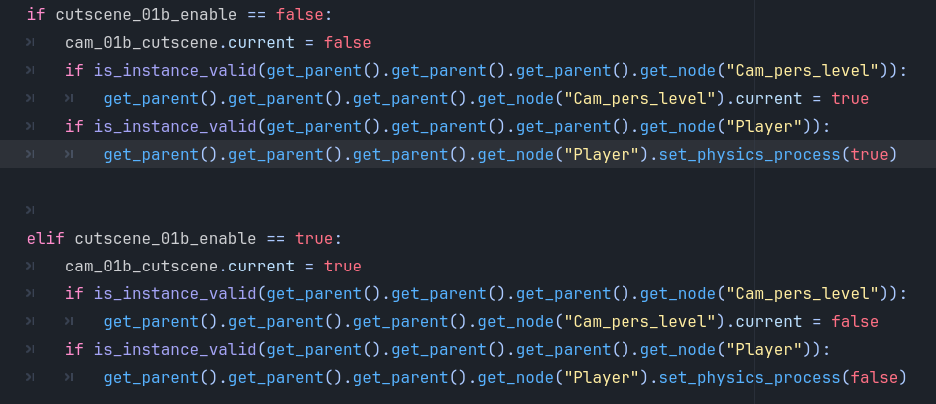
Done testing a simple cutscene for mini boss intro.
But I hate myself for this.
Quick Update : Wall shattering
Cut the wall into pieces in Blender then Hand-animated in Godot. I used animationPlayer’s call_method track to start the shattering and fading out.
Update : Various death animations
Running enemy has different animation depends on shot from front or back.
Update : Adding GPUparticles
Testing/Playing with particles tutorials found on youtube.
Quick Update : Godot 4.5
Reassembled the project in Godot 4.5 from scratch. Created new project, added new folders then Copy/pasted assets plus did a few scene/signal links changes in the scripts and it works perfectly. For now I only have one directional light in there so it looks a bit dull.
There were some minor hiccups like extends class or materials not updated automatically so I have to “refresh” the scenes by closing-reopening the tab. Other than that so far 4.5 feels great.
I have restructured my scenes and refactored the codes by moving the codes/signals to only be within appropriate nodes. Now I can easier add or remove elements like start menu, levels, pause menu, cutscenes..etc.
I have also re-add my original mobile controller so now you have an option to play with desktop keyboard/mouse or with a mobile buttons control at the start of the game.
The goal is a 3D web game that player can play with their desktop or their phone. I have no experience exporting game to any media but I read it can be a challenge with some drawbacks. I will try to test export a demo to itchio when I finish level 1.
Update: Level 01 Boss & Fall through platform
THE BOSS
Finishing up the level 01 boss. The idea is you have to destroy the mountain rock faces first to reveal “the orb” targets, each with different attack type. It is a homage to Contra level 01 boss “The Wall”
THE FALL THROUGH PLATFORM
For my game I find it hard to jump if the player keeps colliding with the platform above so I made a fall through platform, just a simple when player’s velocity > 0 then disable collision and vice versa.
I gave Gridmap a chance and plan to use it for levels but it’s not flexible for anything other than mesh and collision (It won’t allow scripted mesh). Since I can not add fall through platform to the Gridmap I’m gonna ditch Gridmap just snap my meshes for level instead.
I will work on the player now, then will try upload this basic level to itchio.