Just redone player’s animations. Now player has 8 ways aiming animations for all states, except crawling on the floor state, which can only shoot 2 ways (front and back).
When press down while standing on flat ground player will go to CRAWL state
When press down on a slope he will go to CROUCH state instead because I don’t want to play around with rotating body to match the slope angle.
The level 01 game play is playable now finally. I will add a bit more assets and do some basic start / pause menus, then try to export the game.
I added Jump buffer and coyote jump to player but seems a bit buggy.
I tried model the ground and found it’s kind of a pain to match the scale between Godot and Blender. So I ended up using Gridmap again LOL but this time only for static ground. I guess that’s what it’s good for. The floating platforms are scripted so they are not part of Gridmap.
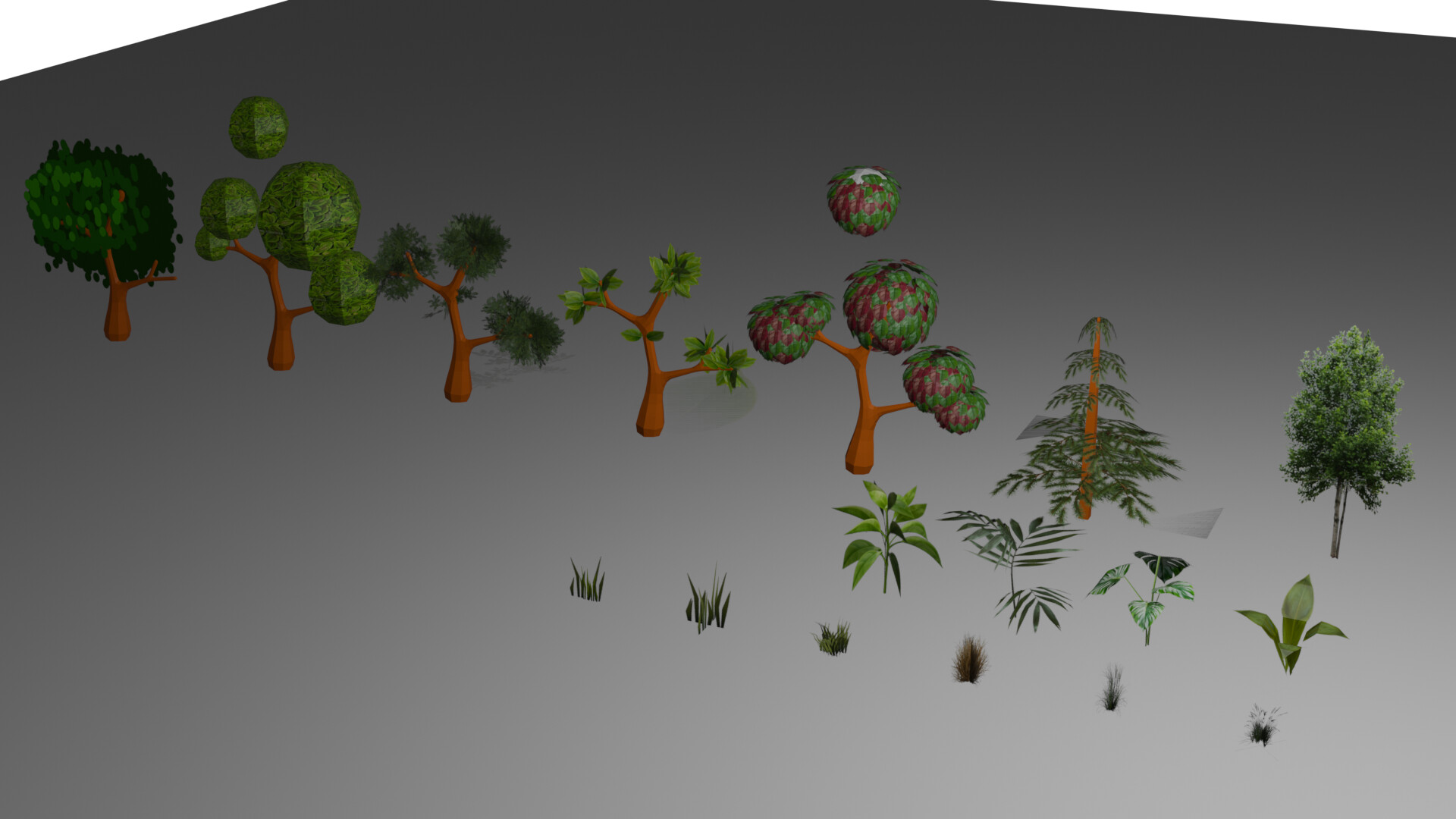
Right now there are only blocks (simple mesh with collision). I will update the meshes and textures to look more organic. I might add another Gridmap for extra stuffs like rocks/trees so I can place them on the Gridmap ground.
-Created meshes with textures for Gridmap level.
-Add shadow to player. I’m using Blob shadows because I read using shadows cast from light can be cpu intensive especially if you wanna export for web, which I plan to.
Start will show Pop up to choose controller then game will go to a cut scene (to do) which you can skip and start the game.
Level Select : You can choose to start from any level at the beginning or at the boss. I just hard code teleport player/camera’s position. This is more for debug and won’t be included in game.
Quit
Pause Menu: Press a key to pause then Pause Menu will show up for you to Unpause / Restart the game / Quit. Pop up to confirm your choice.
It looks simple but a lot is going on in the scripts LOL. Because I have set up my game to instance/un-instance basically every main scene in there so I have to rely on signals to communicate between them all. I’m pretty sure I unnecessary over-complicated my game with this set up but it is a good learning.
I also got a hang of Godot UI, not much but enough to get by.
As for the game itself I have decide to trim my game considerably. It will instead be shorter course levels with a bit more time fighting bosses. Reason being that it’s a first game for me to learn and practice. I just wanna put all kinds of mechanics that I learn into this one little game and share.
Next will do a lot of modelling and add more visuals.
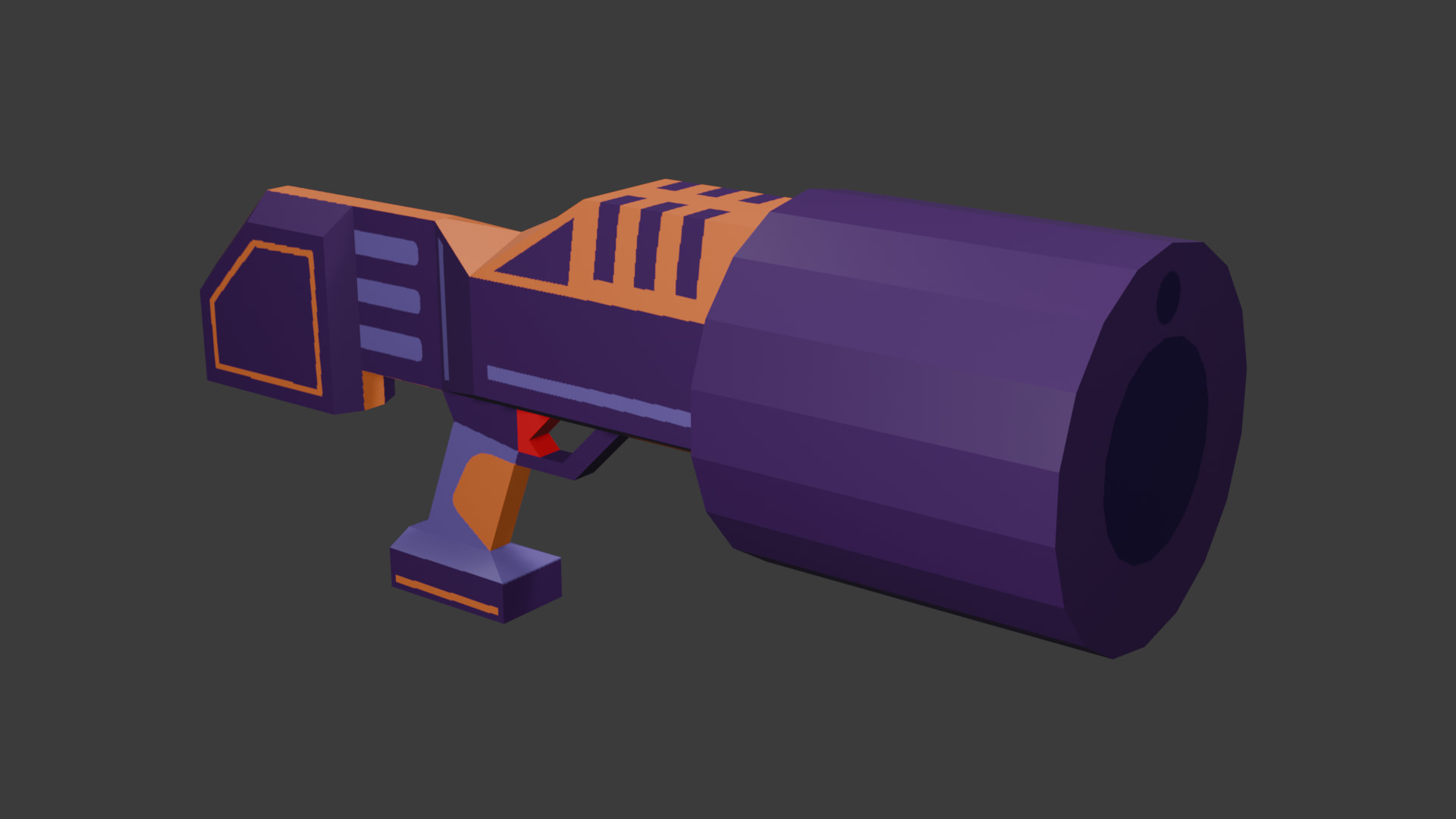
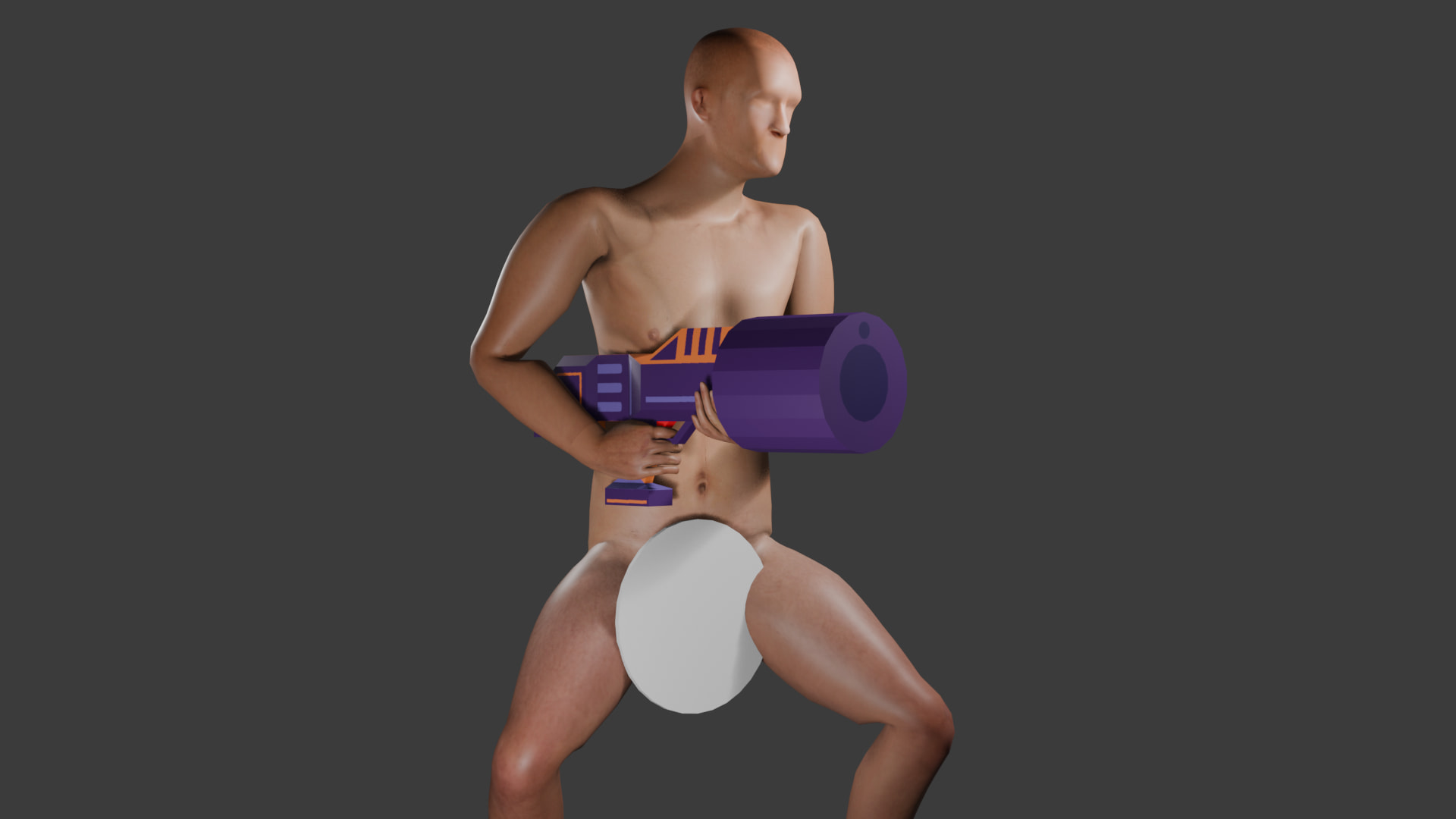
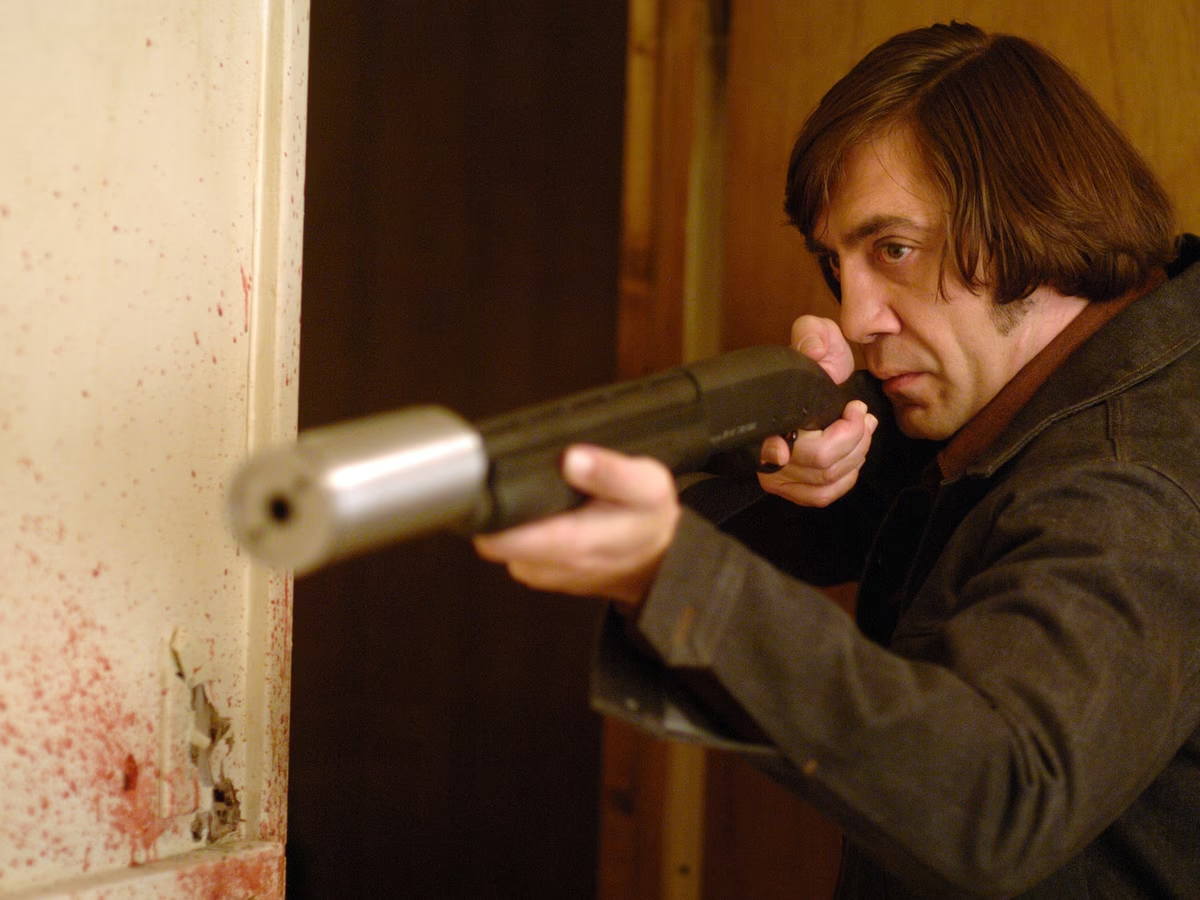
-Low poly gun for player. Inspired by “No country for old men” film but I made it fatter. nicknamed “the bulldozer”.
-Spent few hours learning how use texture paint tools in Blender ::
-Kept the nose short because I dont want bullet to instance too far out from the body hitbox.
-Small barrel - regular bullets / laser and big barrel for launching rockets I guess.
-He can conceal and carry this weapon somehow.
Game characters are always pulling massive guns or equipment from their magic pockets! In Rainbow Six Siege I can only carry two grenades, but I can also carry four massive car batteries, six or seven massive wall or hatch re-inforcements and infinite window barricades. But only room for two grenades for some reason
Added death animation. I’m thinking one-hit death like the original to make it more challenging.
Respawn: I just use timer after death and reposition the player at the last on floor position.
Player’s area3D is disabled for few seconds for respawn invincibility. However player will fall through the floating platform since it uses area3D for detection. Will figure a fix later.
Nothing visually interesting but I added stats (health/lives/scores/current level/current weapon) to be carried over from one level to another or when continuing. They are stored in a node called “Game_Scene” that is a parent for all game objects.
When Health is 0 : Lives decrease by 1 and Health is reset to 1.
(As I plan a 1 hit player death maybe I will change “Health” to a “Shield” feature instead.)
End Scene
When Lives is 0 it adds an End scene on top of level and freeze(end) level’s PROCESS_MODE.
When continue is pressed it restarts level’s PROCESS_MODE and respawn player
When count down is done it just removes the level and adds the Main Menu scene.
Win Scene
Shows the stats stored at the level completion.
My game set-ups use many add_child/queue_free so I’m sure there would be some stuttering when export to web. I’d need to optimize them later on.
My CPUparticles fire wouldn’t show up when shooting so I’ve been spending 2 days 2 nights trying to fix the code, just to realize I instanced it on a marker3D node with its visible OFF.
Still need to fix laser, I’m using PhysicsRayQueryParameters3D but tested on the web really slow down the game. Not sure how to optimize it yet.
5 Weapon types:
Normal > Rapid : Higher rate of fire
Spread > Rapid Spread : Higher rate of fire
Flame > Super Flame : Large hit area
Laser > Super Laser : Larger hit area & Longer Laser time
Homing Missile > Rapid Homing Missile : Higher rate of fire
So I should’ve been creating assets instead of updating this boss… but I felt the need to polish it to prevent some loopholes.
The wall will attack you with light bullets while you’re trying to destroy the rockfaces. (to prevent player from not doing anything)
After all rockfaces are destroyed, each section will start its attack rotation at random time.
The orbs will turn red if player couldn’t defeat them on time, indicating they will start attacking with a lock-on laser which kills player instantly. (to prevent player from fighting too long)
When all orbs are destroy the sections will explode.
I use tween as a main driver for this mechanism. The orbs and bullets are now just billboard sprite3Ds.
 :
: