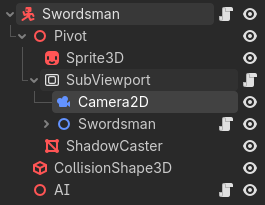
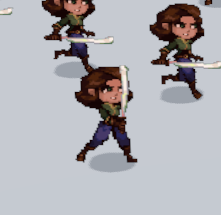
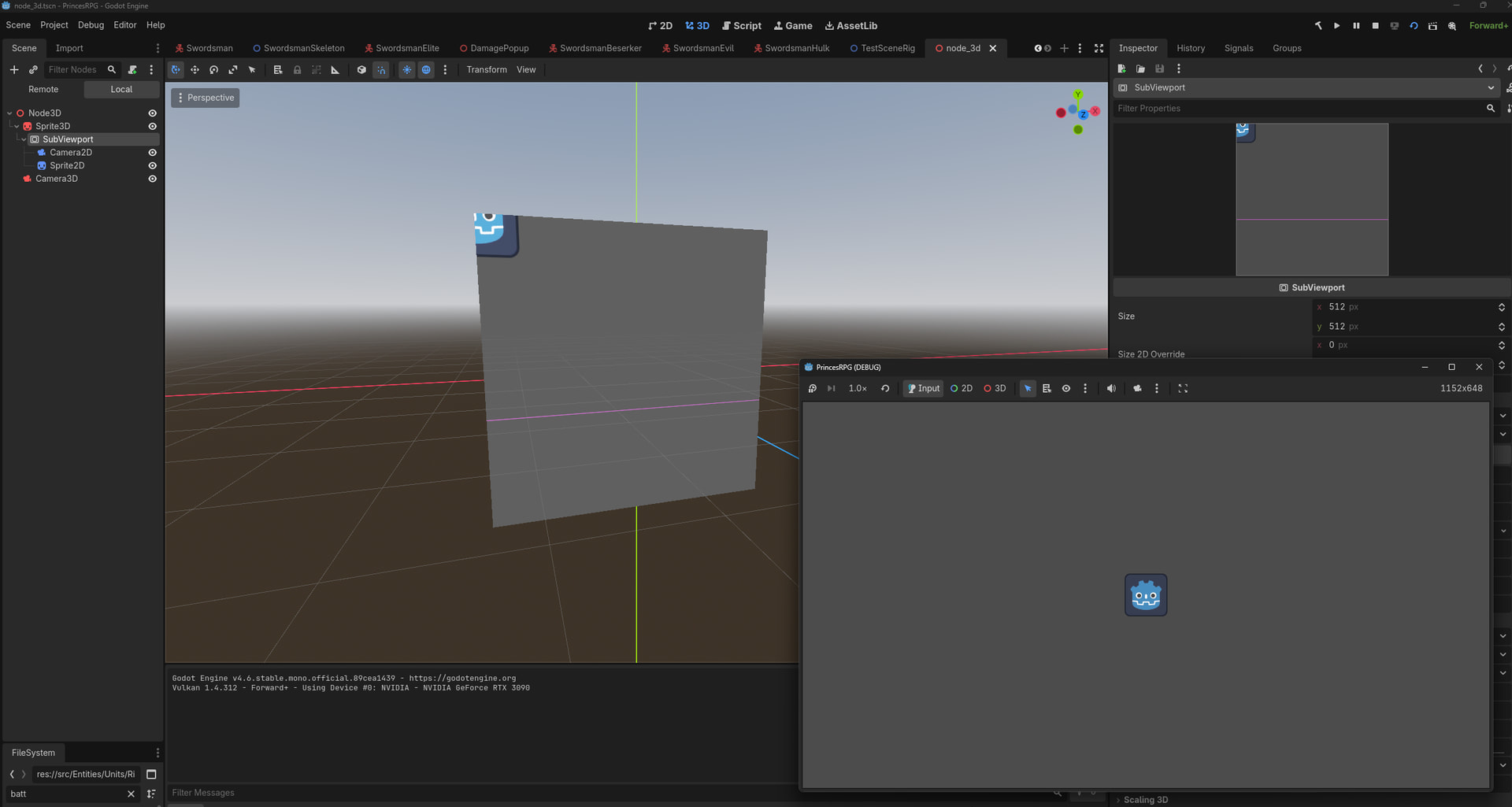
Hello, I am working on a skeleton animation system using a structure of Sprite2D’s projected onto a SubViewport and utilised in a Sprite3D node to display into the world. This setup works fine in game, but in editor the viewport texture being used by the Sprite3D will not update to reflect the scene underneath.
I am aiming to preview the graphics in 3D so I may align some 3D elements with the 2D animation. I recall having a similar system work in 3.x.x and obviously Unity has a combined 2D / 3D space by default, so I am wondering what is going wrong with my setup. I have tried setting the rendering mode to always on my viewport and making sure the paths are correct - no dice. Seems the camera2D and animation tree are only registered at runtime.
If anyone has insight on this problem LMK. Thanks in advance.
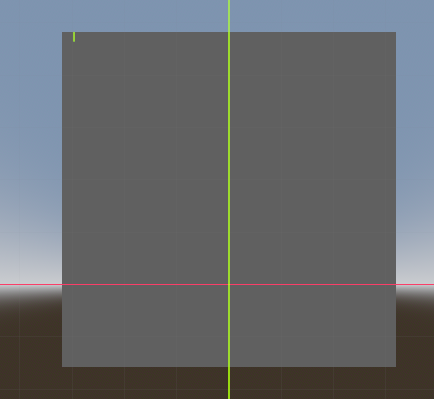
Sure thing. Inspector is empty for the subviewport, save a little bit of the sprite gizmos top left. I made a new scene with a minimal Sprite2D default godot icon, camera2D to center it, and a Sprite3D + Subviewport to display it only to see the bottom right of the godot icon in the inspector. In game displays as expected in that case too.
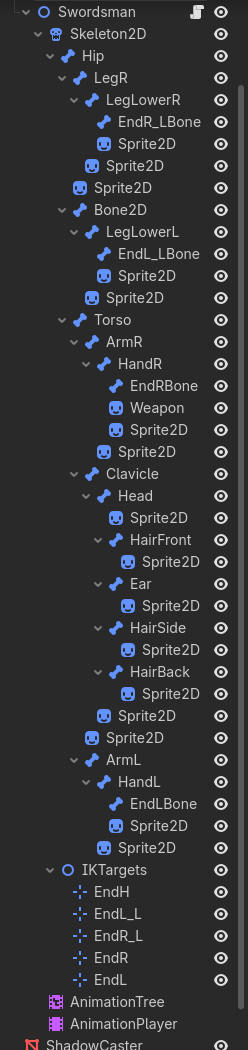
And Swordsman, just a bunch of sprites, bones and IK Targets:
The problem is with the Swordsman scene then. The script in its top node probably initializes it and there’s nothing displayed if that script doesn’t run.
Right, so if I take the Swordsman node and set its transform to something like (100, 160) it displays on the viewport in editor properly - animations and all - but in game its now off screen. Seems theres an issue with the editor viewport taking into account the camera 2D offset. Does that mean its intended to not have a Camera2D and just offset the root node til it fits?
Yep 2D Camera isn’t registered at all. Which is fine, have a working solution from before then. Viewport support seems to be on the experimental edge of things from looking at PRs so not surprised to run into problems. Thanks for your time.