I’m trying to display a list of labels and values in a single RichTextLabel, with the label left-aligned and the value right-aligned on the same line.
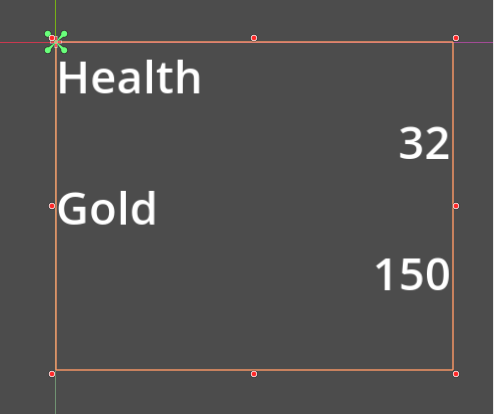
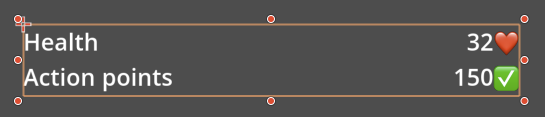
For example, I want it to look like this:
Health                         32
Gold                          150
I tried using the [right] BBCode tag for this:
Health [right]32[/right]
Gold [right]150[right]
However, the [right] tag appears to create a separate block, so each value is moved onto its own line instead of staying on the same line as the label.
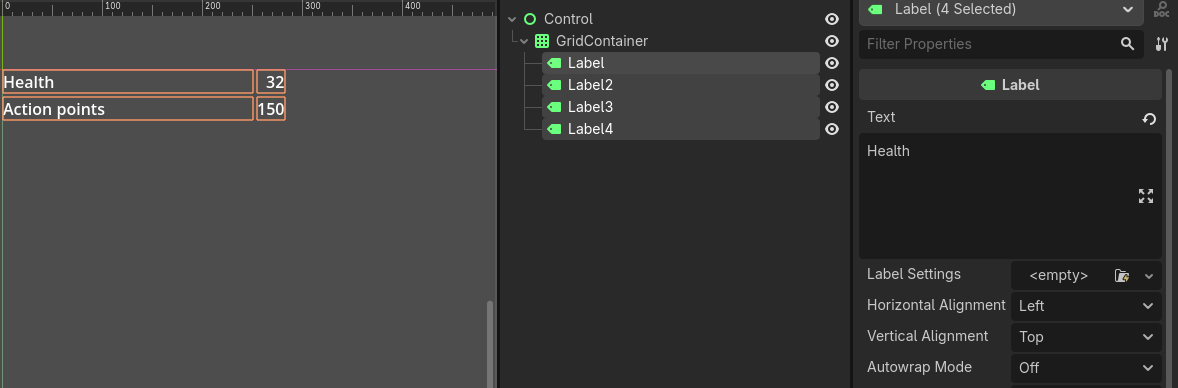
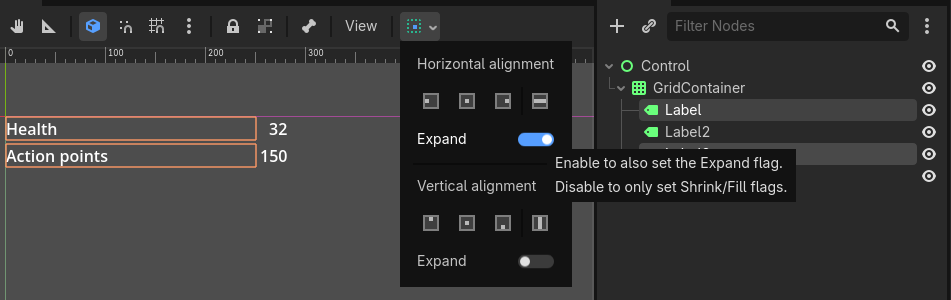
Is there a way to achieve left/right alignment within a single RichTextLabel? If it isn’t supported, what’s the recommended approach for creating a two-column layout like this?
Thanks, [fill] does what I was looking for single-word labels. However, it seems to stop working correctly when the left-hand text contains spaces. For example:
Health 32 is aligned correctly, but Action points 150 isn’t because fill distributes the extra space between all words in the line. Is there a way to keep “Action points” together as the left column while still right-aligning the value?