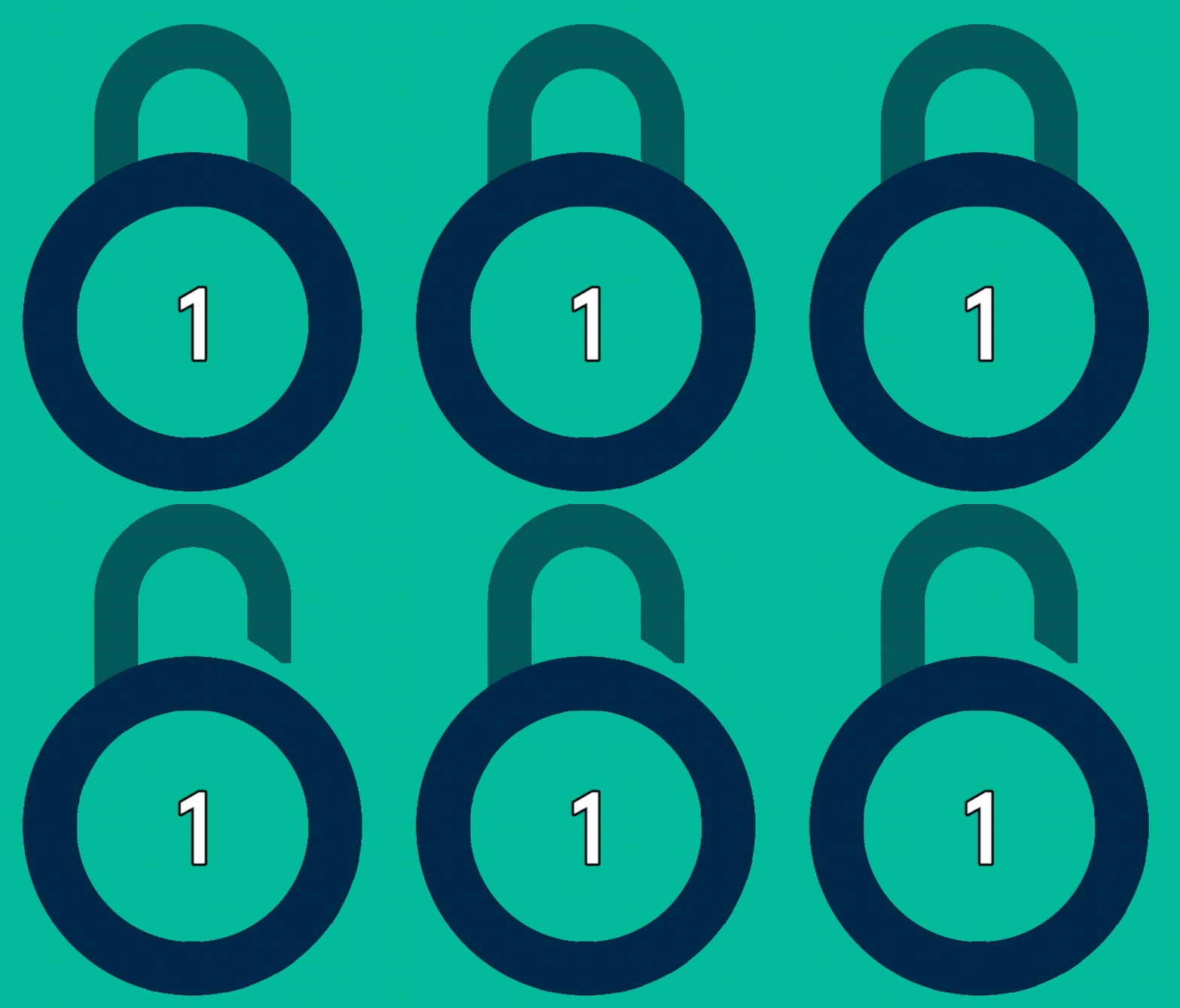
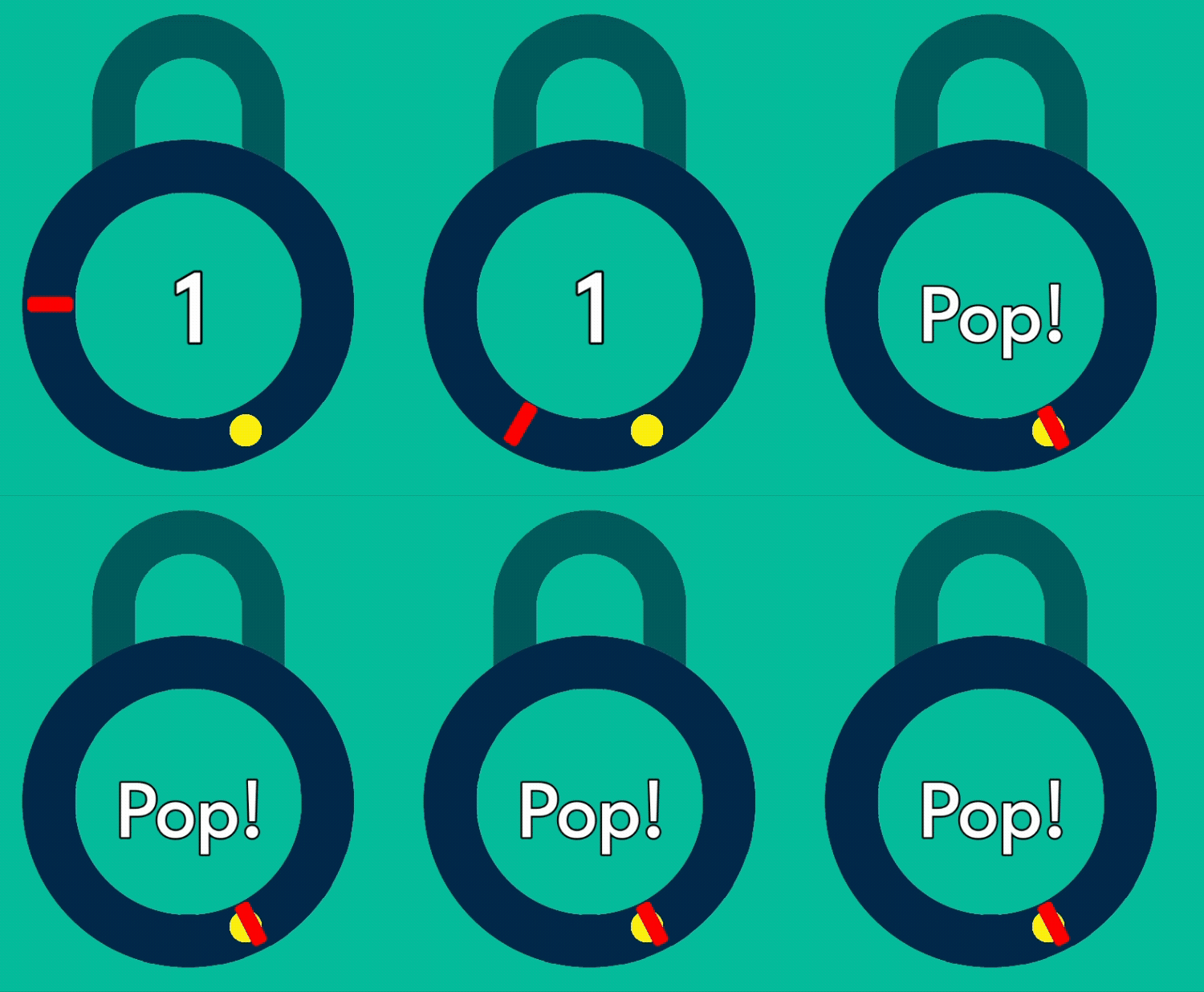
New hobbyist here! I am building a clone of Pop the Lock. I have a separate UI element for the lock piece, so I can animate it to move up when the player successfully completed a level. This is using an AnimationPlayer to move the Sprite2D node up.
I have tested this by using binding the function update_level_end to a test key, and confirmed that the lock element does move. However, when a player completes a level and I call this update_level_end function from my main script, the Animation does not show up on screen.
I do know that the function is running; I have print statements, and other elements that I turn off visibility, and those are running fine. Only the AnimationPlayer is not triggering. Actually, it is triggering as I can print out the current_animation and see that it is playing “unlock” as I want. But the visual element does not move on the screen.
I expect I am missing something with my understanding of AnimationPlayer nodes. I do have another AP node in another scene that triggers at different times, but I didn’t figure they were causing issues since they are separate and do not talk to each other.
Great question - end_level in main is called when the player successfully presses the player on the specified marker around the lock (that’s connected by a signal). Once the marker counter reaches zero, the level is complete, and end_level gets called. Pretty simple stuff.
func _update_counter_success() → void:
    # Decrement counter, check if marker is done
    marker_counter -= 1

    if marker_counter == 0:
	    print("level complete!")
	    end_level()
The code for end_level is in the first post. That does get triggered - the $Lock markers stop moving, and the rest of the $UI elements also hide as expected. Only the AnimationPlayer doesn’t seem to trigger.
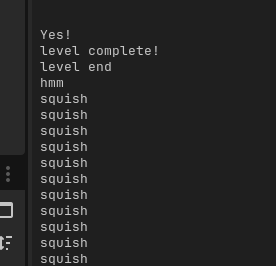
For the print statements - those are printed if I uncomment them. (The other printouts are for other elements.)
Here’s some visual stuff to show what’s happening; it’s just the visual stuff of what I was describing previously. If I press an input key, the top part correctly moves as expected.
Check that some other script is not trying to play another animation or calling stop(). Try to print currently active animation every frame from _process()
I have another animation that runs when the player marker hits the marker, called “squish”, which is used for a new yellow marker. It’s meant to be used when a new marker is placed, and adds a little bounce to the marker.
In my function _update_counter_success, I had not shown all of the code above; after it checks if the marker_counter is 0 and ends the level, it runs another function, update_counter_success, which has the “squish” animation. When I printed out the current animation, I was seeing “squish”, but not “unlock.”.
That’s me trying to be clever with my if statements. When I added an else to the end, so it only trigger the UI update_counter_success function when the level is not over, then the lock properly moves!
Don’t be cute with my if statements; I implied an else statement in my function, thinking that this was enough, and I was mistaken with that. In this case, it needed to be either/or with this logic, but not both.
Checking which animation is currently being player in _process made it clear what was actually happening instead of what i was assuming was happening.
If I do want to have multiple animations being triggered by the same AnimationPlayer, I need to prepare the Player to use these and make sure animations are not being overrun to too many plays.
Much appreciated, normalized - thanks for a great first interaction on the forum