Godot Version
4.6.2
Question
I’ve created a basic coin shape in Blender 5 using a cylinder as a starting point.
Then, I added a base color material (simple color, metallic, etc) to the side faces.
Last, I created a texture material (using a grayscale png) bump map.
I applied the texture/bump to the top and bottom faces of the cylinder (caps) and adjusted my settings. Everything looks fine.
Aside from the fact that the texture on the imported coin looks bad (quite flat),
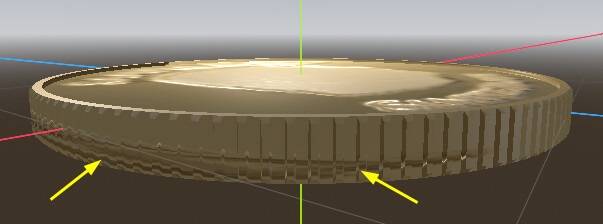
the real problem is that the texture that I had applied to the top/bottom surfaces is now also around the side of the coin.
This is not the case in Blender - everything is mapped correctly (top and bottom only)
I tried using Geometry > Material Override in Godot, and while it looks better, I still have the same issue that I had in the original import - the texture shows on the side as well as the top/bottom.
How do I get the texture to show in Godot the way it does in Blender?
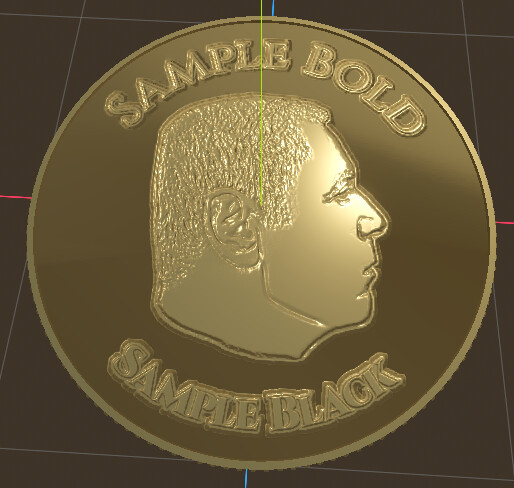
Here’s two pics that show the issue:
BLENDER (ok):
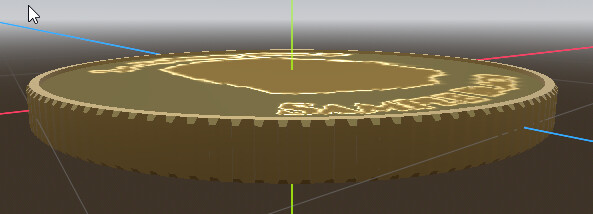
GODOT (not ok):
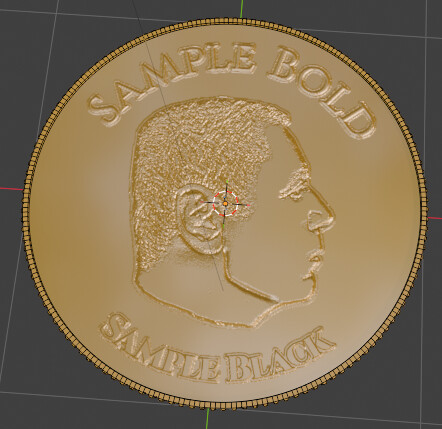
FYI - This is how the bump map looks in Blender:
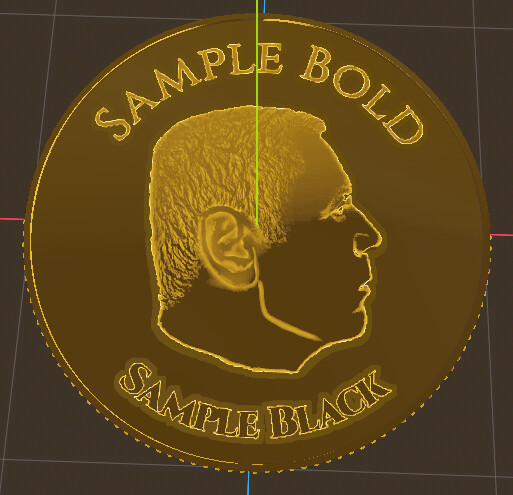
This is how it imports into Godot:
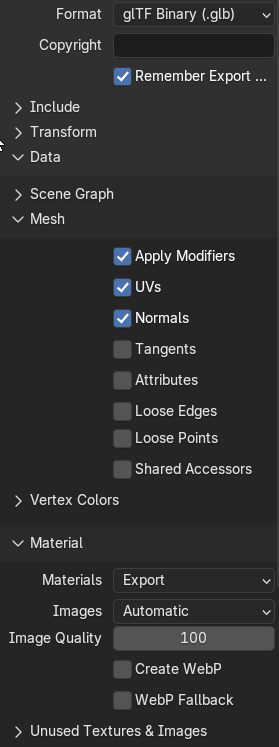
My export settings in Blender (pretty basic)