Godot Version
4.5.1
Question
Hello everybody
I’ve started experimenting with the TileMapLayer node for my upcoming project and I’d like to know from more experienced users whether I’m on the right track.
At the moment, I’ve created a very basic room with a floor and two walls using these assets: https://kenney.nl/assets/isometric-miniature-prototype
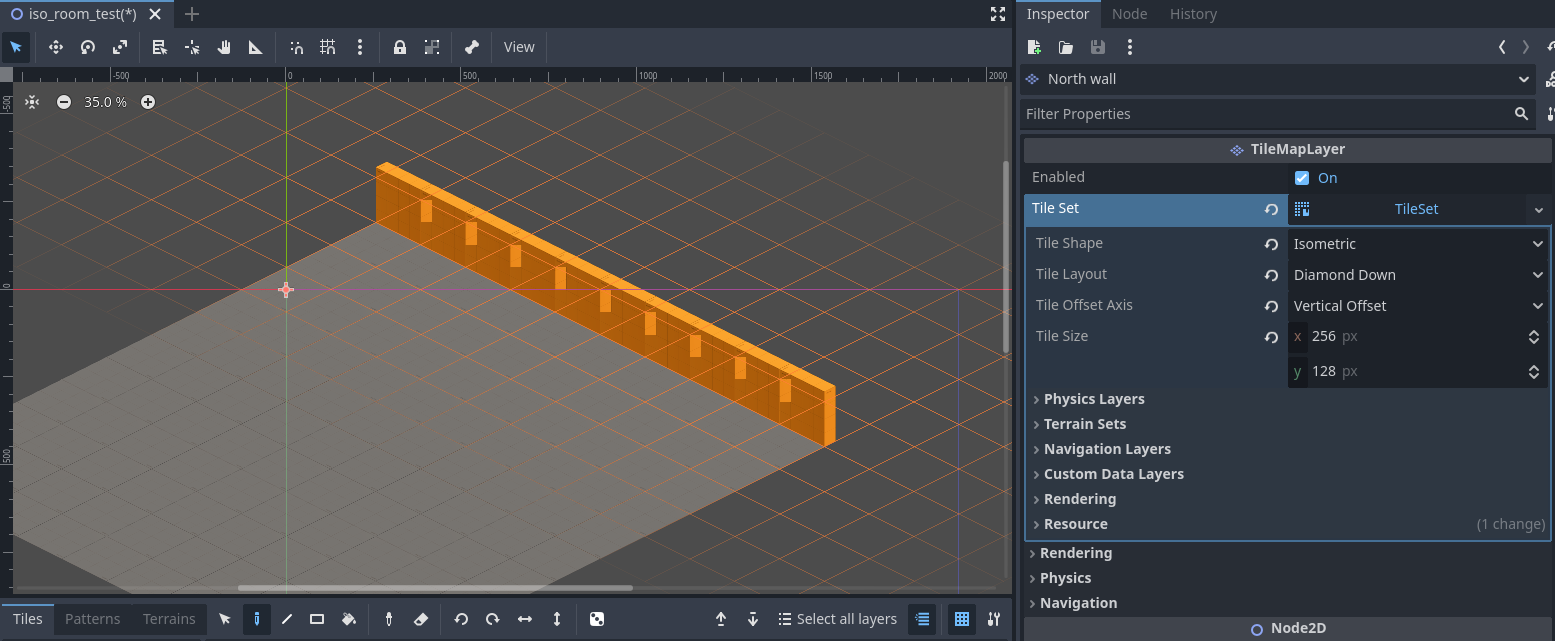
While building my walls, I had some problems of “overlaps” as you can see below
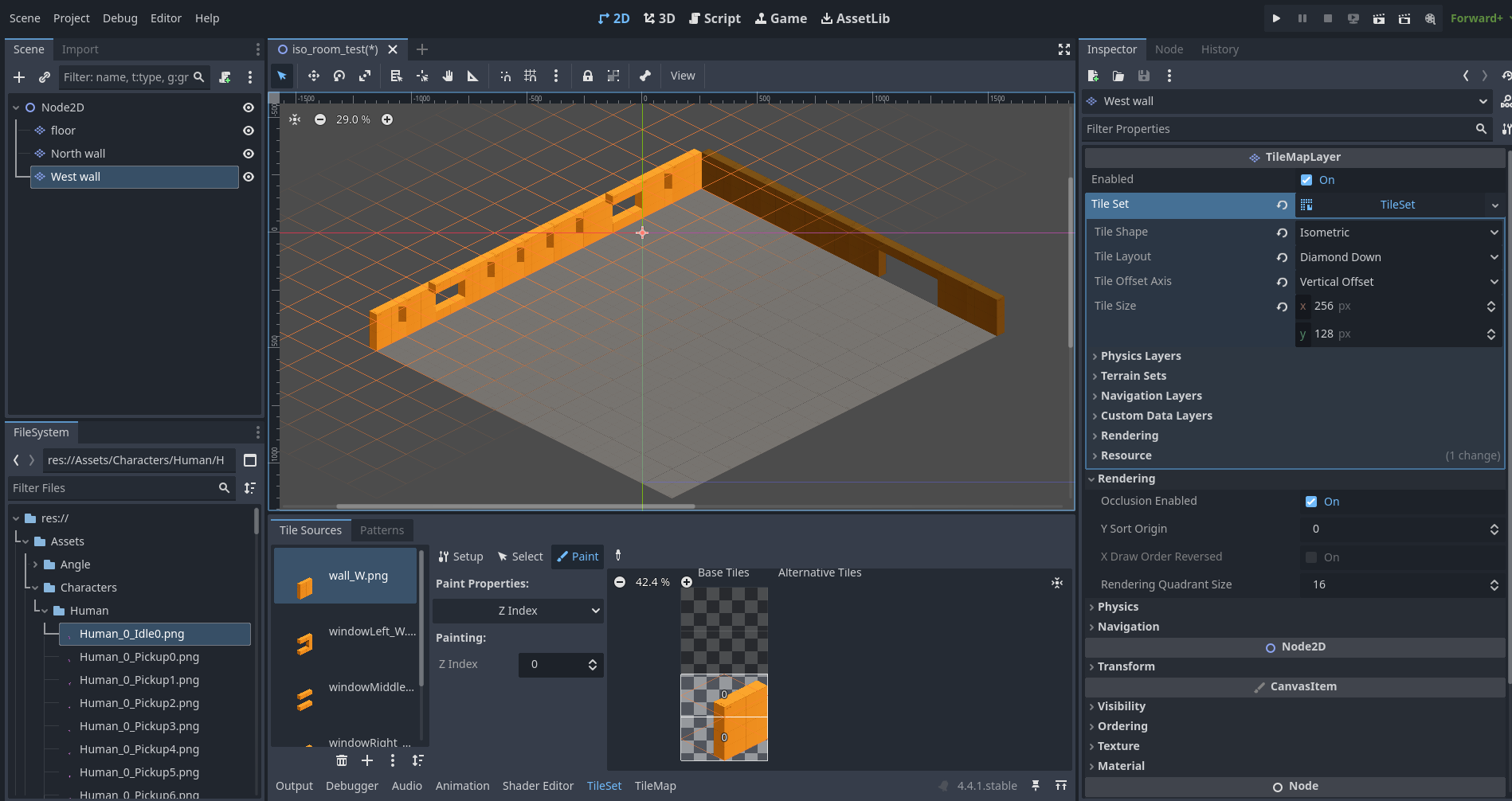
To solve that, I found 2 ways to put together: changing the Tile layout, and also the z-index on some parts, increasing the z-index for upper parts solved the final problem.
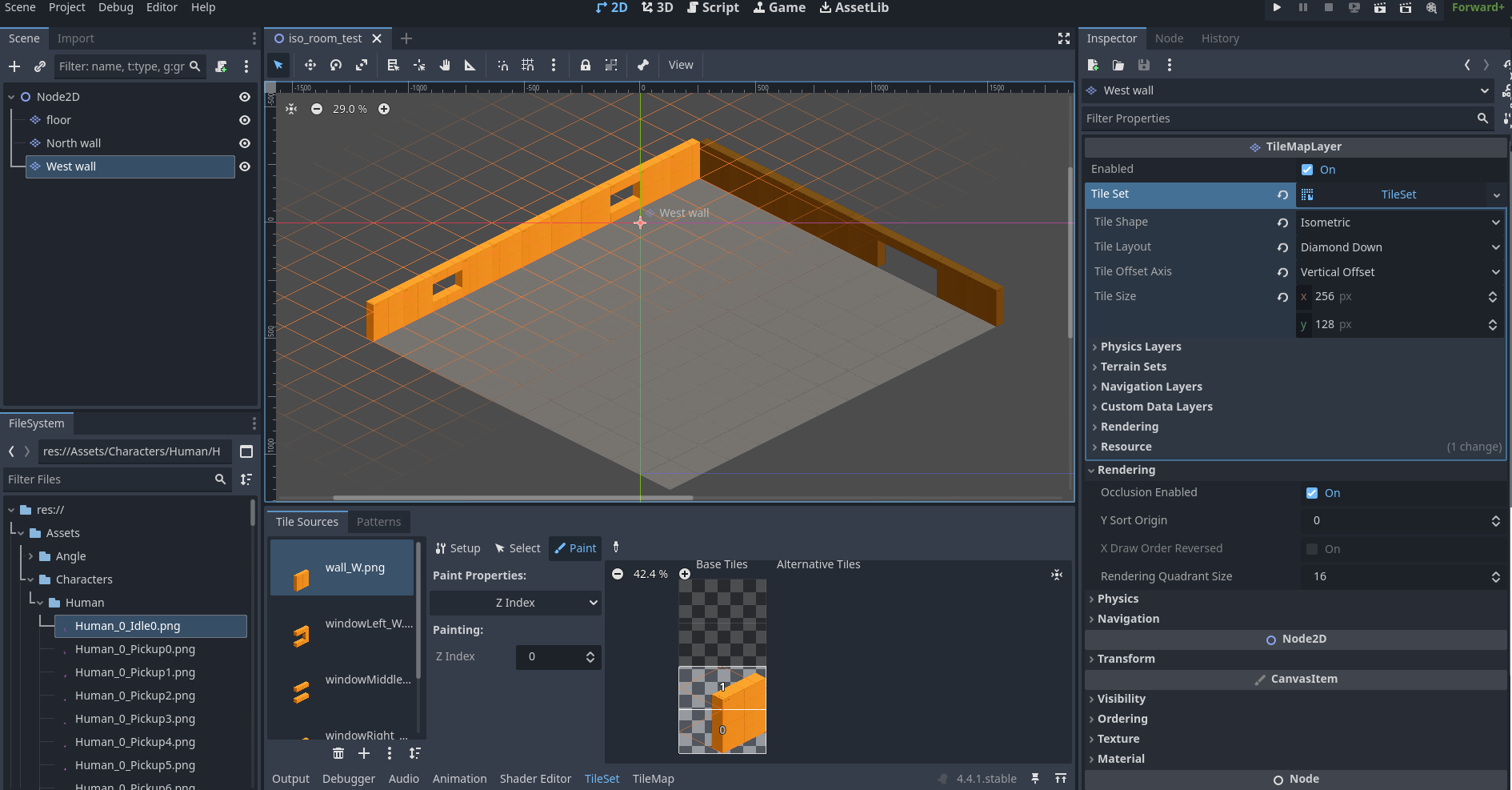
And there I changed the Tile Layout to Diamond Right, because If I stay on Diamond Down. Of course I should rebuild my wall when I change the layout, but it solve the initial problem.
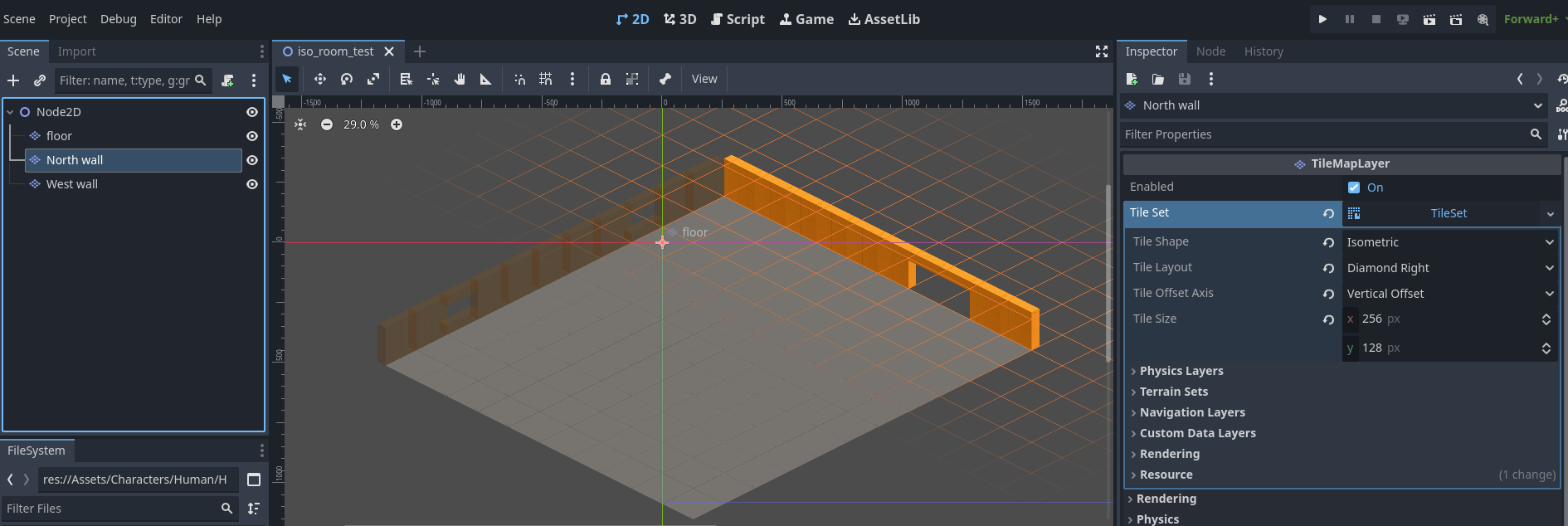
Final result with “my method”
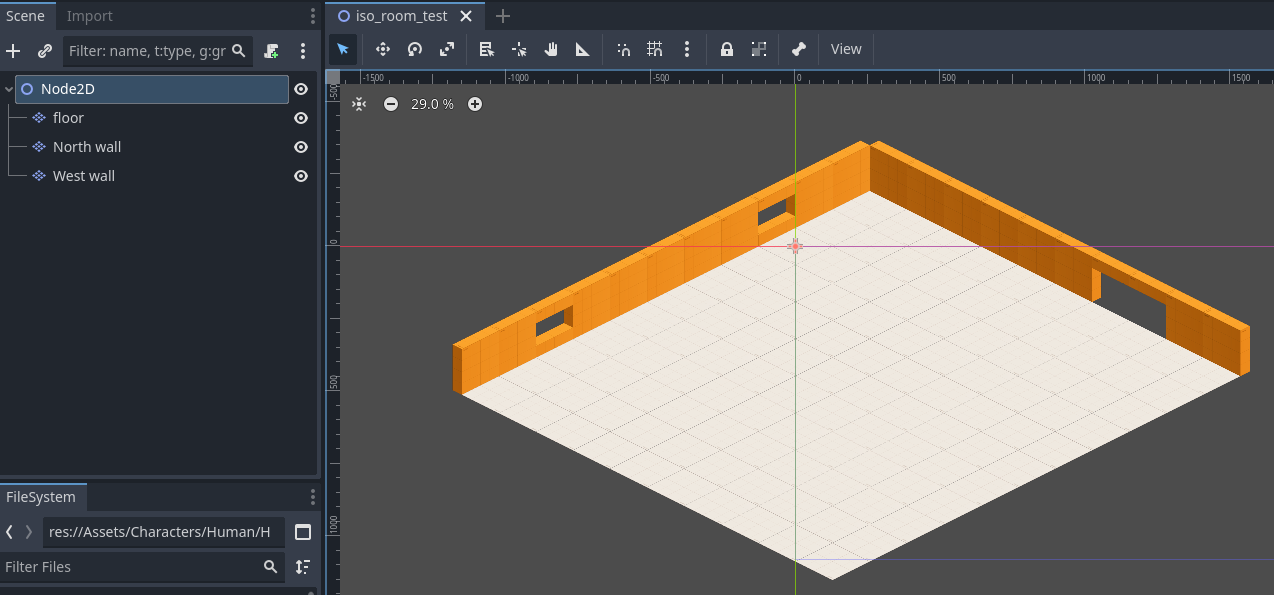
So, am I on the right track by doing it this way?
