Blender Vertex Paint to Godot

Godot Version

Godot 4.5.1

Question

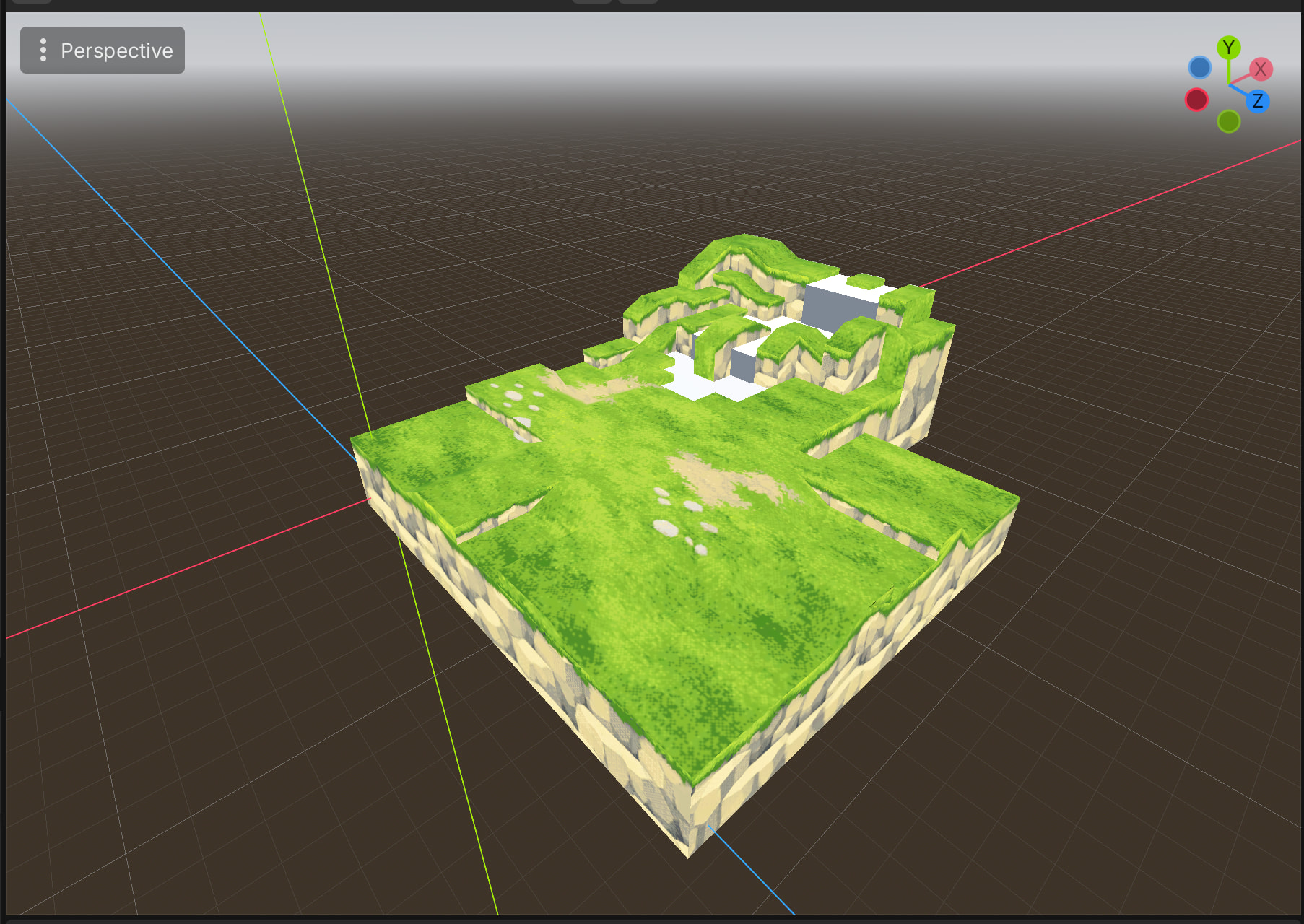
I’m having trouble getting my Vertex Paint to show up in Godot. Googling is giving me tons of conflicting info from older versions of both Godot and Blender.

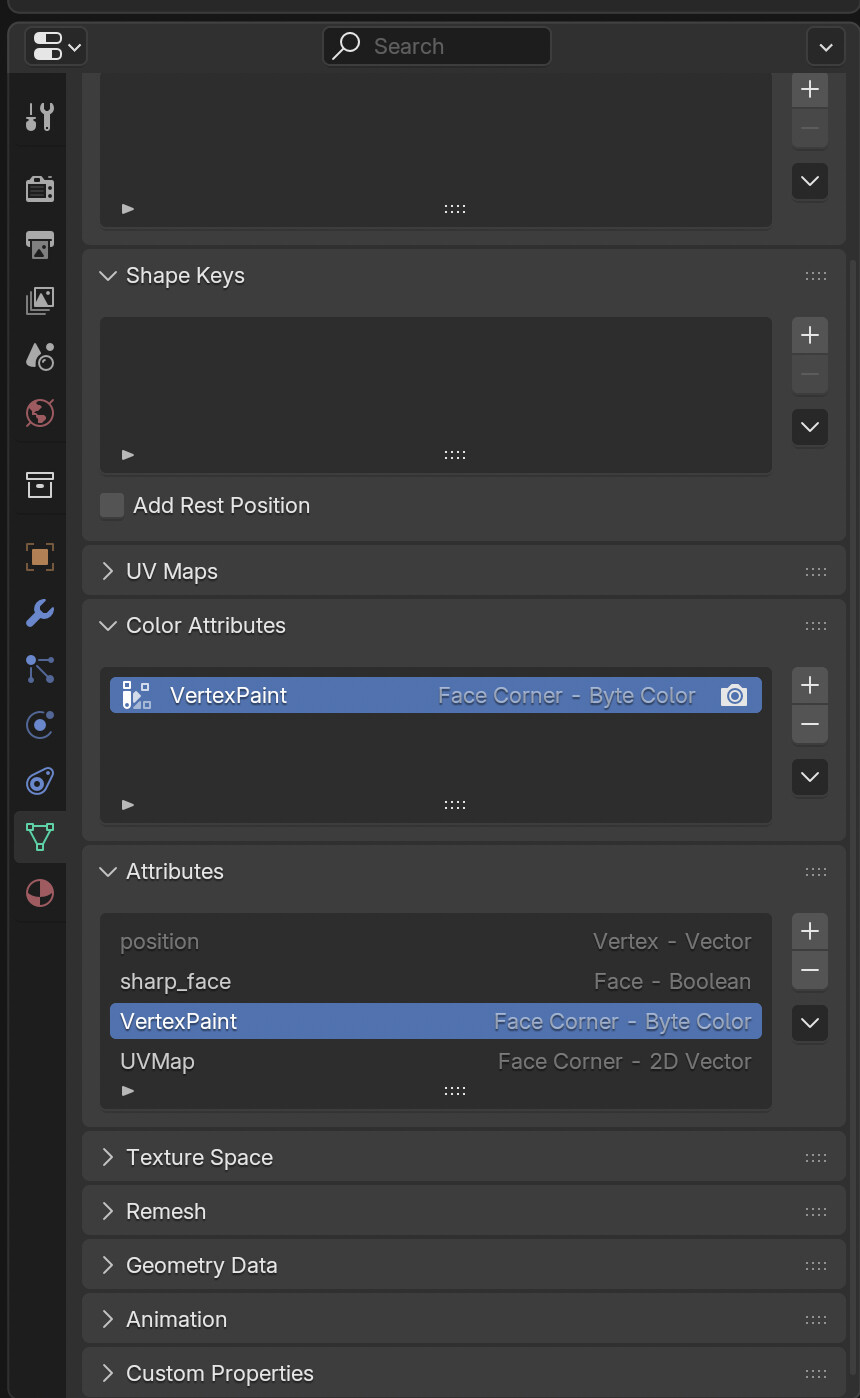
I have my VertexPaint attribute in blender:

(note: I’ve also tried converting the Vertex Paint to Vertex > Color, it still didn’t work)

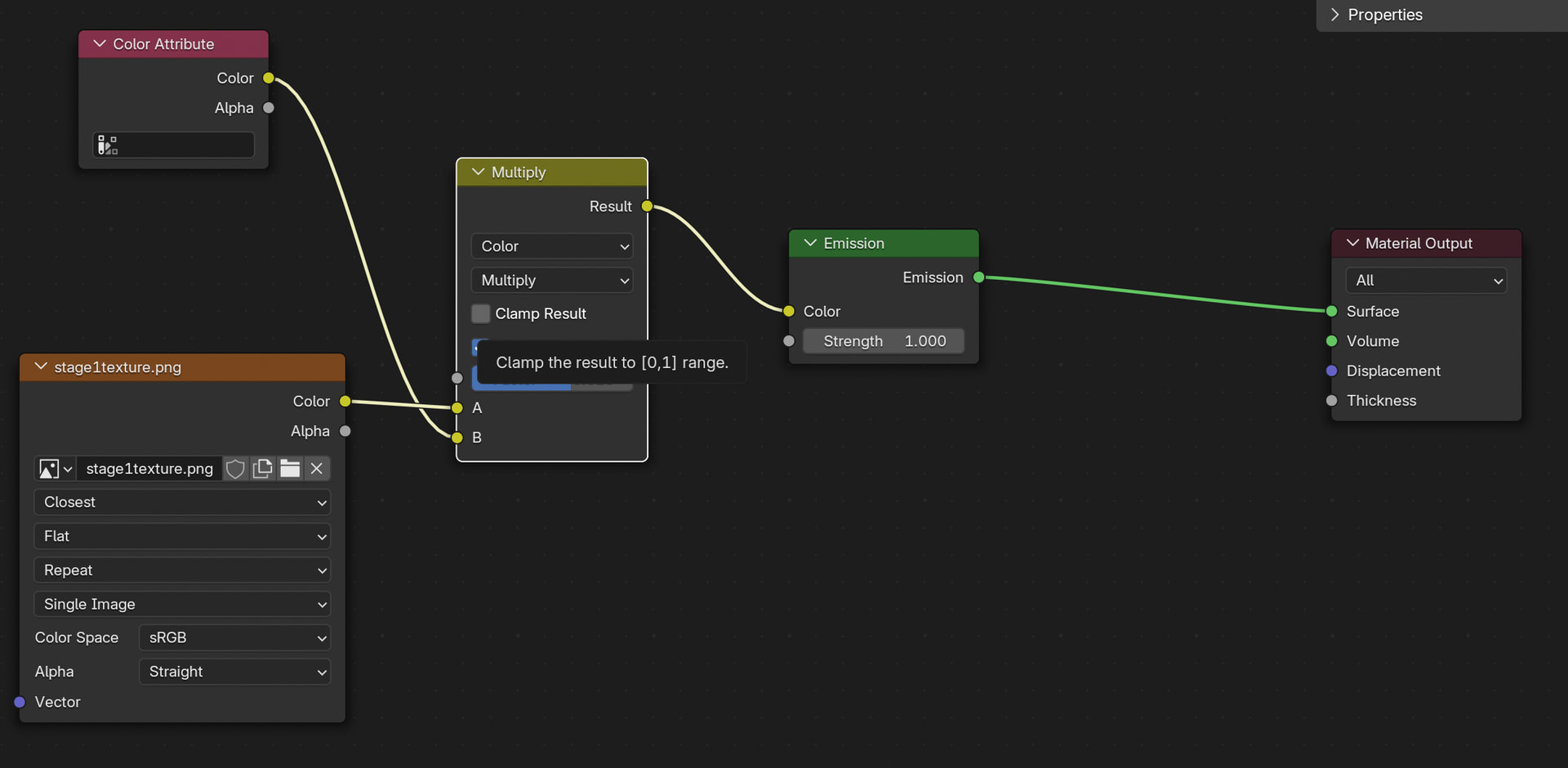
The model’s material already multiplies vertex colors with the texture colors:

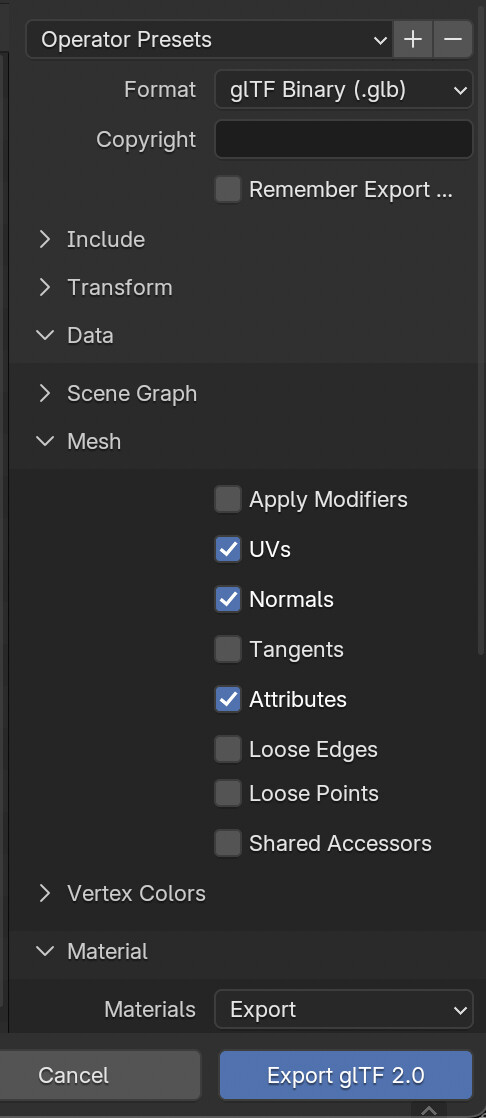
When exporting to glTF I make sure to check Attributes.

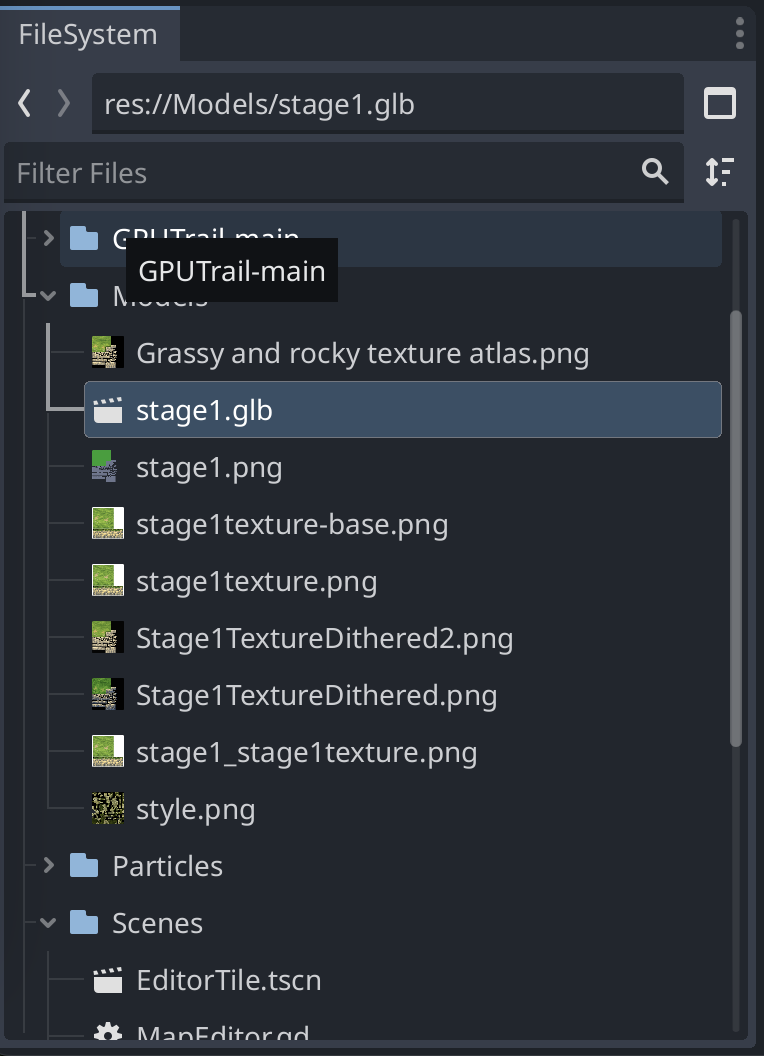
This is where it gets a bit muddy and confusing. I can see my stage1.glb model in my Godot Filesystem tab.

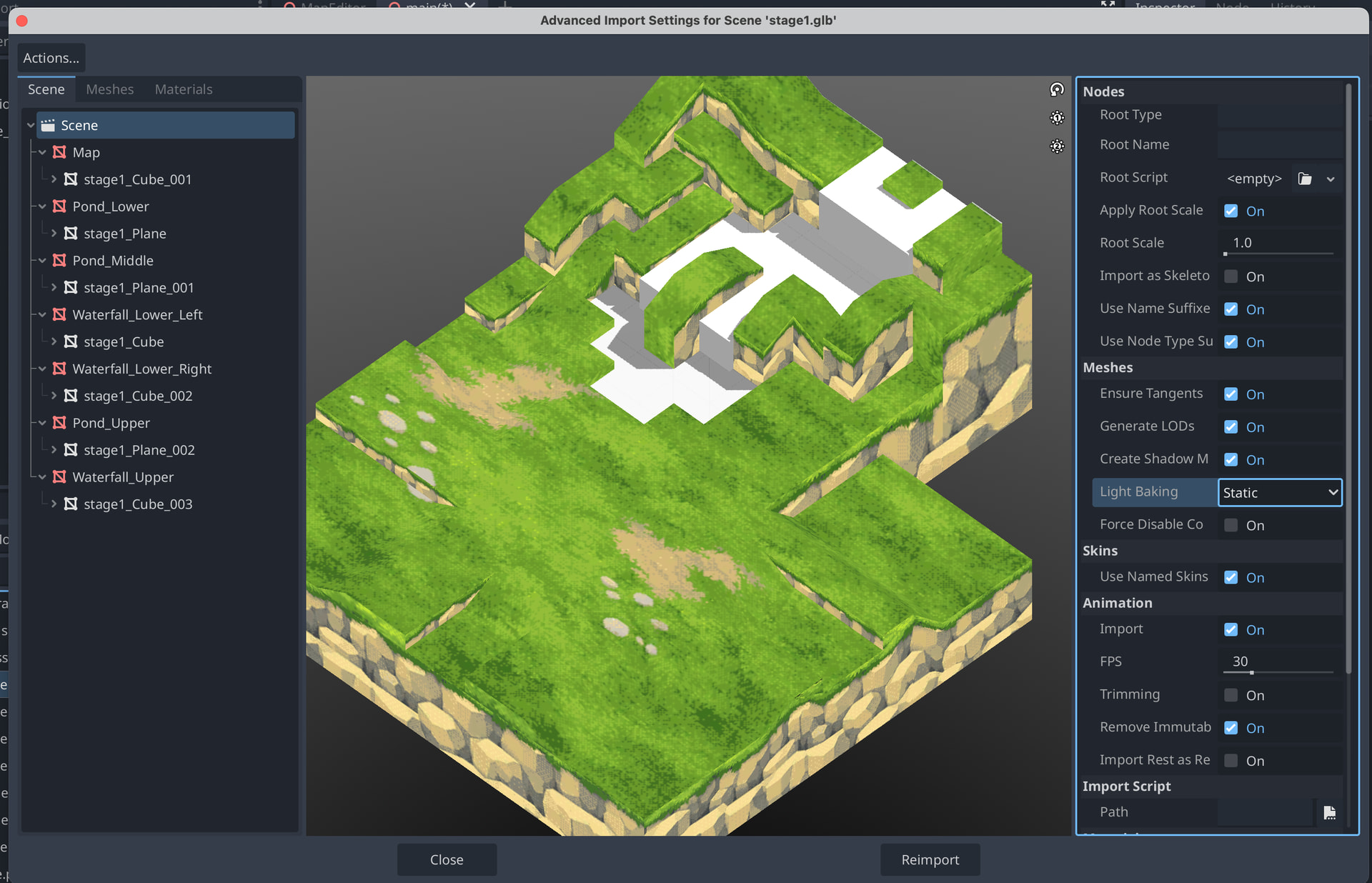
I can’t see any “Vertex Paint” option in the import settings (some people online say it should be here?)

If I add the model to my scene and then click on “Open in Editor” and click “New Inherited” I can view my model as a scene.

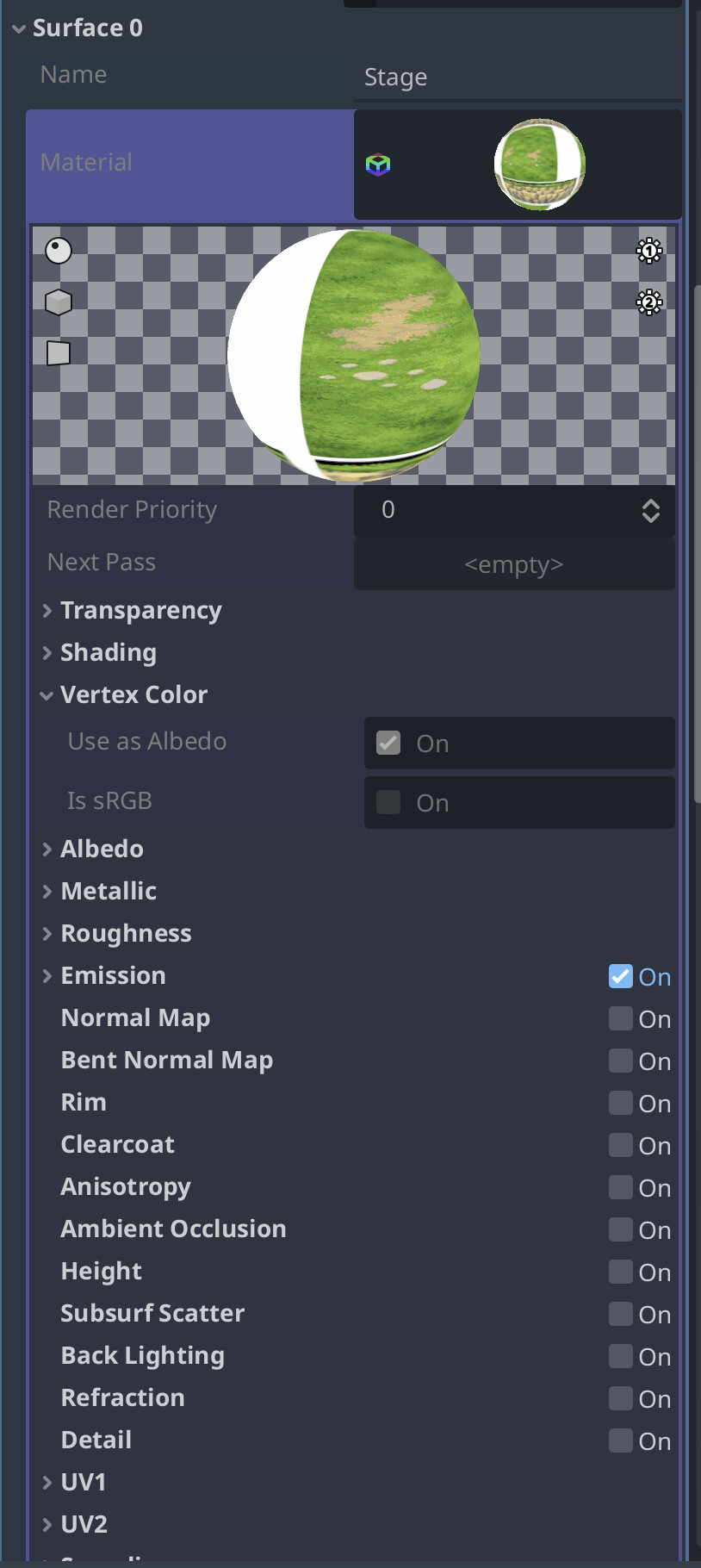
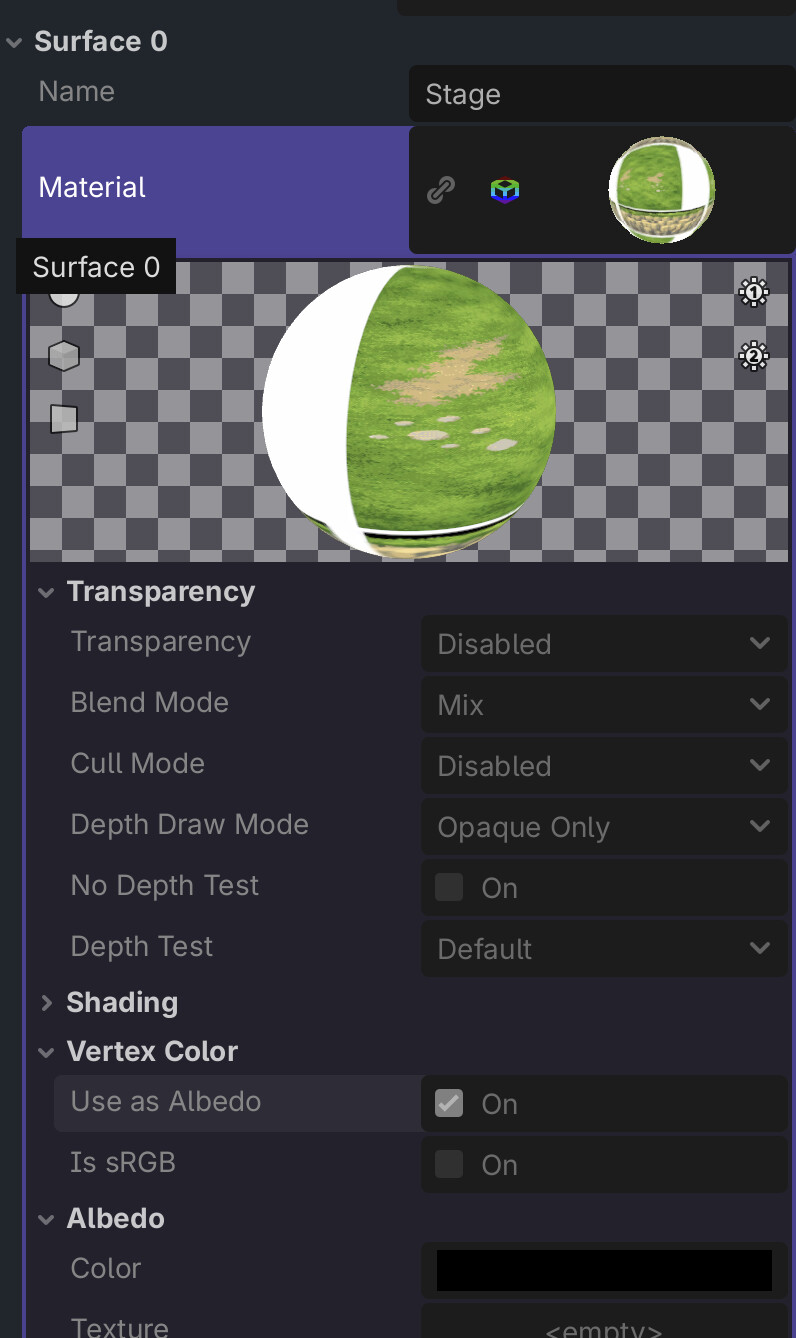
Then I can click on Mesh > Surface 0 > Material (It’s a StandardMaterial3D).

In here Use as Albedo is already checked. Strangely I can’t modify it.

Any ideas? Is there something I’m missing here?

I’ve now updated to 4.6.1 and tried enabling .blend import.

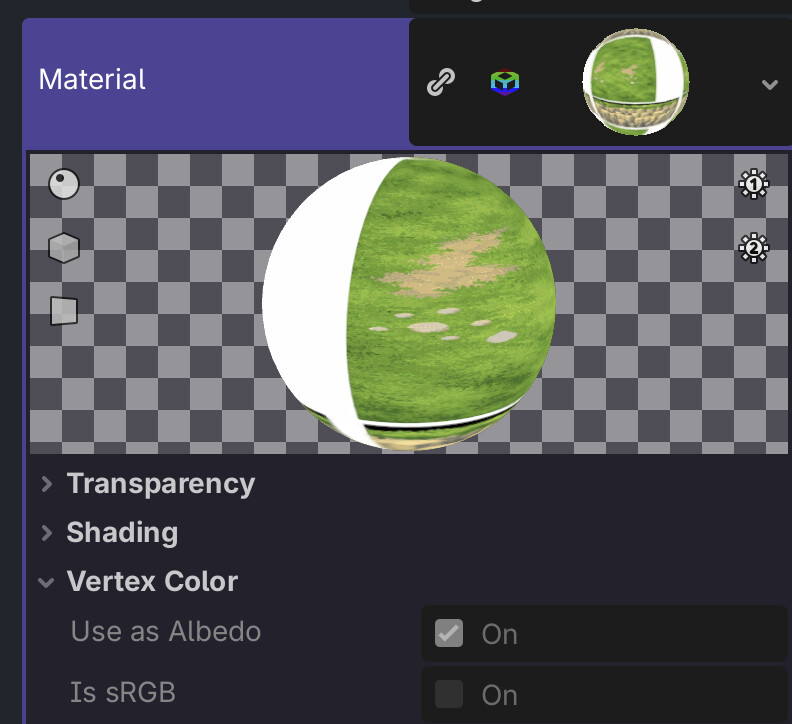
The issue is the same, I can see the file but it has no vertex paint. If I instantiate a new scene:

  • .blend has Use as Abledo setting set to true
  • All options are greyed out and I can’t modify them

Make the material unique in the inherited scene and you should be able to edit it.

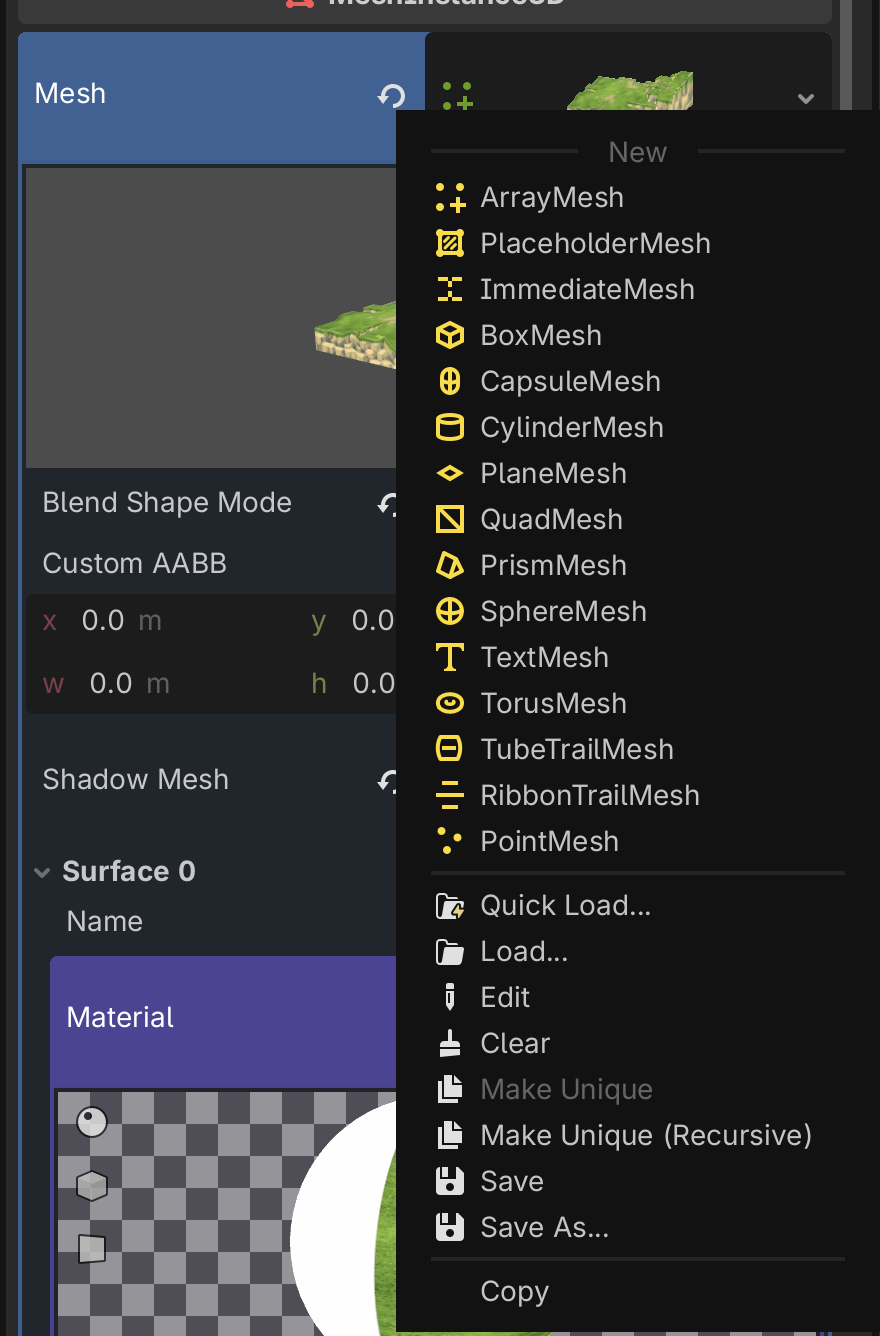
If I import my .blend file and create a .tscn from it (as far as I understand that’s how I’m supposed to do it) and “Make Unique (Recursive)” on the mesh (I can’t “Make unique” on the material directly):

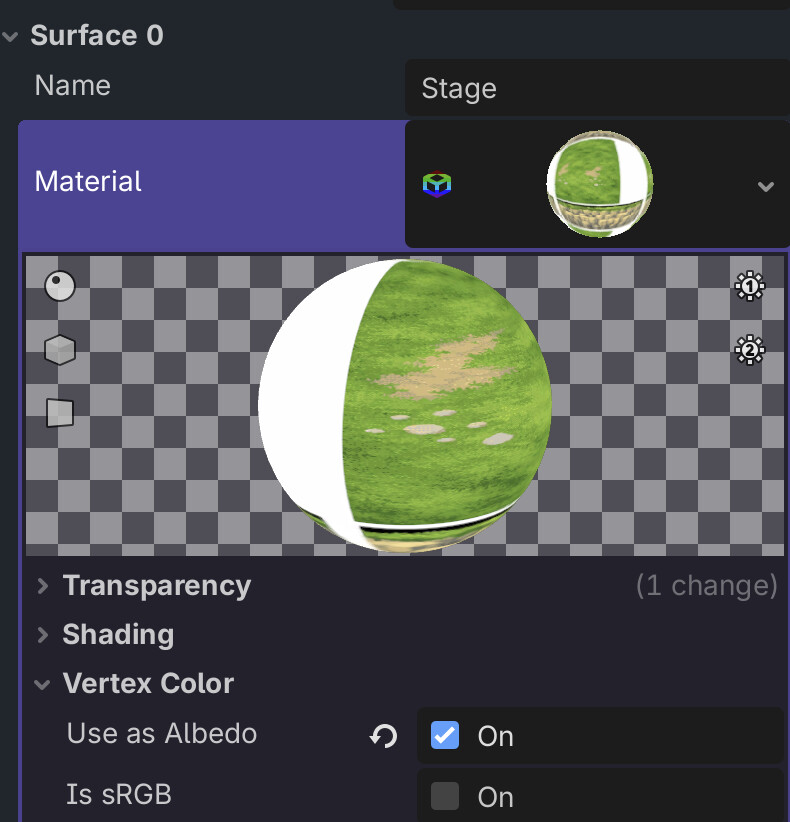
I then have Use as Albedo turned on by default for some reason:

After making it unique again I can edit it, but turning on/off doesn’t seem to change anything.

Afaik custom attributes are not imported into godot. You need to paint to default vertex color attribute in blender.

I wouldn’t import blend files into godot, it will be intern auto converted to glb first. When you export direct to gltf (glb) you have a lot more control over the export. Most of the time I have other objects as helper in my blend file, more than I want to export.

In the gltf exporter are different vertex color settings.

Want to try it later.

1 Like

It’s not a custom attribute, it’s the default one… I even tried creating a new cube, painting it and re-importing it but the Vertex Paint just isn’t there once it goes back to Blender.

I’ve tried exporting to gltf too but it doesn’t seem to make a difference. Any idea what the correct options are?

Export as gltf and under vertex color options choose Active or Name (and input the name).

1 Like

Aha! Okay now I can see my vertex colors when adding a custom Shader material. Do I always have to use a custom Shader to mix my texture + Vertex paint or is there a way to do it automatically?

Standard material should modulate the albedo automatically if you enable “use as albedo” checkbox. For anything more complex than that you’ll have to write a custom shader.

That doesn’t seem to be the case. All good though I can write a custom shader. Thank you!

That’s literally what’s happening. If you do it in a standard material and then convert the material into a shader, you’ll see the following in the shader code:

	vec4 albedo_tex = texture(texture_albedo, base_uv);
	// Vertex Color Use as Albedo: Enabled
	albedo_tex *= COLOR;
	ALBEDO = albedo.rgb * albedo_tex.rgb;
COLOR is coming from the vertex color attribute.

Any idea why I wouldn’t be able to see it?

With vertex “Use as albedo” off:

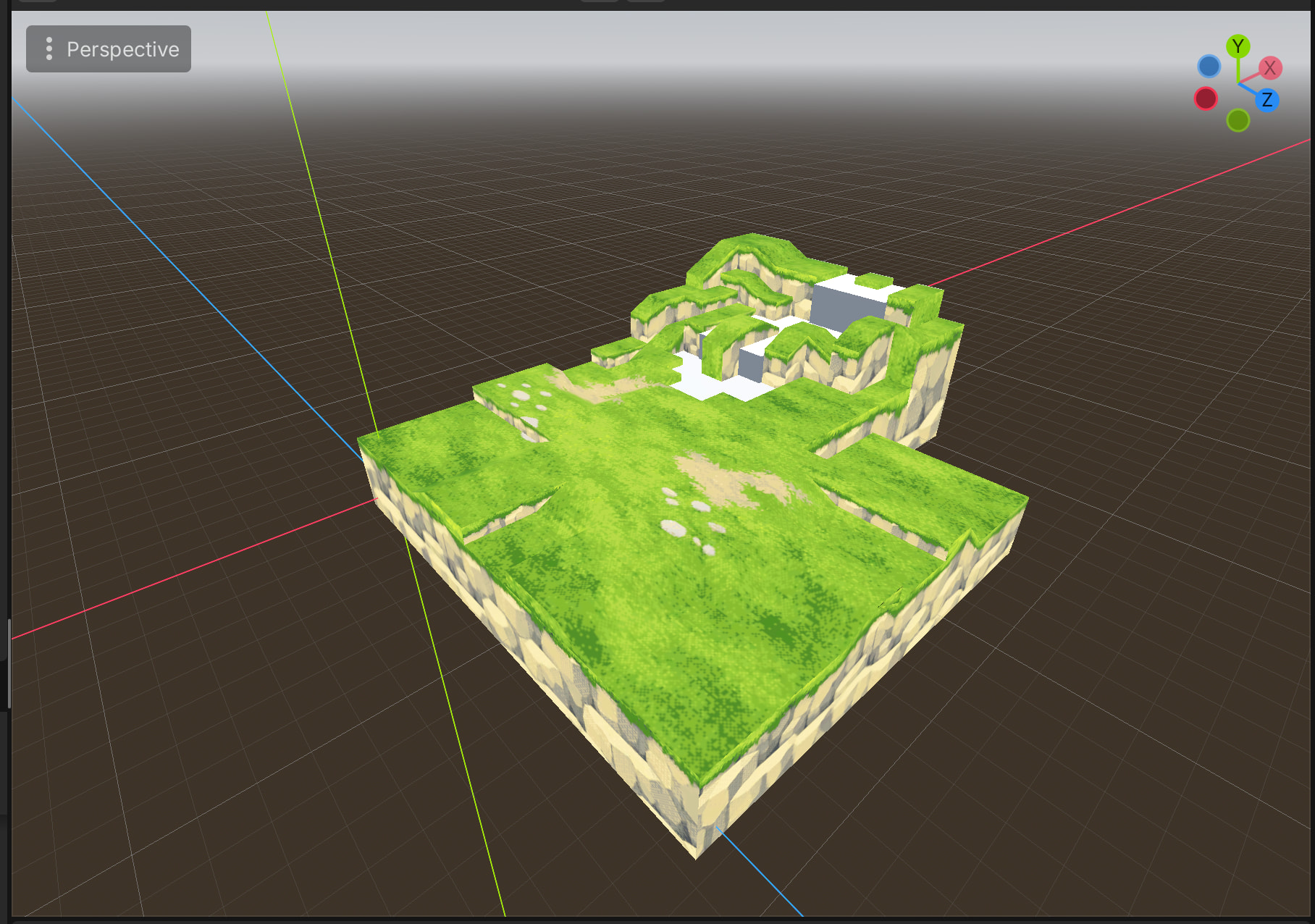
With vertex “Use as Albedo” on:

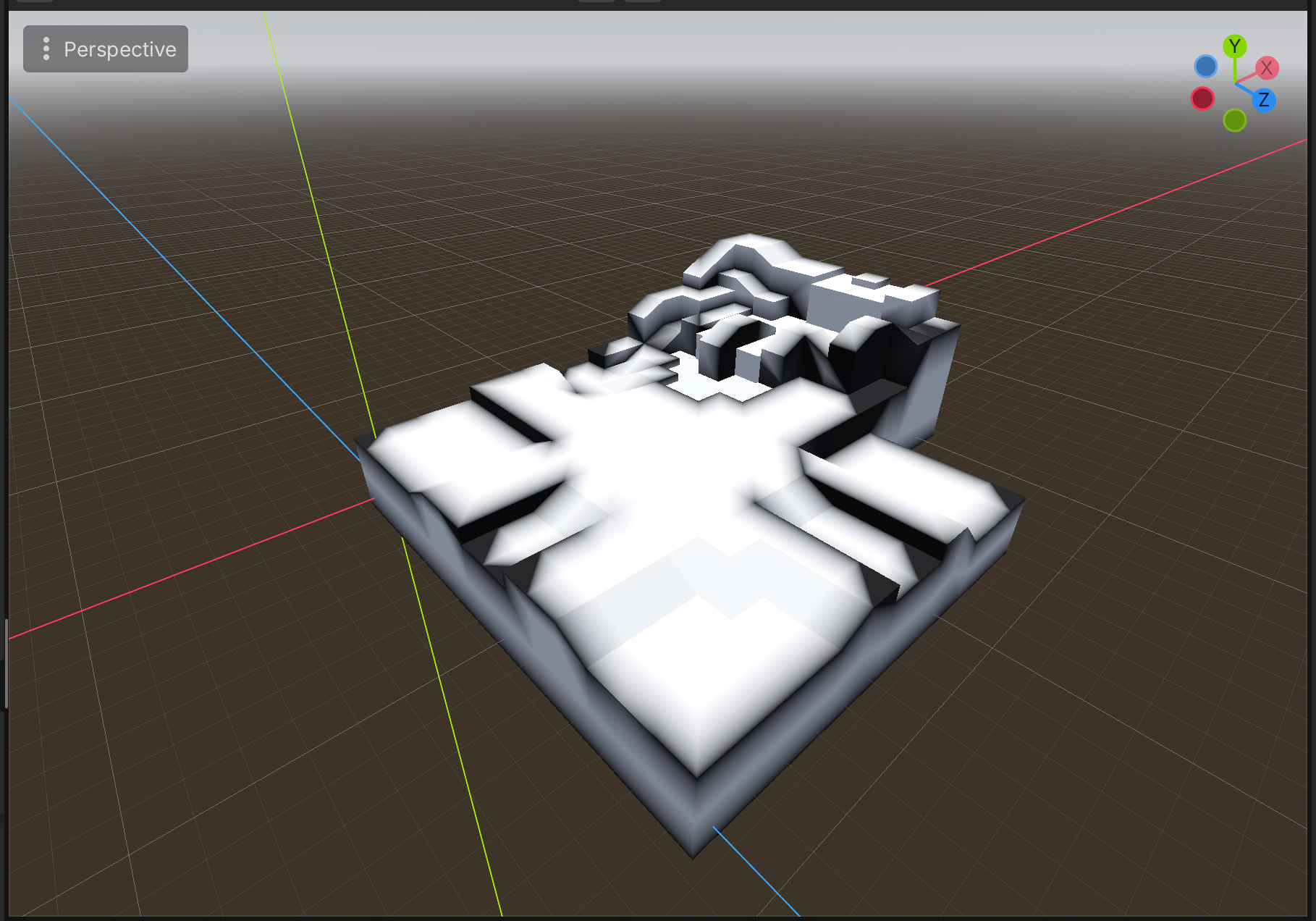
With a special ShaderMaterial that only shows vertex paint:

No idea. Convert it to shader and inspect/alter the code.