Godot Version
`Godot 4.5"
Question
Hello! My issue is with how the camera renders flat planes on each other. In my game, most assets are flat plane meshes that have a texture slapped on them, to save on space. However, depending on where the player camera is, the planes begin to clip behind or in front of each other.
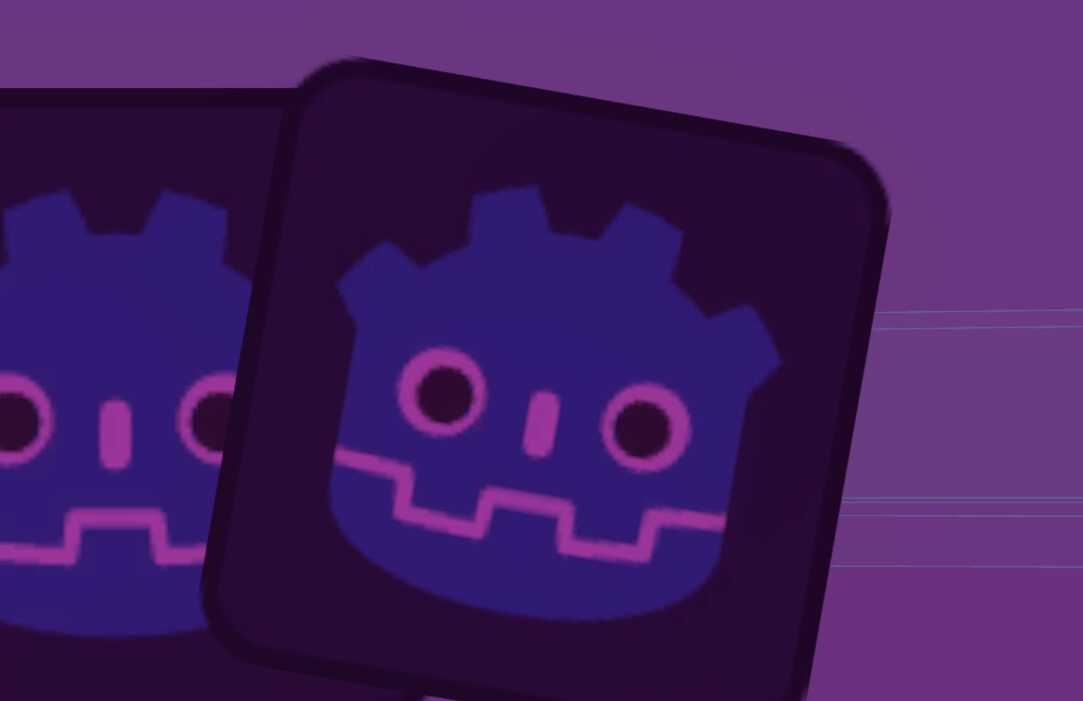
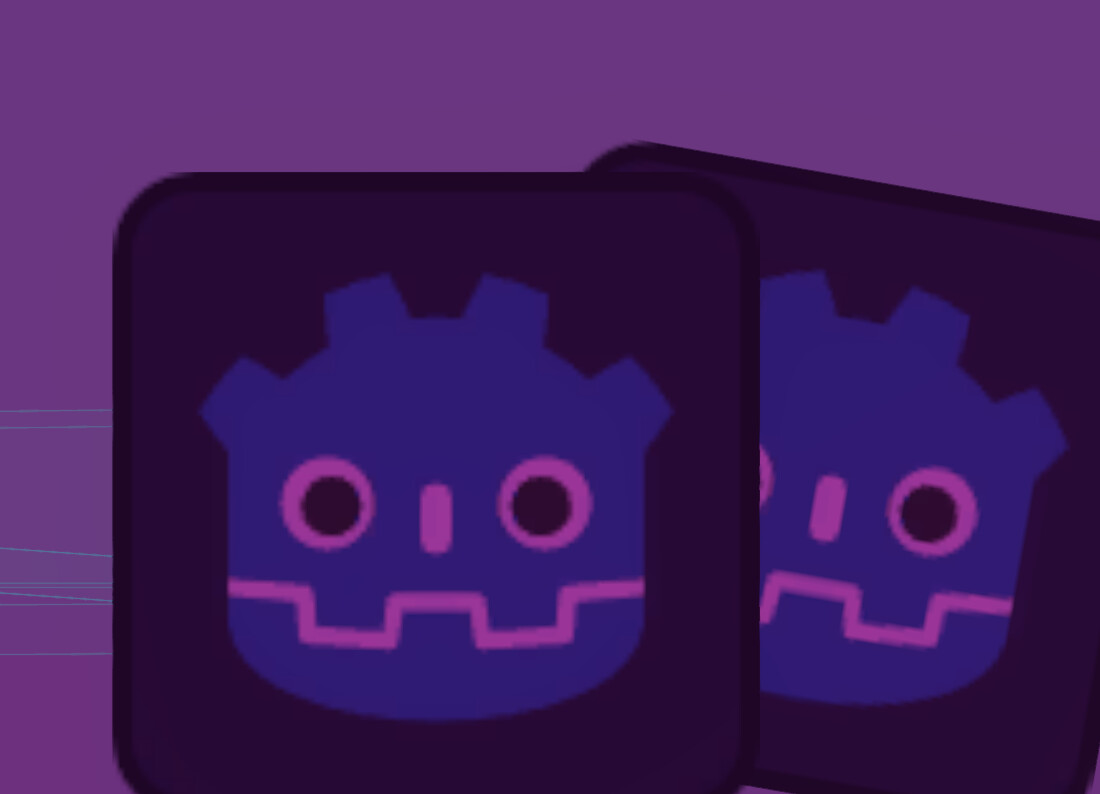
The first image depicts the camera facing more rightwards, where the second image has the camera to the leftwards. How do I stop them from clipping like this? I have no clue what to do.